
The world's first multiplayer AI coworker you can @-tag in Microsoft Teams.
Today we're launching PromptQL Tag for Microsoft Teams — a company-wide, multiplayer AI coworker you @-mention right inside Teams. Your brand. Your models. Your context. Your users' identities. Your cloud.
An AI coworker solves problems for you by using shared knowledge and skills to write code in a secure sandbox in the cloud. A multiplayer coworker securely uses the right context and tools depending on who's asking and updates shared context respecting privacy and confidentiality across multiple users and teams.
In this post below, I'll take you over 9 critical building blocks that make your AI truly multiplayer and truly yours.
(Bonus) 0: It's your coworker, not a rented bot. Give it your name and face.
Most "AI in your chat tool" is a vendor's bot wearing a vendor's badge. You can't rename it. You can't rebrand it. It will always be their assistant sitting in your workspace.
PromptQL Tag is yours. Give it your company's name and avatar, and it shows up in Teams as your AI coworker. Go to town.
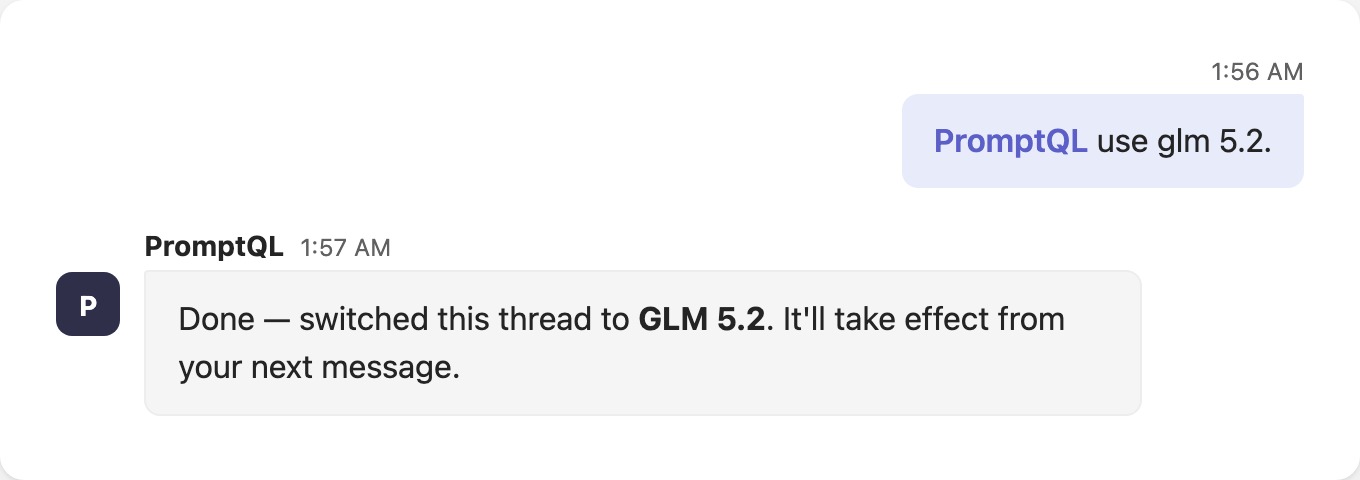
1. Whatever model you want. Switch anytime.
Model lock-in is a strategic risk, not a convenience. The frontier moves every few weeks — GLM shipped a new model just last week — and you should be able to move with it.
PromptQL Tag runs on whatever LLM you want, and you can switch anytime. 😎
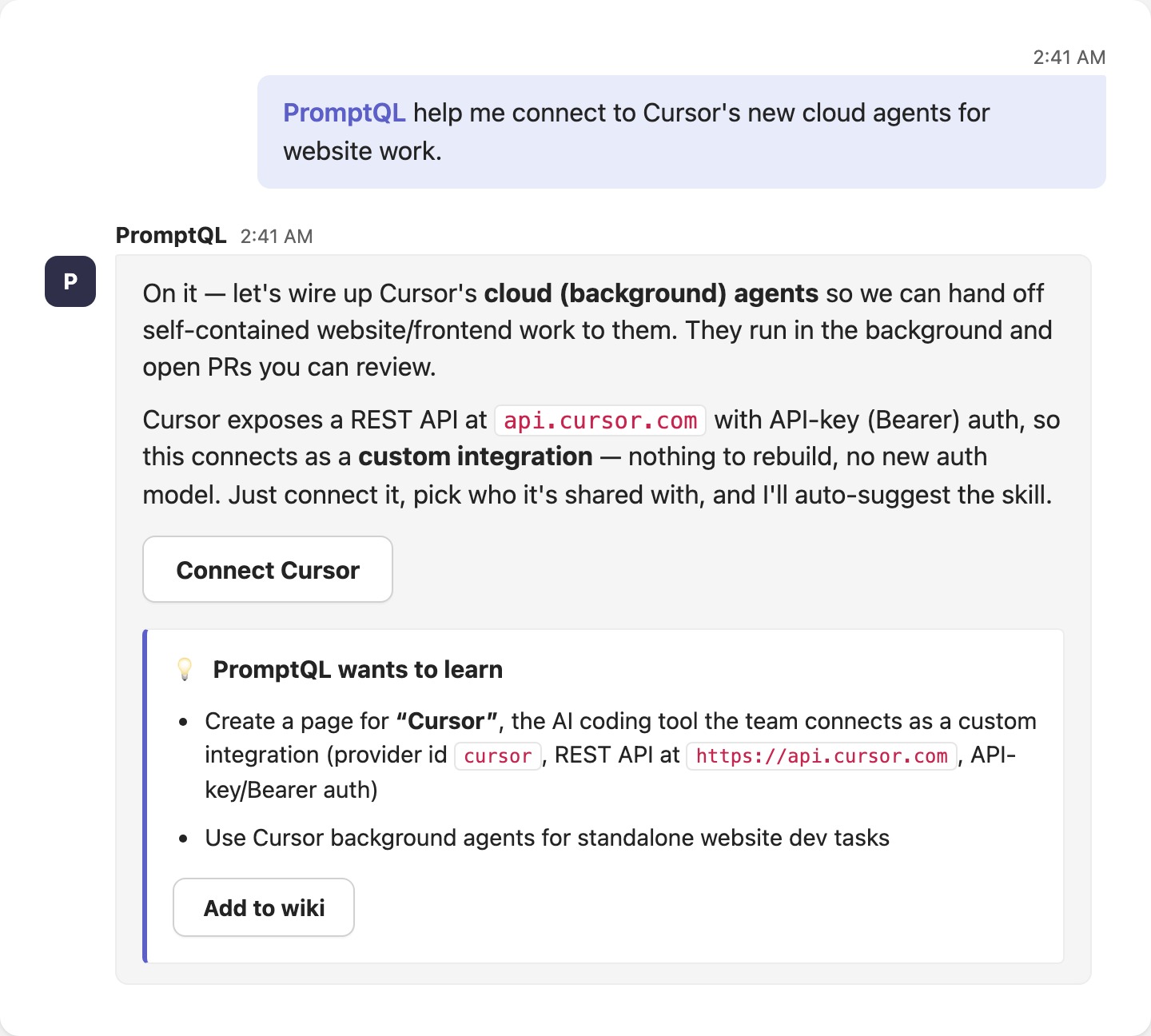
2. Connect anything you already have access to. Just prompt it.
You shouldn't have to build a connector and re-think auth for every new integration, then hand-build "skills" so the agent knows how to use them.
With PromptQL Tag you:
- Connect to any API or database you already have access to
- Decide who to share it with — or keep it private
- Let it auto-suggest the skill
Then just prompt it.
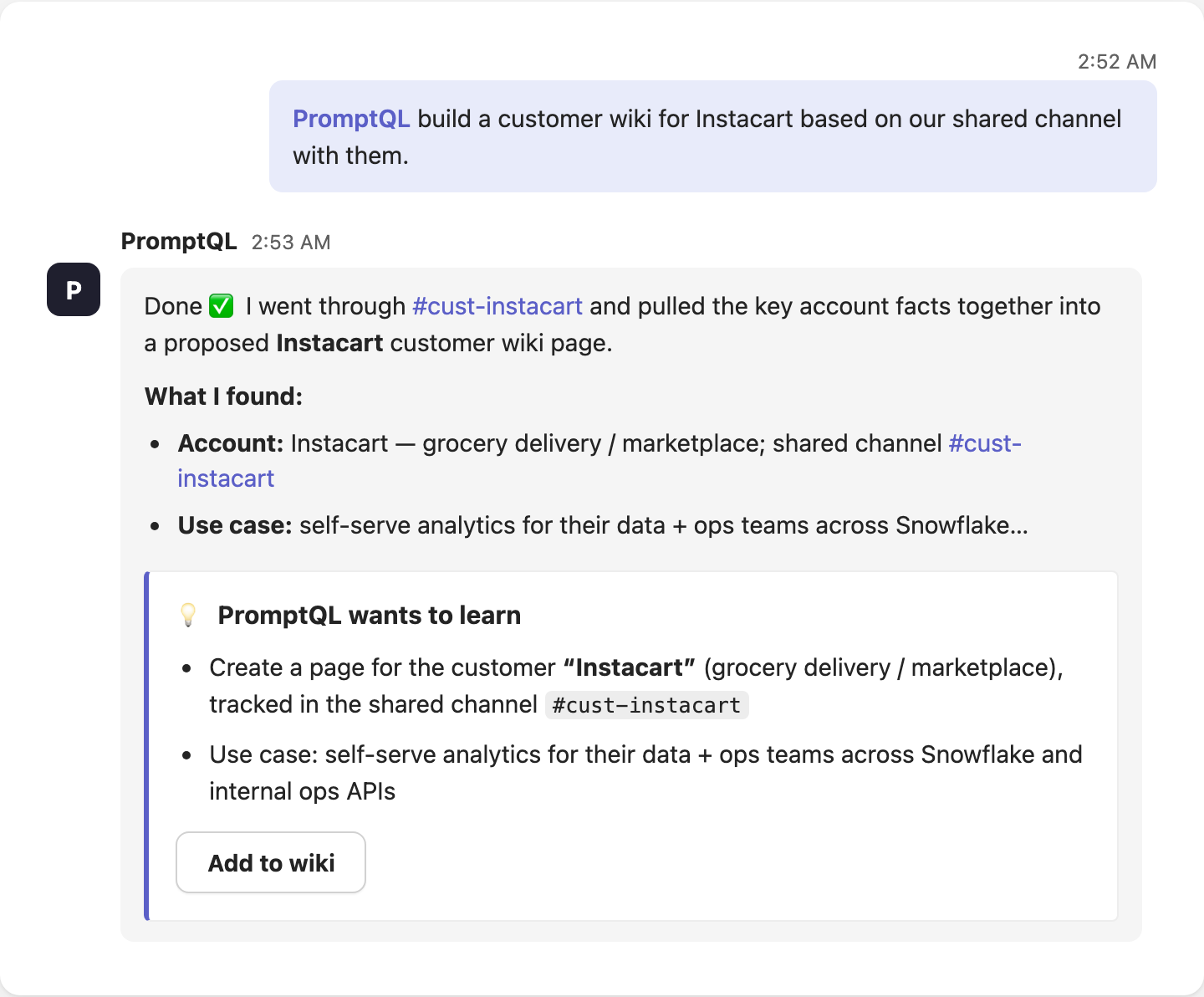
3. Opaque memory is a liability. PromptQL maintains a portable, human-readable wiki.
When an AI's memory is a black box, nobody is responsible when it gets something wrong.
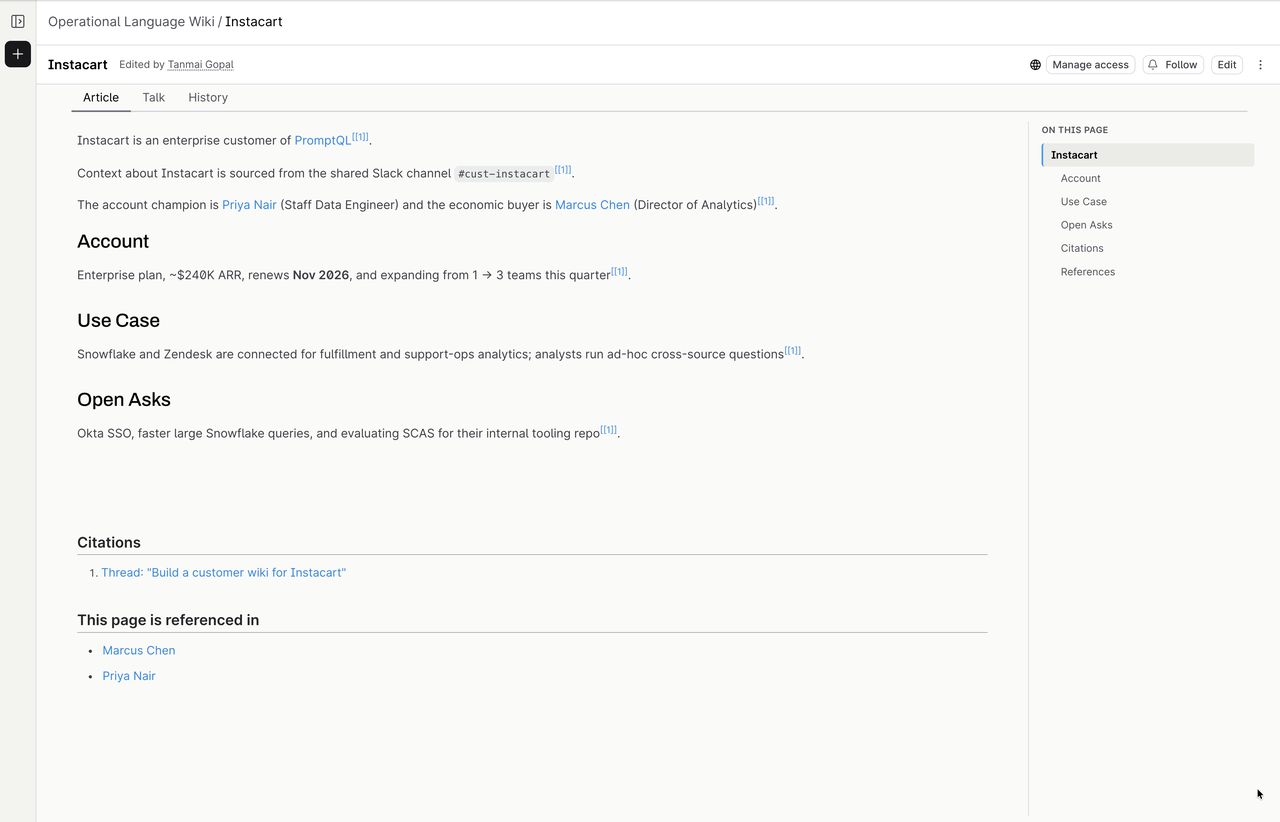
PromptQL Tag builds a shared wiki as it works:
- It suggests what to learn
- It notifies you when pages you follow change
- It gives you revision history and a full audit trail
Your team's context becomes an asset you own and can inspect — not a hidden blob inside someone else's model.
4. It answers as you, not as some channel-scoped "agent identity".
Here's the part most teams get wrong. The tempting design is to give the AI its own fixed identity — a static set of privileges defined per-channel — regardless of who's talking to it. That's a confused-deputy security risk waiting to blow: either the agent is too locked-down to be useful, or it's over-privileged for whoever happens to be in the channel.
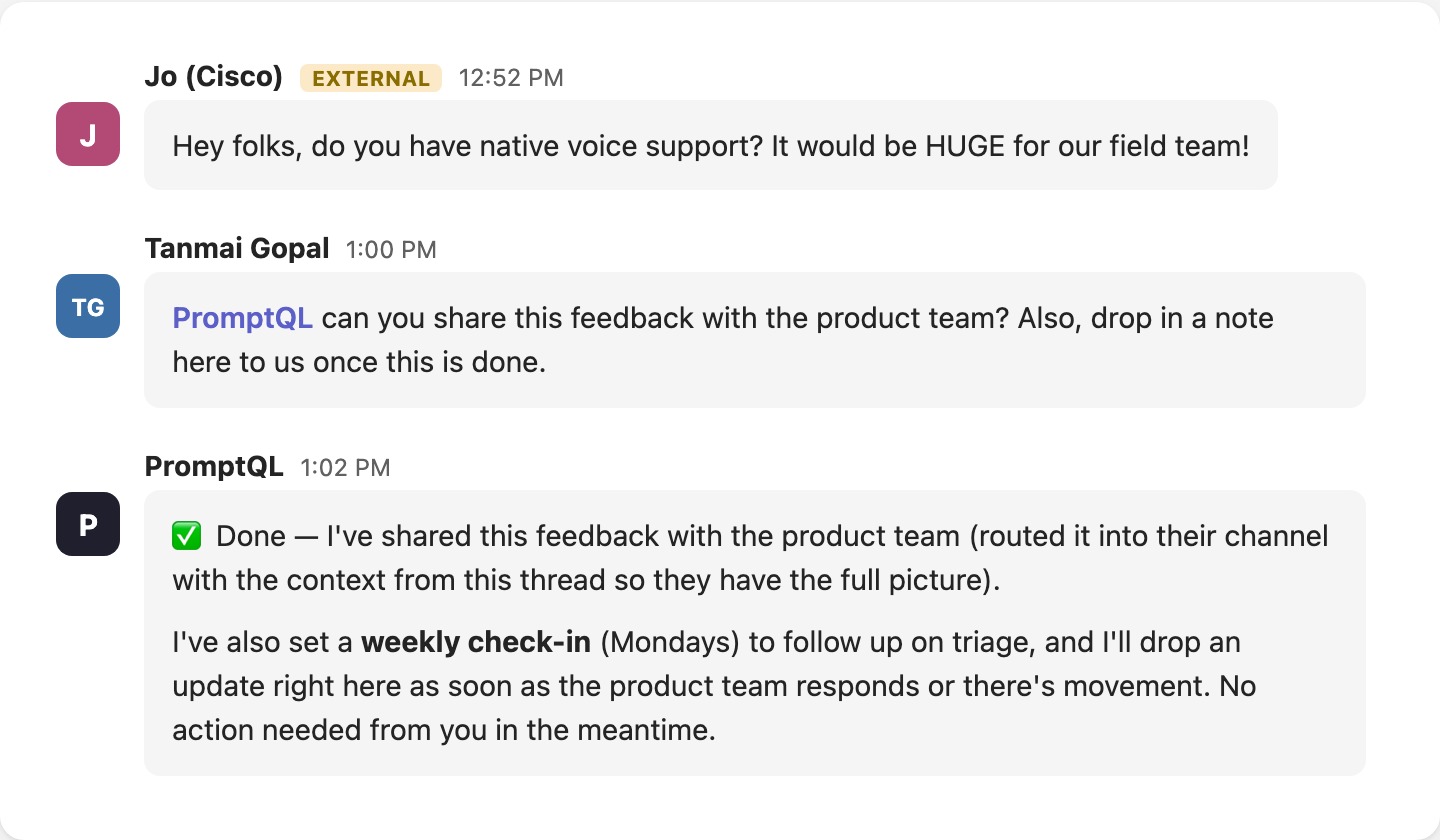
PromptQL Tag takes the permissions of whoever it is responding to. If your PM asks it to update the spec, it can. If an engineer asks it to touch DNS, it can — and the PM can't. This is exactly what a human coworker does, and it's a one-line idea done right: the agent acts through your identity.
On Teams, that's literal — PromptQL Tag acts through each person's own Microsoft account, scoped to exactly what they can see. And because access is anchored to users and data instead of channels, security and audit actually mean something: "it went wrong in the frontend-eng channel" is useless; "user X did Y to data Z" is an audit trail.
That also means it works with the people who matter — across your standard channels and group chats, including guests and external partners you collaborate with — instead of being trapped inside one channel with one static profile.
5. Your directory is the source of truth. It stays in sync with your IdP.
Access shouldn't be a second list you maintain by hand. When someone joins, changes teams, or leaves, that should flow through on its own — not rot into a stale allowlist nobody remembers to prune.
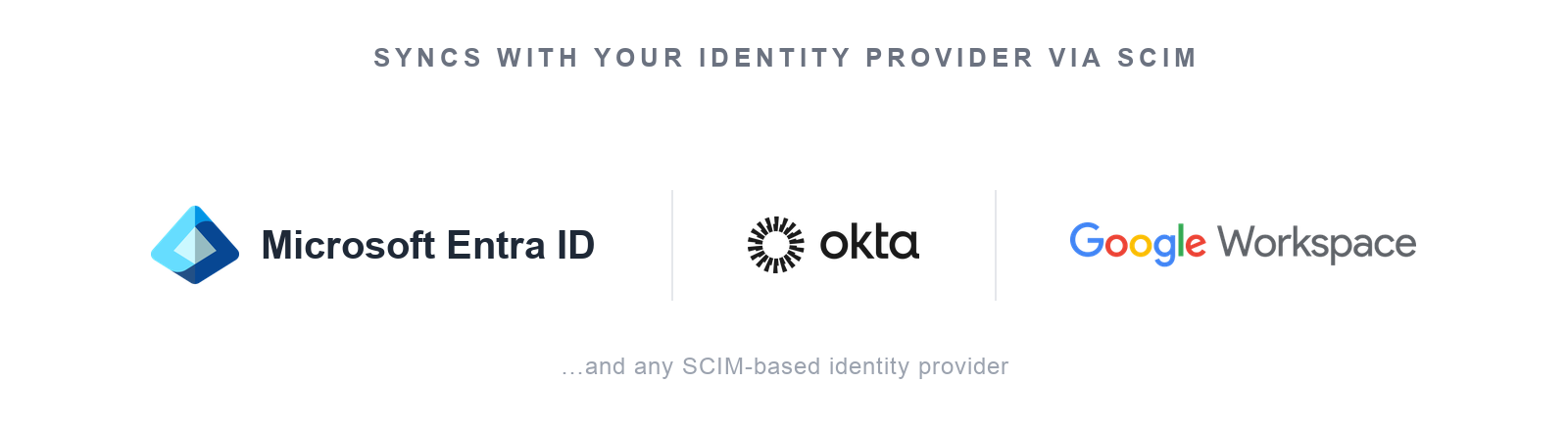
PromptQL Tag syncs its user directory and privileges straight from your identity provider over SCIM — Microsoft Entra ID (Azure AD), Okta, Google Workspace, or whatever your org already runs. Provision and deprovision in one place: deactivate someone in your IdP and their sessions close, their tokens die, and their access is revoked everywhere, instantly. Your directory stays the source of truth; the agent just respects it.
6. Build a shared dashboard together. Schedule it. Let it watch for changes.
A chat reply that evaporates into scrollback isn't leverage.
With PromptQL Tag you can:
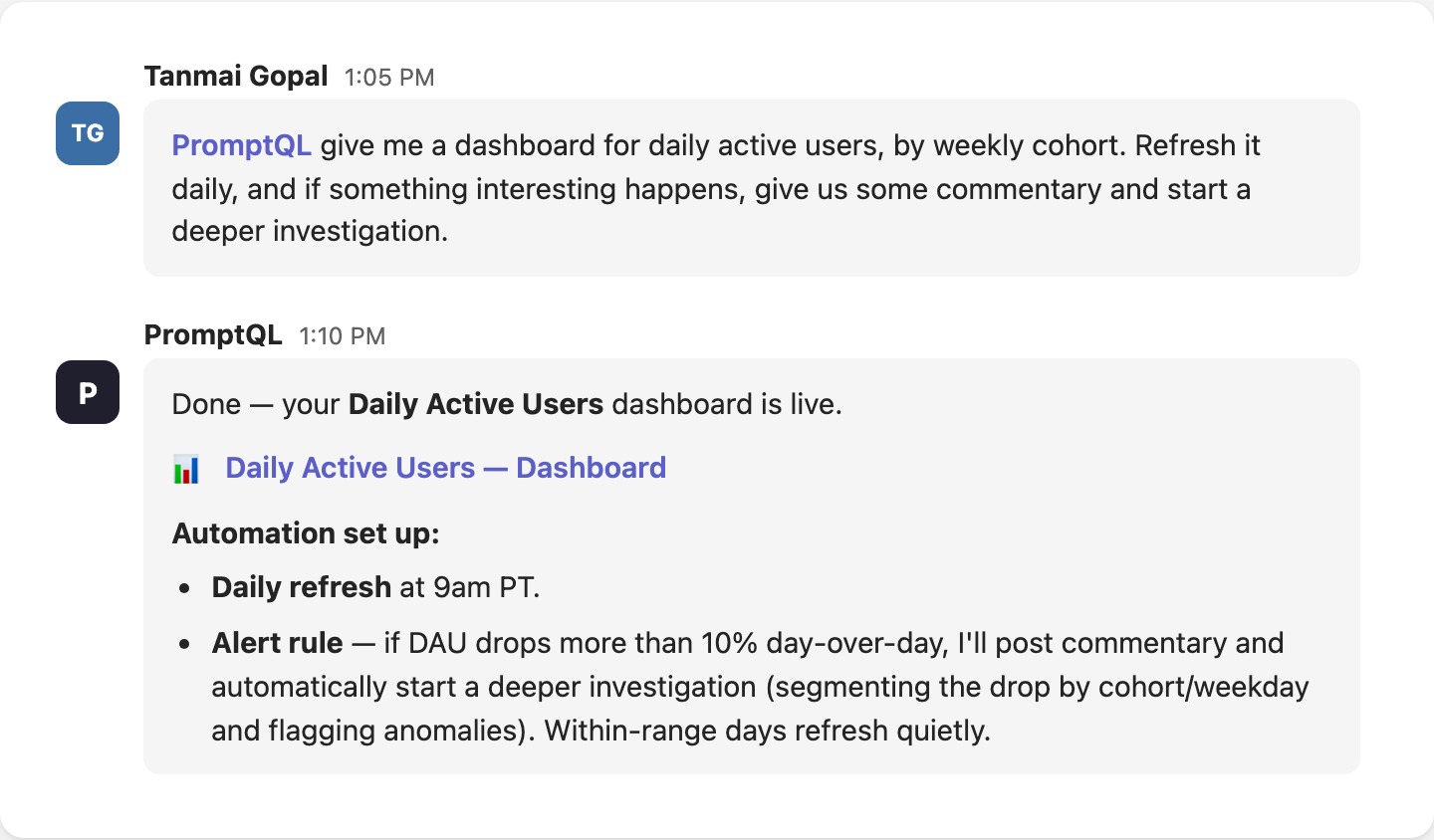
- Build and iterate on a shared dashboard with real data — together, in the thread
- Schedule it (say, daily)
- Ask it to comment and investigate when something meaningful changes
Just prompt it.
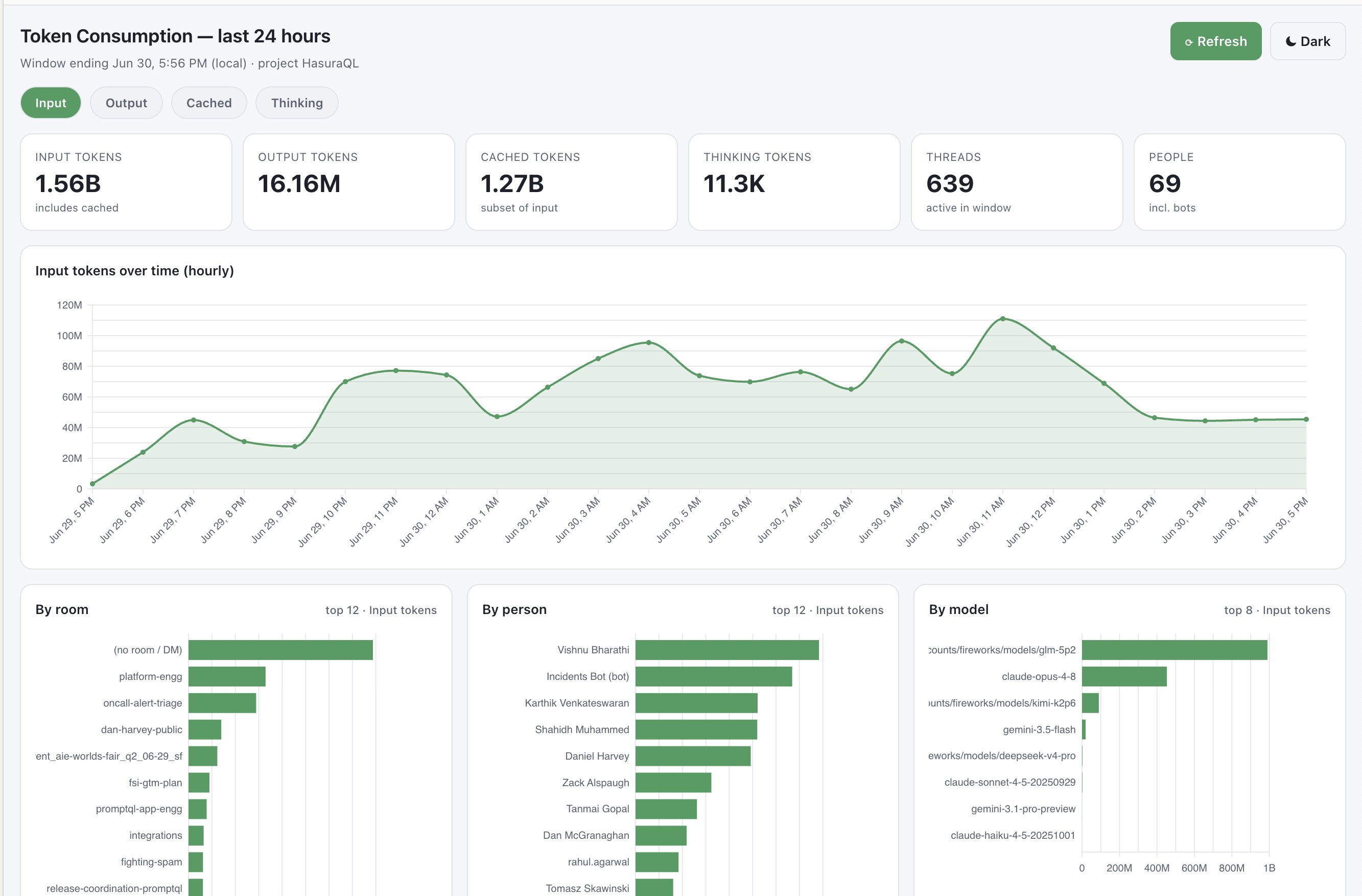
7. Detailed token analytics and other self-aware capabilities.
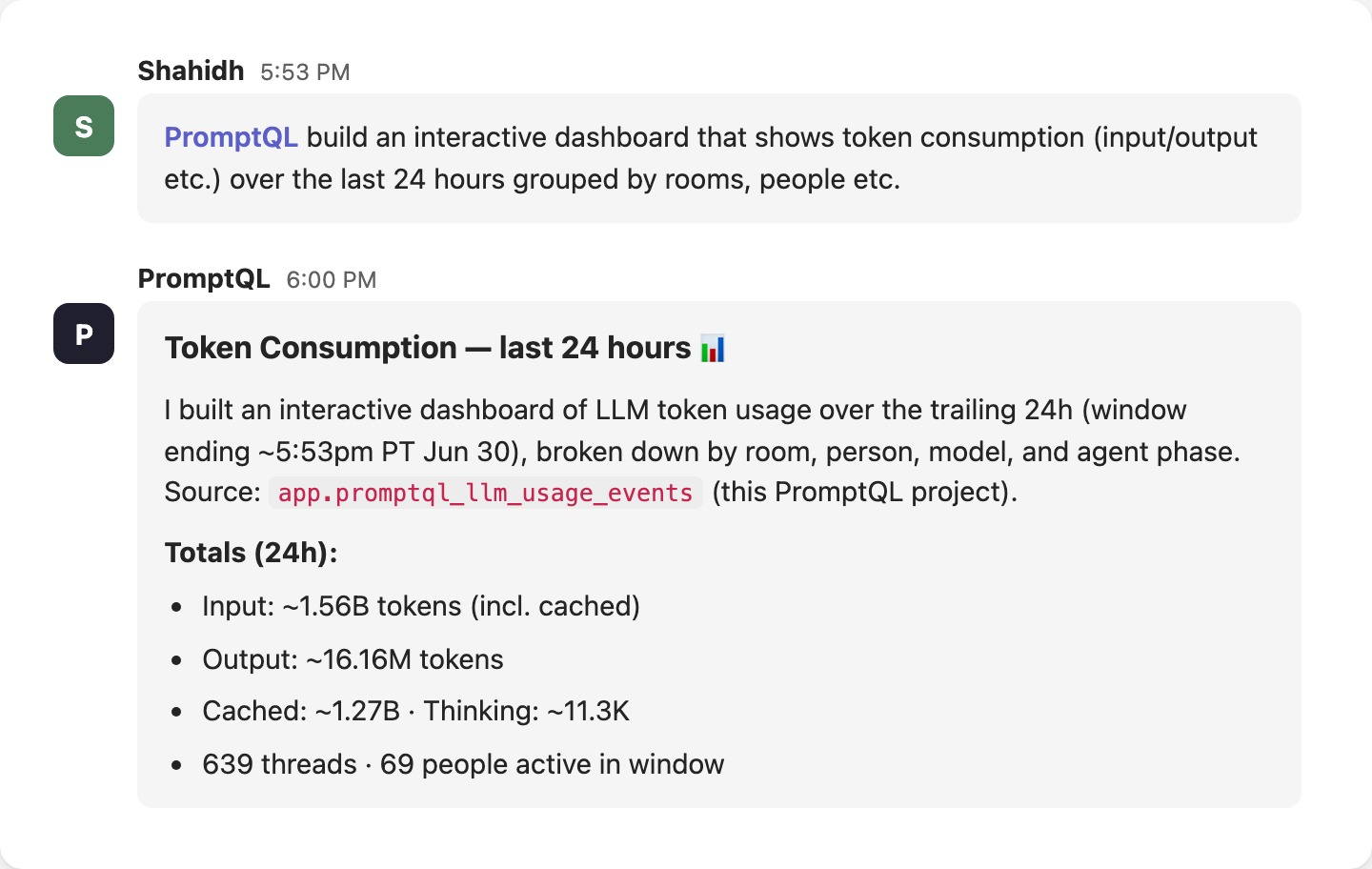
Ask it. PromptQL Tag gives you detailed usage analytics — by model, by user, by channel, by time, even by type of message. It knows exactly what it has access to and what it's costing you, and it'll tell you.
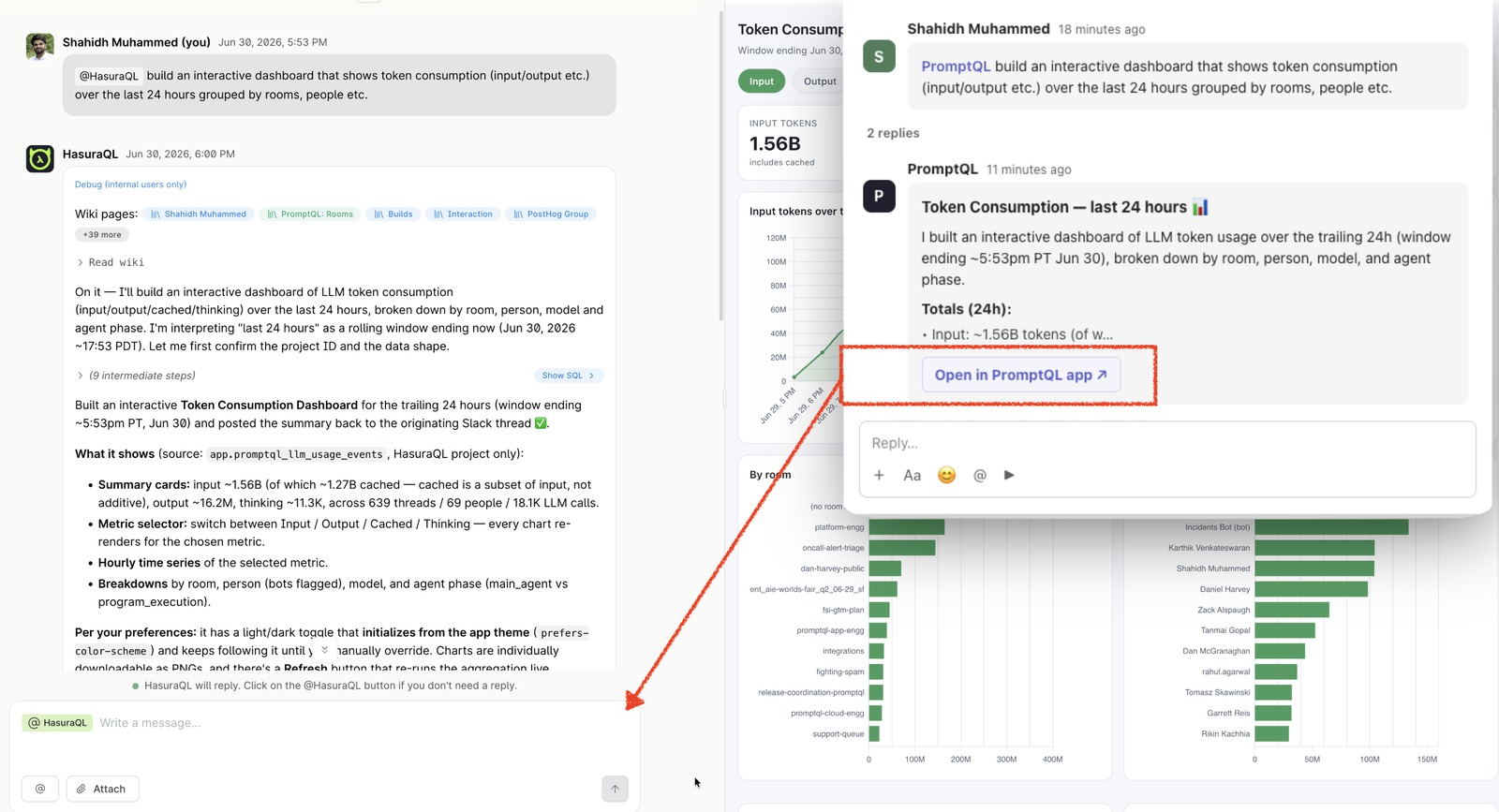
8. When Teams gets too noisy, eject into a shared agentic session.
Some work is too heavy for a chat thread. PromptQL Tag lets you move straight into a shared, multiplayer agentic session — ideal for the deep work that would otherwise drown a Teams channel.
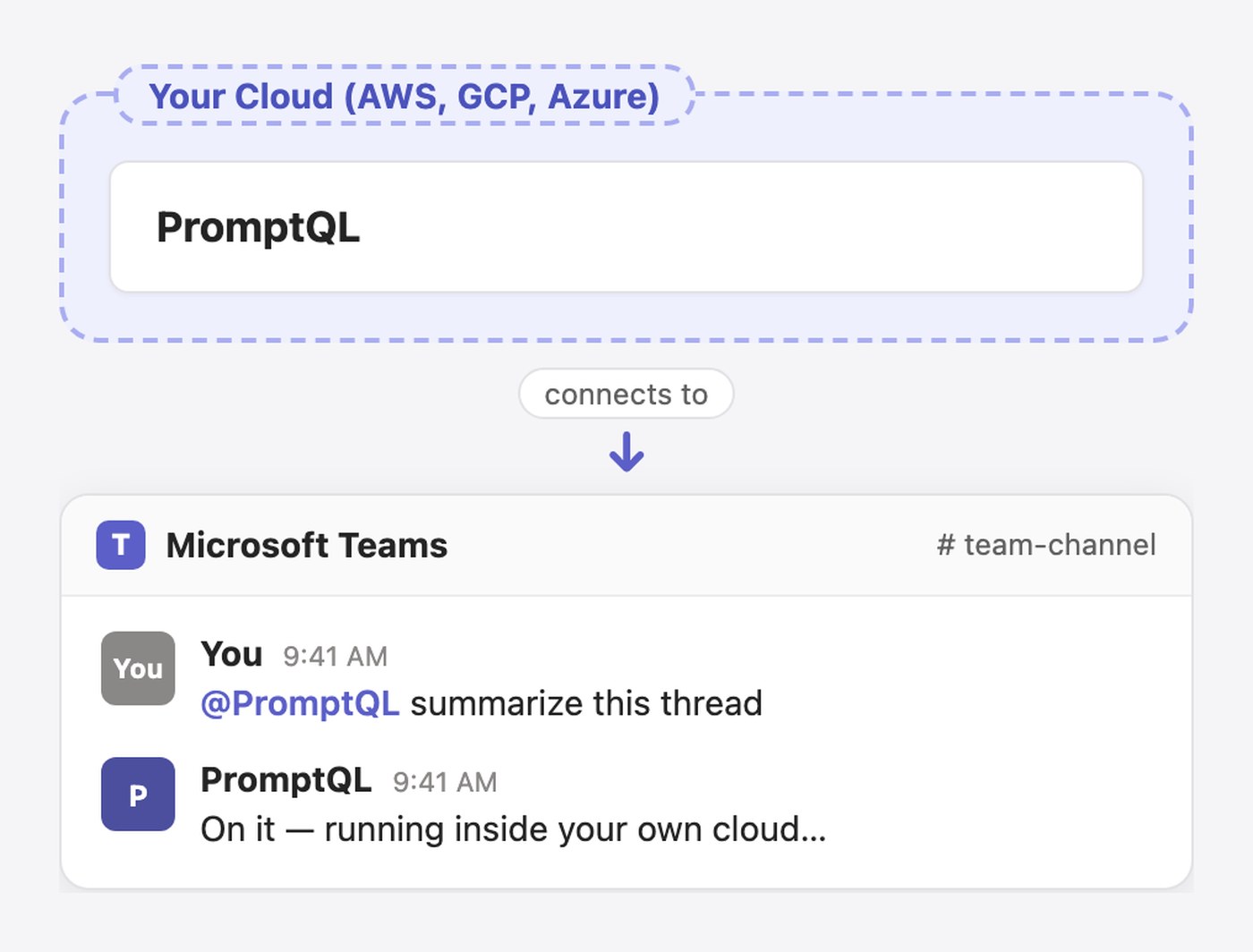
9. Run it on your cloud. Own your conversations, artifacts, and context.
If your AI runs only on the vendor's cloud, the vendor owns your data.
PromptQL Tag can run on your cloud — so your conversations, your artifacts, and your context stay yours. This is what "never let one lab own your AI" looks like in practice.
Get PromptQL Tag for Microsoft Teams.
The first company-wide, multiplayer AI coworker for Teams is live. Your brand, your models, your data, your users' identities, your cloud.
Tag it. It's yours. → Get PromptQL Tag