16 Nov, 2026
•
7 MIN READ
How to Stop Context Switching Between Tools in 2026
Introduction
Key Takeaways
- Interruptions are expensive: Research on workplace interruptions shows people take about 23 minutes to return to the original task, and every detour to another tool risks starting that clock.
- Audit your questions, not your tools: Most tool-hopping comes from a few recurring questions, such as "what's the latest on this project?" or "what did we decide?"
- Shared context beats more tabs: A workspace that answers across your connected tools removes the hunt instead of speeding it up.
- Trust comes from sources and permissions: An answer you can trace and that respects what you're allowed to see is one you won't need to double-check in another tab.
- Corrections should stick: Fix a wrong answer once and it should stay fixed for you and your team.
- Protect the focus you win back: Notifications can undo the gains, so batch them.
Step 1: Understand the Real Cost of Context Switching
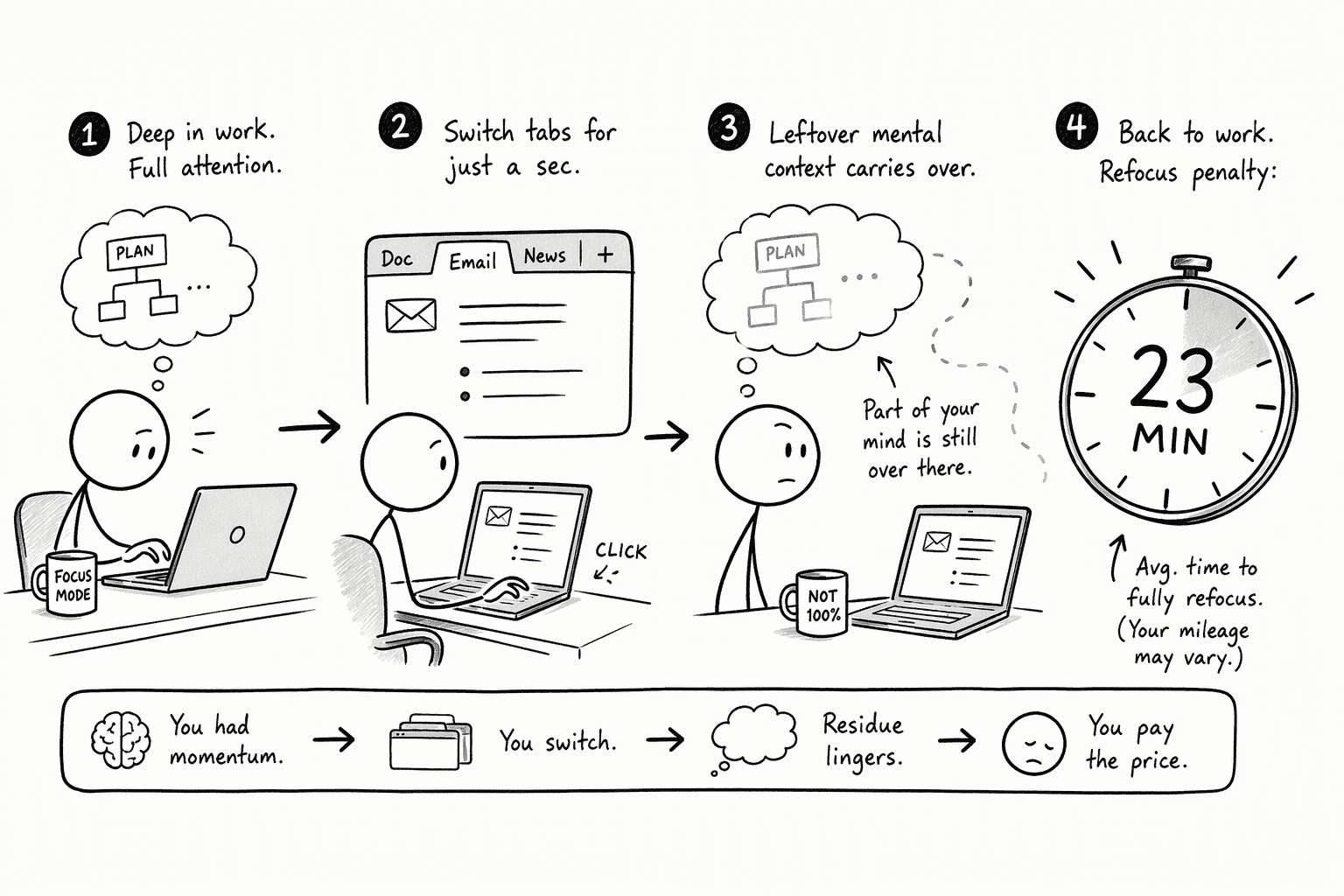
- Attention lingers on the last task. When you switch, part of your attention stays with what you just left. That makes the next task slower and more error-prone.
- Getting back takes longer than the detour. In Dr. Mark's workplace research, interrupted work that was picked up again the same day took an average of about 23 minutes to resume. That figure covers interruptions in general, not only tool switches, and it includes the other work people did in between.
- The workday is already fragmented. The same research found people spent an average of about three minutes on one activity before switching to another, so there is little room for extra detours.
- Many people already feel it. In Microsoft's 2025 Work Trend Index, 48% of employees said their work feels chaotic and fragmented.
Step 2: Audit the Questions That Send You Hunting
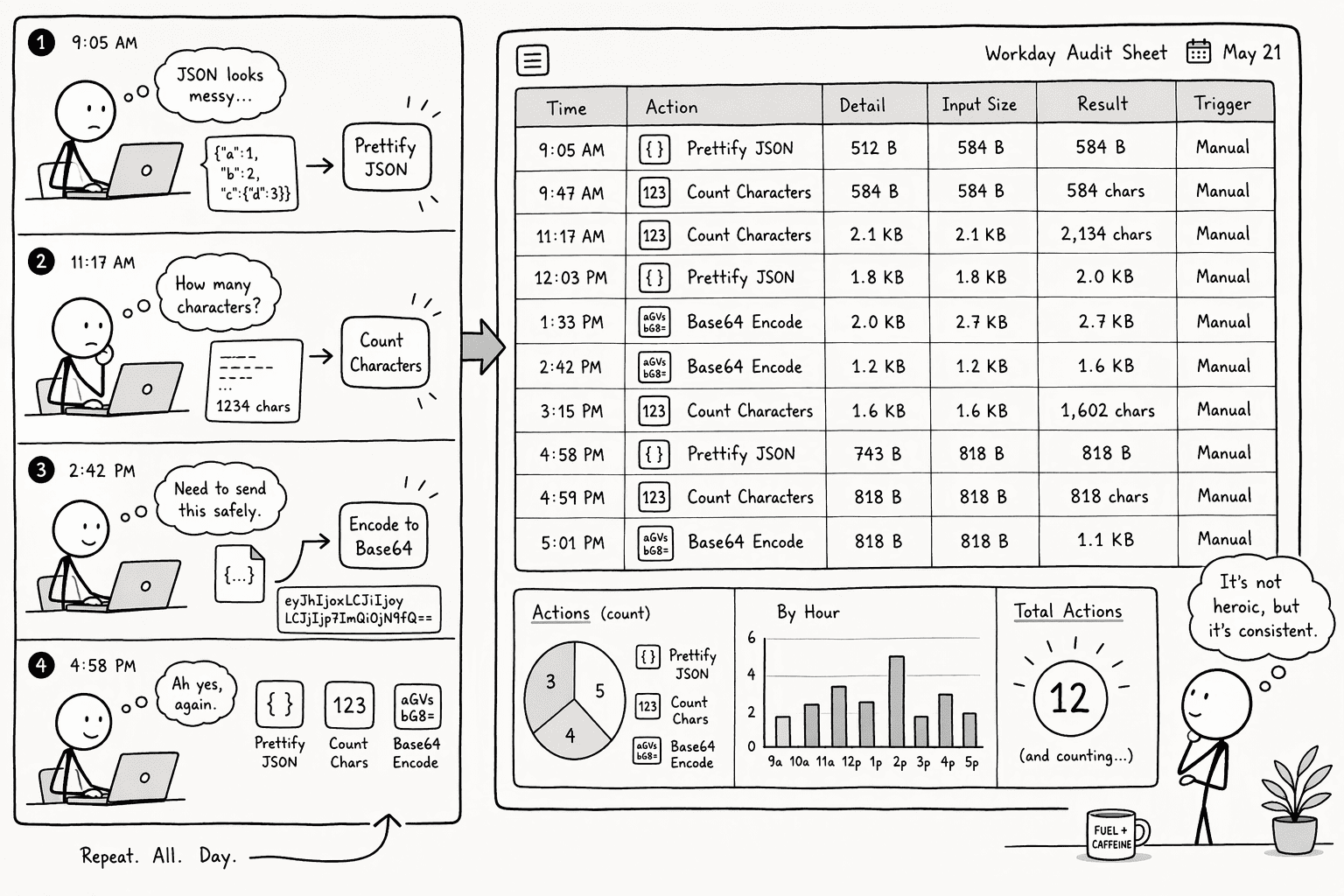
- The question you were trying to answer.
- Where you went to answer it. A Slack channel, a Jira ticket, a spreadsheet, a doc, a teammate.
- How long it took to get back to your task.
- "What's the latest on this?" Status checks that live in a project tool.
- "What did we decide?" Decisions buried in a chat thread.
- "Where is the current version?" A doc or file that exists in three places.
- "What's the number?" A figure that lives in a dashboard or spreadsheet.
Step 3: Bring Your Answers Into One Shared-Context Workspace
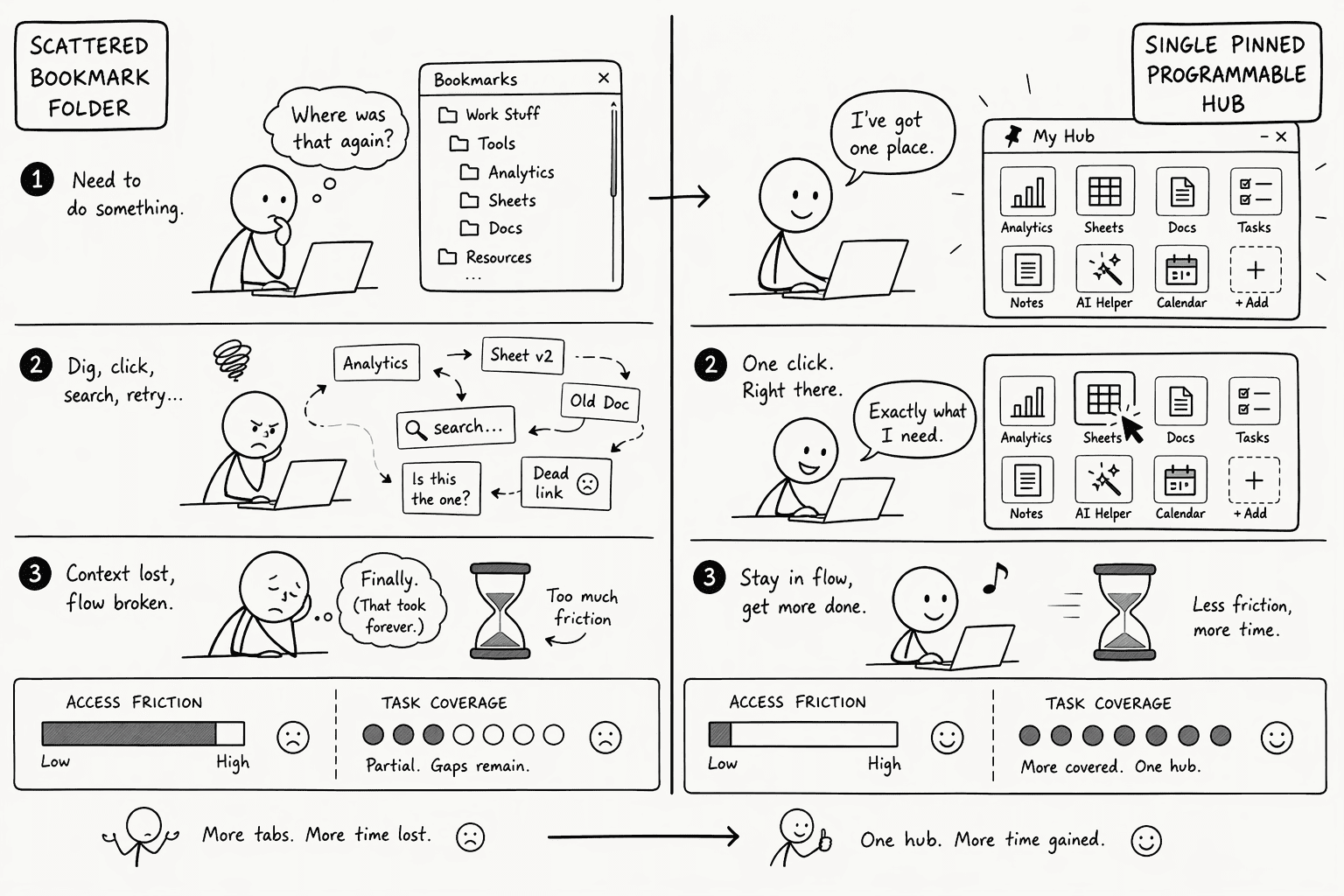
| What matters | Hopping between tools | One shared-context workspace |
|---|---|---|
| Where you ask | A different tool for each question | One place, in plain English |
| How fresh the answer is | Depends on the last person who updated the page | Pulled from your connected tools when you ask |
| How much you can trust it | You open the source to double-check | Answers come with sources you can trace |
| What you can see | Depends on each tool's access settings | Respects what you're already allowed to see |
| What happens when it's wrong | You fix it in one tool and it stays wrong everywhere else | You correct it once and it carries over |
Step 4: Ask Instead of Hunting
- Ask the question as you'd ask a colleague. For example, "What's the current launch date and who approved the change?"
- Check the source it cites. Open the link only when you need to confirm something. You'll quickly learn which answers you can trust without a second look.
- Correct anything that's wrong, once. If the answer is out of date, tell it. That correction is saved, so the next person who asks gets the right answer without repeating the fix.
- Reuse what works. When a question comes up again, ask it the same way. You're building a shared record, not starting from scratch each time.
Step 5: Protect the Focus You Win Back
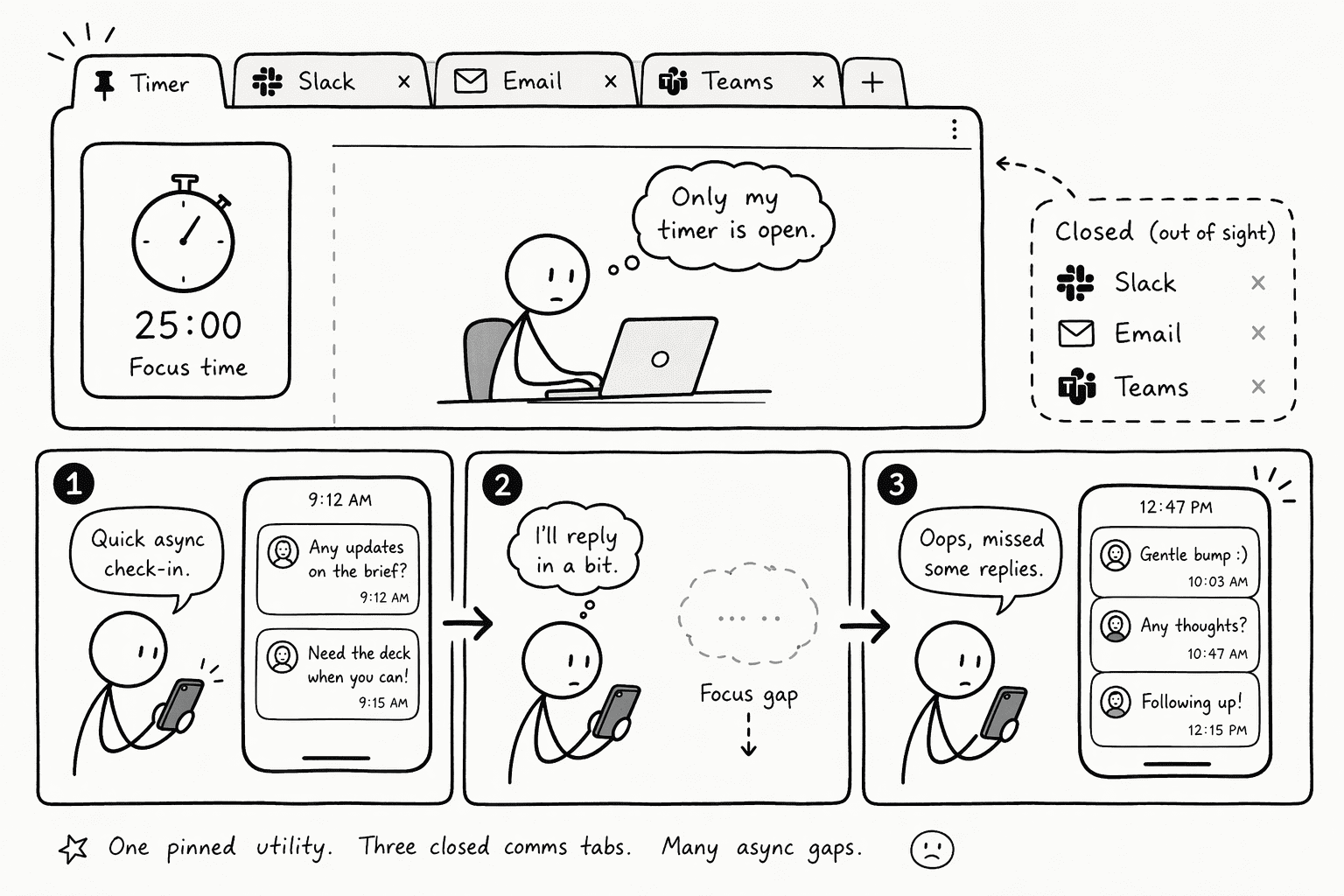
- Close communication tabs during focused work blocks. No Gmail, no Slack, no Teams in any visible window.
- Check messages at set gaps. Pick two or three times a day, and treat your phone check-ins like short breaks instead of a second stream of work.
- Batch notifications. Switch your chat and email tools from instant alerts to scheduled digests, and keep immediate pings for direct assignments and real blockers.
Conclusion
- Log your questions for one workday.
- Find your five to seven recurring questions.
- Move them into one shared-context workspace.
- Ask instead of hunting, and correct answers once.
- Batch your notifications and protect your focus blocks.
Frequently Asked Questions
What is context switching between tools and why does it hurt productivity?
What are the real productivity and cost impacts of tool-switching in 2026?
What strategies or techniques can individuals use to reduce context switching?
- Conduct a one-day audit logging every micro-task tool jump, formatting, checking, converting, to identify your top five to seven repeat triggers.
- Replace your scattered utility bookmarks with a single, pinned workspace that handles all of them.
- Close communication tabs during focus blocks and batch notifications into an hourly digest so the single tab remains the primary surface.
How can AI-powered platforms or integrated workspaces reduce context switching across data tools?
What should I look for when evaluating a unified tool to replace multiple point solutions?
Sources
- PromptQL | Bot, meet humans. - promptql.io
- The Cost of Context Switching (and How To Avoid It) - Inside Atlassian - www.atlassian.com
- The Hidden Cost of Context Switching (And How Top Performers Protect Their Focus) - CITI I/O - news.citi.io
- The Cost of Context Switching: A 2026 Data Report - Coommit - coommit.com
- Reduce Context Switching Best Practices | 2026 - docs.gitscrum.com