
24 Oct, 2026
•
7 MIN READ
What Is an AI-Native Slack? A Practical Guide
Key takeaways
- AI-native is about participation: The AI takes part in the team's shared conversation, with shared context, instead of answering 1 person at a time.
- 5 criteria help: Shared threads, persistent team context, the asker's permissions, connected systems, and any model.
- Slack is moving toward multiplayer AI: Slackbot is personal and private, while code channels put agents and teams in 1 shared space.
- 3 routes exist: Use Slack's own AI, add a multiplayer AI teammate, or move the workspace into an AI-native app.
- Test before switching: 1 channel, 5 questions, and a review of what the AI accessed show whether it fits.
What an AI-Native Slack Workspace Actually Is
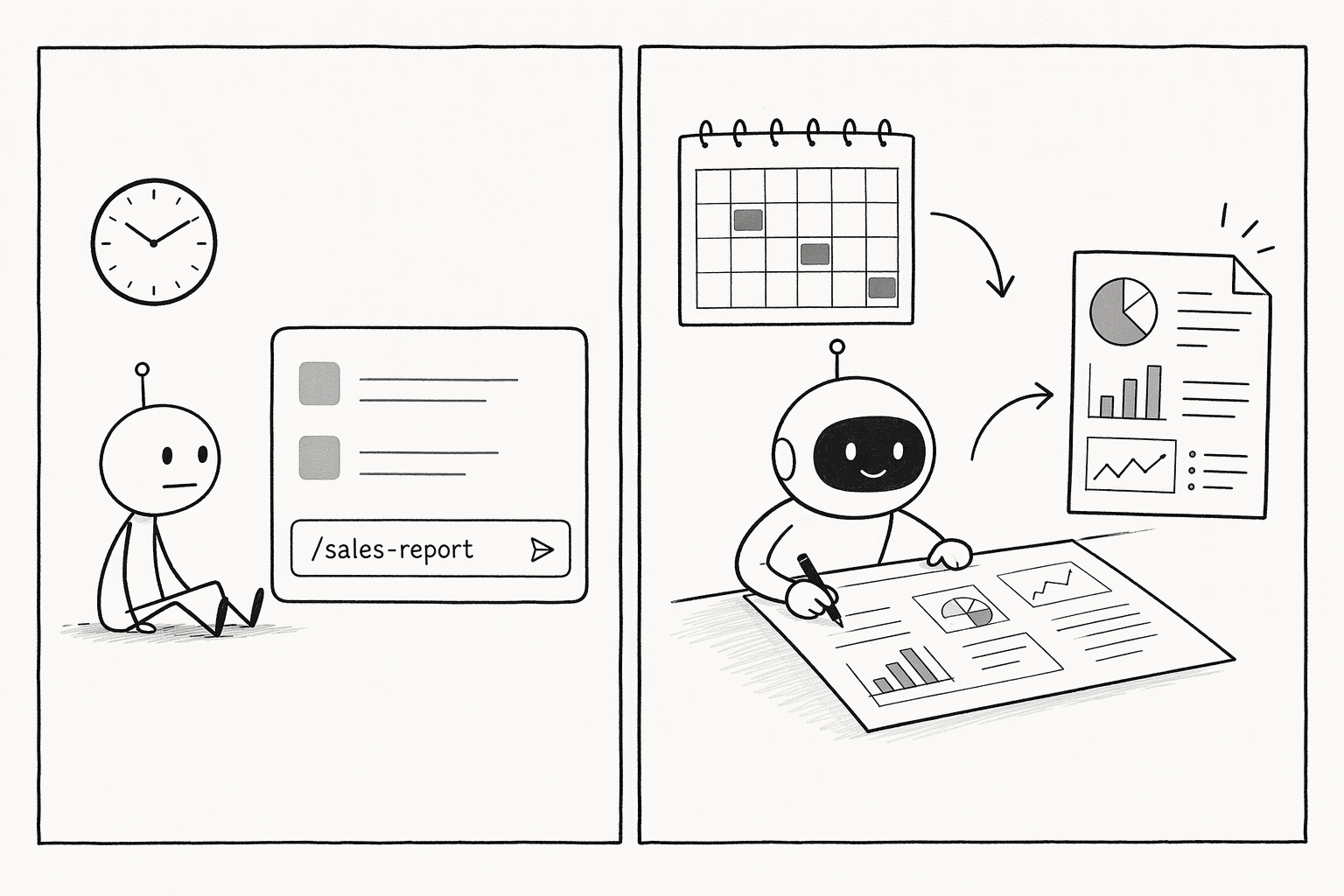
What AI-native means for team chat
- Shared, visible threads: Everyone in the channel can see and drive the same AI conversation, not a private 1:1 chat. That keeps the reasoning and the result where the team can build on them.
- Team context that persists: Decisions and corrections go into a shared, editable knowledge base, not memory per person or per channel. The next question starts from what the team already agreed upon.
- The asker's permissions: The AI reads and acts as the person who asked, so it shows only what that person could see, and logs show the human, not a shared bot.
- Connected systems of record: It can read and act in the tools the team works in, through connectors, instead of only knowing what was said in chat.
- Any model, portable context: The knowledge lives outside any single model, so the team can switch models without losing context.
Where Slack's own AI stands today
- Agents and surfaces: Slack's developer docs define agents as autonomous, goal-oriented AI apps that can reason, use tools, and maintain context across conversations. They offer dedicated surfaces for agents, including a split-view container, a top navigation entry point, app threads, text streaming, and suggested prompts.
- Slackbot: Slackbot is a personal AI agent built into Slack. It draws on messages, files, channels, and connected systems through enterprise search, only sees what the user can see, cites its sources, and keeps interactions private to the user.
- MCP connections: The Slackbot MCP client connects remote MCP servers so Slackbot can use their tools, and the Slack MCP server lets other AI apps search channels and act in Slack.
- Shared agent spaces: Slack Code, announced in August 2026, adds project-based code channels where a team and AI agents work in the open, with agents such as Claude Code, Devin, GitHub Copilot, and Vercel. Slack describes it as part of a wider multi-player experience, and Computerworld reports that code channels follow Slack's existing security and permissions model.
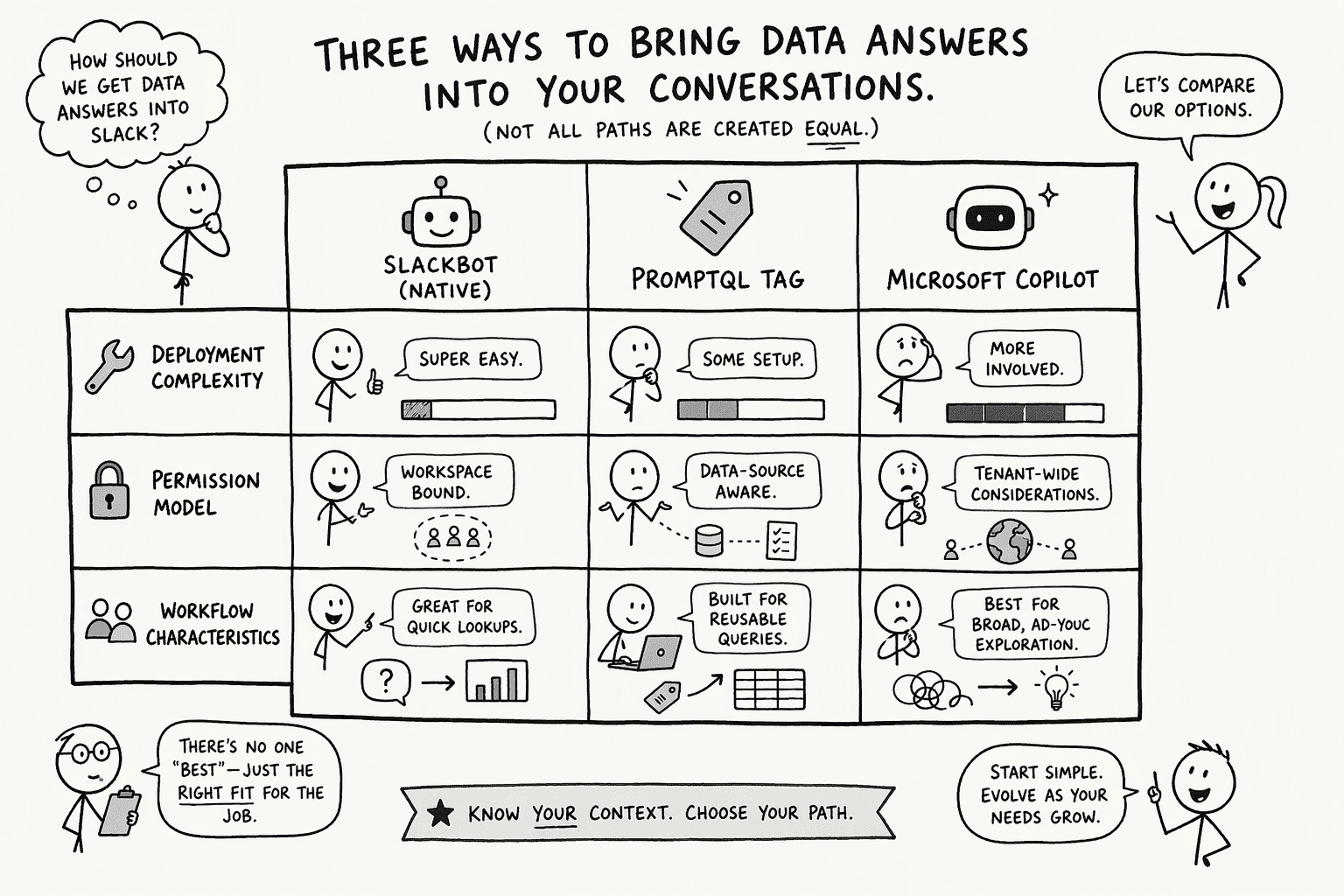
| Dimension | Slackbot (Native) | PromptQL Tag | Microsoft Copilot |
|---|---|---|---|
| Deployment complexity | Zero setup; built into Slack | Connect data sources; configure SCIM sync | Embedded across M365 apps |
| Permission model | Inherits user's Slack permissions | User-authorized; additive RBAC with existing IdP | Tied to Microsoft Graph and compliance stack |
| Reasoning scope | Conversations, calendars, docs, project decisions | Cross-tool semantic layer; writes and runs code on your data | Generates content inside Office apps |
| Agent surfaces | Native canvas, split-view, app threads | Multiplayer shared threads in Slack and Teams | Copilot pane in each M365 app |
| Enterprise readiness | No customer data leaves Slack; models not trained on it | Control plane and data plane separation; dedicated VPC option | Leverages Microsoft's security and compliance stack |
| Gartner Peer Insights | 0% reviews below 4 stars | Configurable approval gates for sensitive reads | Copilot tied into existing Microsoft licensing |
3 ways to get an AI-native Slack
1. Use Slack's own AI and connect your tools
- What it is: Slackbot, enterprise search, and MCP connections, working inside the Slack your team already uses.
- Best for: Teams that want AI inside Slack with the least change and are on a plan that includes it.
- Watch for: Slackbot is personal and private, so multiplayer AI threads and shared team context depend on the specific feature, such as code channels.
2. Add a multiplayer AI teammate to Slack or Teams
- What it is: An agent you tag in a channel. PromptQL Tag is 1 example, and it works in Slack and Microsoft Teams. It acts with the permissions of the person who tagged it, keeps team context in a wiki with revision history, and runs any model per channel or task.
- Best for: Teams that want shared context and permissions-aware answers without leaving the chat tool they already use.
- Watch for: Results shared in the bot are visible to its audience, so sensitive outputs need appropriate sharing controls, and connectors still need setting up for the tools the team uses.
3. Move the workspace into an AI-native app
- What it is: A team workspace where the AI is built in and the whole team drives shared threads.
- Best for: Teams ready to change where work and discussion happen, so the conversation and the work live in one place.
- Watch for: It is the biggest change, because people, habits, and integrations all move.
How to try it without a big switch
- Audit what's connected: List the bots, apps, and data sources already connected to your workspace, so you know what an agent could reach.
- Pick 1 channel: Choose a bounded channel where the people, the data, and the typical questions are clear.
- Run a 5-question test: Ask 5 questions whose answers you know, and include 1 that needs context from another tool.
- Review the reasoning, not just the answer: Check what the AI accessed and which steps it took, and confirm it used only the access it should have.
- Review permissions and cost: Check what each person could see, and what the trial cost, before adding channels.
Conclusion
Frequently Asked Questions
What exactly is an AI-native Slack workspace and how does it differ from just adding an AI bot to Slack?
What are the key security and permission concerns when AI agents access company Slack data?
How do agentic semantic layers solve the accuracy and context problems commonly seen with enterprise AI integrations?
Sources
- AI in Slack overview - docs.slack.dev
- AI in Slack | Slack Developer Docs - api.slack.com
- Introducing Slackbot, your context-aware AI agent for work | Slack - slack.com
- Microsoft 365 Copilot vs Slack 2026 | Gartner Peer Insights - www.gartner.com
- Enterprise AI Platforms in 2026 - medium.com



