In a chat app, usage is a single person's bill. In Slack, a bot is shared, so anyone in the channel can mention it, a single thread can run for days, and the cost lands on a team budget that no individual sees.
That is why Slack bot costs rise unexpectedly. Nobody decides to spend more, and nobody sees the total until the invoice arrives.
This guide covers where the cost comes from and 6 ways to control it without making the bot less useful.
Key takeaways
- Shared means invisible: In a channel, no single person sees or owns the total, so someone has to be given the budget.
- Respond to mentions only: A bot that waits to be addressed does far less work than one that reads every message.
- Keep threads lean: Send a short summary of earlier turns instead of the whole thread on every reply.
- Cap and prompt: Step limits, soft and hard limits, and an ask-first prompt keep a single request from becoming a long job.
- Budget and measure: Per-person budgets and cost per completed outcome show where the money goes.
Why AI bots in Slack get expensive
A Slack bot's cost comes from the same tokens as any AI tool, but the channel setting changes who triggers them and how much each trigger carries. 5 patterns drive most of it:
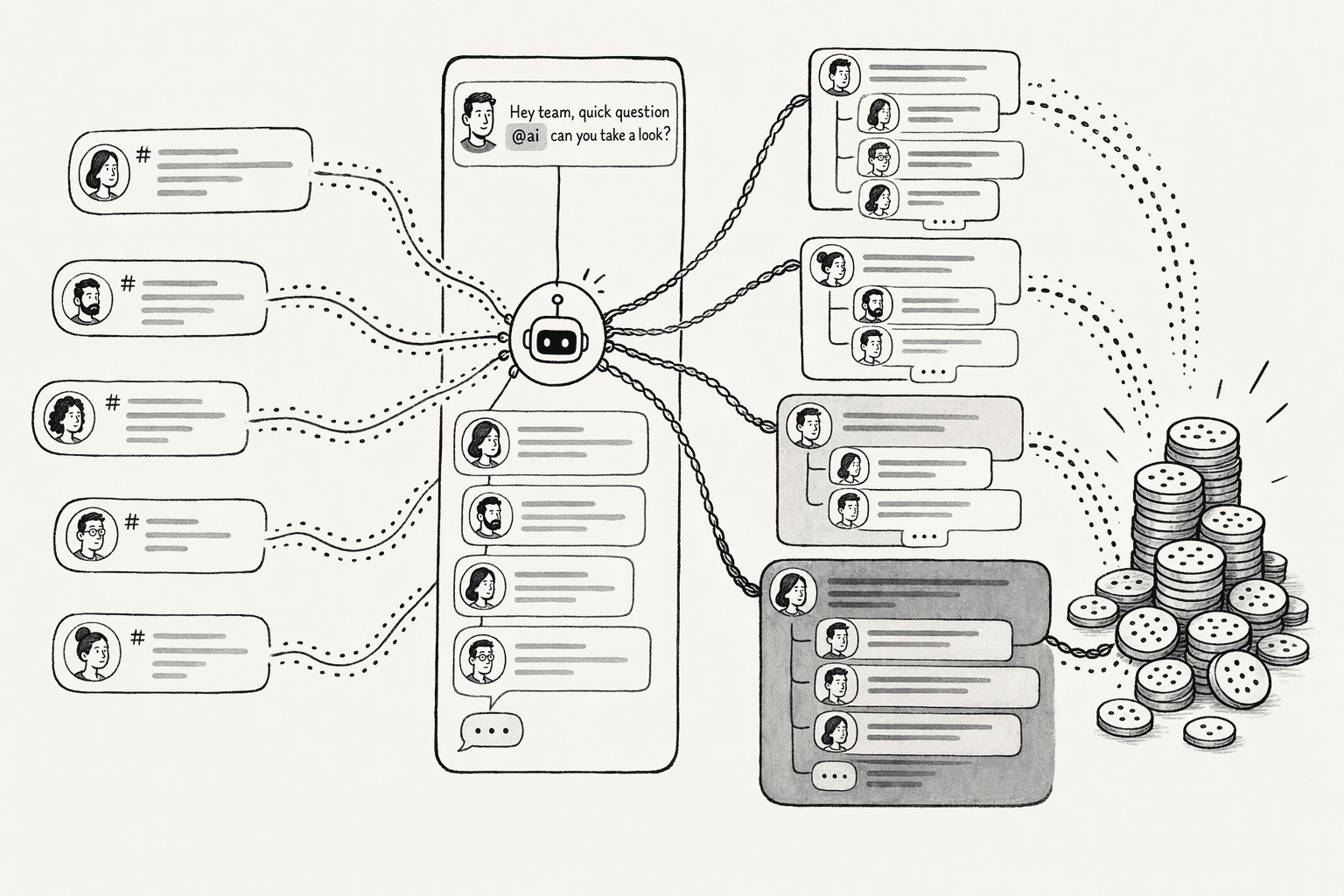
- Anyone can trigger it: A mention costs the same whether it comes from the person who set the bot up or someone who joined the channel yesterday. Because the bill is shared, nobody feels the cost of a casual question.
- Threads keep growing: Each reply in a thread can carry the conversation so far, and Slack's own docs describe passing the full thread history to an app for continuity. A thread with 40 replies can cost much more per answer than a fresh question.
- Listening to everything: An app that subscribes to every channel message receives all of them and may process each one, while an app that subscribes only to mentions receives just the messages meant for it.
- One model for everything: If every request goes to a flagship model, a simple lookup costs as much as a hard analysis.
- A casual mention can start a long job: A short "can you look into this?" can start an agent that searches, reads, and retries.
How to control cost when using AI bots in Slack
The 6 actions below start with what triggers the bot and end with who can spend how much. The first 2 reduce how often the bot runs and how much each run carries, the next 2 match and cap the work, and the last 2 cut repeat questions and keep the total cost visible.
1. Trigger the bot on mentions, not on every message
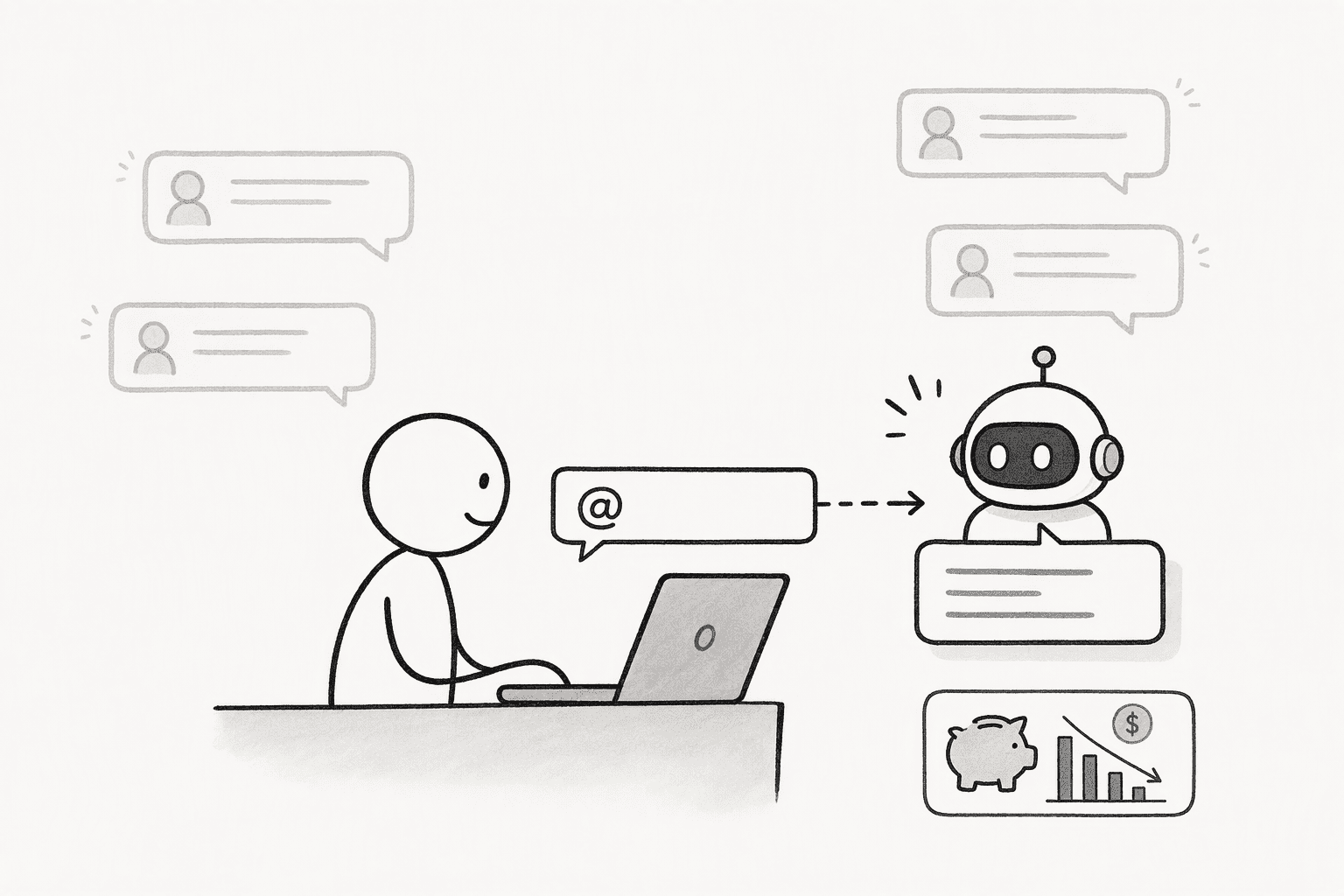
The cheapest request is the one the bot never processes. In Slack, an app can subscribe to the app_mention event, which delivers only the messages that mention the bot, instead of subscribing to every message in a channel.
Use mentions as the trigger, and let people continue a thread the bot is already in without tagging it every time. Keep the bot out of channels where nobody needs it, since every channel it joins is another place it can be triggered.
2. Keep threads lean
A long thread shouldn't be re-sent in full on every reply. Start a new thread for a new question, so old context isn't carried into it, and ask people to do the same.
Slack's own guidance for building agents recommends keeping a short structured state instead of re-sending the thread, such as the goal, the constraints, the decisions so far, and the outputs produced, and summarizing older turns into it.
It also recommends a token budget per request and pulling a thread's full history only when the task needs it.
3. Match the model to the channel and task
Most channel questions don't need the most capable model. Make a small, cheap model the default for lookups, summaries, and simple questions, and use a larger model only in channels or for tasks where it earns its cost.
A support channel answering the same 10 questions all day has different needs from a data team asking for a multi-step analysis.
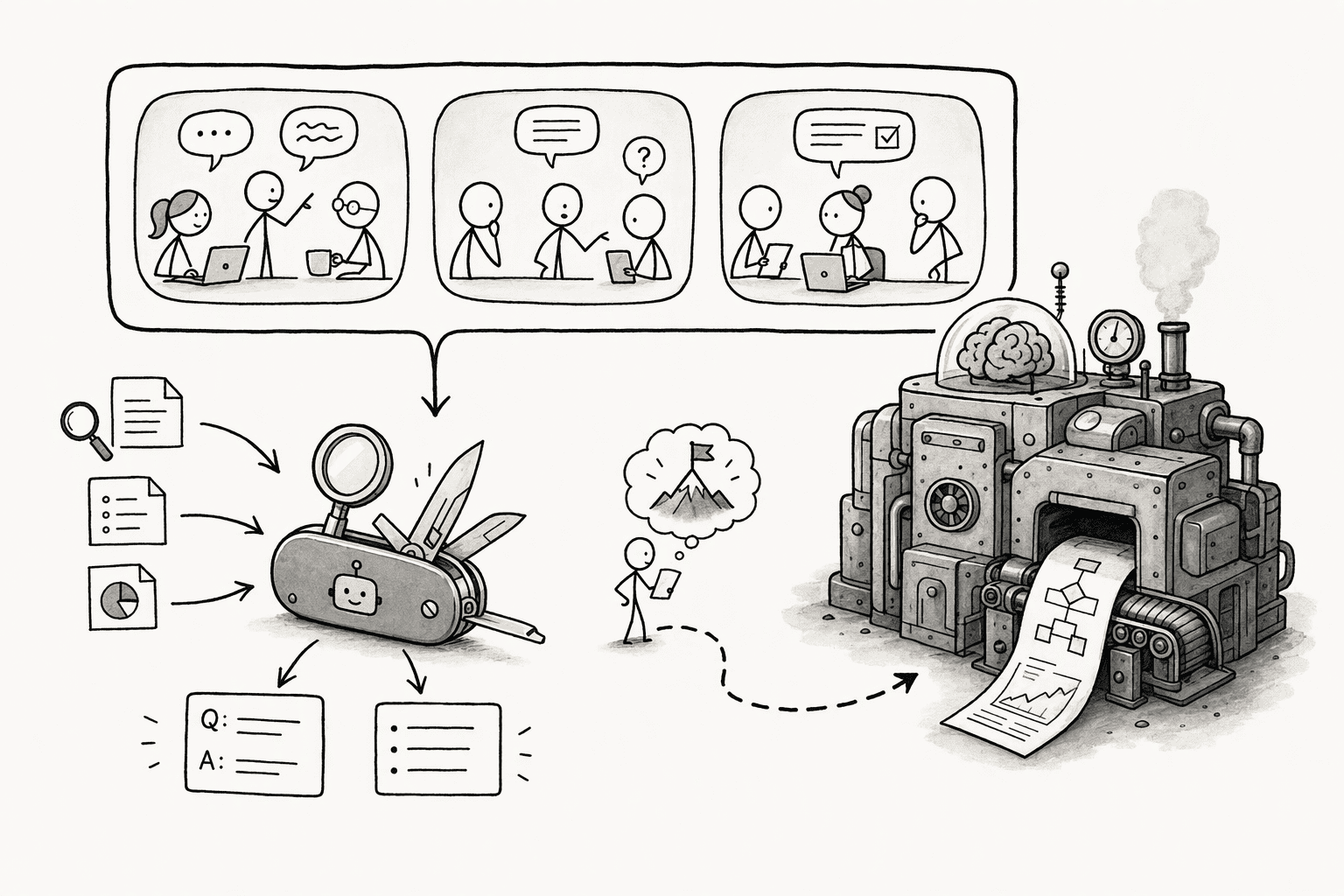
PromptQL, for example, lets teams use any model per channel or per task and route cheaper or open-weight models to control cost.
4. Cap what a single request can do
A short request can start a long job, so put limits around it. Set a maximum number of steps, a maximum output length, and a stop condition so the bot can end once it has the answer, and use multi-agent setups only for tasks valuable enough to justify the extra cost.
Add a soft limit and a hard limit: at the soft limit, the bot asks before continuing or offers a cheaper option ("do you want the detailed version, which costs more?"), and at the hard limit the run stops.
For an expensive step, such as a long report or a wide search, have the bot post an approve, skip, or cheaper-option prompt with Slack's buttons before it runs.
5. Let people reuse answers instead of re-asking
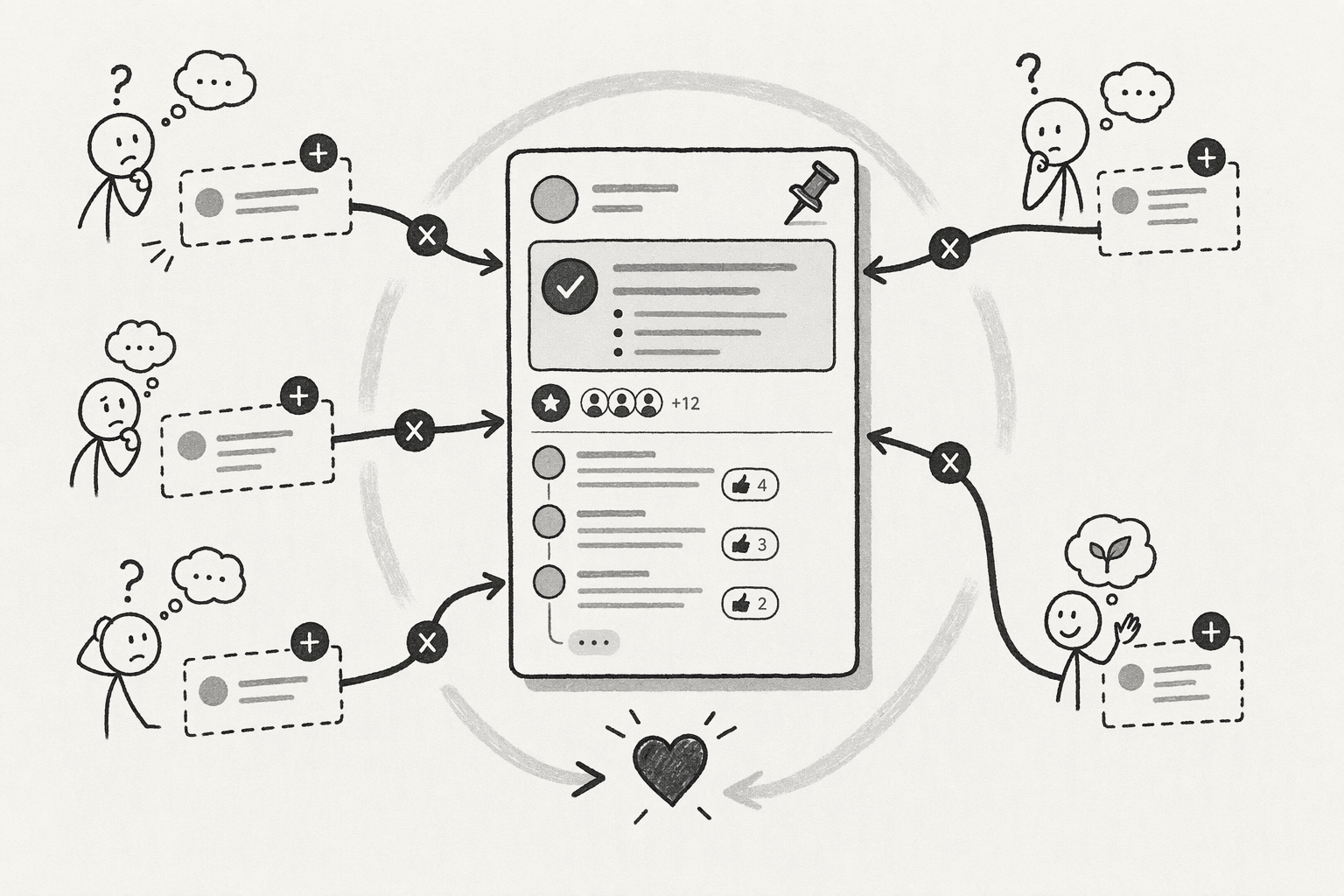
The same question asked by 5 people in 5 threads is paid for 5 times. Point people to the existing thread or saved answer before a new question starts, pin useful answers in the channel, and let teammates continue a thread instead of opening a new one.
Each answer that gets reused is a request that never has to run.
6. Set budgets and watch usage by thread, user, and channel
Cost stays invisible until someone owns it. Give each person or team a budget, alert on sudden spikes, and review the top threads and channels by spend every month.
Measure cost per completed outcome, not just cost per answer, because an answer that needs 3 follow-ups costs more than it looks.
Conclusion
Start with an inventory. List the bots in your workspace and the channels each one is in, and check the trigger setting on each: mentions only, or every message.
Then set a budget for each team before the next billing cycle, and look at the 3 threads that cost the most last month, because each one shows which of the causes above is at work.
If your teams use PromptQL, per-user budgets and per-thread spend are the place to begin.
Frequently Asked Questions
What are the main factors that drive up the cost of using AI bots in Slack?
6 things: how many people trigger the bot and how often, how much context each request carries, how much the bot writes, which model answers, how many steps an agent takes, and whether the bot listens to every message or only to mentions. In a shared channel, nobody sees the total.
How can teams control per-user access and permissions to prevent unnecessary API calls and data exposure?
Run each request with the permissions of the person asking, and give the Slack app only the scopes it needs. That limits what the bot can retrieve, reducing exposure and often the context sent to the model. PromptQL acts with the triggering person's permissions, and results shared in the bot are visible to its audience.
How do shared context and collaborative threads reduce the time and money spent on resolving repetitive queries?
A reused answer is a request that never runs. When an answer lives in a shared thread or saved page, the next person finds it instead of asking again, and the bot starts from agreed definitions. In PromptQL, a correction made once is captured as a cited wiki entry.
How do you see which channel or user spends the most?
Break usage down by user, thread, and channel, and review the top ones every month. Look for long threads, repeated questions, and expensive models on simple tasks. A tool that reports spend per thread or per user makes this a quick check instead of a log export.
Sources
- Context management - Slack Developer Docs - docs.slack.dev
- Control AI Agent Costs in Slack Workflows: Runbook | Kipwise - kipwise.com
- Permissions by role in Slack | Slack - slack.com
- The Token Efficiency Playbook: 10 Methods to Spend Less on LLM Inference | AWS Builder Center - builder.aws.com




