When anyone can build an AI helper in an afternoon, everyone does, and departments end up building the same one. In a Harris Poll survey run with the data platform vendor Dataiku, 82% of 600 enterprise CIOs agreed that employees are creating AI agents and apps faster than IT can govern them, and Dataiku notes that departments using different tools for similar problems duplicate effort.
This guide covers why teams duplicate each other's AI work and six ways to stop it, from taking stock of what exists to retiring the copies.
Key takeaways
- Duplication is invisible from inside one team: Each department sees only its own AI work, so nobody knows a copy already exists.
- Take stock before anything else: A list of every prompt, GPT, agent, automation, and dashboard shows where the overlap is.
- Search before you build or buy: A catalog check before any new build or purchase stops most duplication.
- Share the method, not just the result: Reusable prompts, definitions, and skills let other teams start from working AI work.
- Retire the copies: Merging duplicates and shutting down orphaned work stops the cost from continuing.
Why teams duplicate each other's AI work
Duplication rarely comes from carelessness. Four things make it most likely to occur:
- Nobody can see what exists: AI work lives in personal accounts, team workspaces, and separate tools, and it is easier to generate a new tool than to find one that already exists, as O'Reilly Radar notes in its case for AI tool registries.
- Building is faster than asking: An afternoon of work beats waiting for an answer about whether another team already built it, so people build.
- Each team has its own tools and context: Teams use different assistants and keep their prompts and data in different places, so even work that was shared isn't found.
- Nobody owns or retires AI work: Without an owner, old copies keep running, and new ones are added beside them.
From inside any single team, none of this is visible, which is why duplication is usually discovered by accident.
How to stop teams duplicating AI work
The six actions below make AI work visible, put an owner on it, and make reuse easier than rebuilding:
1. Take stock of the AI work that already exists
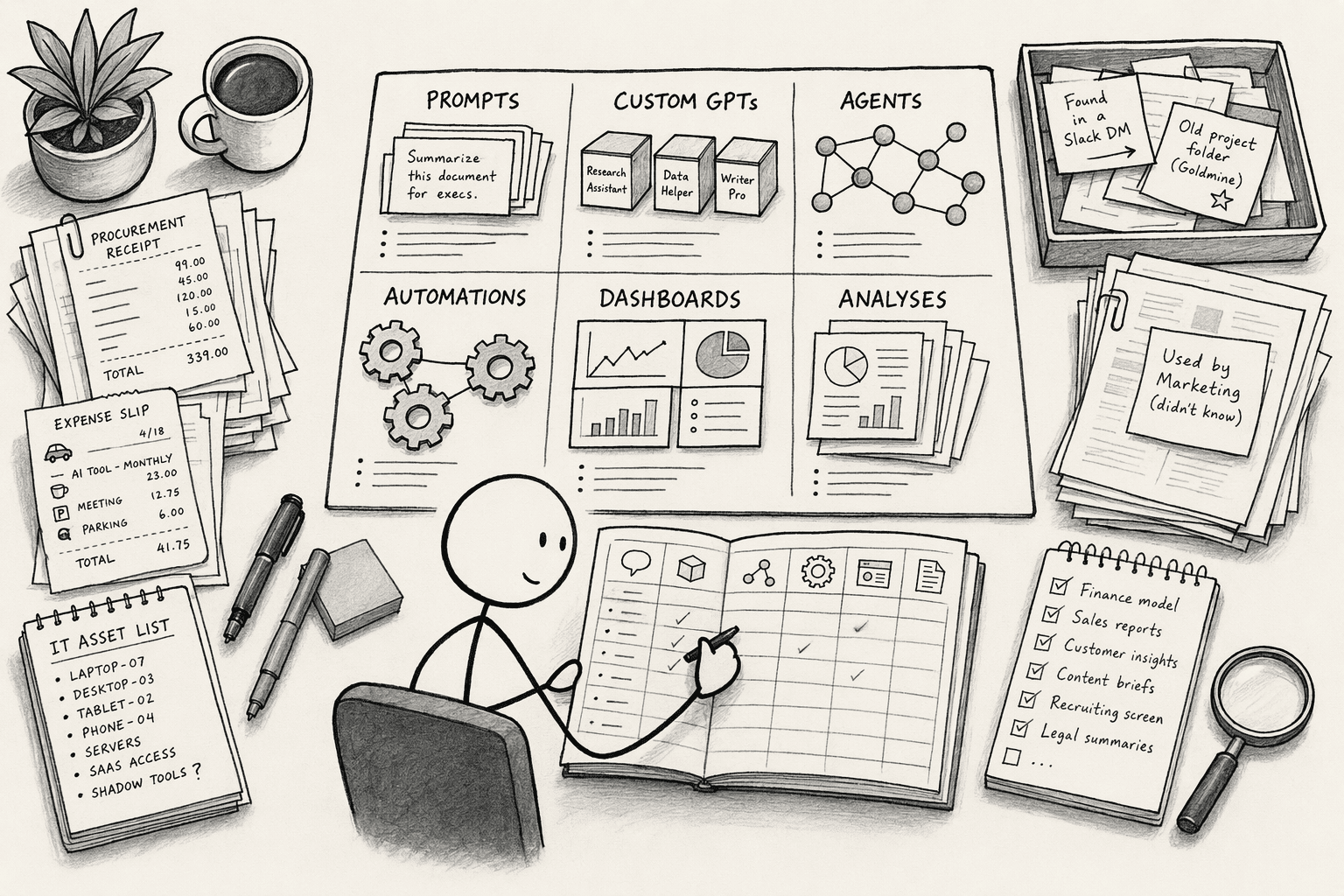
List every piece of AI work across departments: prompts, custom GPTs, agents, automations, dashboards, and analyses.
For each, record the owner, the purpose, the data it uses, and who uses it. Ask the teams, and also check procurement and expense records and IT asset inventories, since paid AI tools show up there even when nobody mentions them.
Then group the list by purpose, and the overlaps will be visible.
2. Give every piece of AI work one owner and a place in one catalog
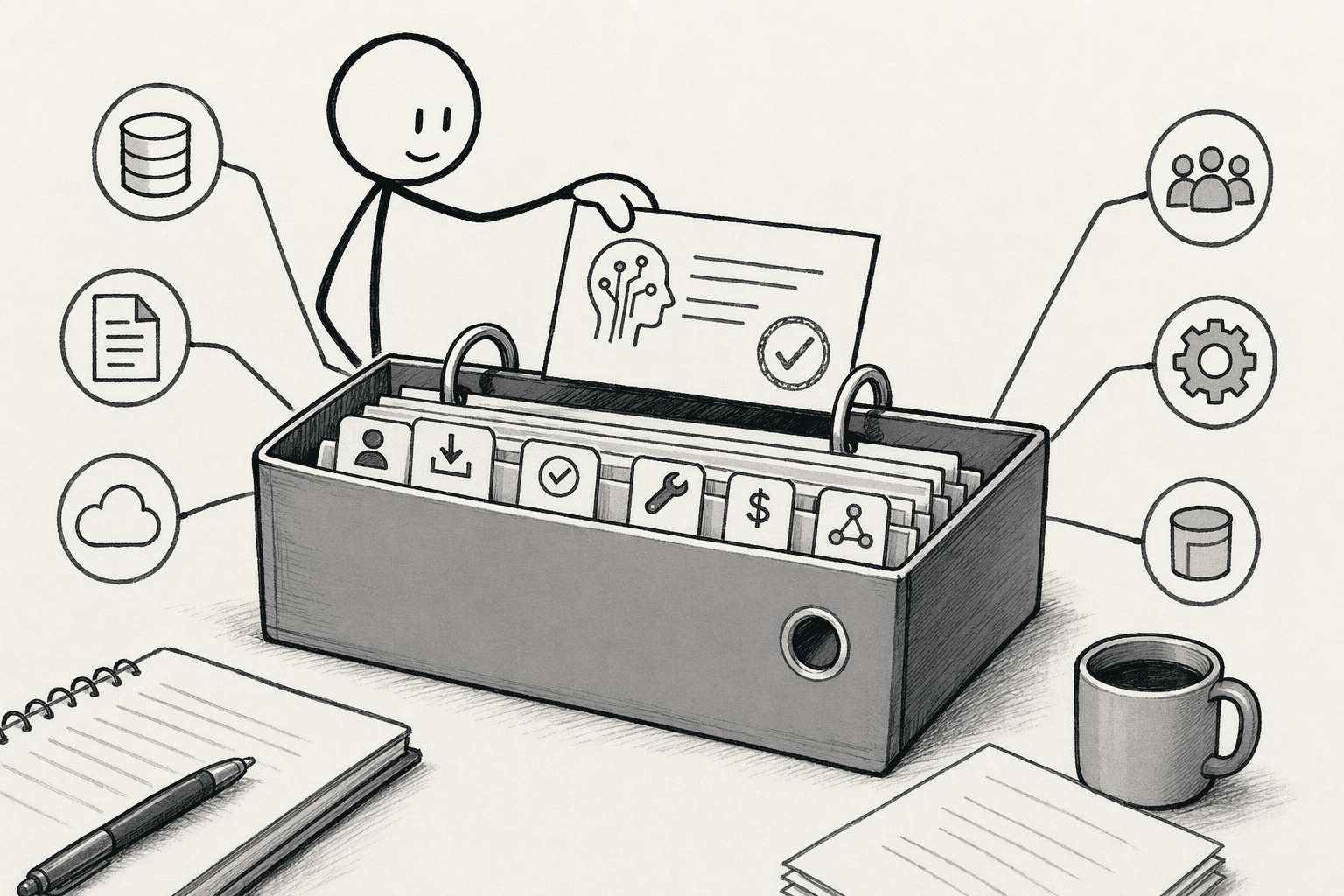
Keep one catalog that every department can search. For each entry, record the purpose, the owner, the inputs, the status, the vendor or tool, the cost, and the dependencies, such as the systems it connects to.
An entry without an owner is the first sign of work nobody will maintain.
3. Make "search before you build or buy" the rule
Before anyone builds a new AI helper or buys a new tool, they check the catalog.
AWS's guidance on agent sprawl across business units recommends exactly this, a central registry with search so teams discover before they build, and adds that the governed path has to be the fastest one, with self-service deployment, or teams will build outside it.
Route every AI purchase request through the catalog as well. If the capability already exists, redirect the request to the existing tool.
4. Share the reusable parts, not just the finished work
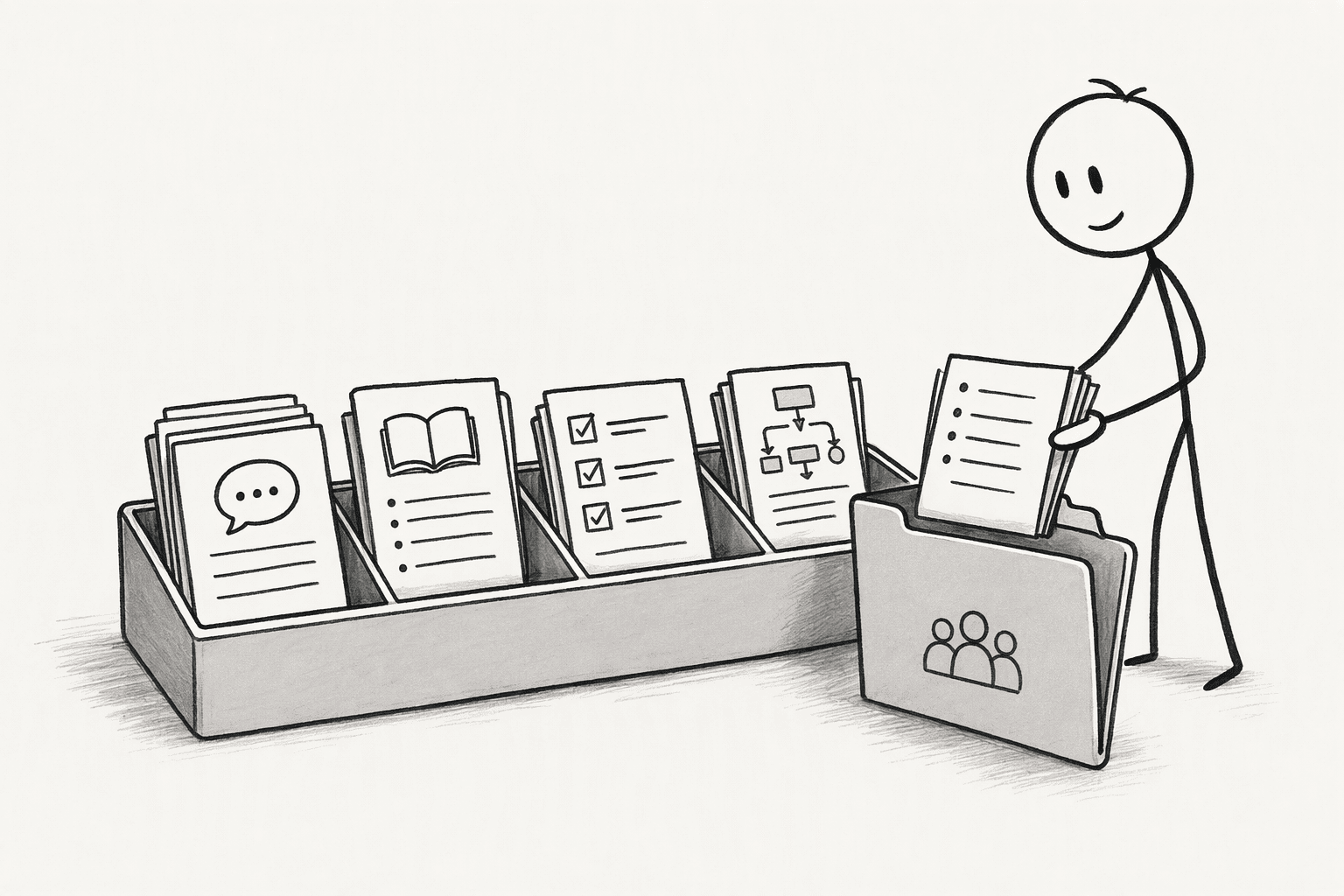
Other teams rarely want a copy of someone's finished GPT. They want the parts that made it work: the prompts, the definitions, the skills, and the SOPs. Put those in a shared place where people can reuse and improve them.
In PromptQL, a shared wiki holds knowledge, skills, and a semantic layer for people and bots, bots propose updates as the work happens, and people review and approve them, so a correction made once becomes a reusable skill for the next team.
Share the method, not the data. Reuse a saved analysis by running it under each person's own permissions, and don't serve one person's answer to another.
5. Merge or retire the duplicates
For each overlap, pick the stronger version, move its users over, and retire the rest.
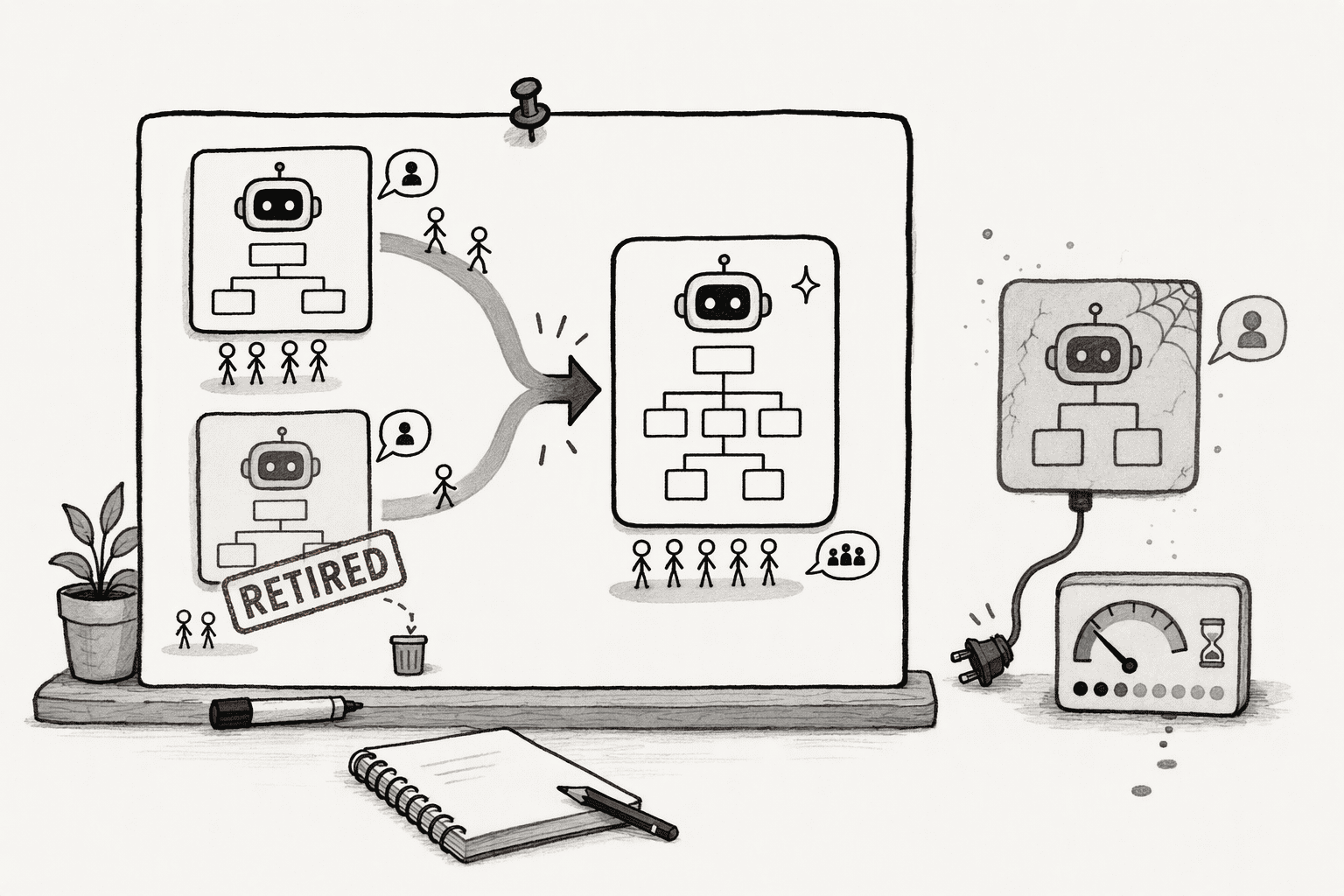
Watch for orphaned work too: the sprawl patterns in one independent researcher's taxonomy include AI work whose purpose has expired but that keeps running and costing money.
In PromptQL, a bot can be asked to find overlapping dashboards and metric definitions and bring in the right people to document which ones are correct, which turns a cleanup into a short conversation.
6. Review the catalog regularly and measure duplication
Duplication returns unless someone checks. Hold a light review across departments on a regular schedule, and track two simple measures: how many overlaps the review finds, and how often existing work gets reused instead of rebuilt.
A falling overlap count and a rising reuse count show that the catalog is working.
Conclusion
Treat AI work as shared assets, not as something each department owns privately. Keep the catalog current, make checking it the first step of every build or purchase, and share prompts, definitions, and skills so the next team starts from working AI work.
PromptQL gives teams a place for that: bots that work in shared threads, a shared wiki where corrections become reusable skills, and permissions that follow the person who asked, so what one department learns is available to the next.
Frequently Asked Questions
What are the primary drivers that lead different departments to duplicate AI projects and spending?
Decentralized procurement is the main driver. Marketing, sales, and customer success teams independently license tools without centralized oversight, so they buy overlapping capabilities under different vendor names. Organizational silos then hide those purchases from other teams, and no unified inventory exists to cross-check before a new purchase gets approved.
What counts as AI work that should be cataloged?
Prompts, custom GPTs, agents, automations, dashboards, and analyses that other people might reuse, along with paid AI tools and their licenses. Anything with a purpose that another team could share belongs in the catalog.
Won't a catalog slow teams down?
Not if checking it is quick and the approved path is the easiest one. AWS's guidance on agent sprawl notes that slow central approval pushes teams to build outside the process, so the catalog should be searchable and self-service.
Who should own the catalog?
A small group with members from each department, so that no single team controls it. Every entry still needs its own owner, so someone is accountable for keeping it current.
How do shared, multiplayer AI workspaces with permissioned context help prevent parallel effort?
They eliminate the blind spot where one team privately teaches an AI something and closes the tab without anyone else knowing it was built. When distributed teams can see existing agents, models, and pipelines in a shared environment, engineers stop recreating what already exists and focus on genuinely new capabilities.
Sources
- PromptQL | Multiplayer Claude cowork, on any LLM. - promptql.io
- PromptQL | About us - promptql.io
- The Hidden Cost of AI Sprawl: Risk, Redundancy, and Lost ROI | Airia - airia.com
- Enterprise AI Governance: Stop Agent Sprawl | Coworker AI - coworker.ai
- Governing the Agentic Enterprise: A Governance Maturity Model for Managing AI Agent Sprawl in Business Operations - arxiv.org
- Building a Multiplayer AI Development Workspace in 2026 | MLflow - mlflow.org
- Your AI coding spend bought 25% more output. Duplication rose 81%. - The New Stack - thenewstack.io