Monday morning, a teammate tells the AI that "active customer" excludes trial accounts. By Wednesday, a colleague gives it a different definition, and neither one sticks. The AI remembers how you like your summaries formatted, yet it has no idea what your company means by its own metrics.
That gap separates a tool that learns one person's habits from a tool that learns how a whole team works. This guide compares seven AI workspace tools that learn your patterns, shows what each one actually remembers, and explains where PromptQL's Company Brain fits for teams that need shared knowledge.
Key Takeaways
- An AI workspace that learns your patterns keeps useful context from how you work, so you stop repeating yourself.
- Some tools learn one person's preferences, and others build knowledge the whole team can use.
- Ask what the tool remembers, who benefits from a correction, and whether answers respect each person's access.
- PromptQL's Company Brain turns team corrections into a shared wiki connected to business data.
What Does It Mean for an AI Workspace to Learn Your Patterns?
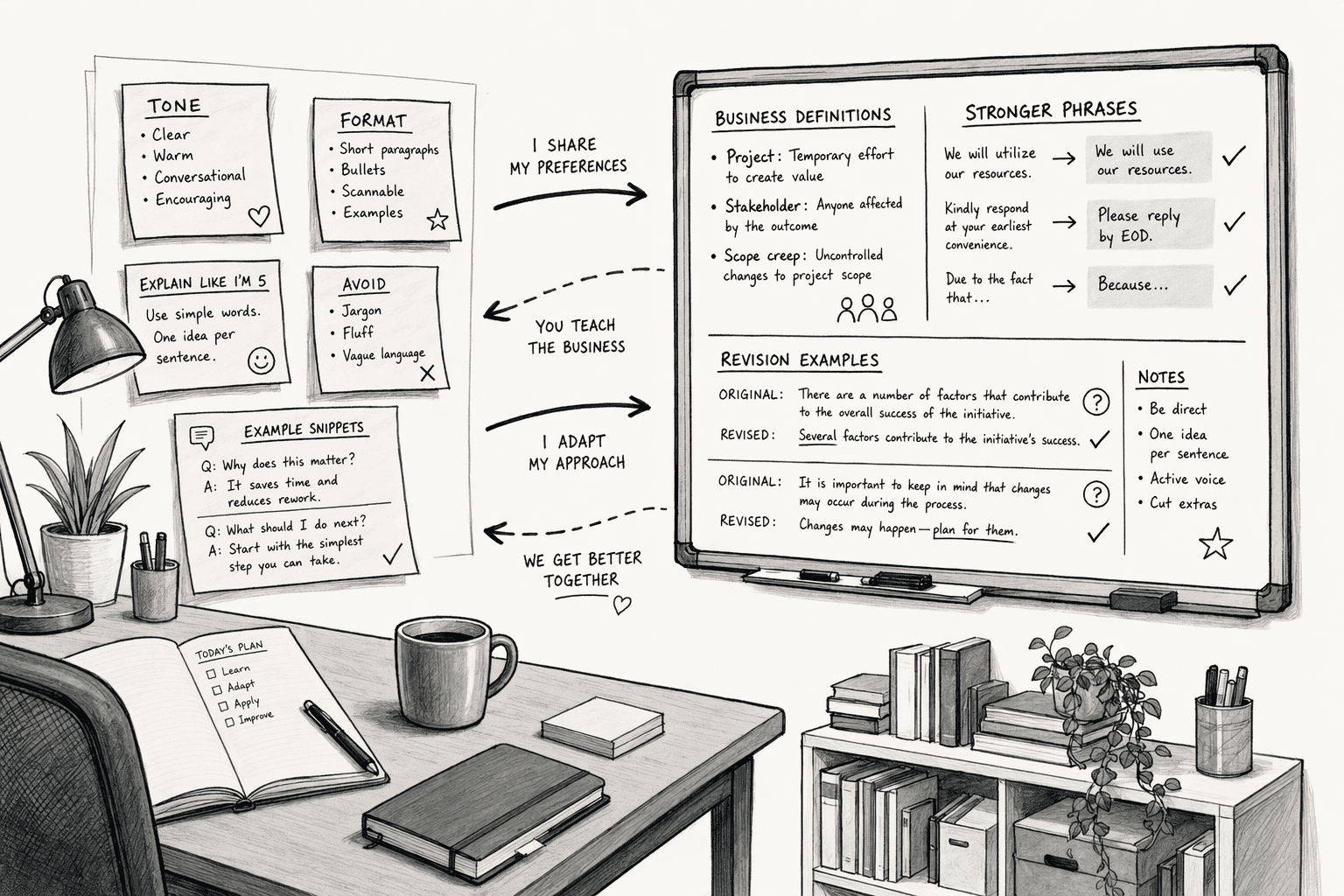
An AI workspace that learns your patterns keeps useful knowledge from the way you work and applies it to later tasks, so you do not have to explain the same things twice. The knowledge it picks up falls into a few groups:
- Personal preferences: Tone, format, favorite topics and recurring tasks.
- Work context: Your role, active projects and the people you work with.
- Business definitions: What terms like "active customer" or "qualified lead" mean at your company.
- Corrections and decisions: The fixes and reasoning that came out of earlier conversations.
The first two groups help one person. The last two only work when everyone shares them, because a metric definition applies the same way for the whole team or it does not work at all. That split explains most of the differences between the tools below.
How Do the Best AI Workspace Tools Compare?
| Tool | What It Learns From | Whose Knowledge It Builds | How Corrections Are Handled |
|---|
| PromptQL | Shared threads, corrections and connected data | The whole team | Added to a shared wiki straight from the thread |
| Glean | Your chats and work activity | One person | You edit or delete your own memories |
| Microsoft 365 Copilot | Your Copilot chats and, with a work account, work data | One person | You ask it to forget a detail or delete it in settings |
| Notion AI | Notion pages and connected apps | Whatever the workspace contains | Fix the underlying page |
| Slack AI | Workspace conversations and connected apps | One person, drawing on workspace context | Not described on its product page |
| Guru | Connected tools and expert input | The team | Experts verify or update cards |
| Slite | Documents and 20+ synced sources | The team | Updates proposed as diffs and approved before publishing |
Best AI Workspace Tools That Learn Your Patterns
1. PromptQL
Source
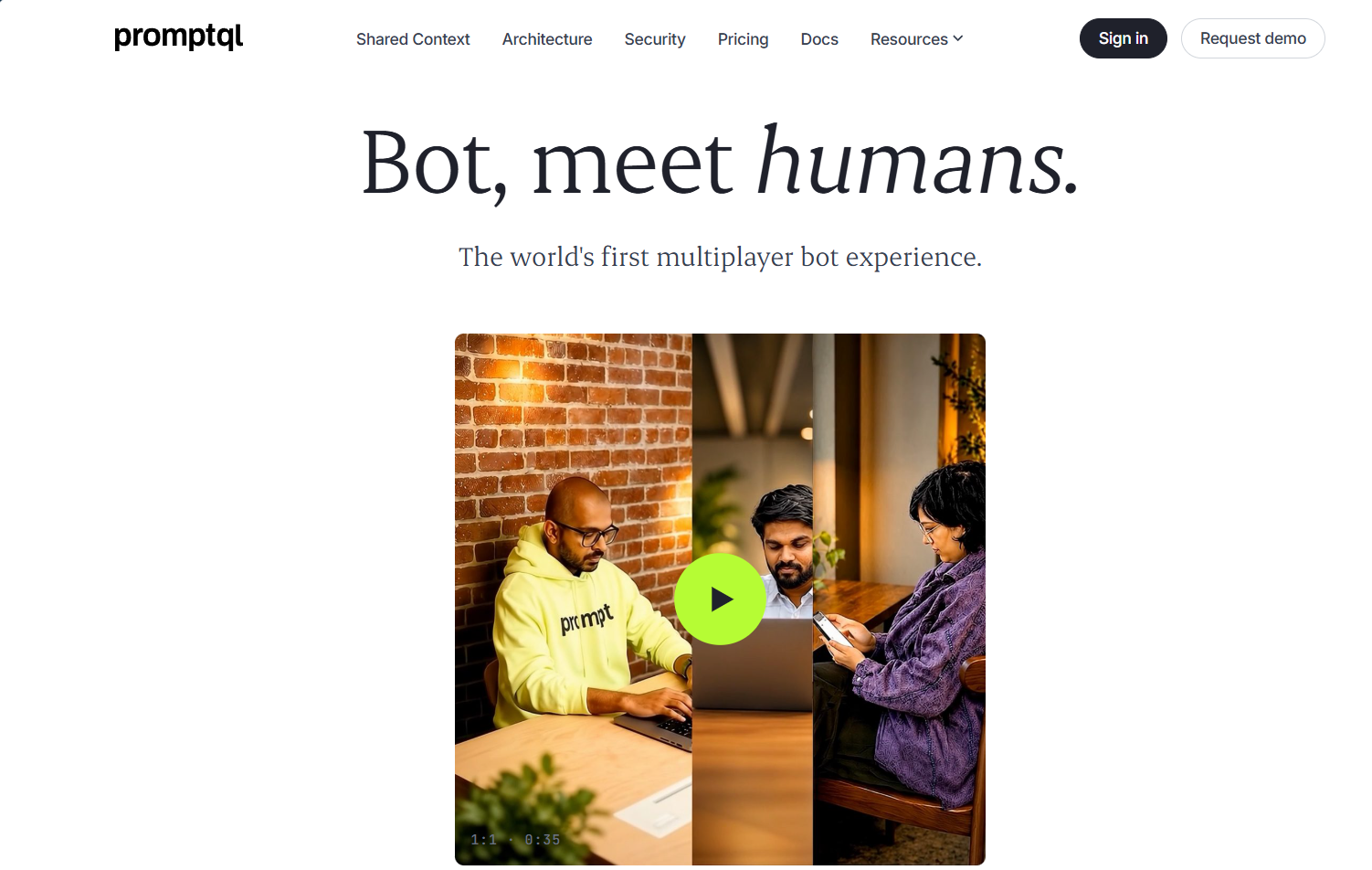
PromptQL is a multiplayer AI workspace from Hasura where a team works with one shared agent in the same threads. Its Company Brain collects business definitions, decisions and exceptions in a shared wiki, and it connects to sources such as Slack, Google Docs, Snowflake and Salesforce, so a conversation can move straight to analysis.
The other tools here mostly learn about you. PromptQL learns about the team. When a colleague corrects an answer or explains an exception in a thread, that explanation can be added to the wiki, and the next person who asks gets the corrected version without anyone repeating it.
Here is what sets it apart:
- Corrections reach everyone: A fix made once in a thread can be added to the wiki for every later question.
- A wiki with history: Entries link to source data and keep revision history, so you can see where a rule came from.
- Answers scoped to the person asking: Scopes separate personal, confidential, internal and external data, and queries run under the asker's own permissions.
Best suited for: Teams whose repeat questions mix business definitions with live data.
2. Glean
Source
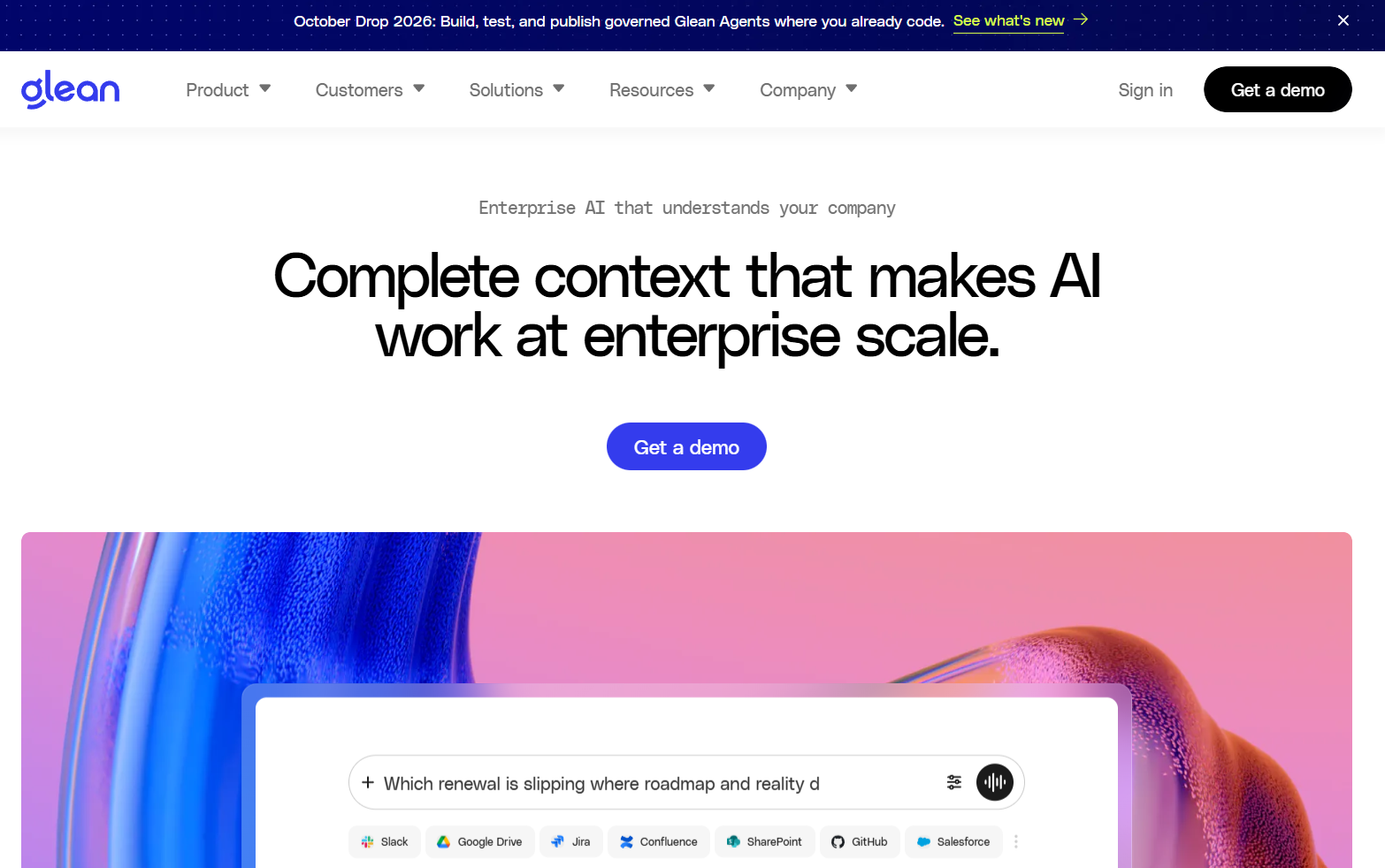
Glean's assistant keeps two kinds of memory. Saved memories hold what you ask it to keep, and learned memories pick up details such as your role, active projects and recent topics from your chats and work activity.
Here is what sets it apart:
- Private by design: Memories are stored per user with no cross-user sharing, and admins cannot view individual memories.
- Access stays intact: Memory does not grant access to documents you are not allowed to see.
- Search behind the memory: It also searches across connected work apps and answers with citations.
Where it fits best: Companies that want personalized answers on top of strong enterprise search.
3. Microsoft 365 Copilot
Source
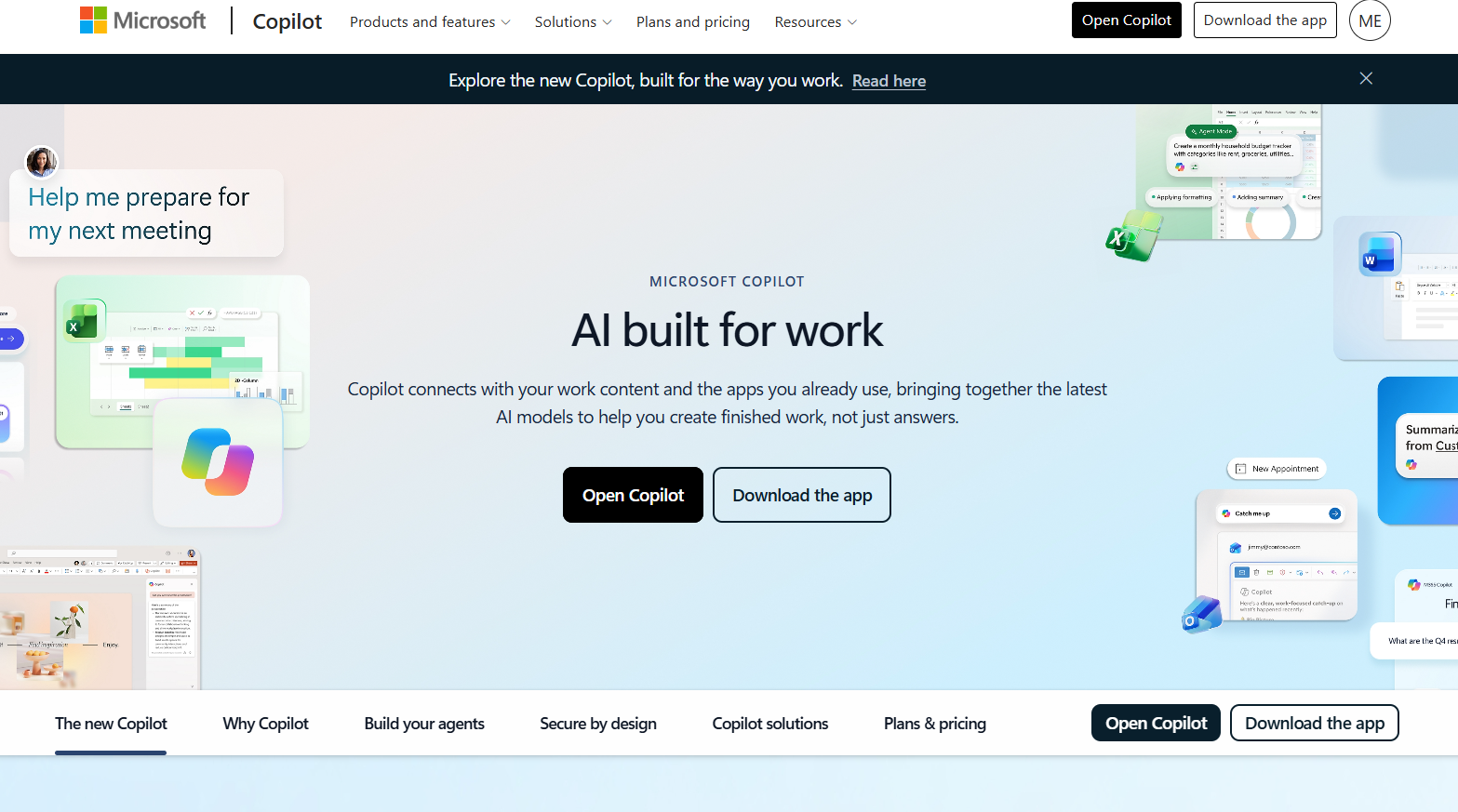
Copilot Memory keeps details from your chats, such as your communication style, work goals and recurring tasks. With a work account, it can also draw on Microsoft 365 work data, depending on your organization's plan.
Here is what sets it apart:
- Built into Microsoft apps: Personalization follows you across the tools you already use for email, meetings and documents.
- Temporary chats: A temporary chat does not use or store personalized information.
- Tied to your account: Memory belongs to your own conversations and sign-in.
Ideal buyer: Companies that run on Microsoft 365 and want assistance tuned to each employee.
4. Notion AI
Source
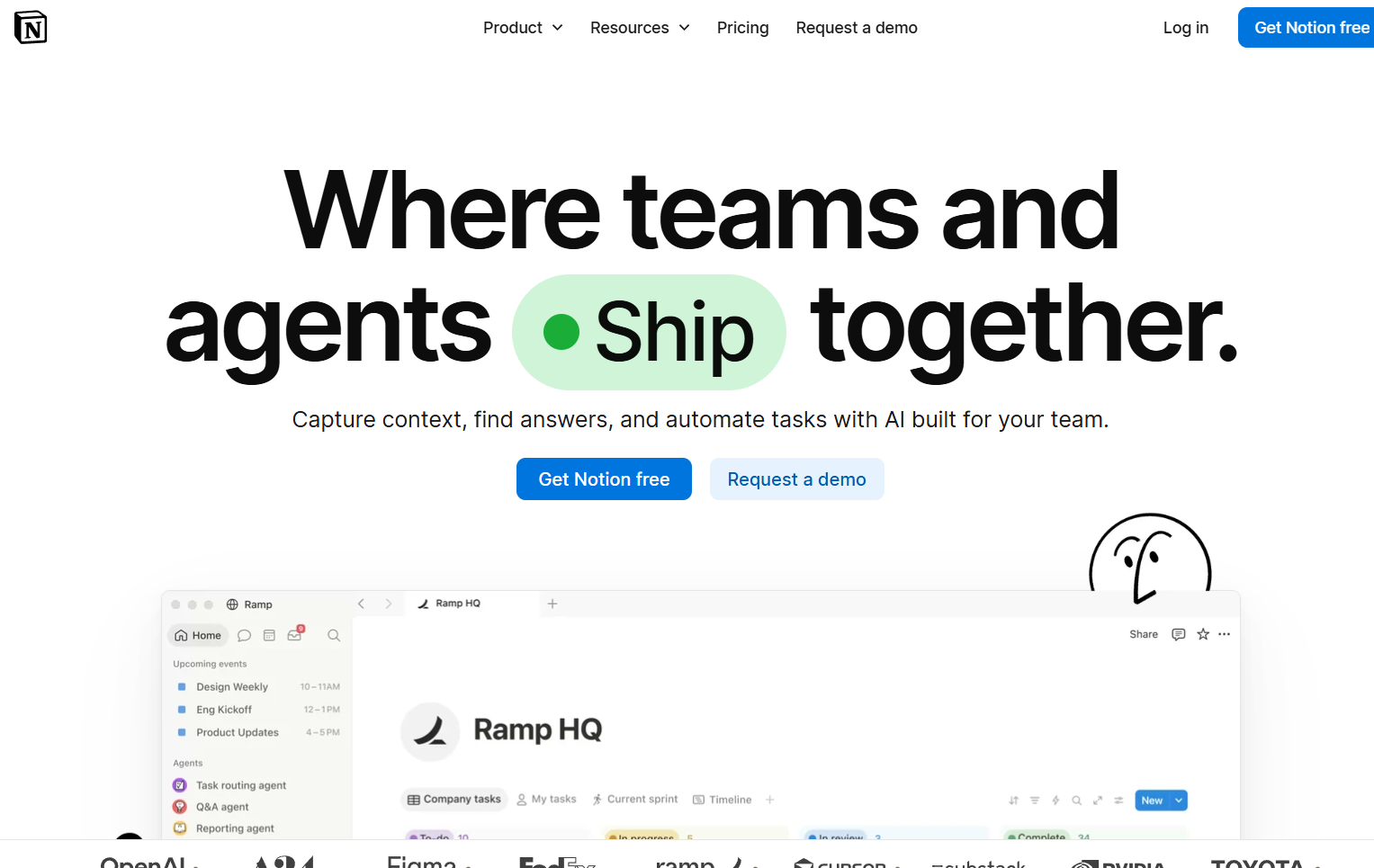
Notion AI includes Enterprise Search, which answers questions from your workspace and connected apps such as Slack, Microsoft Teams, Google Drive and Jira. It cites its sources and is available on the Business and Enterprise plans. What it knows depends on what your team has written, so it works best when documentation is kept up to date.
Here is what sets it apart:
- Workspace and apps together: Pages, databases and connected apps are searched in one place.
- Cited answers: Responses point back to the original source.
- Familiar interface: Teams that already write in Notion do not need a new tool.
Pick this if: Your team's knowledge already lives in Notion pages and databases.
5. Slack AI
Source
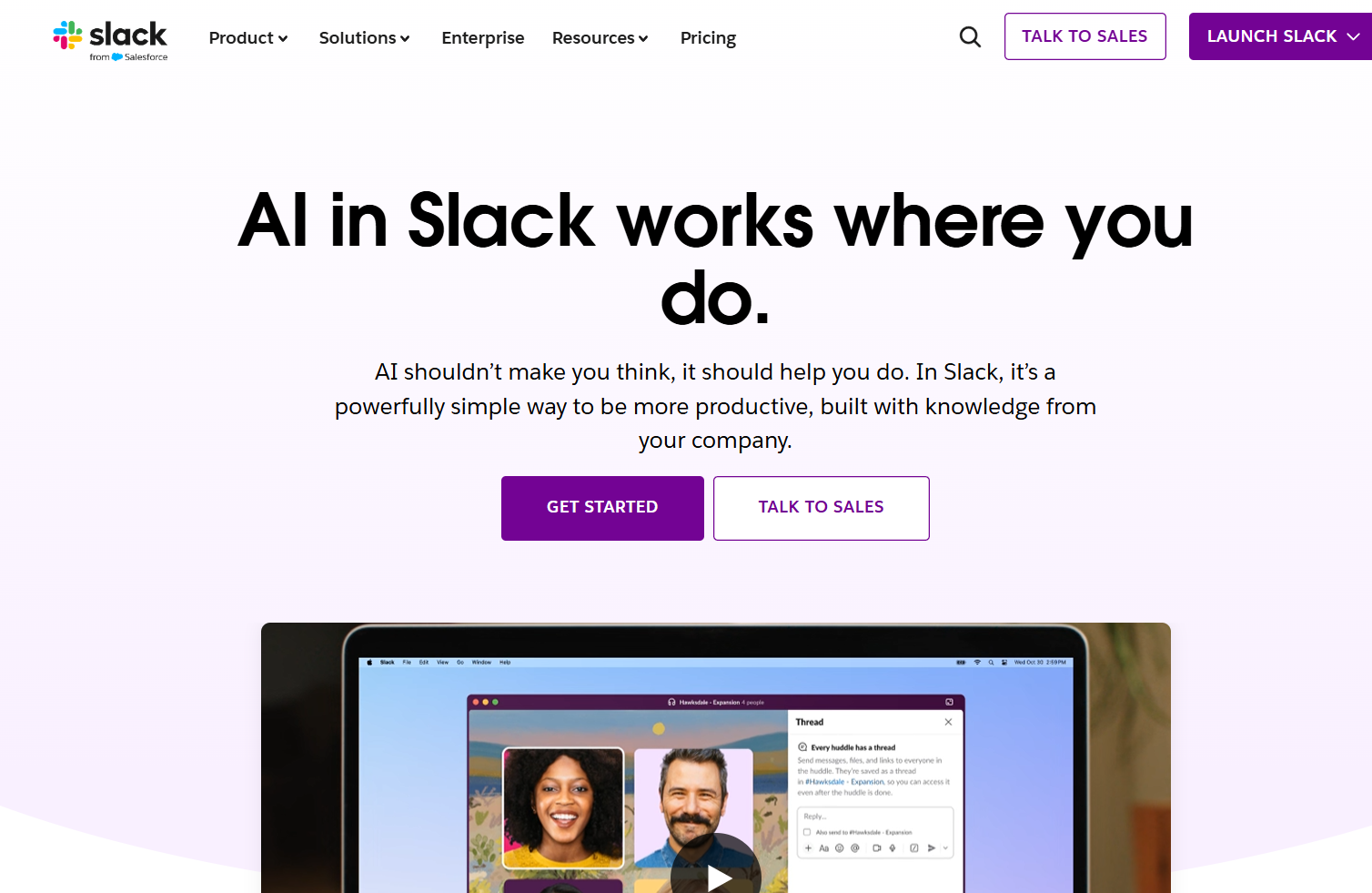
Slack AI brings summaries, search and an AI agent into the place where many teams already talk. Slackbot is described as a personal agent that understands you and your workspace and adapts to your style.
Here is what sets it apart:
- Catch-up tools: It can summarize channels and threads and produce daily recaps.
- Search across apps: Enterprise search covers content shared in Slack or integrated into it, including files and Salesforce records.
- Agents in the conversation: Agentforce agents can run in channels, threads and DMs to query data and trigger actions.
Who it suits: Teams whose decisions happen mostly in Slack conversations.
6. Guru
Source
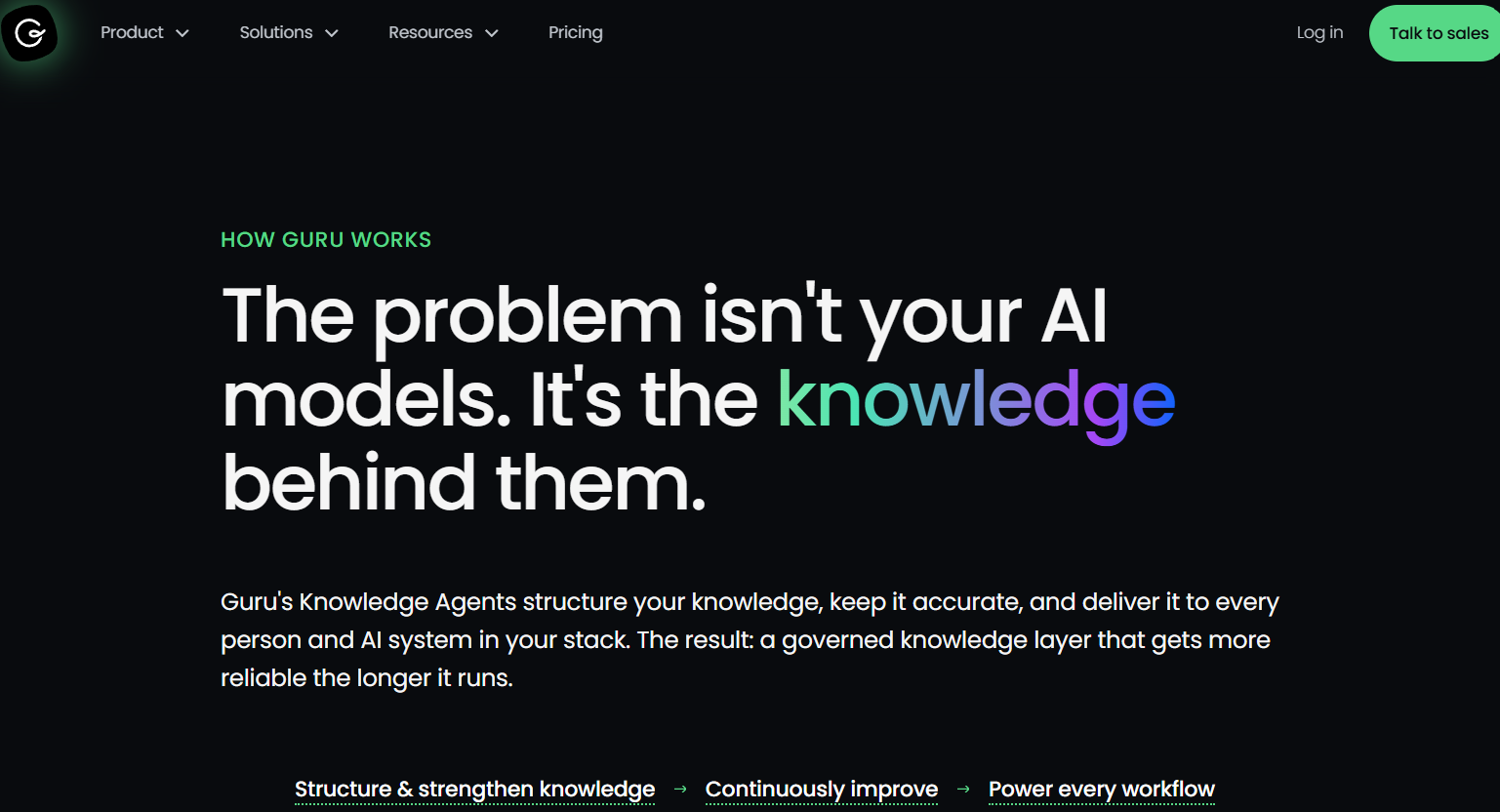
Guru is a governed knowledge layer that connects to existing tools through more than 100 connectors. It organizes the content, flags what looks outdated and sends it to experts for review.
Here is what sets it apart:
- Expert verification: Automated checks flag stale or contradictory content, and verified items are marked as such.
- Cited answers: Its Knowledge Agent returns answers with citations and shows the reasoning behind them.
- Role-scoped access: Answers are scoped to the user's role, with audit logs behind them.
Strongest fit: Support, sales and IT teams that need answers experts have confirmed.
7. Slite
Source
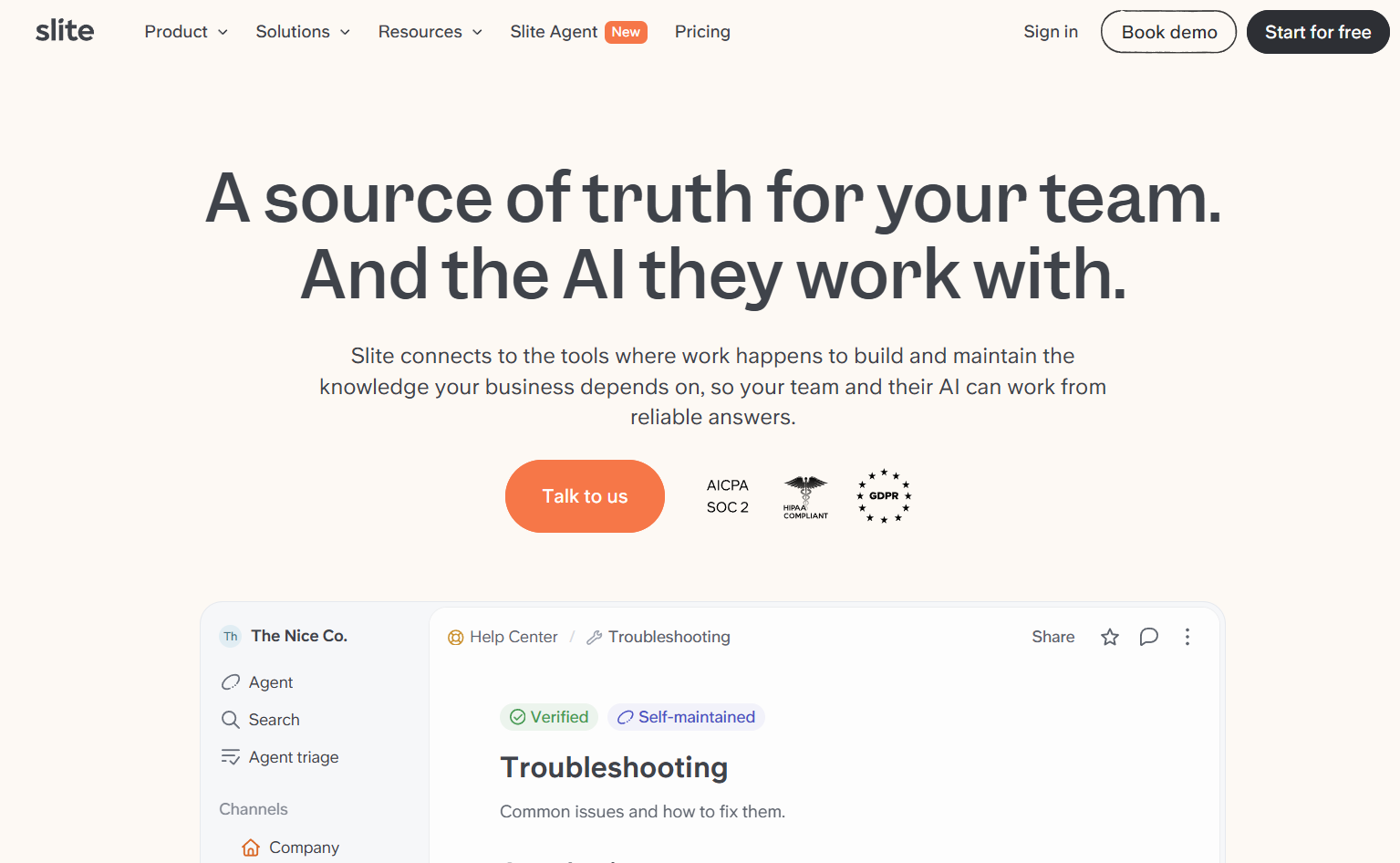
Slite is an AI-powered knowledge base where each document has an owner and a verification status. Its agent syncs with more than 20 sources, including Slack, Google Drive, Notion, GitHub and Jira, and answers questions with citations.
Here is what sets it apart:
- Verification with expiry: Tags, owners and expiry windows show whether a document can be trusted.
- Reviewed updates: Slite proposes updates as side-by-side diffs, and nothing publishes without approval.
- Verified sources first: The agent ranks verified sources above unverified ones.
Good match for: Teams of roughly 50 to 500 people that want one maintained home for documented knowledge.
How to Choose an AI Workspace That Learns Your Patterns
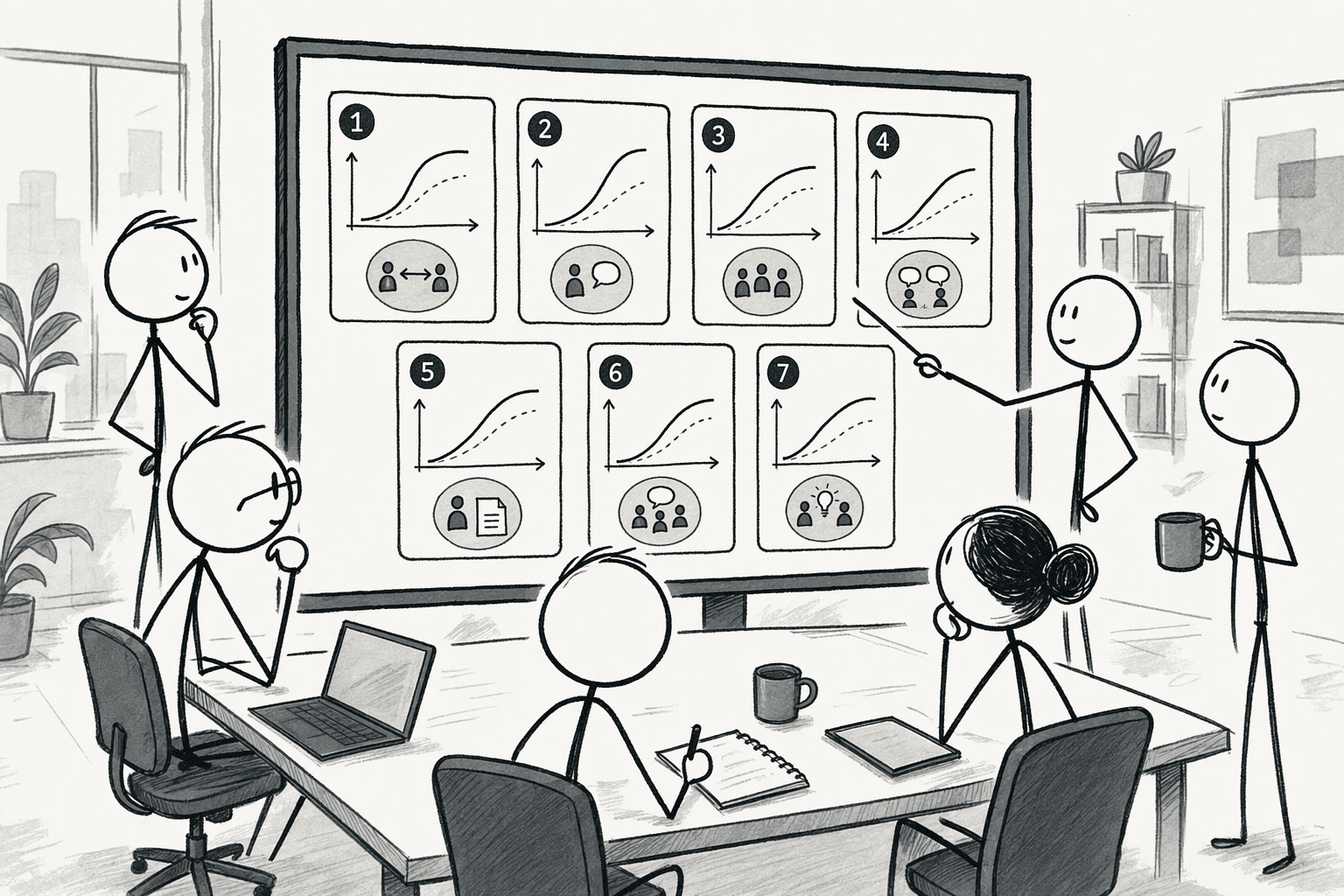
Choose the tool whose learning matches the problem you have, then compare it on these criteria:
- What it learns: Does it keep preferences, work context, business definitions, or all three?
- Who benefits: Does a correction help one person or the whole team?
- How corrections work: Can people fix a wrong answer quickly, and does a person review shared changes?
- Sources: Does it connect to the apps and databases where your information lives?
- Security and permissions: Does each person see only what they are allowed to see?
- Execution: Can it turn what it knows into reports, investigations and workflows?
How Does PromptQL's Company Brain Learn From Your Team?
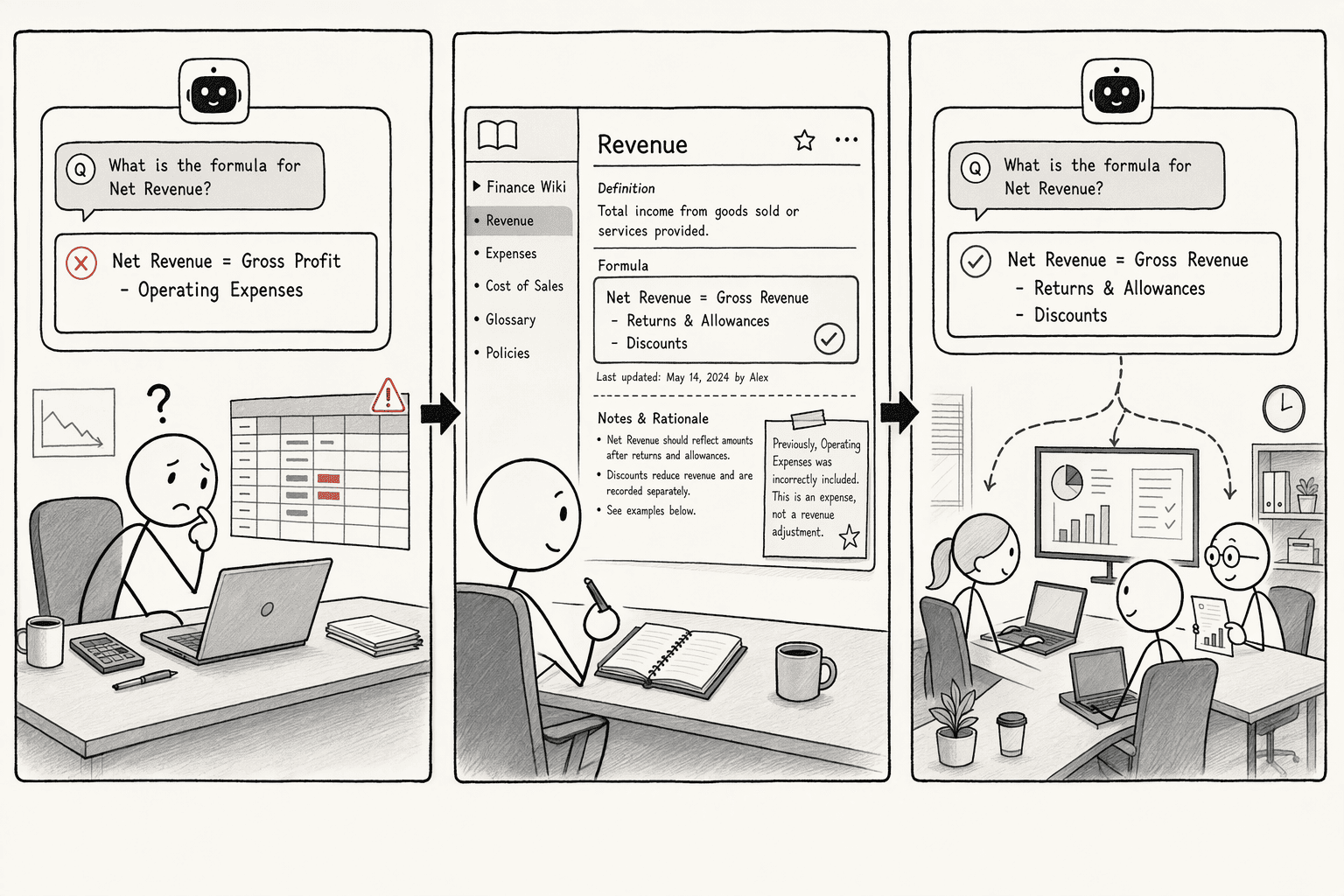
PromptQL's Company Brain learns from the corrections and clarifications your team already makes while working, and it stores them in a shared wiki. Four parts do the work:
- Shared threads: People and one agent work in the same conversation, so reasoning stays visible to everyone.
- A growing wiki: Business definitions, decisions and exceptions are kept in one place with source links.
- Connected sources: Context from tools such as Slack and Google Docs sits next to live business data.
- Permissions that follow the person: Queries run under the asker's own access, with row-level security and column masking applied before data reaches the model.
Here is how that looks in practice:
- The AI gets it wrong: Finance asks for last quarter's revenue, and the AI includes refunded transactions.
- A colleague corrects it: A finance lead explains that revenue excludes refunds, and the correction goes into the wiki.
- The next person benefits: When the product team asks the same question on Thursday, the answer already applies the refund rule.
Slite's July 2026 survey of 149 teams found that only 17% had a company brain that worked, and another 27% gave up, almost always over maintenance. Capturing corrections as part of normal work keeps that maintenance burden low.
Conclusion
Pick one definition your team gets wrong, such as "active customer," and correct it in the tool you are testing. The next day, ask a different teammate the same question. If they get the corrected answer, the tool is learning for the team. If only you get it, the tool is learning for one person, and everyone else will keep explaining the same thing.
If shared learning is what your team is missing, explore PromptQL and run the test with your own metrics, or read how other teams use it in its case studies.
Frequently Asked Questions
How Do You Fix or Delete Something an AI Tool Remembered Wrongly?
With personal memory, you can usually review and remove entries yourself. In Glean, memories are listed under Settings and Personalization, where you can edit or delete them. In Copilot, you can ask what it knows about you, tell it to forget a detail, or delete a memory in Chat settings. Shared tools handle fixes differently, through a reviewed correction in the thread or document.
Does an AI Workspace Train on Your Company Data?
It depends on the vendor, so ask. Slack, for example, states that customer data is not used to train its LLMs. Get the answer in writing, and check it again when you connect new sources.
Do Small Teams Need a Shared Company Brain?
Not at first. Personal memory is enough while a few people share the same context. A shared brain starts to pay off when several people ask the same questions, new hires keep interrupting colleagues, or two teams report different numbers for the same metric.
Can AI Agents Use a Company Brain?
Yes. Slite's company brain guide describes a company brain as a persistent context layer that both people and AI agents can use, so agents do not start from zero in every session. The same permissions that apply to people should apply to the agents.
Sources
- PromptQL Tag | The company-wide AI agent for Slack - promptql.io
- Fabric AI Workspace - Personal AI Assistant & Organizer - nextoolx.com
- Introducing Duet Apprentice: AI that learns like humans do | Decagon - decagon.ai
- PromptQL | The AI workspace for analysis and actions. - promptql.ai