05 Nov, 2026
•
9 MIN READ
6 Best AI Slack Bot for Teams That Need Shared Knowledge Across Departments
Key Takeaways
- The main test: The best bot for cross-department work answers from shared context, not only from Slack messages.
- The safety check: Confirm that answers follow each person's permissions and name their sources.
- The tool types: Slack-native AI, enterprise search and verified-knowledge platforms each solve a different problem.
- Where PromptQL fits: PromptQL Tag gives a team one shared agent whose wiki grows from the corrections people make in threads.
Why Do Teams Need an AI Slack Bot for Shared Company Knowledge?
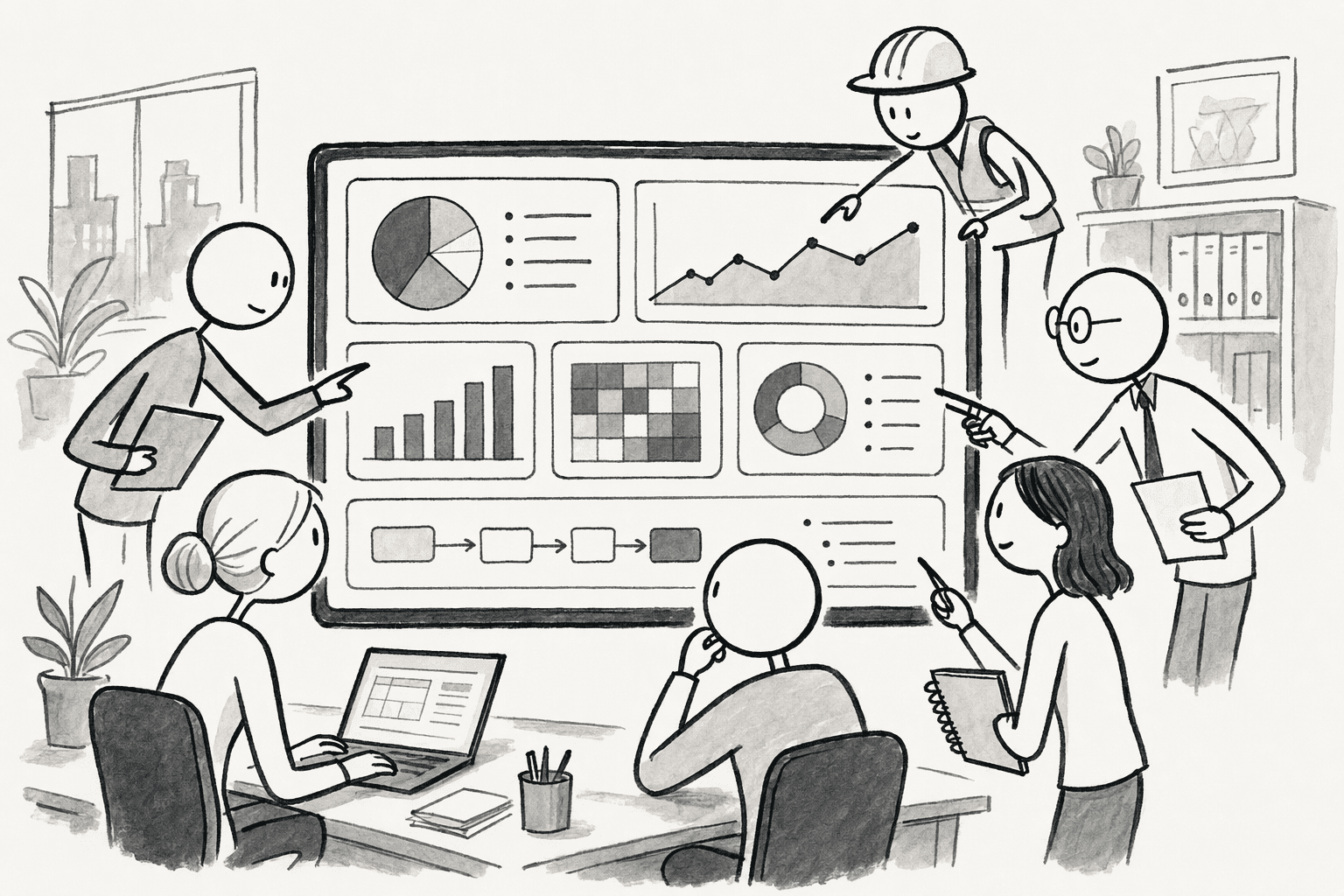
- Hidden context: Product decisions stay in product channels that marketing never sees.
- Buried decisions: An approval from three weeks ago sits deep in a thread.
- Repeated questions: The same few people field the same questions every week.
- Mixed answers: Each department answers from its own documents, so the replies disagree.
What Should You Look for in an AI Slack Bot for Cross-Department Knowledge Sharing?
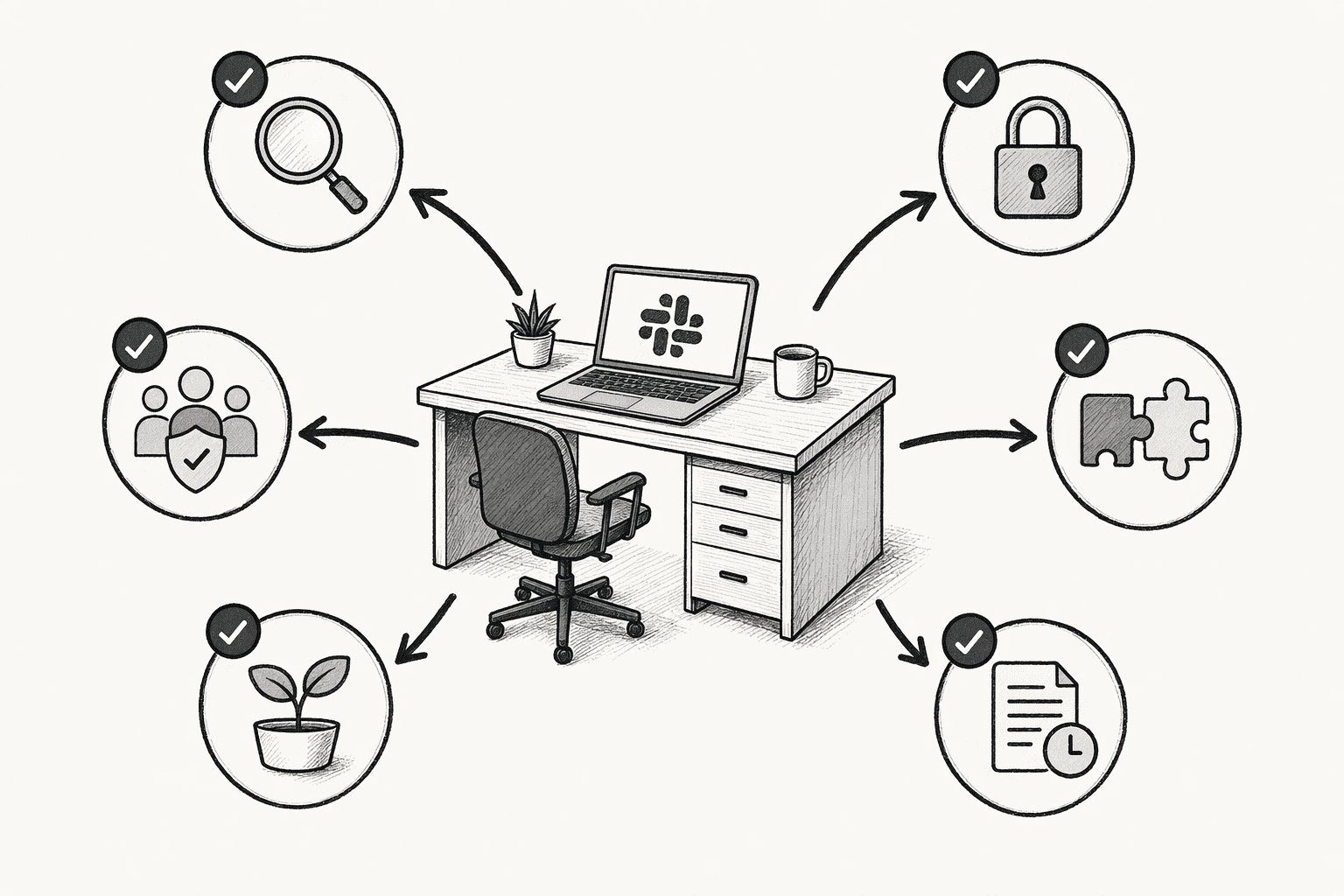
- Shared knowledge access: Can people get answers from other departments' knowledge, within their permissions?
- Integrations beyond Slack: Does it connect to documents, databases, ticketing and project tools?
- Context retention: Does it keep decisions and project history, or start fresh with every question?
- Cited answers: Does each answer point back to its source so people can check it?
- Permission controls: Does it show people only what they are already allowed to see?
- Team collaboration: Can several people work with the bot in the same thread and share findings?
- Easy rollout: Can employees start using it inside the Slack workflow they already have?
How Do the Best AI Slack Bots Compare?
| Tool | Best for | Where answers come from | How it works in Slack |
|---|---|---|---|
| PromptQL Tag | Shared company knowledge | A shared wiki, connected data and team conversations | One shared agent in channels and threads, also on Teams, WhatsApp and Discord |
| Glean | Enterprise-wide search | Connected work apps | Answers in channels where the app is added, plus a search command |
| Guru | Verified answers | Connected sources, with verification | Knowledge agents assigned to specific channels |
| Slack AI | Teams that live in Slack | Conversations, files and integrated apps | Built into Slack |
| eesel AI | Internal questions from existing docs | Google Drive, Confluence, Notion, Zendesk and more | Answers in channels and DMs |
| Atlassian Rovo | Jira and Confluence teams | Jira, Confluence and connected apps | Slack app, thread summaries and a channel sidebar |
6 Best AI Slack Bots for Shared Knowledge Across Departments
1. PromptQL Tag
- One shared agent: People and the agent work in the same thread, so reasoning and corrections stay visible to the whole team.
- A wiki that grows from corrections: When an answer is wrong, a teammate fixes it in the thread, reviews the suggested entry and clicks "Add to wiki." Later questions from any department start from the corrected version.
- Cited, scoped knowledge: Wiki entries link to real work, keep revision history and send notifications when pages change.
- A head start from connected sources: It can bootstrap the wiki from tools such as Slack, Google Docs, Snowflake, PostHog and Salesforce.
- Reusable skills: Teams save repeatable rules, such as "exclude test accounts from revenue," so the agent applies them the same way every time.
- Real permissions: The agent inherits the asker's identity, row- and column-level rules are enforced at the data layer, and writes and external actions need approval. Knowledge is scoped as personal, confidential, internal or customer. See the security details.
- Your cloud, your brand: Teams can run it in their own cloud with their own models and branding.
2. Glean
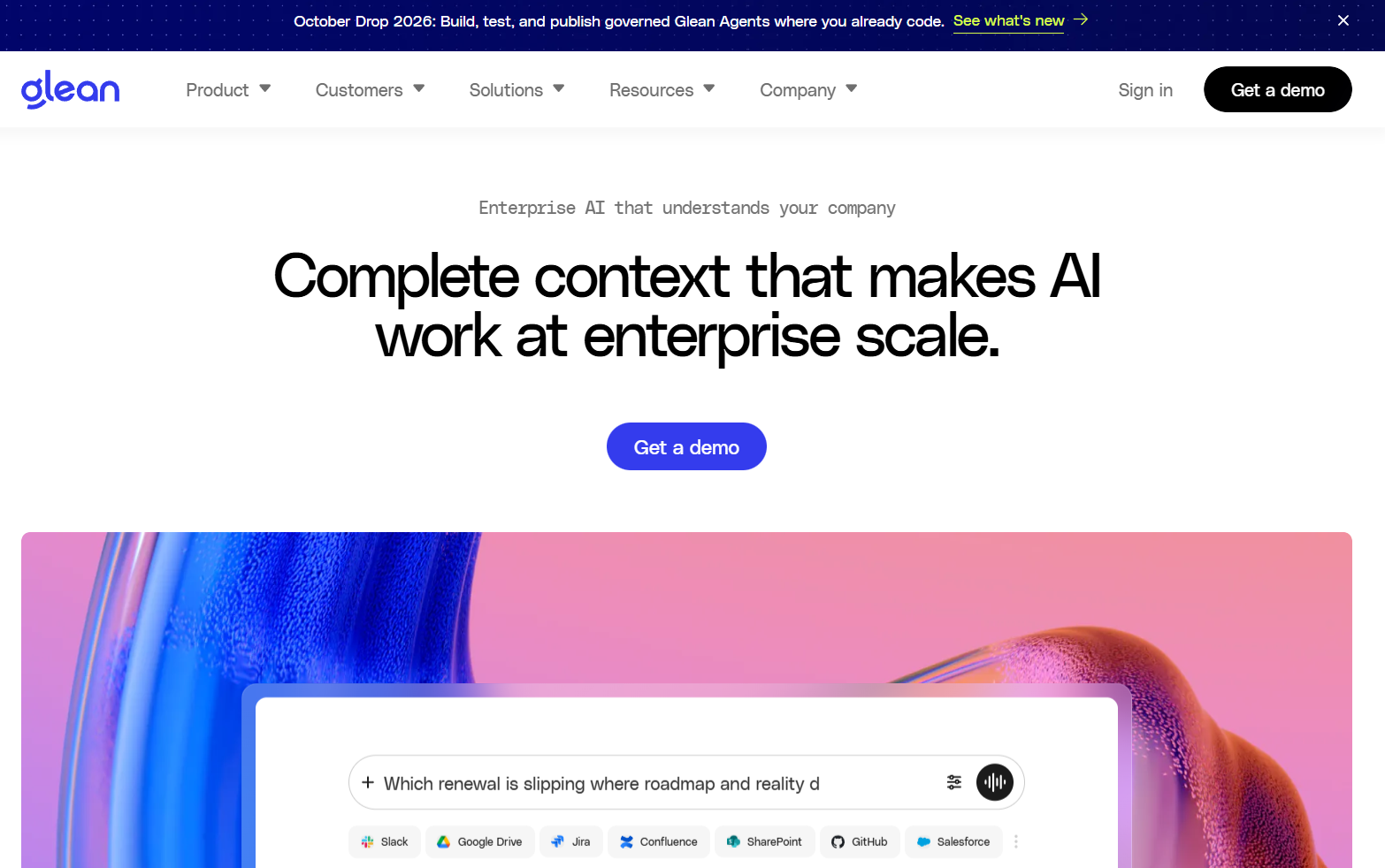
- Personalized answers: Responses follow each user's content permissions.
- Private content stays private: Each user authorizes Slack before Glean can use private channels and DMs.
- Admin control: Admins choose which channels Glean responds in, and it does not respond in channels that include external parties.
3. Guru
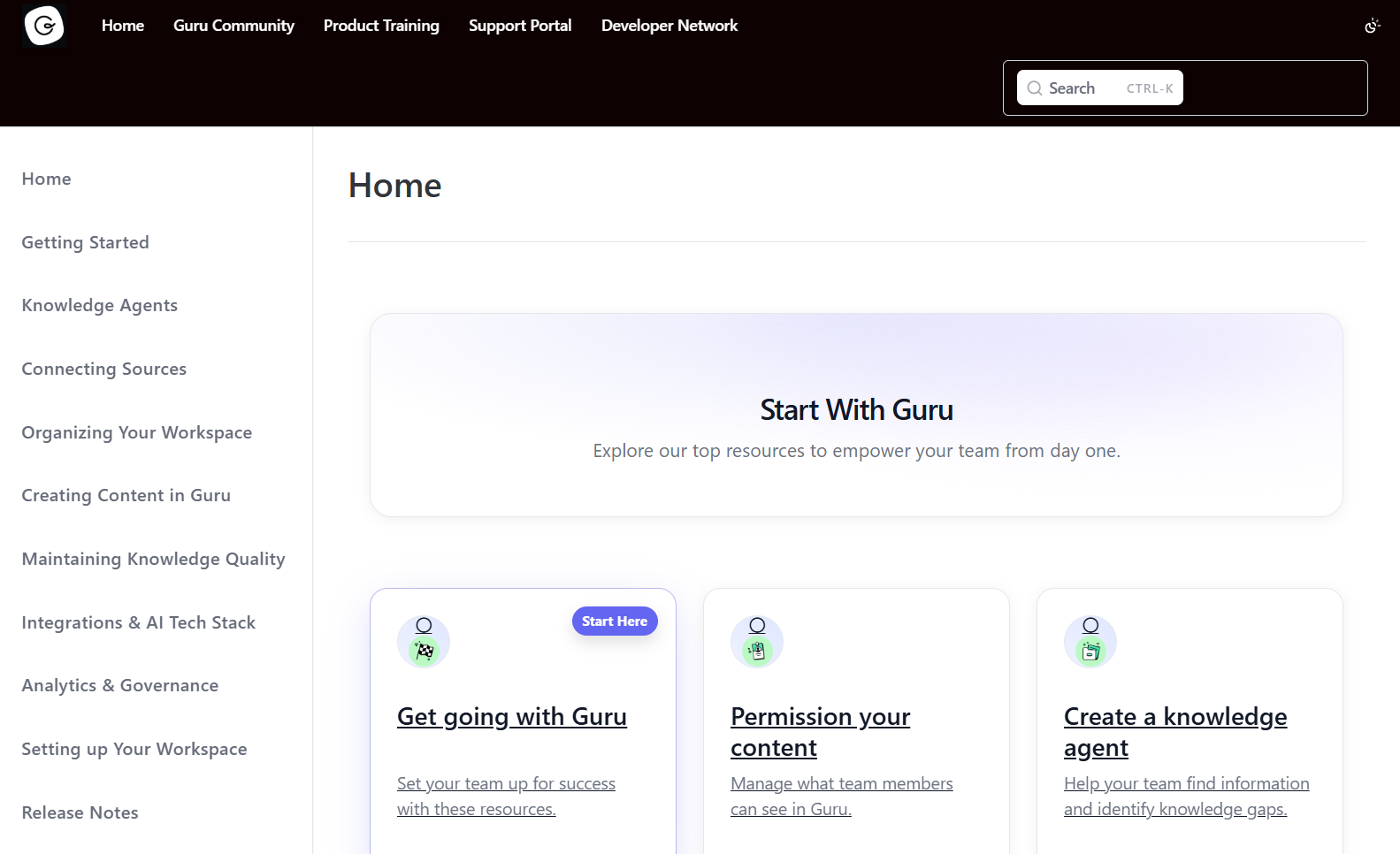
- Choose the sources: Admins decide which collections, sources or files an agent searches.
- Automatic verification: Guru can verify content based on usage and feedback.
- Permission-aware results: Users see only content they can already access.
4. Slack AI
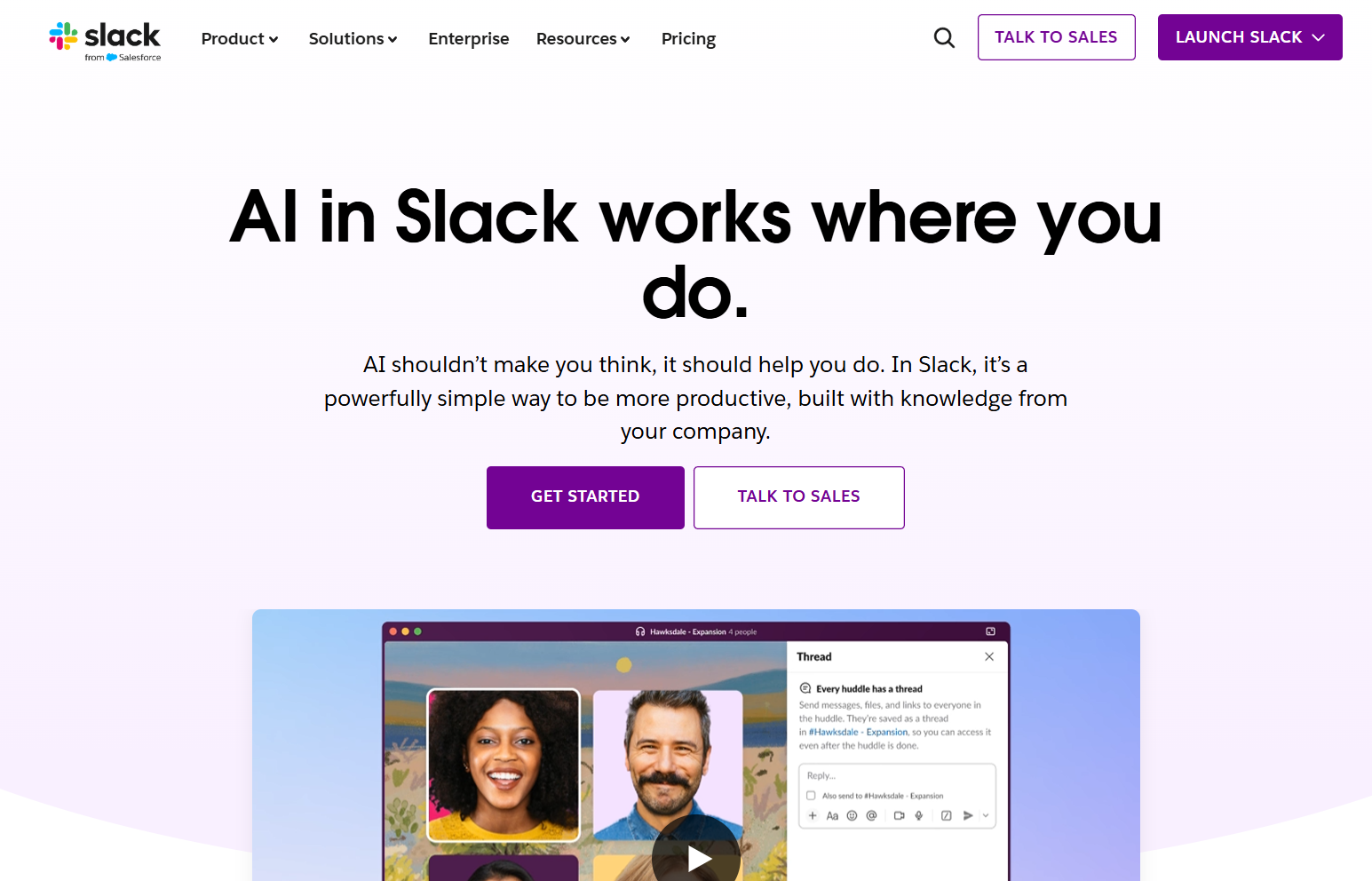
- No extra tool to add: It works inside the product your team already uses.
- Catch-up features: Summaries and recaps help people follow busy channels.
- Search beyond messages: Integrated apps and files can appear in search.
5. eesel AI
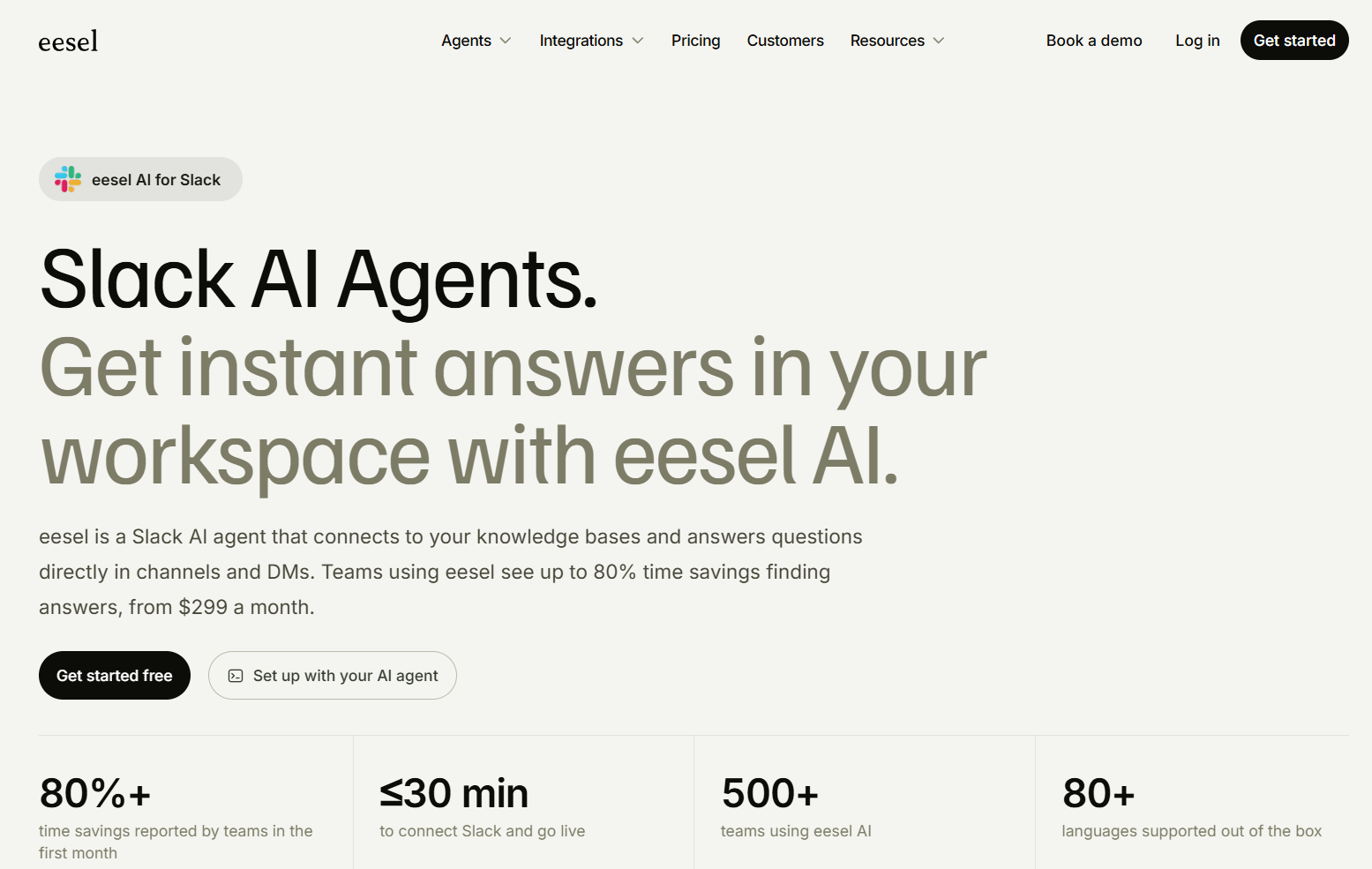
- Quick connection: You authorize it in Slack and then connect your knowledge sources.
- Useful for repeat questions: HR, IT and customer success teams can use it for common requests.
- Channel control: Each channel can have its own behavior.
6. Atlassian Rovo
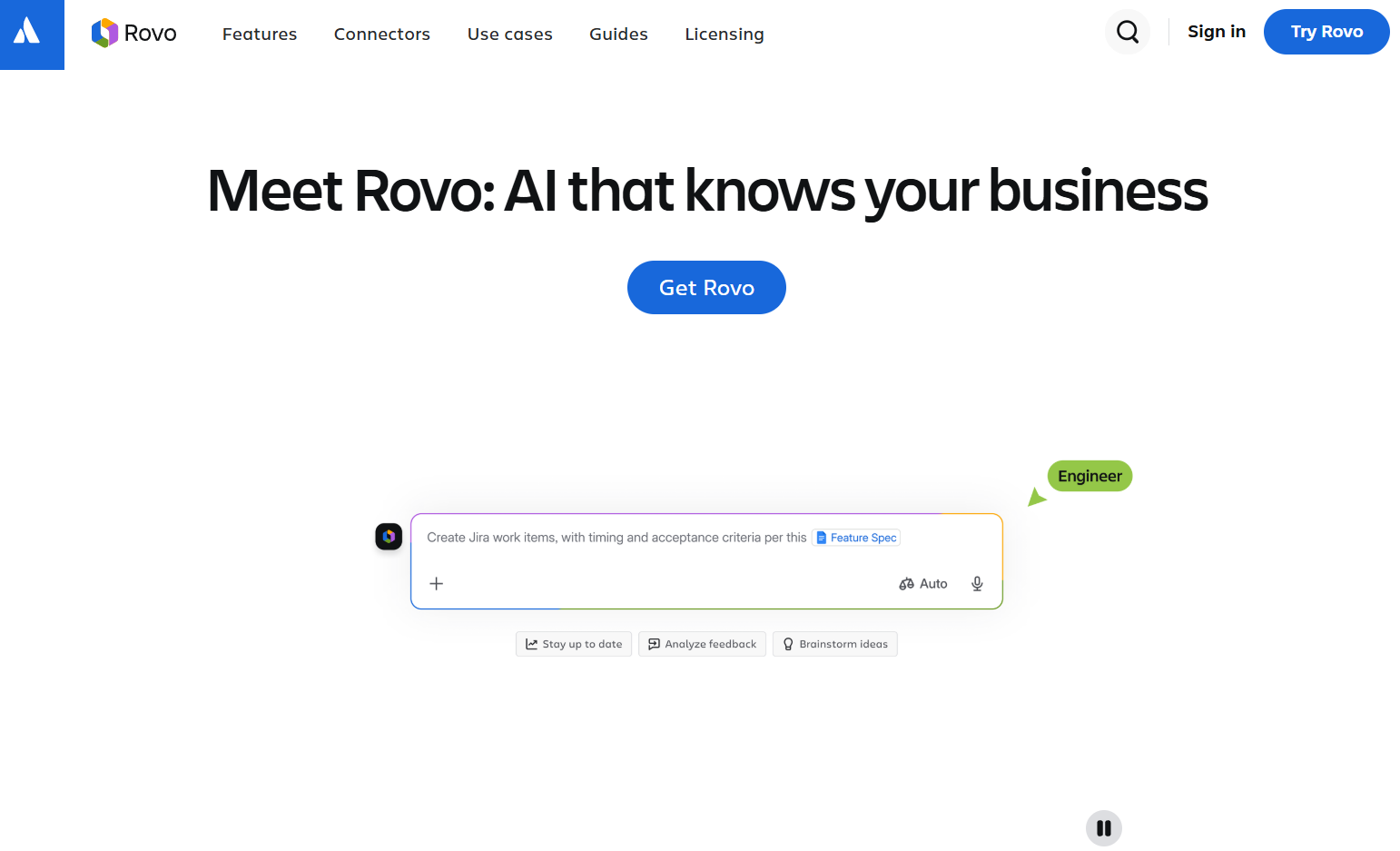
- Actions from conversations: It can help create Jira issues from a discussion, with a review step before submitting.
- Channel agents: Agents can handle repeat questions and triage requests, based on triggers you choose.
- Permission-aware access: Content follows source permissions.
How Do You Choose the Right AI Slack Bot for Your Team?
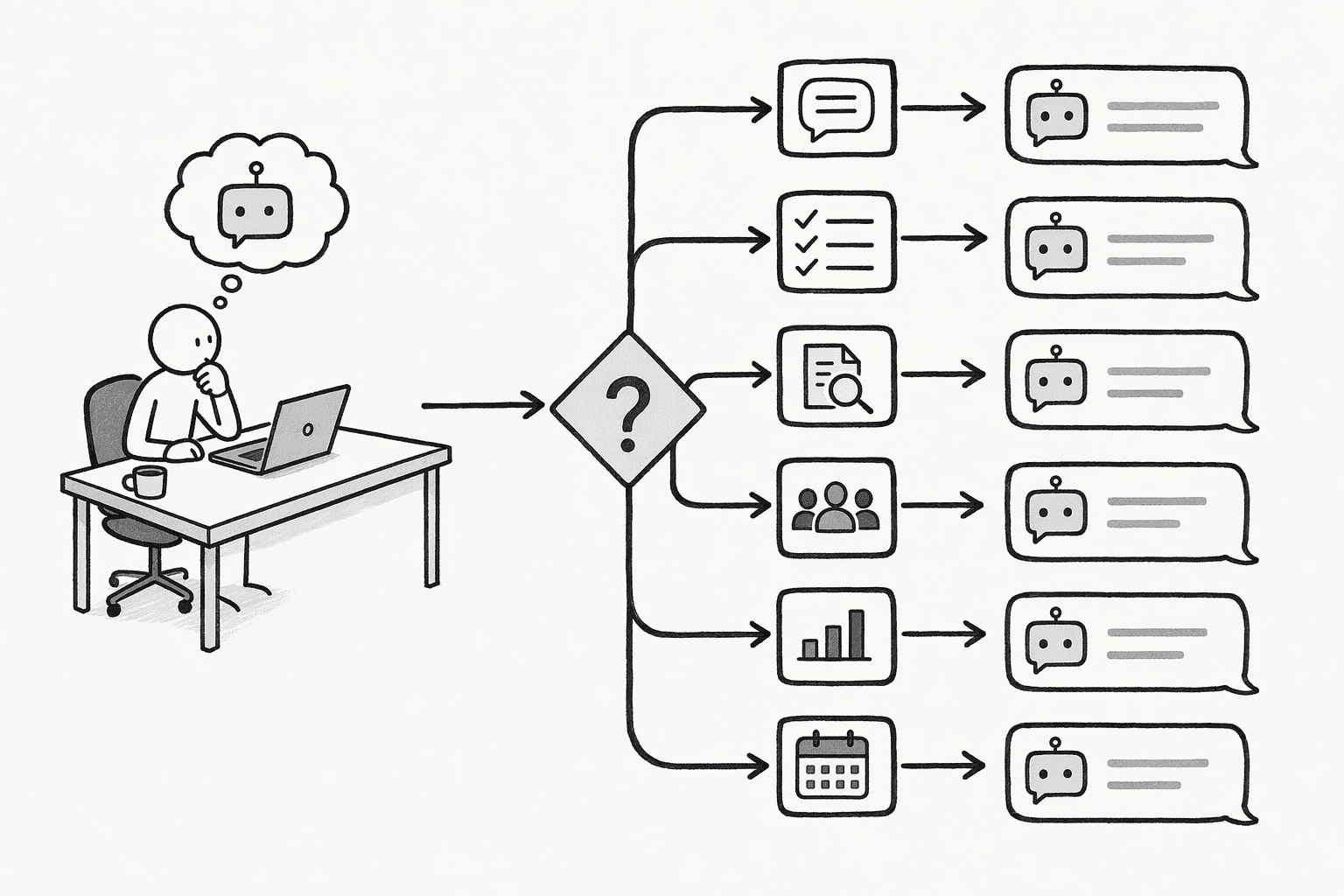
- Name the main need: Slack search, verified answers, internal support or shared company knowledge.
- List your sources: Make sure the bot connects to the systems where your answers live.
- Check context: Ask whether it keeps decisions and corrections or starts over every time.
- Review citations and permissions: Answers should name sources and respect access rules.
- Think about growth: Confirm it can handle more teams and sources without rework.
- The two-department question: Ask something that needs knowledge from two teams.
- The correction test: Fix a wrong answer and see whether the next person gets the fixed version.
- The limited-access test: Ask as someone with restricted access and check what appears.
Why Do Teams Need More Than an AI Slack Bot?
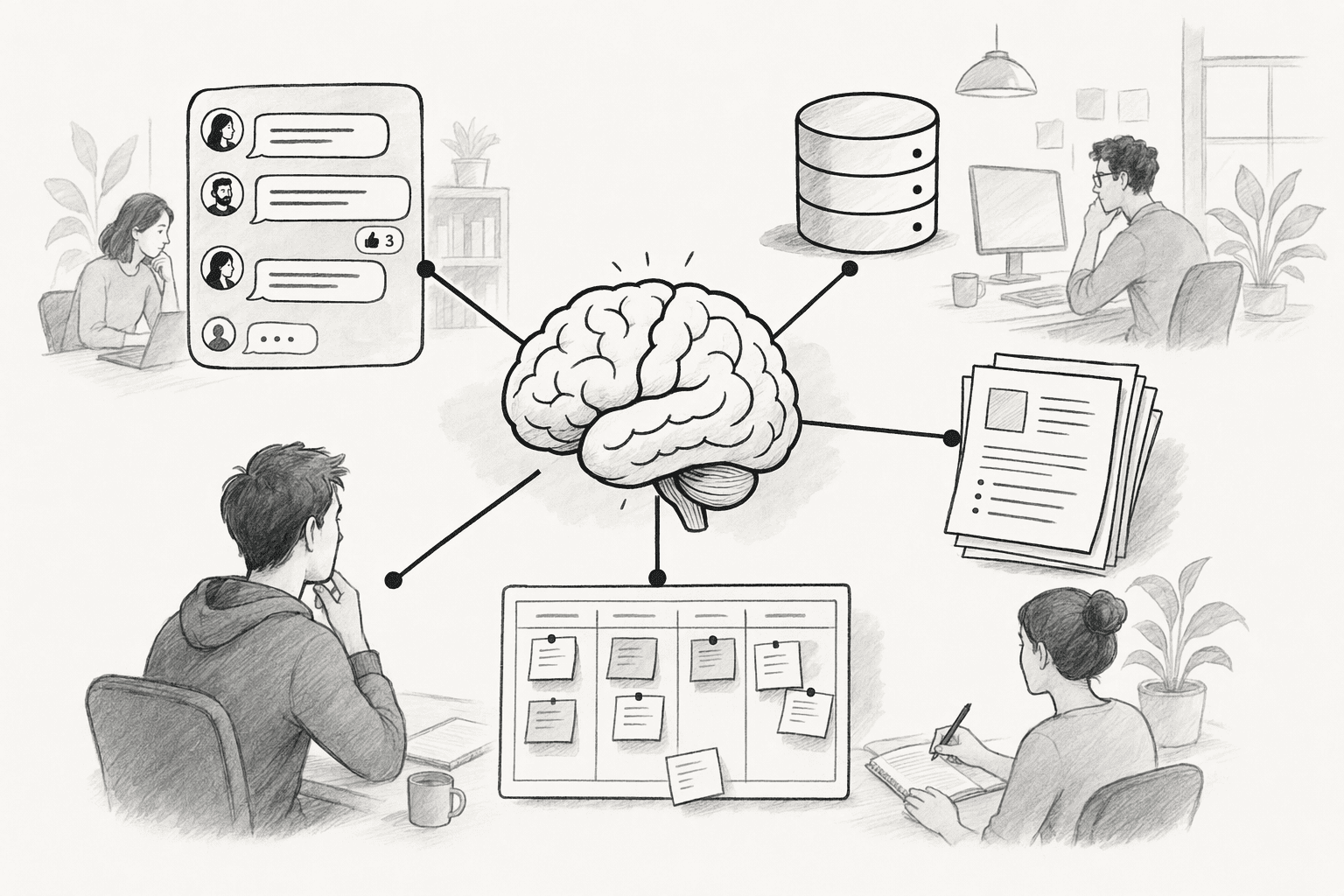
What Does Cross-Department Knowledge Sharing Look Like With PromptQL Tag?
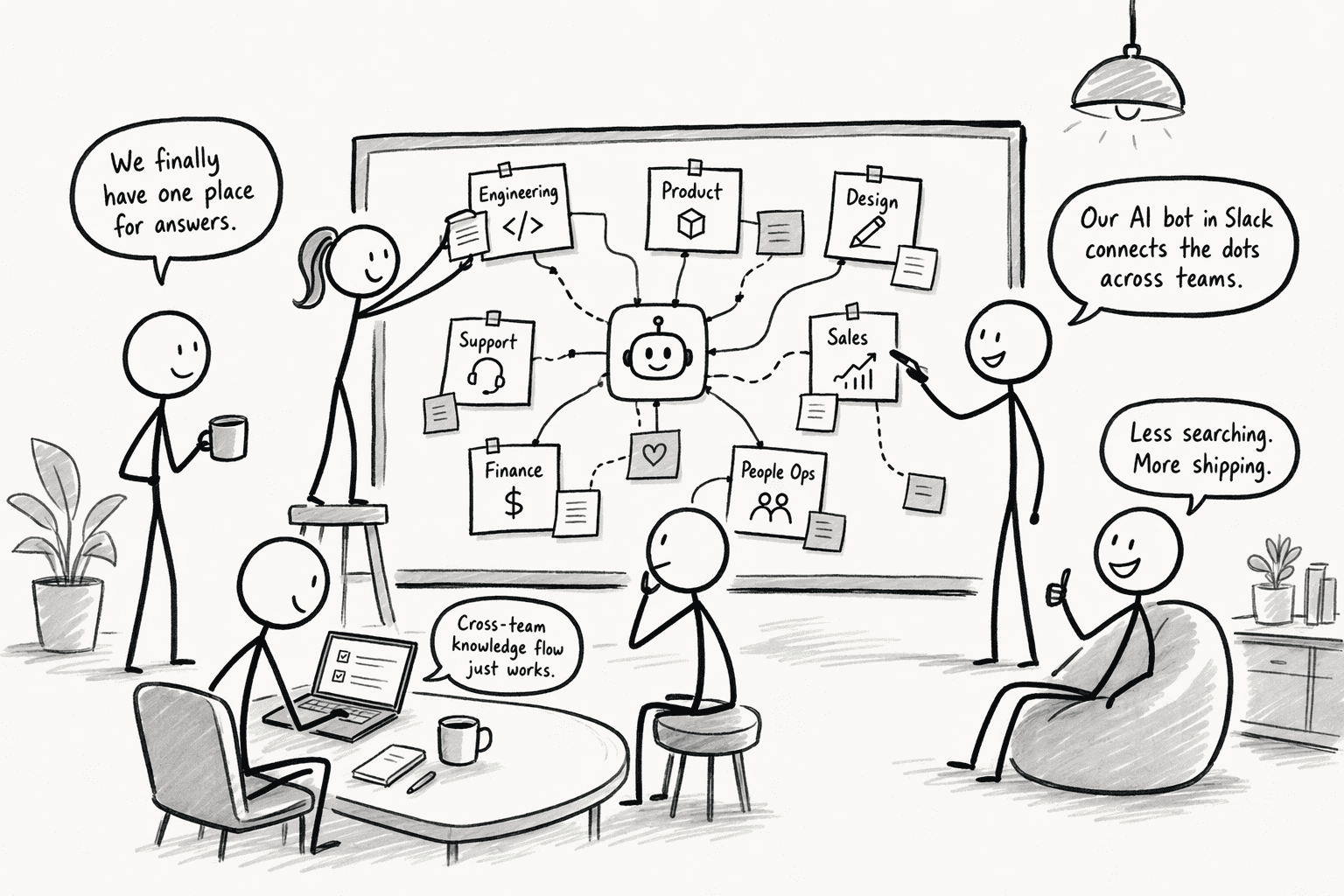
- A question arrives: Marketing tags PromptQL in Slack to ask about a feature's latest status.
- The answer draws on shared context: Product documentation and earlier decisions inform the reply.
- A teammate corrects a detail: The product lead fixes it in the thread and adds the correction to the wiki.
- Other teams benefit: Sales and support get the corrected answer the next time they ask.
| Situation | With a search-only bot | With PromptQL Tag |
|---|---|---|
| Source of answers | Messages and documents it can find | Shared wiki, connected data and conversations |
| A wrong answer | Fixed for one person, if at all | Corrected once and added to the wiki |
| Cross-team consistency | Each team may get a different reply | Teams start from the same entries |
| Permissions | Varies by tool | Follows the asker's access |