03 Nov, 2026
•
10 MIN READ
7 Best Glean Alternatives for Company Knowledge in 2026
Key Takeaways
- Glean is a strong benchmark: It connects to many work apps and returns cited, permission-aware answers.
- Alternatives solve different problems: The seven tools below cover ecosystem assistants, knowledge verification, open-source deployment, custom agents and a Company Brain.
- Search and shared knowledge differ: Enterprise search finds what is written down, while a Company Brain captures what your team learns while working.
- PromptQL works alongside search: It turns corrections and decisions into a shared wiki connected to business data, and it does not need to replace Glean.
What Is Glean and What Does It Offer Businesses?

- Search across connected apps: One query reaches content from many tools instead of one at a time.
- Permission-aware answers: Access controls are checked before an answer reaches the user.
- Cited answers: Citations open the original item in its own app, so people can check the source.
- Search by meaning and keyword: Queries combine both approaches to find relevant results.
Why Do Teams Look for Glean Alternatives?
- Pricing and contract flexibility: Enterprise platforms often suit larger organizations, and smaller teams may want lighter options.
- Existing ecosystems: Companies built on Microsoft 365, Atlassian or Notion may prefer an assistant that lives in those tools.
- Deployment control: Some teams want to self-host or choose their own language models.
- Knowledge management beyond search: Teams that need verified, maintained answers may want a tool built around content quality.
- AI that works with business data: Finding a document differs from analyzing the numbers behind it, so some teams want shared context connected to their data.
How Do the Best Glean Alternatives Compare?
| Tool | Core Approach | Where It Fits Best |
|---|---|---|
| PromptQL | Shared Company Brain with a wiki connected to business data | Teams that want corrections and decisions to become reusable knowledge |
| Microsoft 365 Copilot | Assistant grounded in Microsoft 365 work data | Companies that run on Microsoft |
| Atlassian Rovo | Search, chat and agents across Atlassian and connected apps | Teams that work in Jira and Confluence |
| Guru | Verified, governed knowledge layer | Teams that need trusted, expert-reviewed answers |
| Onyx | Open-source chat and search platform | Teams that want to self-host and choose their own models |
| Dust | No-code custom AI agents on company data | Teams that want to build their own assistants |
| Notion AI | Enterprise search across Notion and connected apps | Teams that already keep knowledge in Notion |
7 Best Glean Alternatives
1. PromptQL
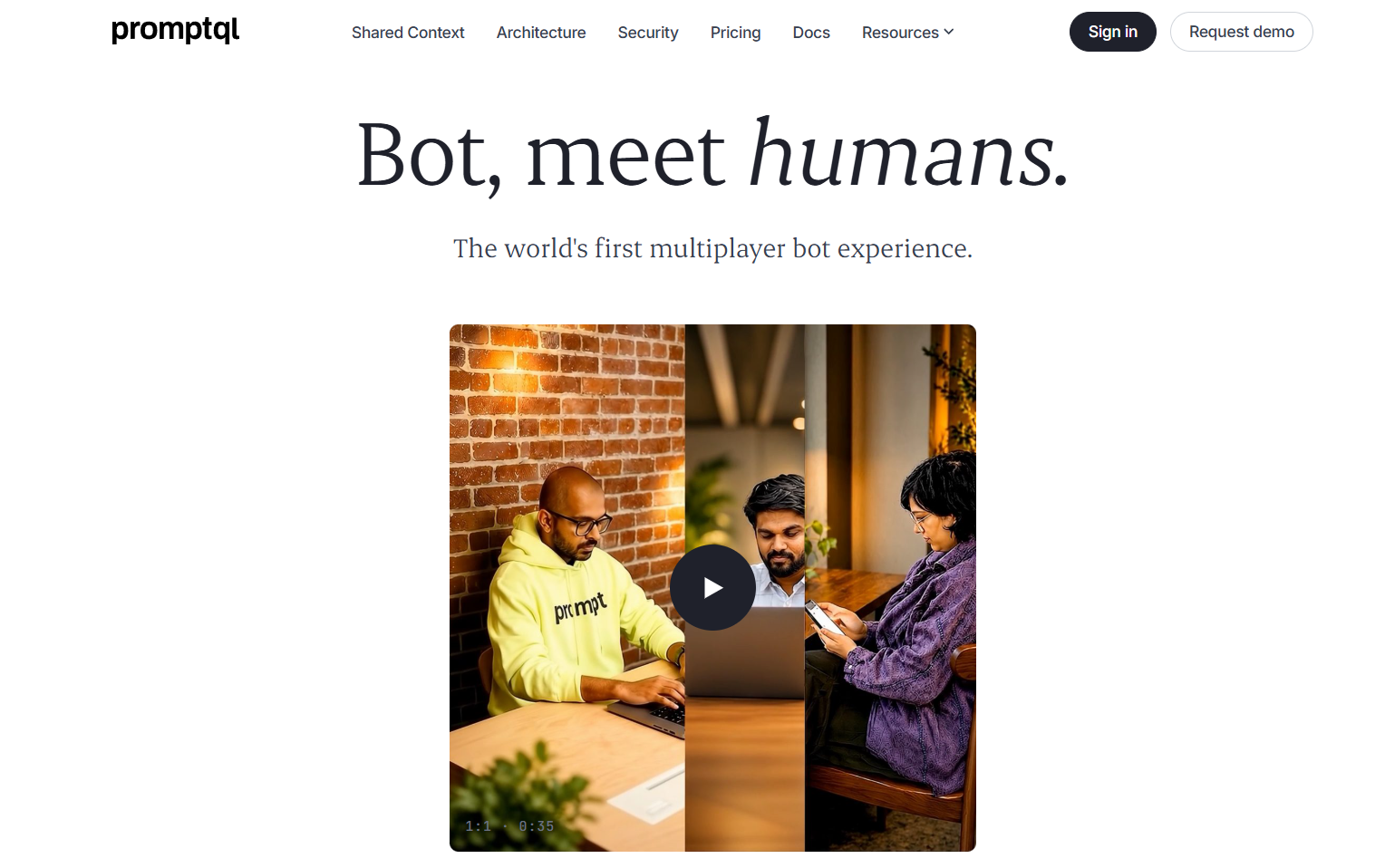
- Corrections that become shared knowledge: A fix made once in a thread can be added to the wiki so everyone benefits.
- A wiki with sources and history: Entries link to source data and keep revision history and audit trails, so you can see where a fact came from and who changed it.
- Answers scoped to the person asking: Scopes separate personal, confidential, internal and external data, and queries run under the asker's own permissions.
- Best suited for: Teams that want shared context and business data in one workspace, alongside or instead of search.
2. Microsoft 365 Copilot
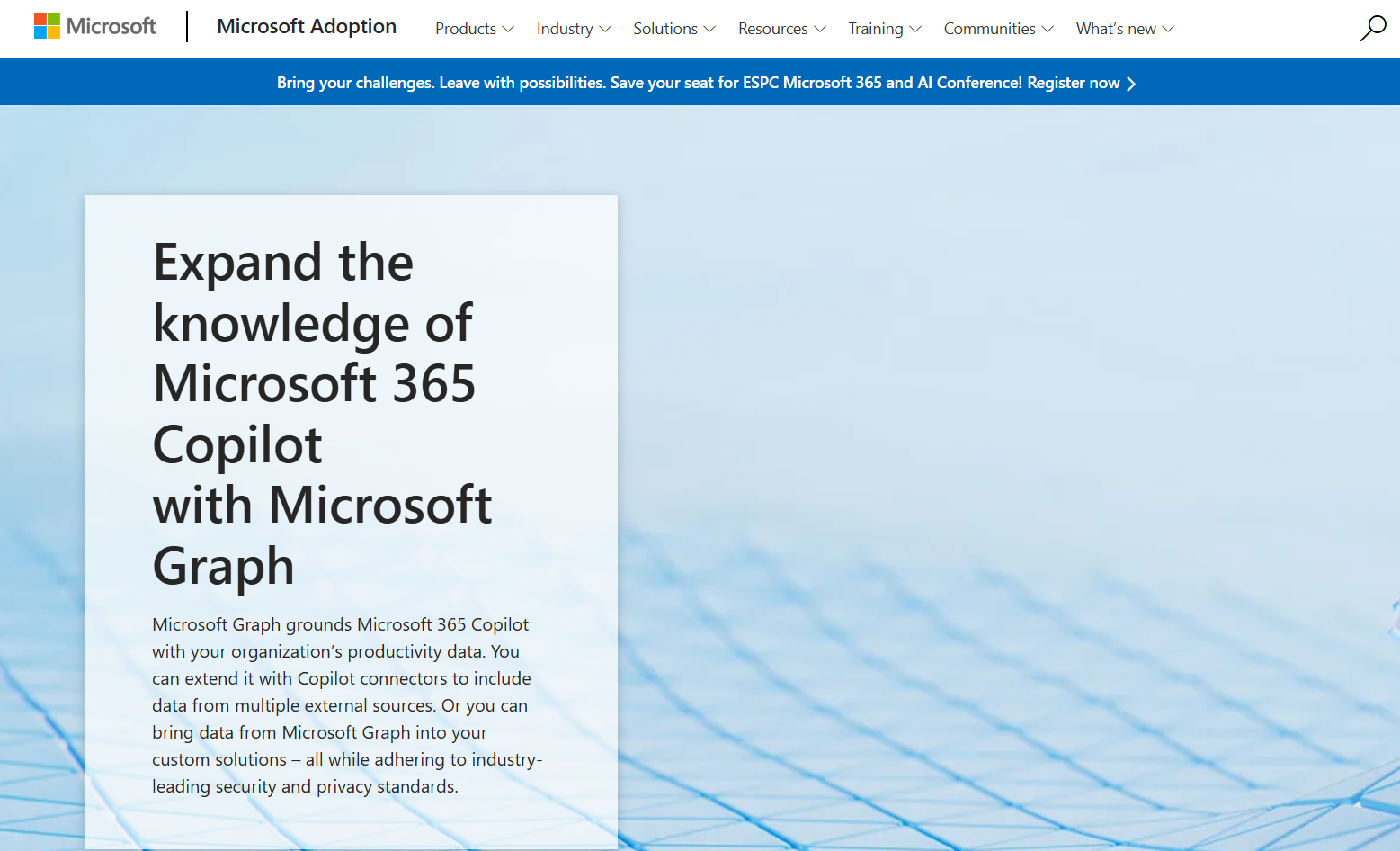
- Built into familiar apps: Help appears where people already write, meet and message.
- Outside content through connectors: Copilot connectors bring content from external services into Microsoft Graph so it becomes searchable.
- Existing access controls: Microsoft recommends relying on Microsoft 365 permission models, such as those in SharePoint, so data appears only for people allowed to see it.
3. Atlassian Rovo
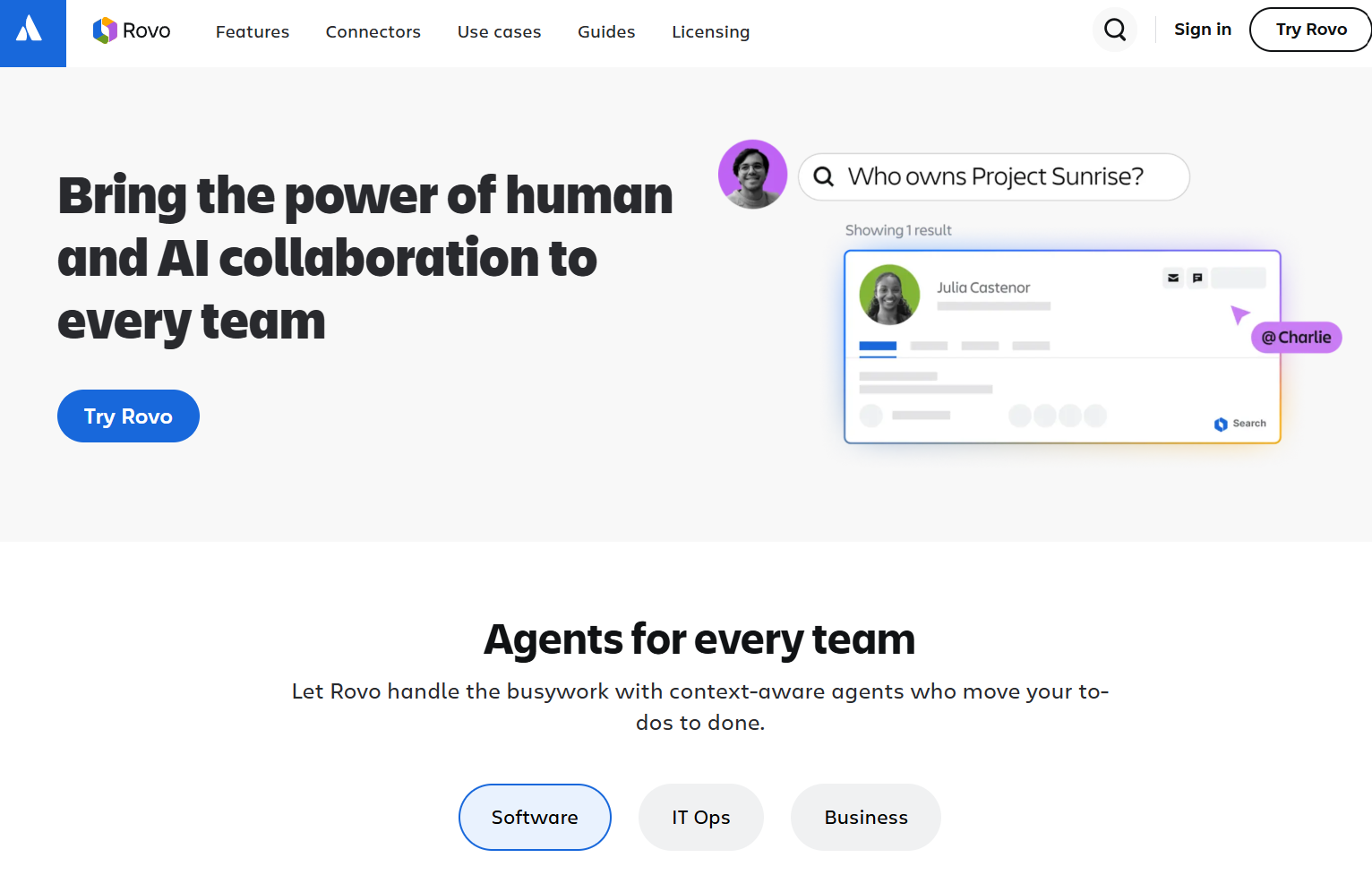
- Search with a knowledge graph: Rovo Search uses Atlassian's Teamwork Graph to connect information across apps.
- Chat that takes action: Rovo Chat can create Jira tickets or send Slack messages, and Deep Research compiles cited reports.
- Agents you can build: Rovo Studio lets teams build agents and automations without code.
4. Guru
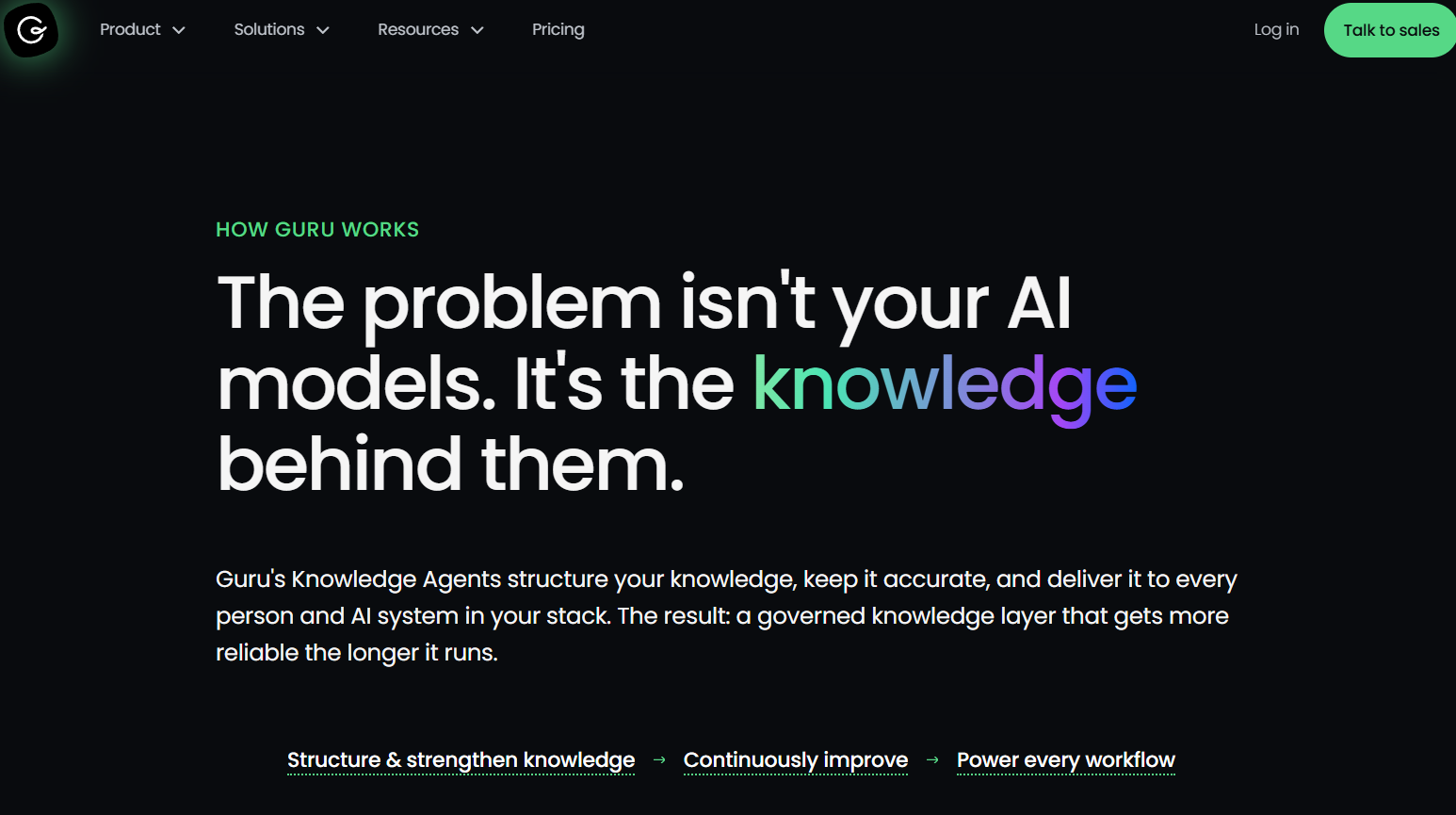
- Verification workflows: Automated checks flag stale or contradictory content and send it to experts, and verified items are marked as such.
- Cited answers: Its Knowledge Agent returns answers with citations and shows the reasoning behind them.
- Works where teams work: It supports Slack, Microsoft Teams, a browser extension and MCP for other AI tools.
5. Onyx
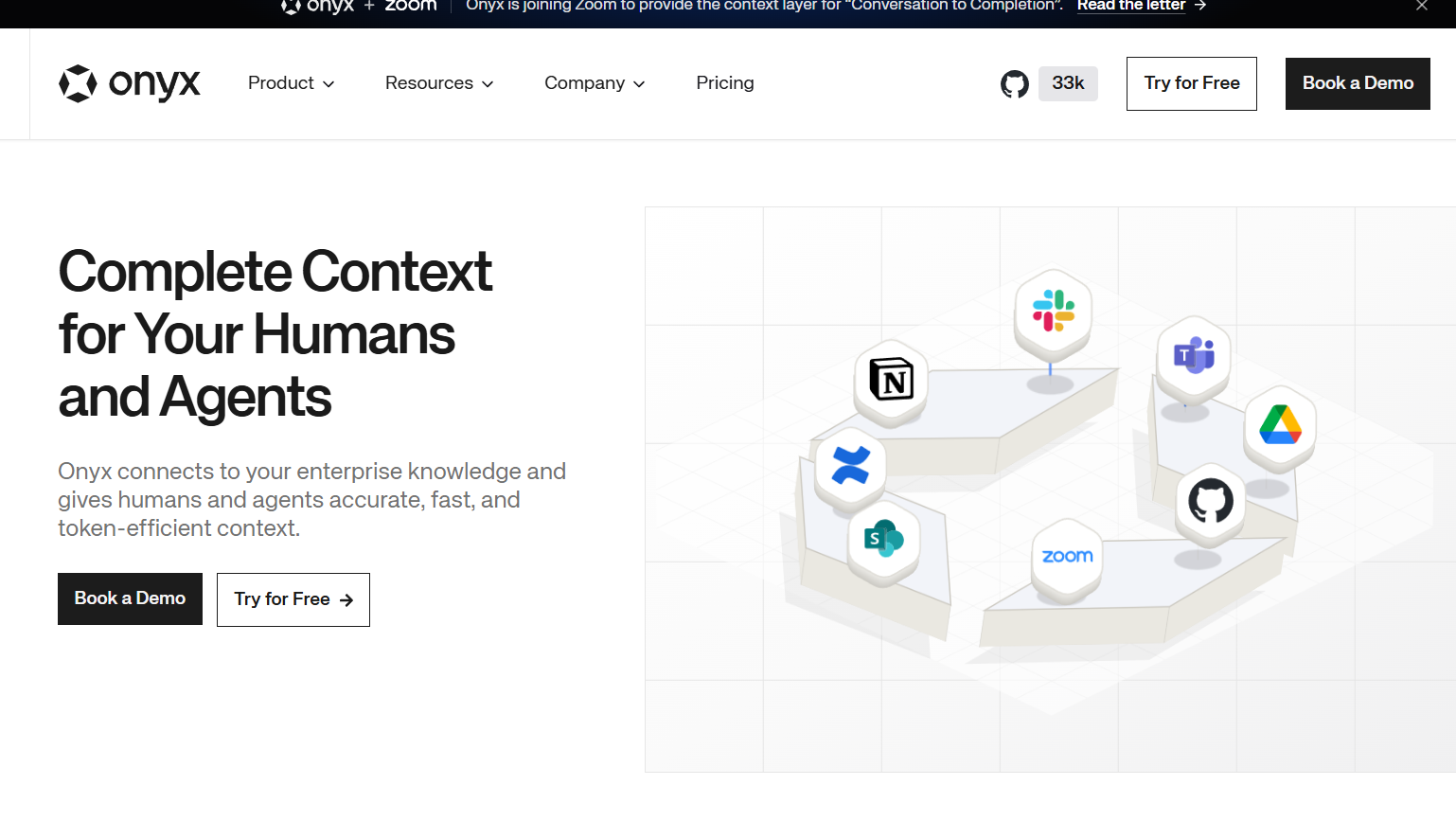
- Self-hosting: Chats, vectors and source documents can stay on infrastructure you control.
- Bring your own model: It works with providers such as OpenAI, Anthropic and Azure, or with self-hosted models.
- Broad connectors: More than 40 connectors pull data from tools such as Google Drive, Slack, Confluence and Jira.
6. Dust
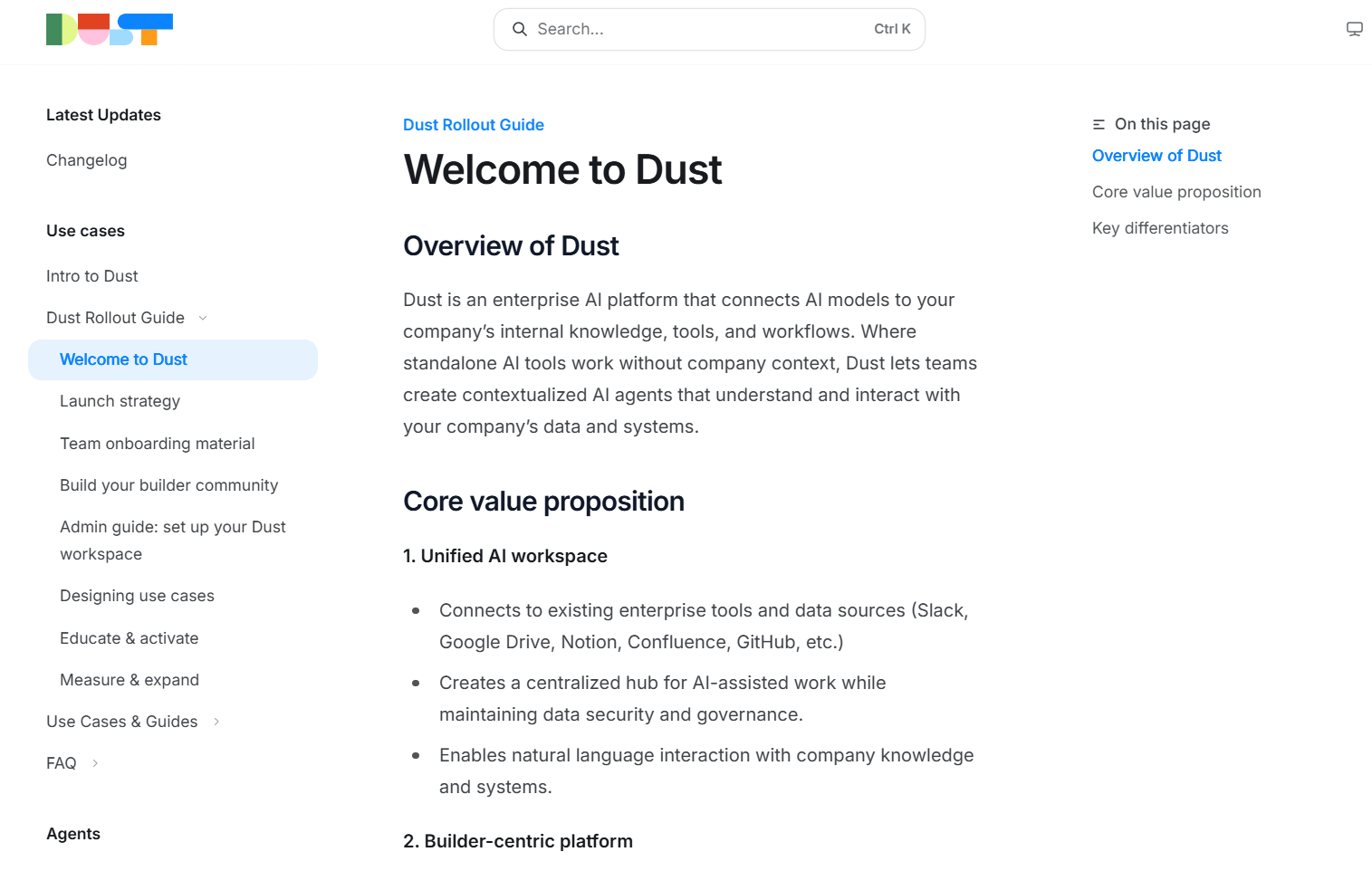
- No-code agent building: Non-technical builders can create and customize agents.
- Native data connections: It connects to tools such as Slack, Google Drive, Notion, Confluence and GitHub.
- Model flexibility: It is model-agnostic, with SSO, access control policies and role-based management for admins.
7. Notion AI
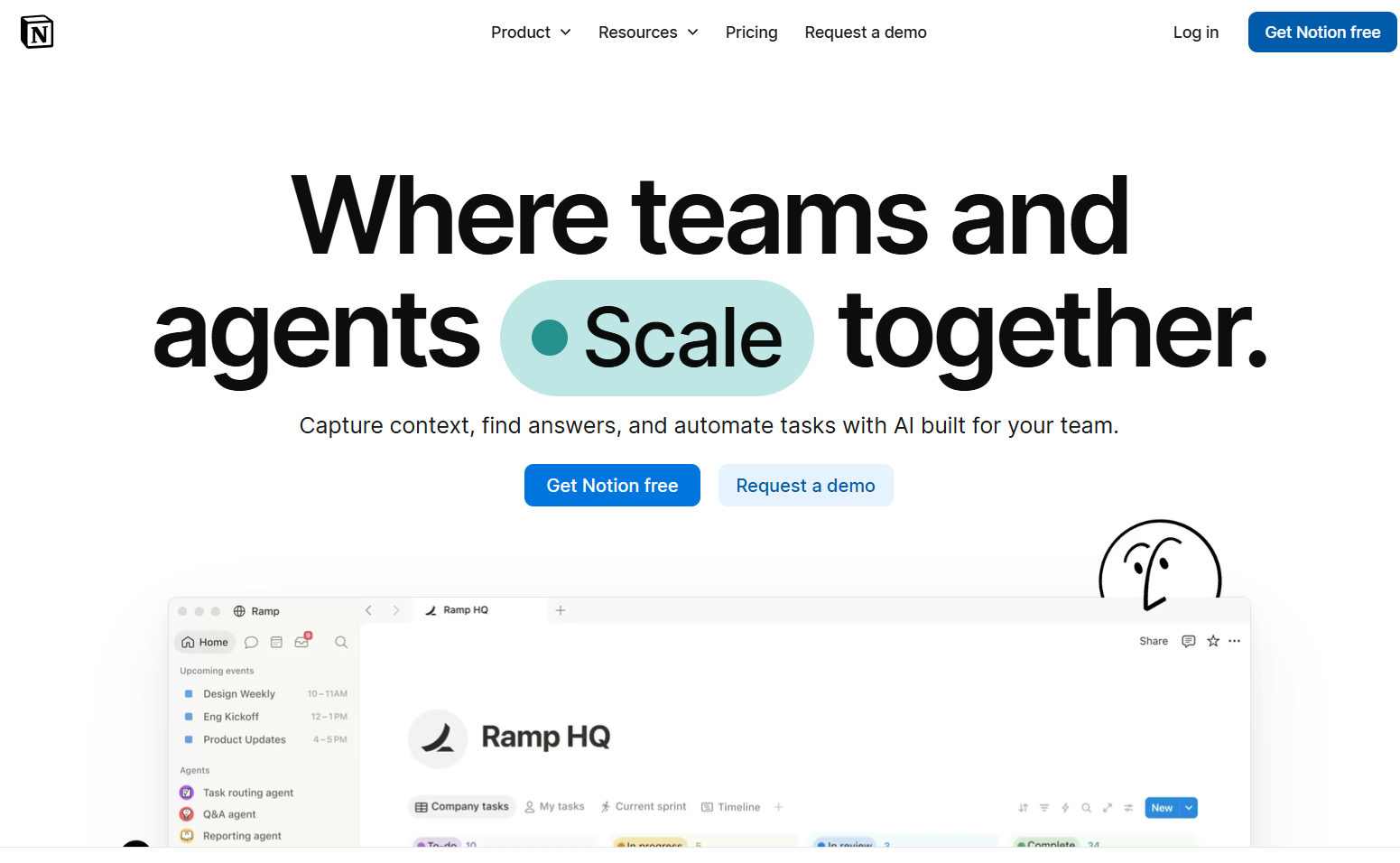
- Search inside your workspace: Pages and databases are searched alongside connected apps.
- Cited answers: Responses point back to the original sources.
- Familiar interface: Teams that already write in Notion do not need to learn a new tool.
How to Choose the Right Glean Alternative for Your Business
- Search: Can it find the right information across your apps and cite where it came from?
- Knowledge management: Can it keep content accurate, flag stale answers and show who changed what?
- Business context: Can it learn definitions, exceptions and decisions as well as retrieve documents?
- Data and integrations: Does it connect to the apps and databases your team uses every day?
- Security and permissions: Does each person only see what they are allowed to see?
- Execution: Can it turn knowledge into reports, investigations and workflows?
Why Do Some Teams Need a Company Brain Beyond Enterprise Search?
| Approach | What It Does | Where It Falls Short |
|---|---|---|
| Enterprise search | Finds and cites existing content across apps | Does not capture corrections or decisions made in conversation |
| Knowledge management | Keeps documented content accurate and verified | Depends on people writing and maintaining the content |
| Company Brain | Turns corrections and decisions into shared knowledge tied to business data | Builds up over time as the team uses it |
How Does PromptQL's Company Brain Work in Practice?
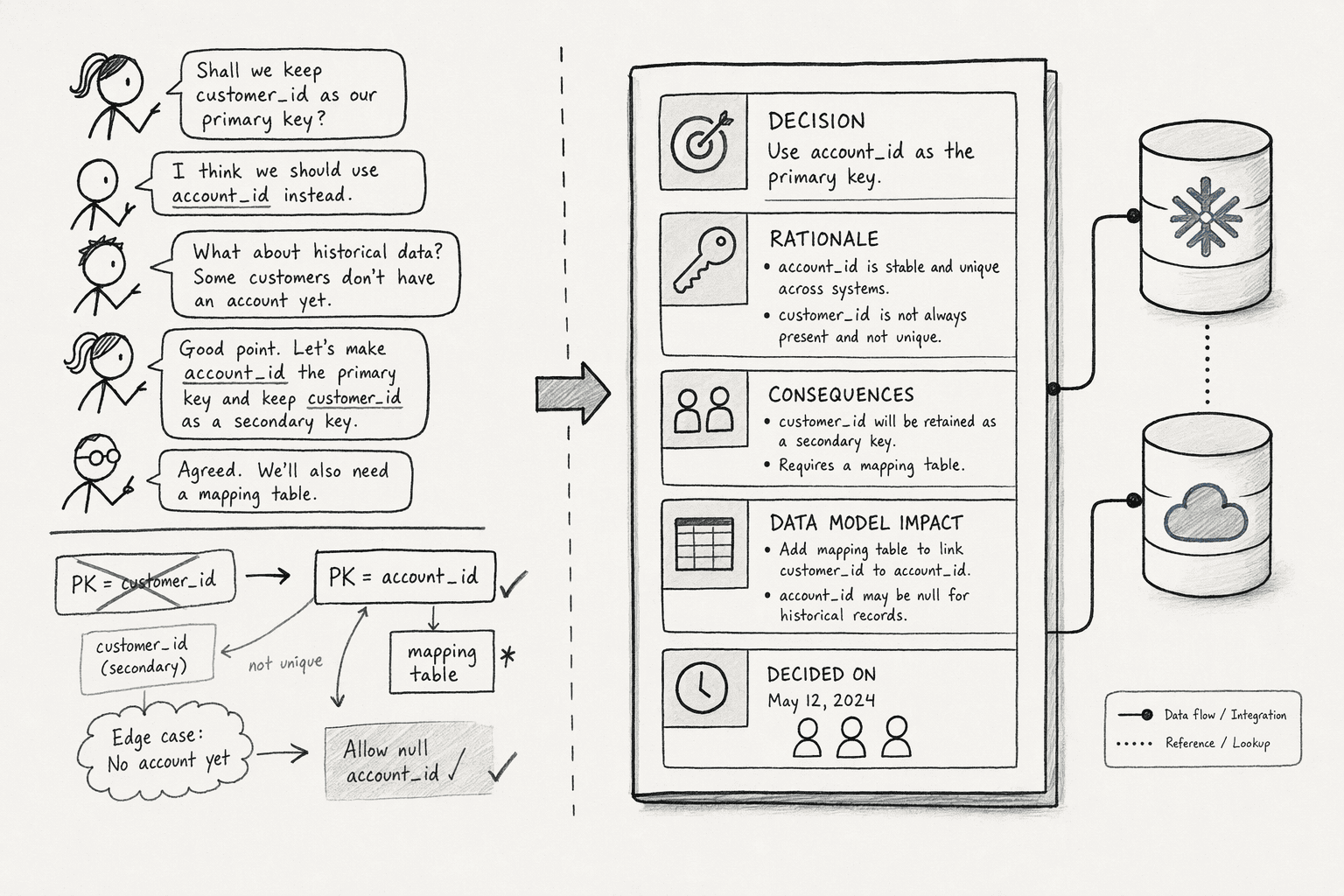
- A shared wiki: Business definitions, decisions and exceptions are stored in one place with source links and revision history.
- Corrections that stick: When someone corrects an answer, the fix can be added to the wiki so the next person does not repeat it.
- Connected business data: Context sits alongside sources such as Snowflake, Salesforce and NetSuite, so discussion can become analysis.
- Permissions that follow the person: Queries run under the asker's own access, with row-level security and column masking applied before data reaches the model.
- The AI gets it wrong: An analyst asks why revenue declined last quarter, and the AI includes refunded transactions.
- A colleague corrects it: A finance lead explains that revenue excludes refunds, and that correction goes into the wiki.
- The investigation improves: The analyst reruns it with the right definition, and a tracking change from last month shows up as a likely cause because that decision was already recorded.
- The next person benefits: When a product manager asks a similar question next week, the answer starts from the corrected version.
Conclusion
- Correct: Does the answer match what your best expert would say?
- Sourced: Does it cite a source you can open?
- Self-contained: Did anyone have to re-explain the context?
Frequently Asked Questions
What Is the Difference Between a Company Brain and RAG?
Should You Build or Buy a Company Brain?
What Should You Prepare Before Switching Away From Glean?
What Mistakes Should You Avoid When Setting Up a Company Brain?
Sources
- 8 Best Glean Alternatives for Engineering Teams (2026) - getunblocked.com
- Glean alternatives: 7 best options (2026) — ToolGlance - toolglance.com
- Glean alternatives | Tricky Wombat - www.trickywombat.ai