04 Nov, 2026
•
12 MIN READ
How to Build a Company Brain: A Step-by-Step Guide
Key Takeaways
- A Company Brain is a shared layer of business knowledge that people and AI agents can both use.
- Begin with one workflow and one owner, then expand.
- Corrections made during everyday work, plus regular reviews.
- PromptQL builds the wiki from shared threads and connected sources, with access rules that follow each person.
What Is a Company Brain?
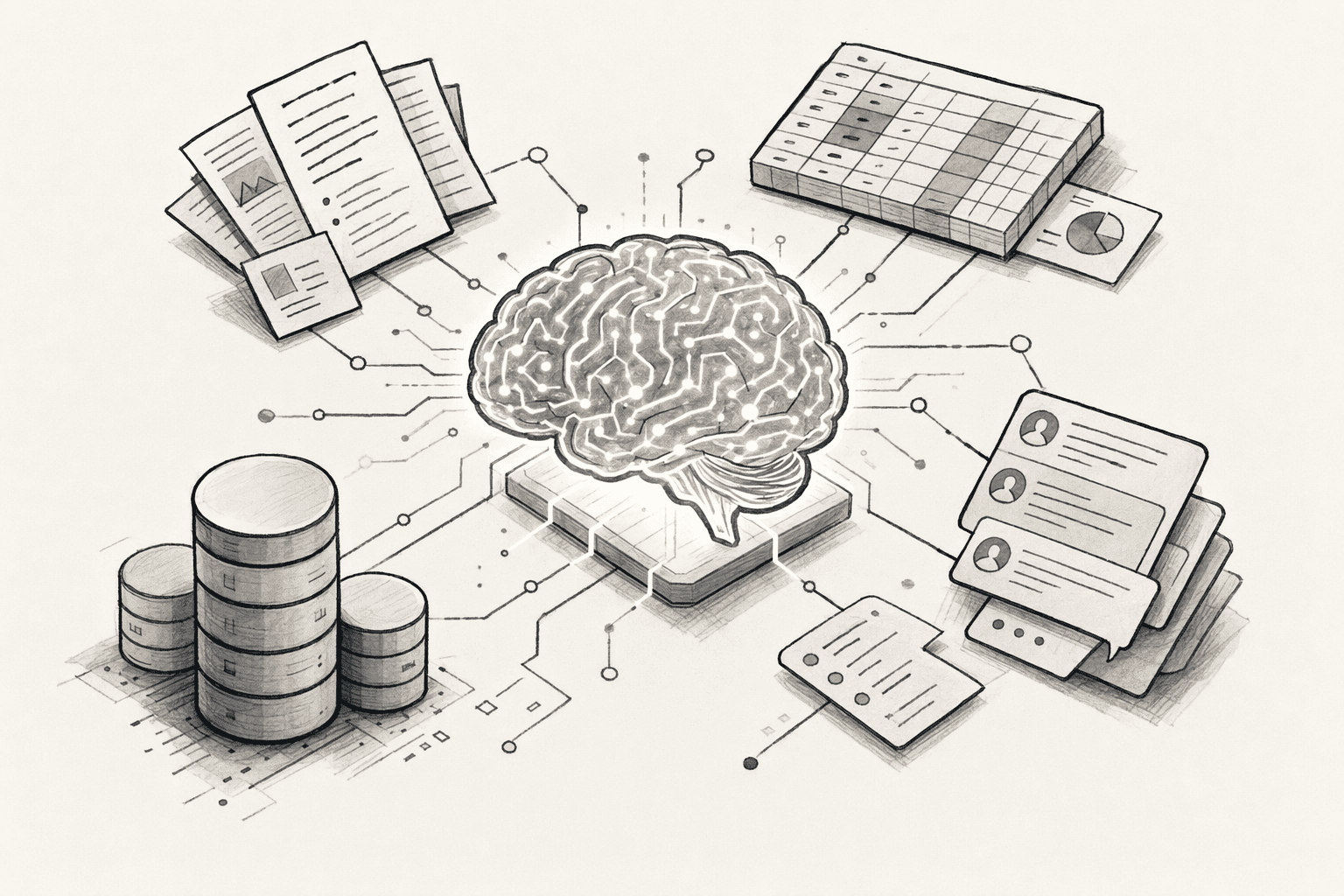
- Knowledge base: Stores documents that someone has to write and update by hand.
- Document repository: Holds files without explaining which one is current.
- Enterprise search: Finds documents but does not capture decisions or definitions.
- Per-person AI memory: Remembers one user's preferences, so a teammate's correction never reaches you.
Why Does Your Business Need a Company Brain?
- Repeated questions: Employees search for answers or ask the same colleagues again and again.
- Lost context: Decisions disappear when people leave or change roles.
- Inconsistent numbers: Different teams use different definitions for the same metric.
- Outdated documentation: Written guides fall behind as processes change.
- Weaker AI results: AI tools give generic answers when they cannot see company context.
What Information Should You Include in a Company Brain?
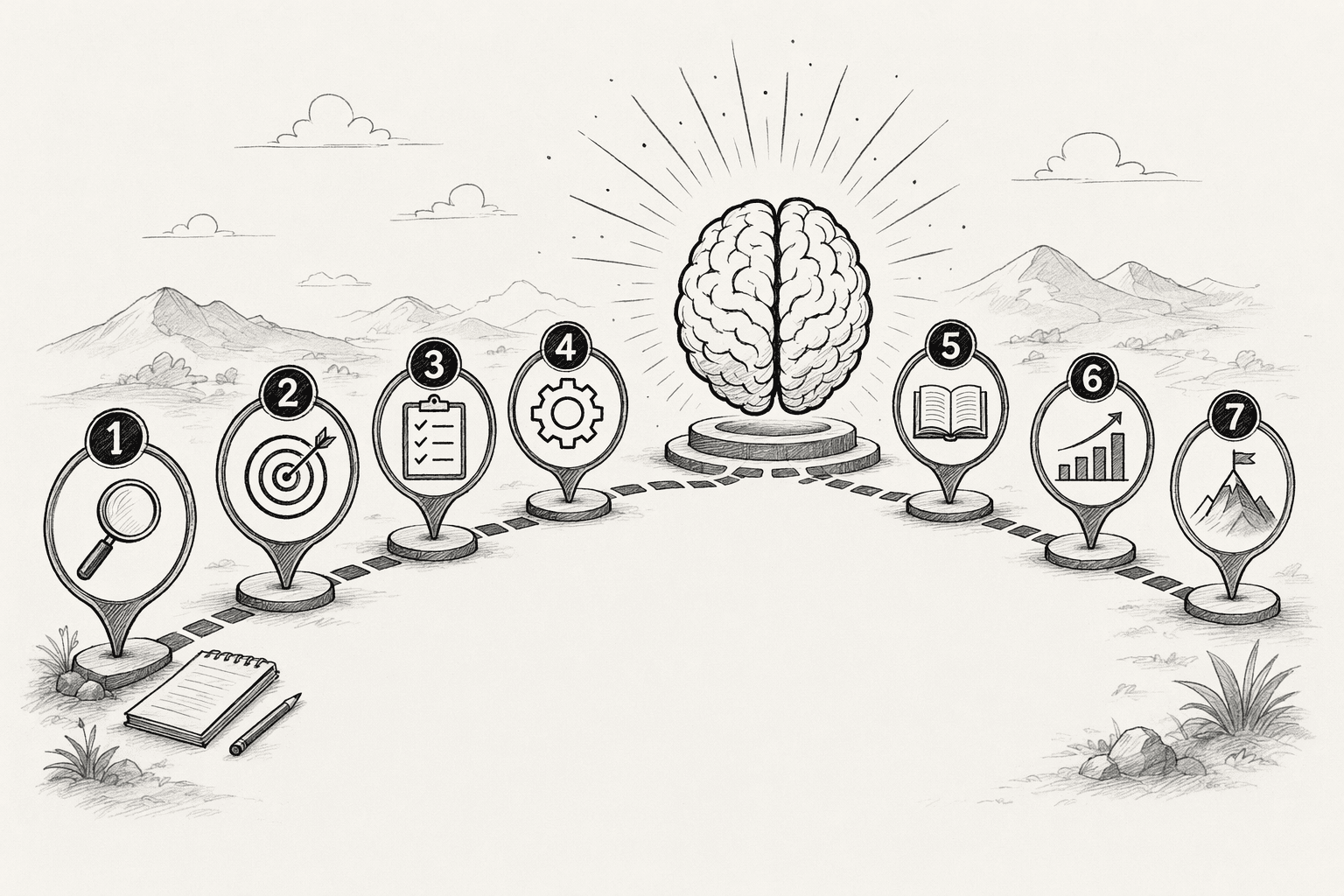
- Company documentation: Policies, SOPs, internal guides and process documents.
- Business data: Sales figures, customer records, operational metrics and reports.
- Team conversations: Project updates, shared decisions and the reasoning behind them.
- Product and technical knowledge: Specifications, technical documentation and release notes.
- Customer knowledge: Feedback, support interactions, research and recurring issues.
- Institutional knowledge: Business definitions, historical decisions, lessons learned and expert know-how.
How to Build a Company Brain: 7 Practical Steps
Step: 1. Identify Where Your Company's Knowledge Lives

- Pick the workflow and name an owner: Choose one process with frequent questions, such as how refunds are approved or how a quarterly report is built.
- List every place that workflow touches: Chat channels, shared drives, databases, CRM records, ticketing tools and project boards.
- Interview two or three experienced people: Ask what they check first, which numbers they trust and what a new hire always gets wrong.
- Mark gaps and duplicates: Note topics with no written source and topics with several versions.
| Source | What it holds | Owner | Trust level |
|---|---|---|---|
| Finance spreadsheet | Revenue rules | Finance lead | High, updated monthly |
| Support channel in Slack | Refund exceptions | Support manager | Medium, mixed with chatter |
| Old wiki page | Approval steps | Nobody | Low, outdated |
Step: 2. Connect Your Business Tools and Data Sources
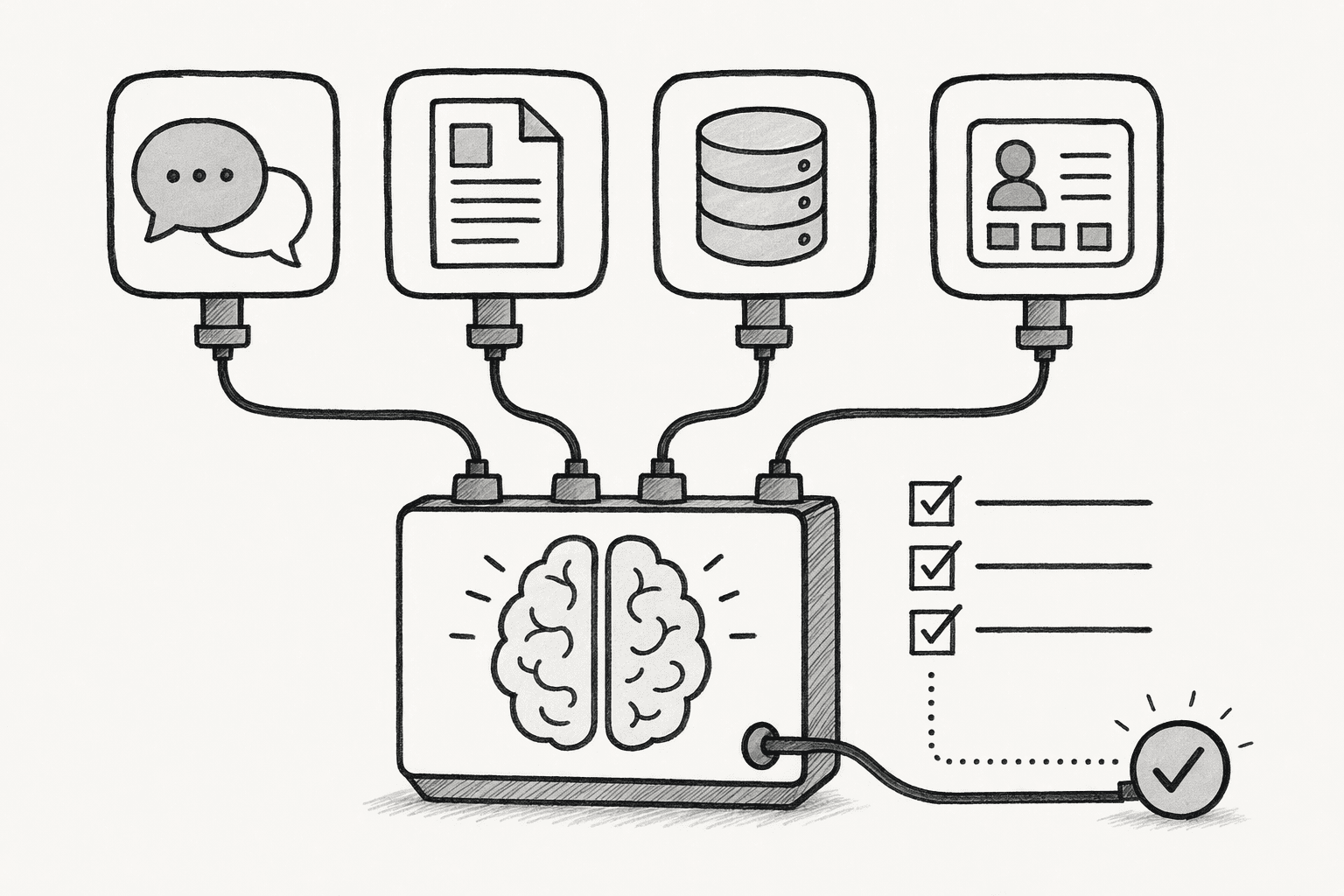
- Business impact: Connect the sources your first workflow depends on, since they answer the most questions.
- Freshness: Prefer systems that change daily, such as chat and CRM, over archives.
- Sensitivity: Handle sources with confidential data last, once access rules are ready.
- Confirm access method: Check whether each source connects through an official integration or needs a custom setup.
- Check permissions: Make sure the connection can respect each person's existing access in that system.
- Test with real questions: Ask three questions from your interview notes and check whether the answers draw on the right sources.
- Avoid copy sprawl: Connect sources instead of exporting everything into yet another repository.
Step: 3. Organize and Structure Company Knowledge
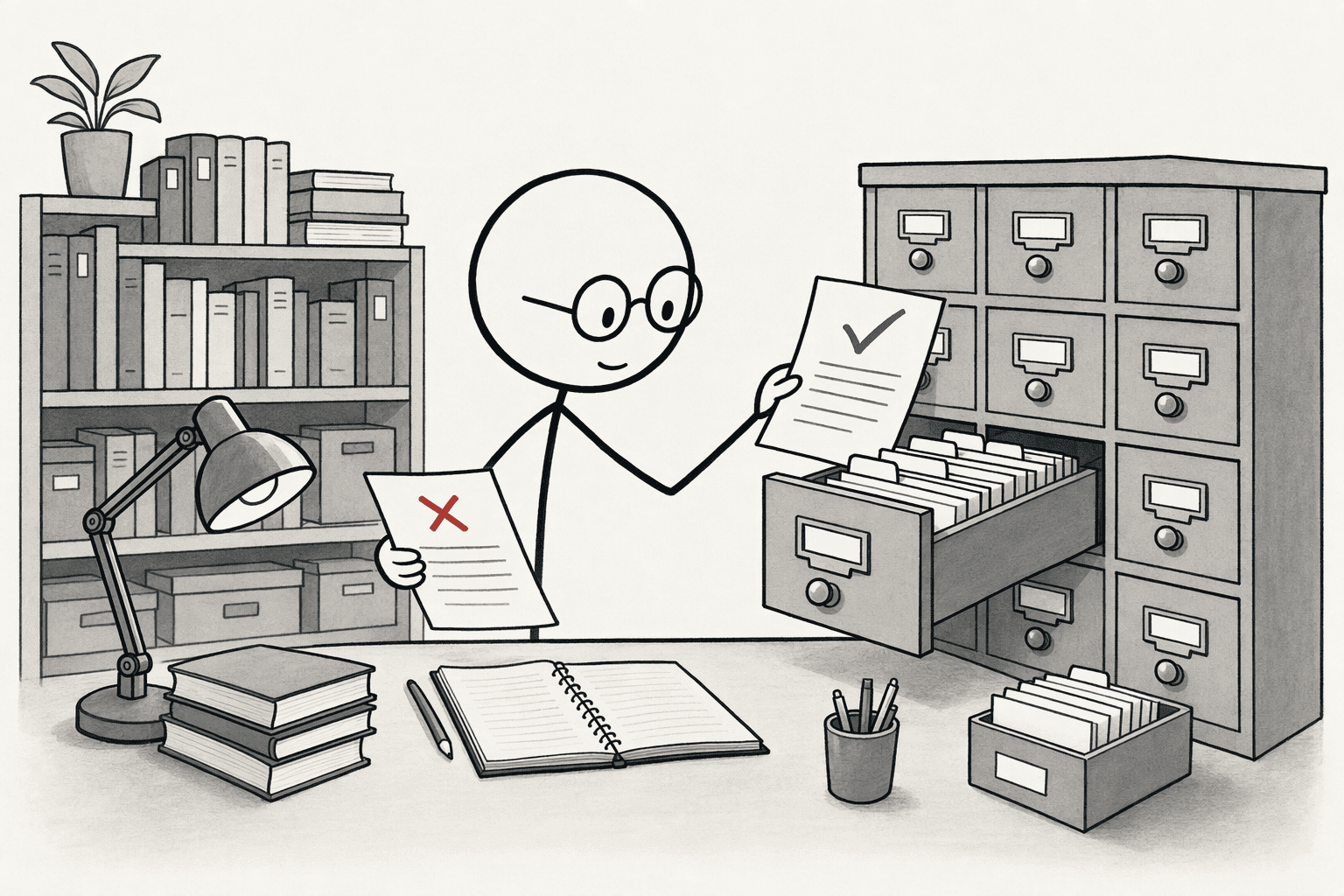
- Group by topic: Use department, project or business function, whichever your team already uses in conversation.
- Set shared definitions: Write one meaning for terms like "active customer," "qualified lead" or "churn," and list the words people should not use as synonyms.
- Resolve conflicts: When two documents disagree, ask the owner which one is right and retire the other.
- Separate approved from draft: Mark outdated material so it does not surface in answers.
- Title: A plain name for the rule, definition or process.
- Statement: The rule or definition in two or three sentences.
- Owner: The person who answers questions about it.
- Source: The document, thread or dataset it came from.
- Last reviewed: The date someone confirmed it.
Step: 4. Capture Decisions and Institutional Knowledge
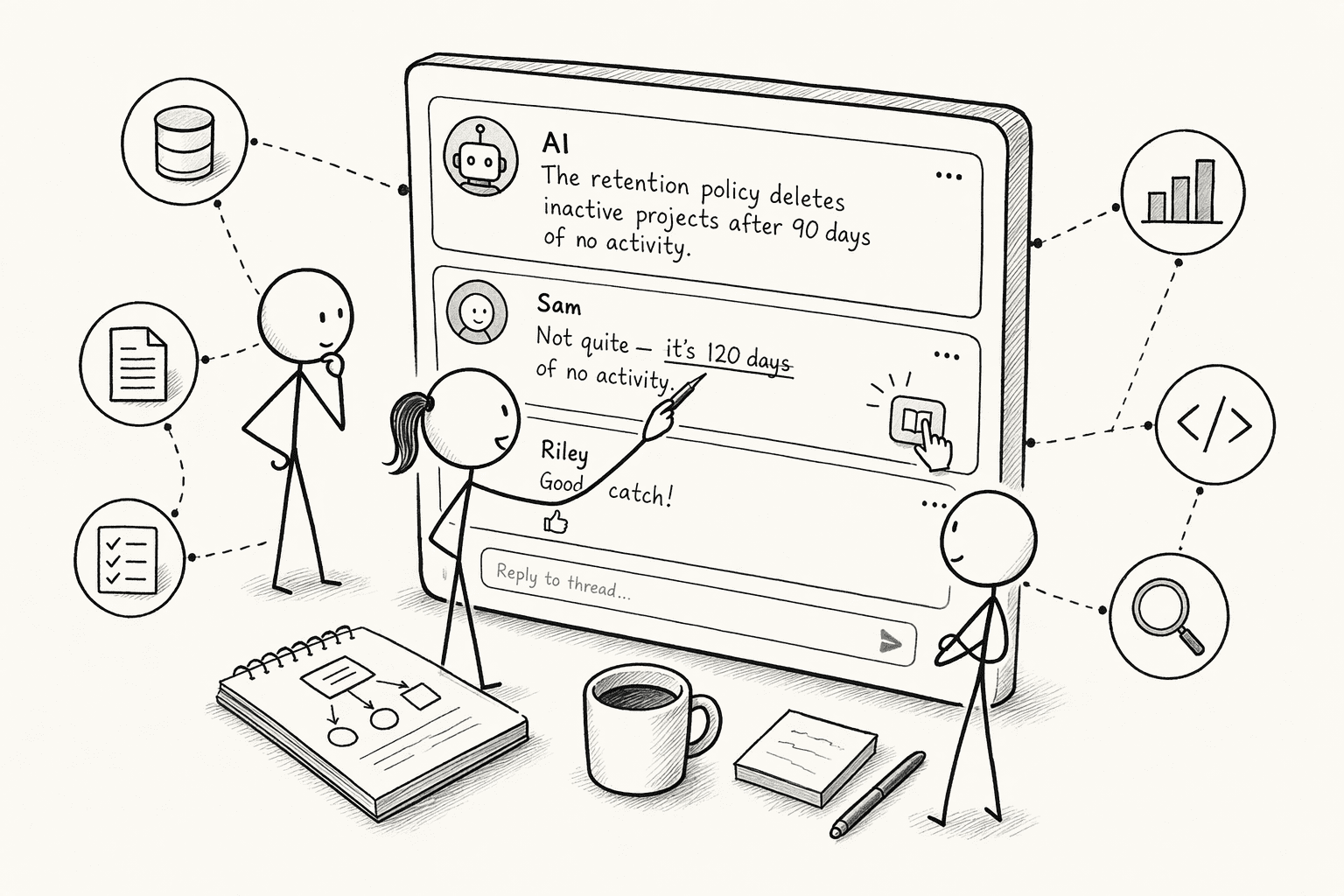
- Decision log: Record what was decided, when, the options considered, the reason and the owner.
- Expert walkthroughs: Ask each expert to talk through three recent edge cases, then write up the rules they applied.
- Recurring fixes: Save solutions to problems that return every quarter, with the steps that worked.
- Corrections in the flow of work: When an answer is wrong, let the person who knows the right one fix it where they are working.
Step: 5. Make Company Knowledge Accessible Through AI
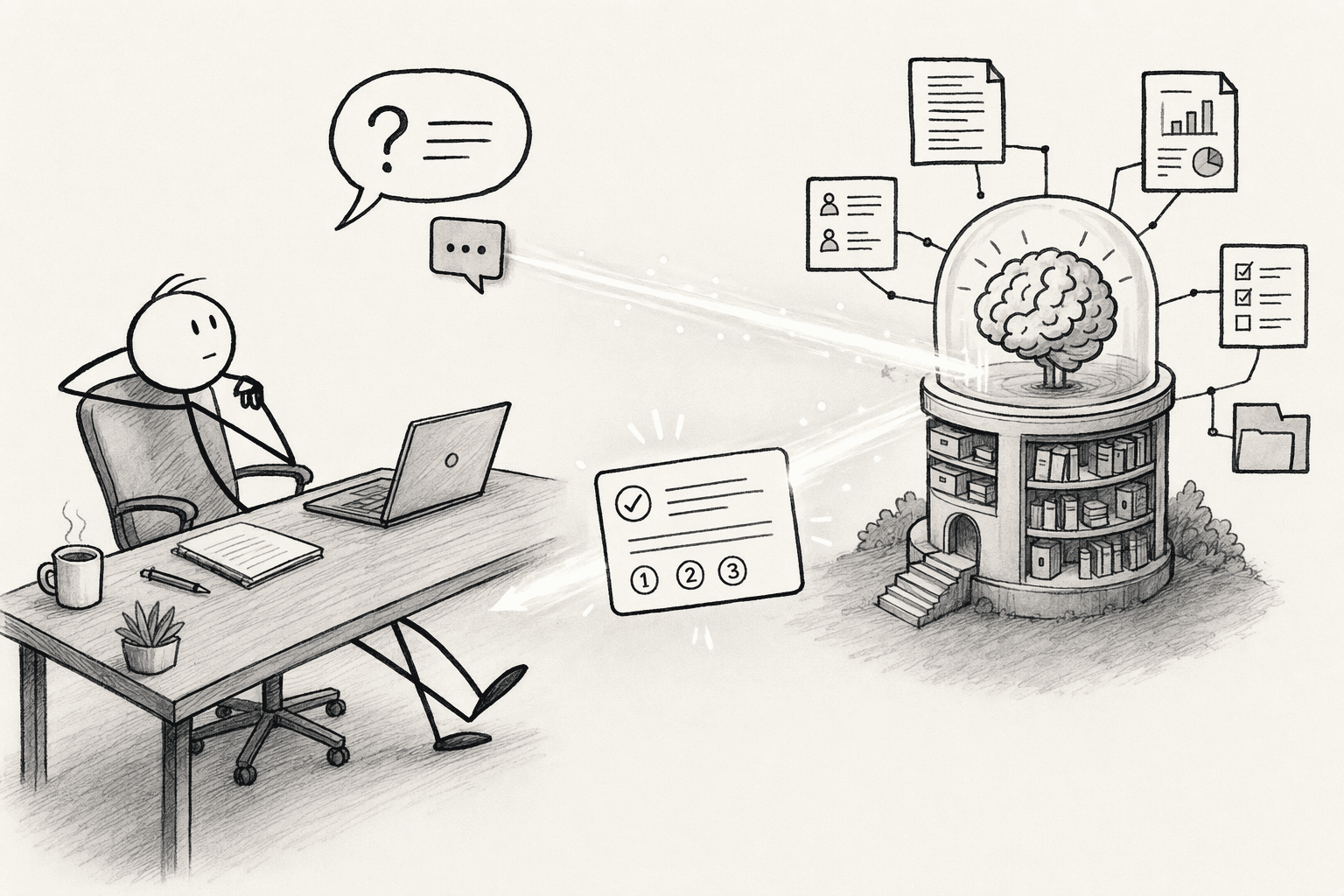
- Natural language questions: Employees ask in plain words instead of guessing which app holds the answer.
- Grounded answers: Responses draw on connected sources and the structured entries from Step 3.
- Source references: Every answer links back to where it came from, so people can check it.
- A place people already use: Offer access inside chat tools or the workspace your team opens every day.
- Start with a pilot group: Choose five to ten people who ask the most questions in your first workflow.
- Seed it with real questions: Use the ten most common ones from your interviews.
- Collect feedback fast: Ask pilot users to flag any answer that looks wrong, incomplete or out of date.
- Expand after the answers hold up: Open it to the wider team once the pilot group trusts the results.
Step: 6. Establish Permissions and Knowledge Governance
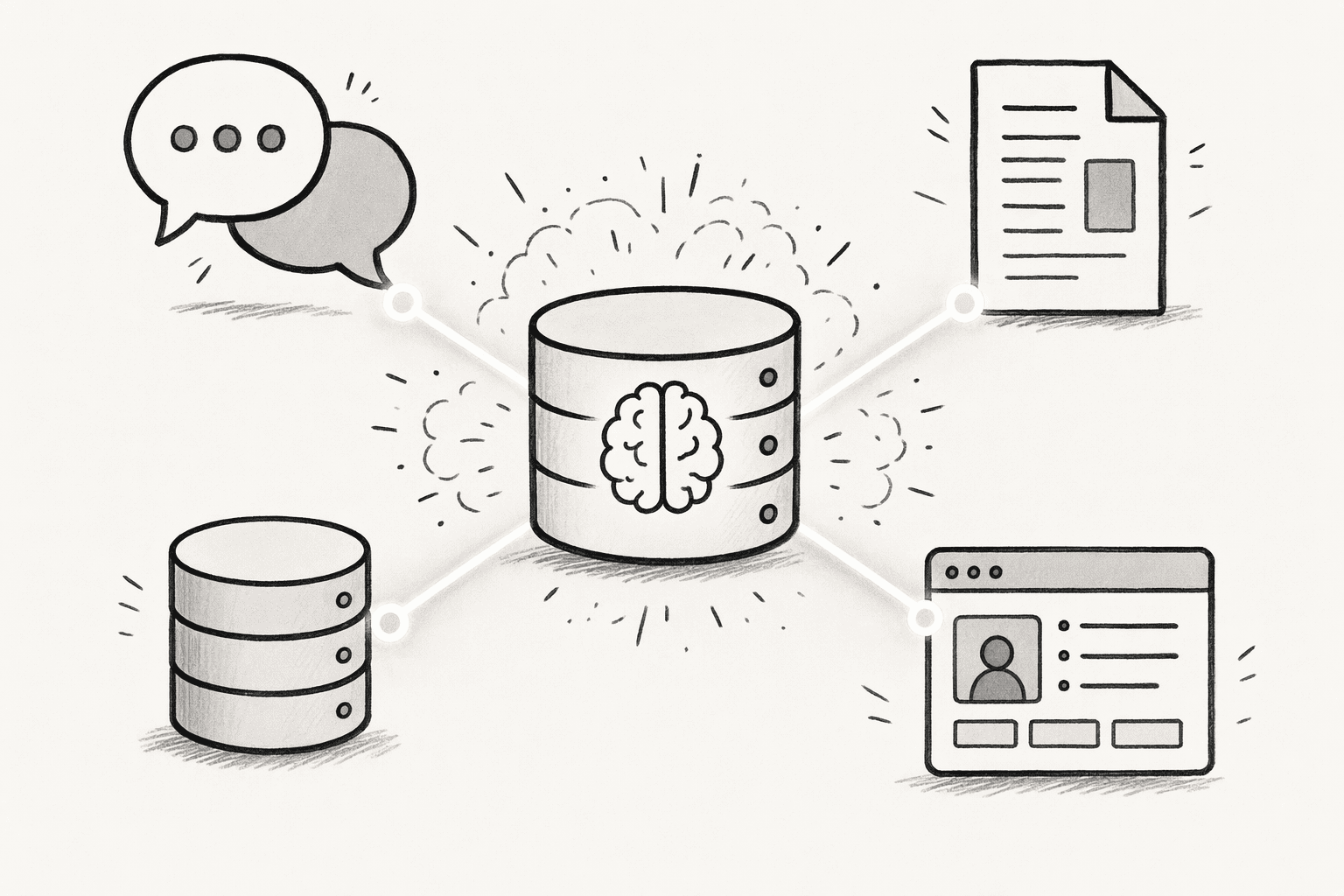
| Tier | Example content | Who sees it |
|---|---|---|
| Personal | Individual notes and drafts | The person only |
| Team | Working definitions and project context | One department |
| Company | Policies and shared definitions | Everyone |
| Confidential | Financials and customer records | Named individuals |
- Keep source permissions: Preserve the access controls each connected system already has.
- Assign owners: Give every important source and every shared entry a named person.
- Require review for shared changes: A person should approve changes that affect everyone.
- Plan for corrections: Decide who fixes a wrong entry, how fast and how the fix is announced.
- Keep an audit trail: Record who changed what, so every entry has a history.
Step: 7. Keep Your Company Brain Updated and Useful
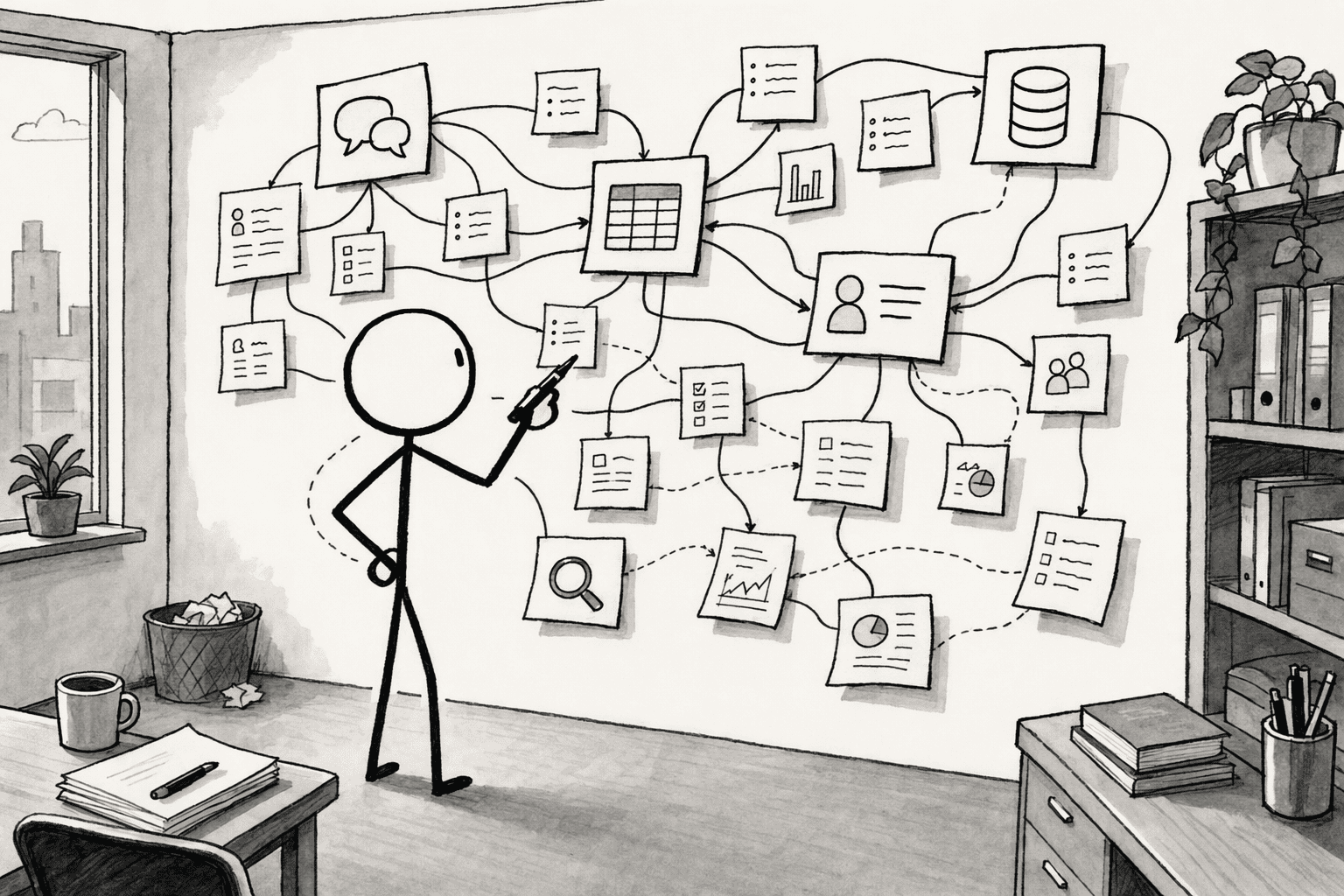
- Weekly: Review flagged answers and fix the entries behind them.
- Monthly: Check which entries have not been used or reviewed and archive stale ones.
- Quarterly: Revisit core definitions and ownership, then add the next workflow.
- After any change: Update entries when a product, price or process changes.
- Make flagging easy: One click to mark an answer as wrong or old.
- Reward contributors: Thank the people whose corrections improve answers.
- Show the wins: Share examples of questions the brain answered so adoption spreads.
- Expand one workflow at a time: Repeat Steps 1 through 6 for the next process.
How Does PromptQL Help You Build a Company Brain?
- Connected sources (Steps 1 and 2): PromptQL connects to tools such as Slack, Google Docs, Snowflake, PostHog and Salesforce. It can bootstrap a shared wiki from that existing context, so you do not start from a blank page.
- A shared wiki with history (Steps 3 and 4): Definitions, decisions and exceptions live in one wiki with citations to real work, revision history, editorial controls and notifications when pages change.
- Corrections that become knowledge (Steps 4 and 7): When the AI gets something wrong, a teammate corrects it in the thread, reviews the suggested entry and clicks "Add to wiki." The fix then applies to every later question.
- Reusable skills (Step 7): Teams save repeatable rules, such as "exclude test accounts from revenue," so the agent applies them the same way each time.
- Answers across data and conversation (Step 5): Analysts and operators can move from a question to analysis on live business data inside the same thread, with data analytics and GTM workflows built on the same shared context.
- Access that follows the person (Step 6): The agent inherits the asker's real identity, and row- and column-level rules are enforced at the data layer. Knowledge is scoped as personal, confidential, internal or customer, and writes and external actions need approval. Teams can run it in their own cloud through bring-your-own-cloud deployment. See the security details.
- Meets people where they work (Step 5): PromptQL Tag brings the same agent into Slack, Teams, WhatsApp and Discord, and it works with any LLM.
What Does a Company Brain Look Like in Practice?
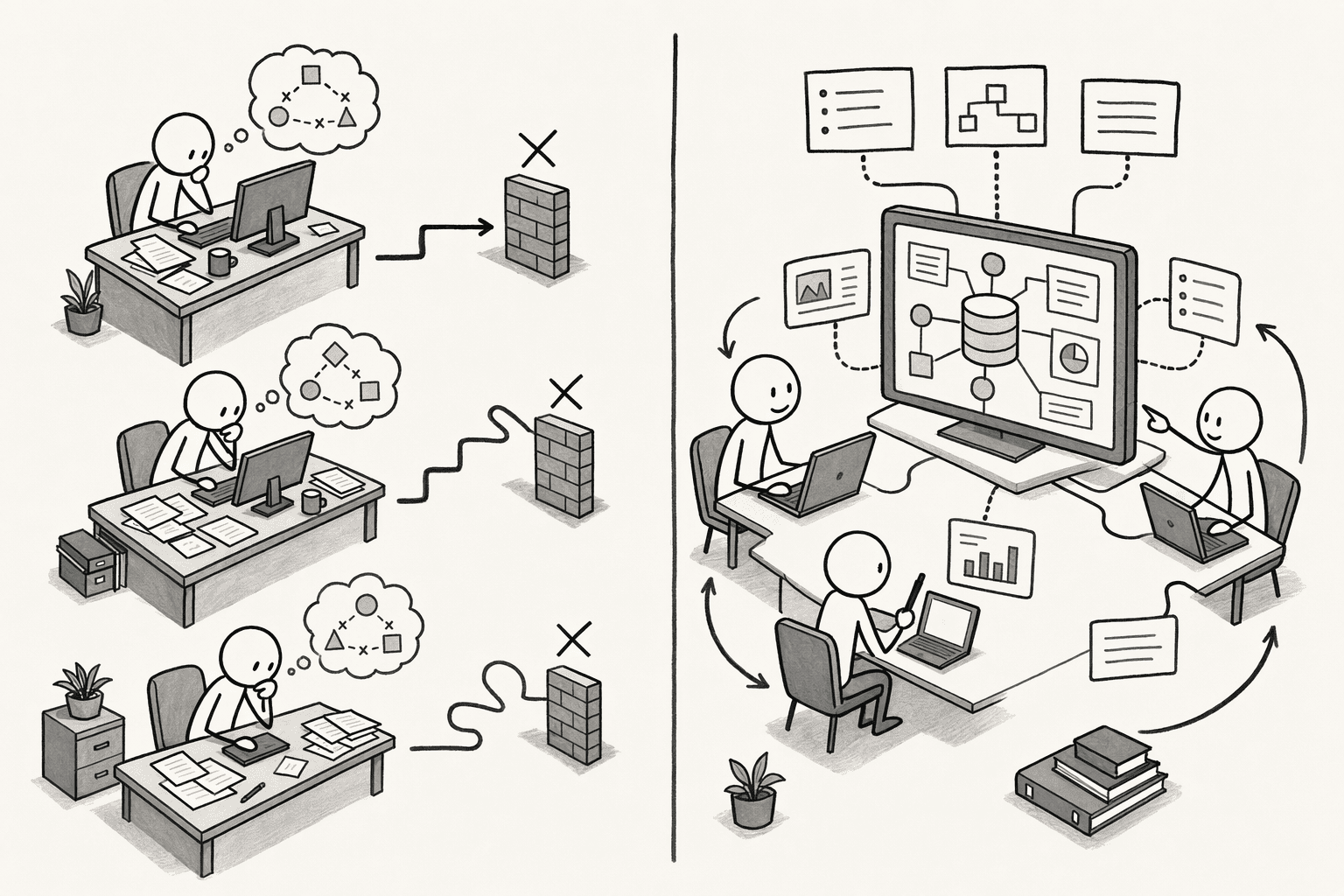
| Without a Company Brain | With a Company Brain | |
|---|---|---|
| Customer success | Reviews support conversations alone | Works from shared customer and product context |
| Marketing | Reviews campaign results separately | Investigates the same question with the same data |
| Product | Checks feature usage and feedback on its own | Builds on earlier findings and decisions |
| Team effort | Employees combine the pieces by hand | Insights become reusable company knowledge |
How Do You Measure the Success of Your Company Brain?
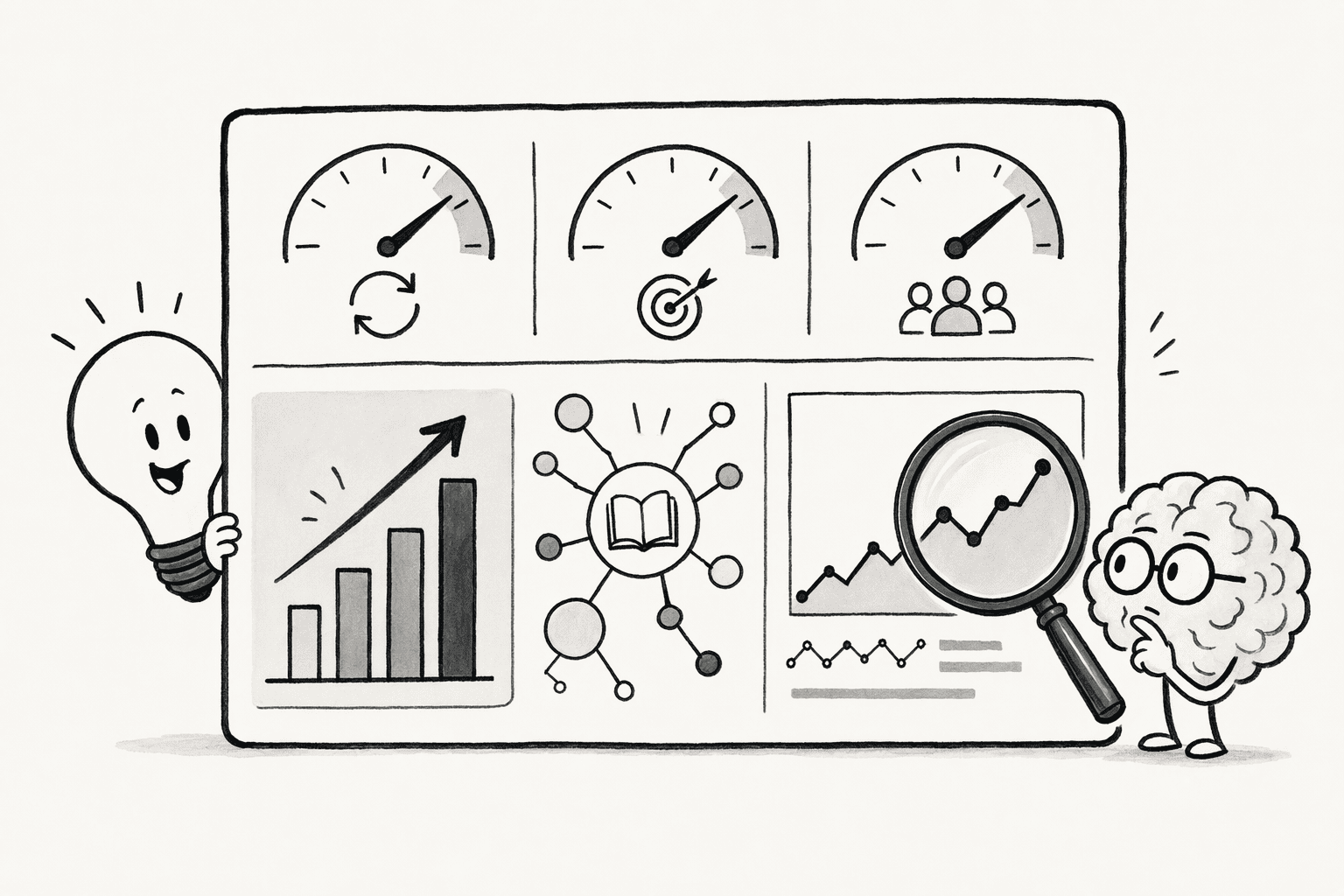
- Time spent finding information: Compare against a baseline from before launch.
- Repeated internal questions: Count how often the same question reaches a colleague.
- Adoption: See how many employees ask the brain and how often.
- Answer accuracy: Sample answers and check them against the source.
- Reuse: Count how often existing reports, decisions and insights are used again.
- Duplicated work: Note when teams repeat research someone already did.
- Onboarding speed: Measure how quickly new hires reach full productivity.
What Mistakes Should You Avoid When Building a Company Brain?
- Using it as document storage: Files without context do not answer questions.
- Connecting everything at once: Prioritize sources that matter to your first workflow.
- Leaving outdated or conflicting material in place: Wrong answers erode trust quickly.
- Skipping the reasoning: Record why a decision was made, not only what was decided.
- Overlooking permissions: Set access rules before wider rollout.
- Expecting AI to guess company context: Give it definitions and decisions to work with.
- Treating it as a one-time project: Plan reviews and owners from day one.
Conclusion
Frequently Asked Questions
How Long Does It Take to Build a Company Brain?
Do You Need Engineers to Build a Company Brain?
How Is a Company Brain Different From RAG?
What Size of Company Needs a Company Brain?
Sources
- How to Build a Company Brain - promptql.io
- What Is a Company Brain? How to Build One For Your Agents | Trail - trailhq.com
- What is a Company Brain? A full guide for 2026 - slite.com
- Your AI Agents Need An Independent Control Plane | Forrester - www.forrester.com