A Slack bot answers a room, but the answer has to be built from the access of the one person who asked. If the bot runs on a single shared credential, everyone in the channel gets the same access, whatever their own permissions are. According to IBM's 2025 report on data breach costs, 13% of organizations reported a breach of an AI model or application, and 97% of those lacked proper AI access controls.
This guide covers how a Slack bot can use each person's own access and six steps to set one up, from choosing the identity model to testing it with people who have different permissions.
Key takeaways
- The bot should act as the person who asked: A shared credential gives everyone in a channel the same access, so each request has to run with the asker's permissions.
- Each person needs their own token: A single installing user's token used for everyone hands the whole channel that one person's access.
- Enforce access below the model: Rules applied in the data layer and at tool calls hold, while rules written in a prompt are only suggestions.
- A channel is not a permission boundary: A reply in a shared channel is visible to everyone in it, so sensitive questions need a private bot or a direct message.
- Test with different people: The same question from a high-access user, a low-access user, and an unknown user shows whether the setup works.
How a Slack bot can use a person's own access
A bot can act under two identity models, and Slack's token types map onto them:
- Self-authorized: The bot has its own credentials, and everyone in the channel shares its access. It is simple to build, and it gives a junior employee the same reach as a director.
- User-authorized: The bot has no credentials of its own and acts as the person who asked, with that person's permissions, so the answer changes when the person asking changes.
In Slack, a bot token acts as the app, and a user token acts as the person. Slack's scopes page says an app has no access by default, that bot scopes act with the bot's own identity, and that user scopes let the app act on behalf of the user who installed or authorized it, accessing only what that user can.
The word authorized matters: each person who asks needs their own token, because a single installing user's token used for everyone would hand the whole channel one person's access. The bot token still has a job, which is to receive events and post replies.
Slack's Real-time Search API shows the pattern. It searches on behalf of the authenticated user, so only content that user can access is returned, and private conversation data requires a user token.
How to set up a Slack AI bot with per-user access
The six steps below carry the asking person's identity from the Slack message to the data and back:
1. Choose user-authorized access from the start
Decide before writing any code that the bot will act as the person who asked, not as a service account. Use the bot identity only to receive events and post replies, and never to read or change data. It is far cheaper to start with this model than to retrofit it after the data connections has been set up.
2. Map each Slack user to a person in your identity provider
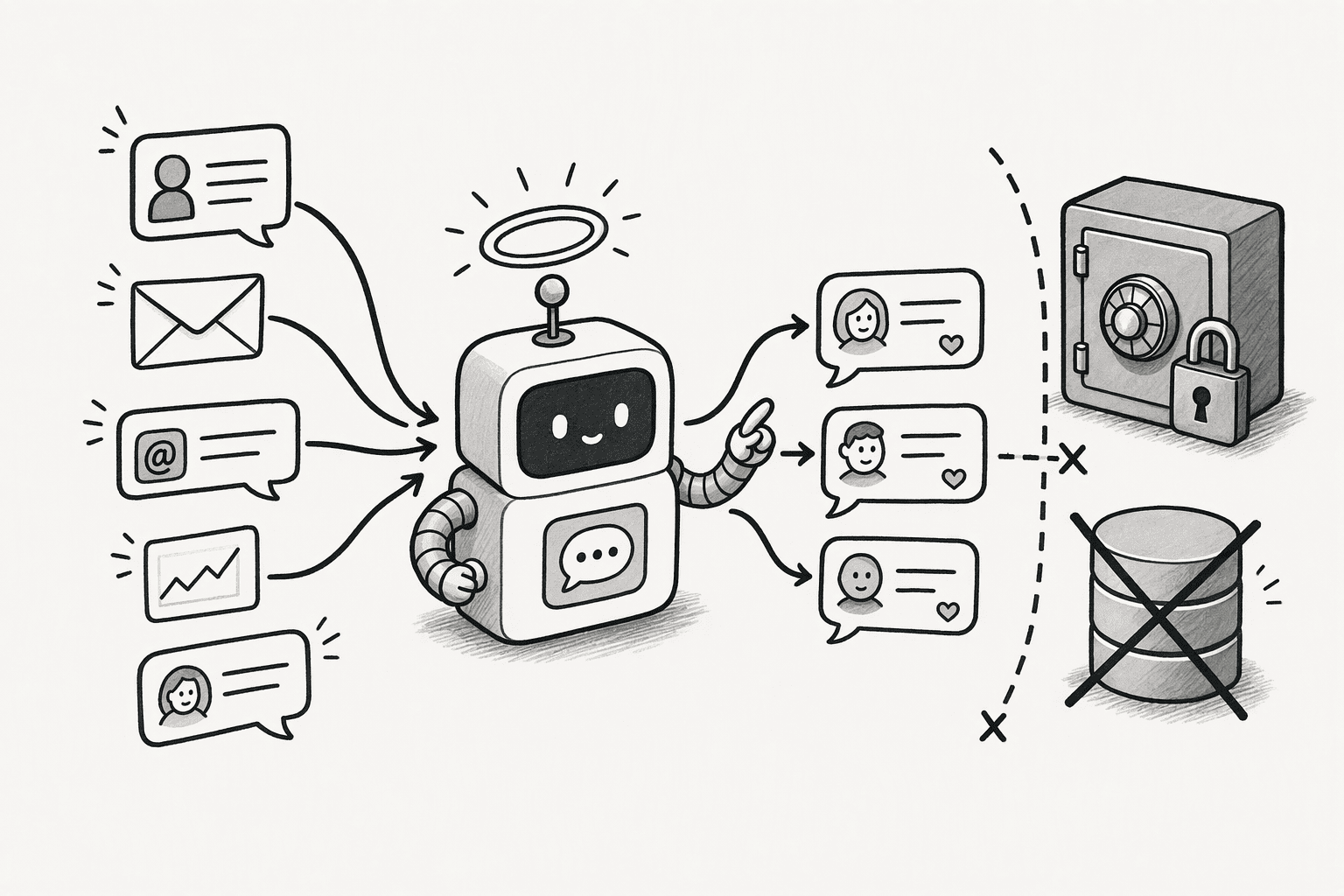
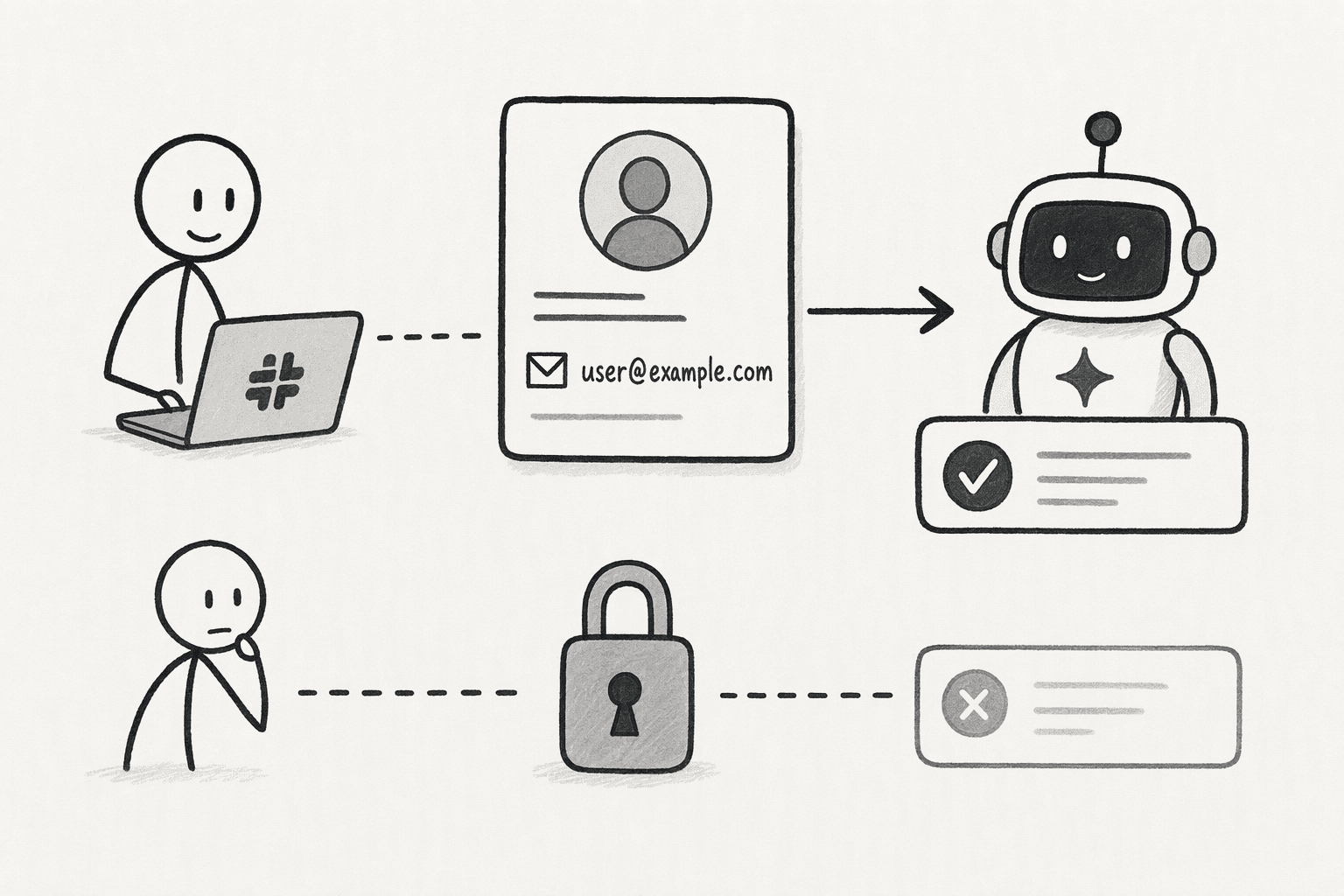
Source systems know people by their work identity, not by a Slack ID, so the bot needs a reliable mapping from each Slack user to the same person in your identity provider, usually through the work email. Decide what happens when there is no match: an unknown user should get nothing, not a default level of access. Keep the mapping in one place, and let provisioning and offboarding in the identity provider carry through to the bot.
3. Authorize each person once per source
Have each person connect the sources they use through OAuth the first time the bot needs them, and request only the scopes the bot needs. Use the asking person's token for that person's request, and never another person's. Slack's own MCP server docs work this way, with user tokens from confidential OAuth, and they note that only Marketplace and internal apps can use MCP at this time, so check which of your apps are eligible.
4. Enforce access below the model
Access rules should apply at the data layer, for rows and columns, and at the tool layer, for actions, not in a prompt that asks the model to behave. A rule written in a prompt is a suggestion, while a rule applied by the system holds. Build a small allow or deny check that receives the person, the tool, and the parameters, and put it in place before any data connector is wired up. Set the access tiers, such as a support tier and an analyst tier, as data, so they can change without a redeploy.
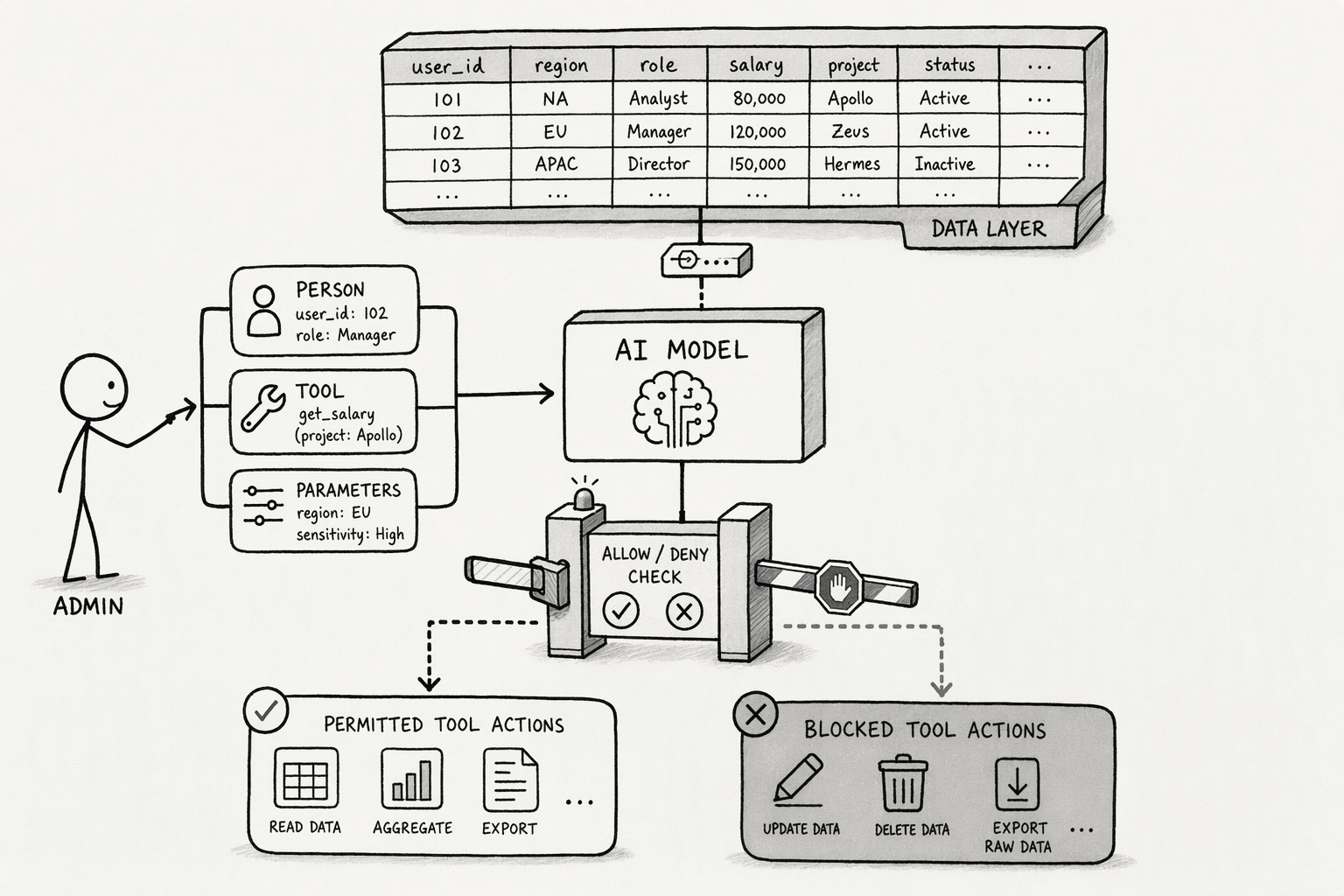
PromptQL is built this way: a bot acts with the permissions of the user who triggers it, and data access rules are enforced outside the model. PromptQL's own guidance adds that this does not enable every authorization integration automatically, so each one still has to be designed and verified.
5. Treat the channel as a conversation boundary, not a permission boundary
Channel membership decides who can read a conversation, not who may see the data behind an answer. A reply from a bot in a shared channel is visible to everyone in it, so decide what the bot may say there, and send sensitive questions to a private bot or a direct message. Put an approval gate on sensitive reads and on actions that change data: the bot posts the pending action, the person who asked approves it, and the approval is recorded before anything runs.
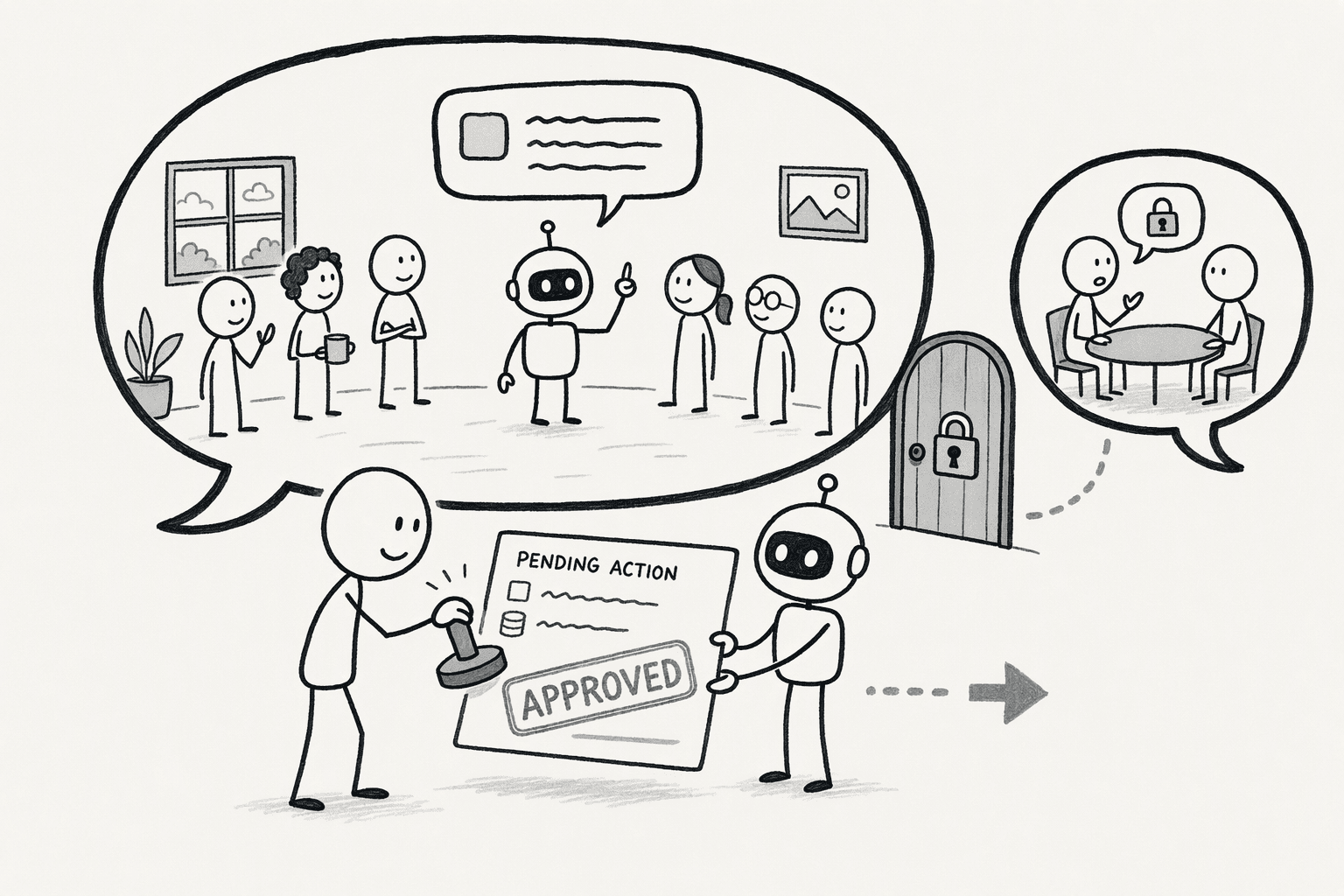
In PromptQL, user-configurable approvals offer allow, allow for this run, and always allow, and results shared in a bot are visible to its audience, so sensitive questions belong in a private bot.
6. Test with different people and check the audit trail
Ask the same question as a high-access user, a low-access user, and an unknown user, in a public channel, a private channel, and a shared channel, and compare each answer with what that person can see in the source system.
Test the edge cases too: a group direct message whose members change, and a Slack Connect channel, where Slack's Real-time Search docs say results come from only the channel where the search runs. Check that one person's context never appears in another person's thread.
Keep an audit entry for every request that records who asked, what was accessed, when, and whether it was allowed, so logs name a person and not "the bot."
Conclusion
Treat identity as the foundation of any Slack bot that touches company data, not as a feature to add later. Choose user-authorized access, map every Slack user to a real person, apply rules below the model, treat the channel as a place where answers are shared, and keep testing with people who have different access.
PromptQL is built for this model: a bot in Slack that acts with the permissions of the person who asked, with approvals the person controls, so everyone in the channel can ask without widening anyone's access.
Frequently Asked Questions
What is the difference between a bot token and a user token in Slack?
A bot token acts as the app, with the bot's own identity, and a user token acts on behalf of a person, with only what that person can access. The bot needs its token to receive events and post replies, and user tokens are for reading and acting on a person's behalf.
What options exist for integrating AI assistants into Slack channels while maintaining role-based or row-level access control?
Build the architecture with two layers:
- Use user-scoped OAuth tokens for per-user identity.
- Deploy a declarative tier-aware policy engine and a semantic layer like PromptQL that translates natural language to structured queries under the user's database role.
How does user-authorized access for AI bots differ from giving the bot a shared service account or static credential?
User-authorized access resolves every query as the individual Slack user, with their scopes and their database roles. A shared service account gives uniform access regardless of who is asking. The former ties every action to a real identity; the latter obscures accountability. An agent with a static token can disclose data far beyond a person's real permissions.
What is an Agentic Semantic Layer, and how does it connect Slack messages to live data without moving or reshaping underlying records?
It is a translation layer that converts natural language Slack messages into structured queries. Those queries run under the end user's existing database role, hitting live data directly. No ETL, staging tables, or data movement is required, so row-level security holds intact.
How can a Slack AI bot handle multi-turn reasoning and produce referenceable, board-ready outputs from connected company data?
Implement per-thread session isolation with lease-fenced contexts, so each thread holds a dedicated AI state scoped to one person. Combine that with an audit-journaled semantic layer that writes and runs real code against live data, producing fully auditable outputs tied to every decision step.
Sources
- PromptQL Tag | The company-wide AI agent for Slack - promptql.io
- I Dropped the Slack Link Into PromptQL and It Just Answered - promptql.io
- Trusted answers to urgent questions – instantly. - promptql.io
- Scopes | Slack Developer Docs - docs.slack.dev
- Scopes | Slack Developer Docs - api.slack.com
- Permissions by role in Slack | Slack - slack.com
- GitHub - jeremylongshore/claude-code-slack-channel: Slack-native governance substrate for Claude Code and peer agents: every tool call passes a tiered policy engine and lands in a hash-chained, Ed25519-signed audit journal you can verify offline. The governance kernel the companion… - github.com
- Integrate Slack - help.okta.com