03 Nov, 2026
•
10 MIN READ
7 Best Tools to Capture Tribal Knowledge in 2026
Key Takeaways
- Tribal knowledge is the unwritten know-how that a few people hold, such as workarounds, exceptions and the reasons behind decisions.
- Some store written knowledge, some verify it, some search it, and a few capture it from daily work.
- Capture that depends on people stopping to write documentation rarely lasts, so upkeep determines whether a knowledge base survives.
- PromptQL's Company Brain captures corrections and decisions from shared threads into a wiki connected to business data, and it works alongside the wikis and search tools below.
What Is Tribal Knowledge and Why Is It Hard to Capture?

- Process knowledge: The unwritten steps people follow to finish recurring tasks.
- Technical knowledge: Troubleshooting methods, odd configurations and workarounds found through trial and error.
- Decision knowledge: The reasoning behind exceptions, pricing rules and established practices.
- Customer and operational knowledge: Preferences, history and department-specific insights that never reach a CRM field.
- It sits in people's heads: Experts handle exceptions so often that they forget those exceptions need writing down.
- Context gets buried in chat: Useful answers sit in Slack threads, tickets and meeting notes that nobody revisits.
- Writing takes time: Experienced employees put daily work ahead of writing guides.
- Knowledge goes stale: Processes change faster than the pages that describe them.
- A found page may not explain itself: A search result rarely says why a decision was made or when an exception applies.
How Do the Best Tribal Knowledge Capture Tools Compare?
| Tool | How Knowledge Gets In | How It Stays Current | Where Answers Appear |
|---|---|---|---|
| PromptQL | Corrections and decisions in shared threads | People add fixes to a shared wiki as they work | Shared threads and connected data |
| Guru | Content from connected tools and expert input | Verification workflows route stale items to experts | Slack, Microsoft Teams and a browser extension |
| Slite | Documents plus syncing from 20+ sources | Proposed updates need approval before publishing | Slite Agent and the knowledge base |
| Confluence with Rovo | Written pages and Jira-linked content | Manual edits with AI help | Confluence, Rovo Search and Rovo Chat |
| Notion AI | Pages, databases and connected apps | Manual edits | Notion search and Q&A |
| Bloomfire | Uploaded videos, audio and documents | Re-uploaded or edited posts | Search results with jump-to-moment links |
| Glean | Existing content in connected apps | Reflects whatever the source apps hold | Search and assistant answers |
Best Tools for Turning Tribal Knowledge Into a Searchable Knowledge Base
1. PromptQL
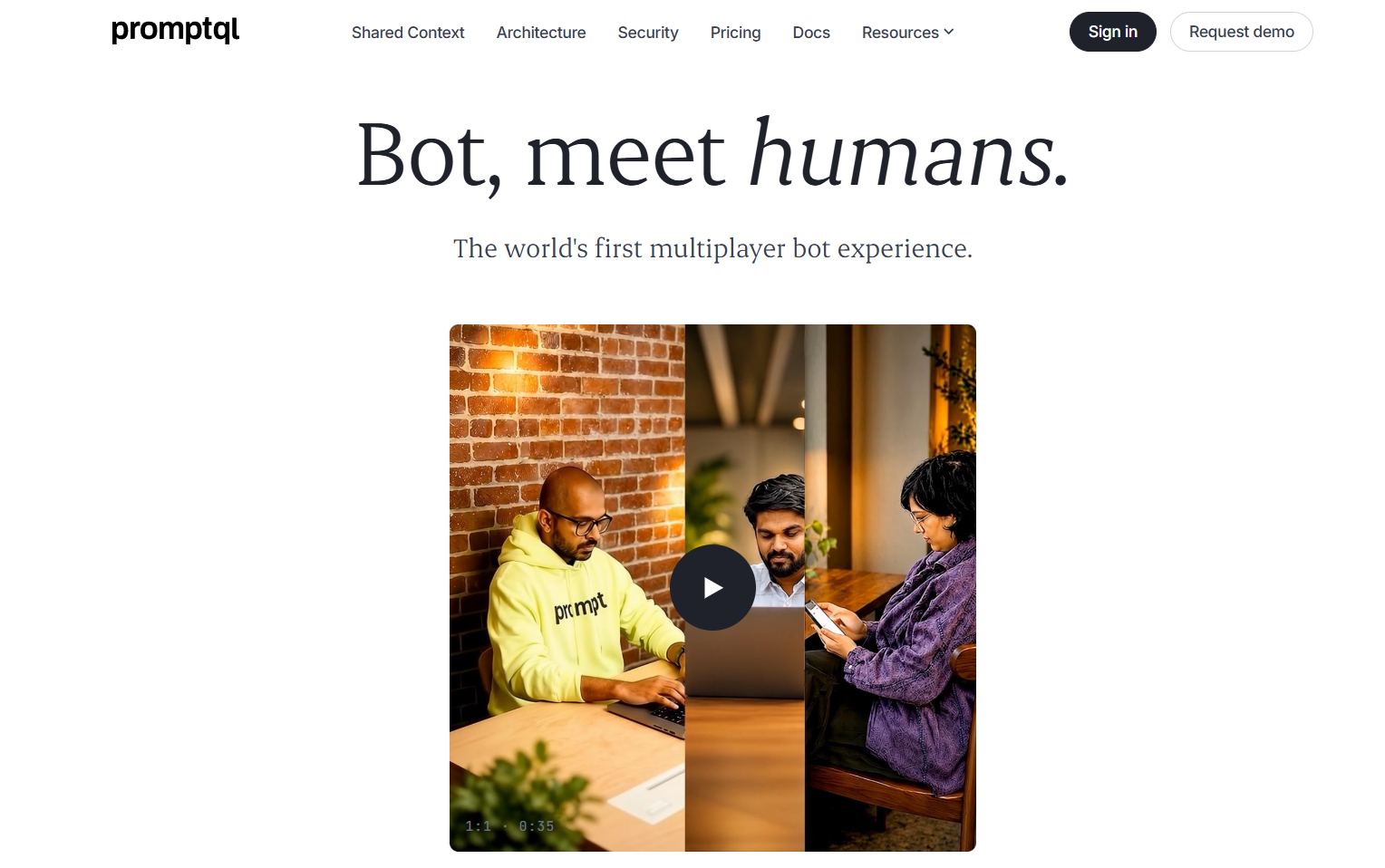
- Corrections become shared knowledge: When a colleague fixes a wrong answer in a thread, the fix can be added to the wiki so the next person gets the corrected version.
- A wiki with a paper trail: Entries link to source data and keep revision history and audit trails, so you can see where a rule came from.
- Answers scoped to the person asking: Scopes separate personal, confidential, internal and external data, and queries run under the asker's own permissions.
2. Guru
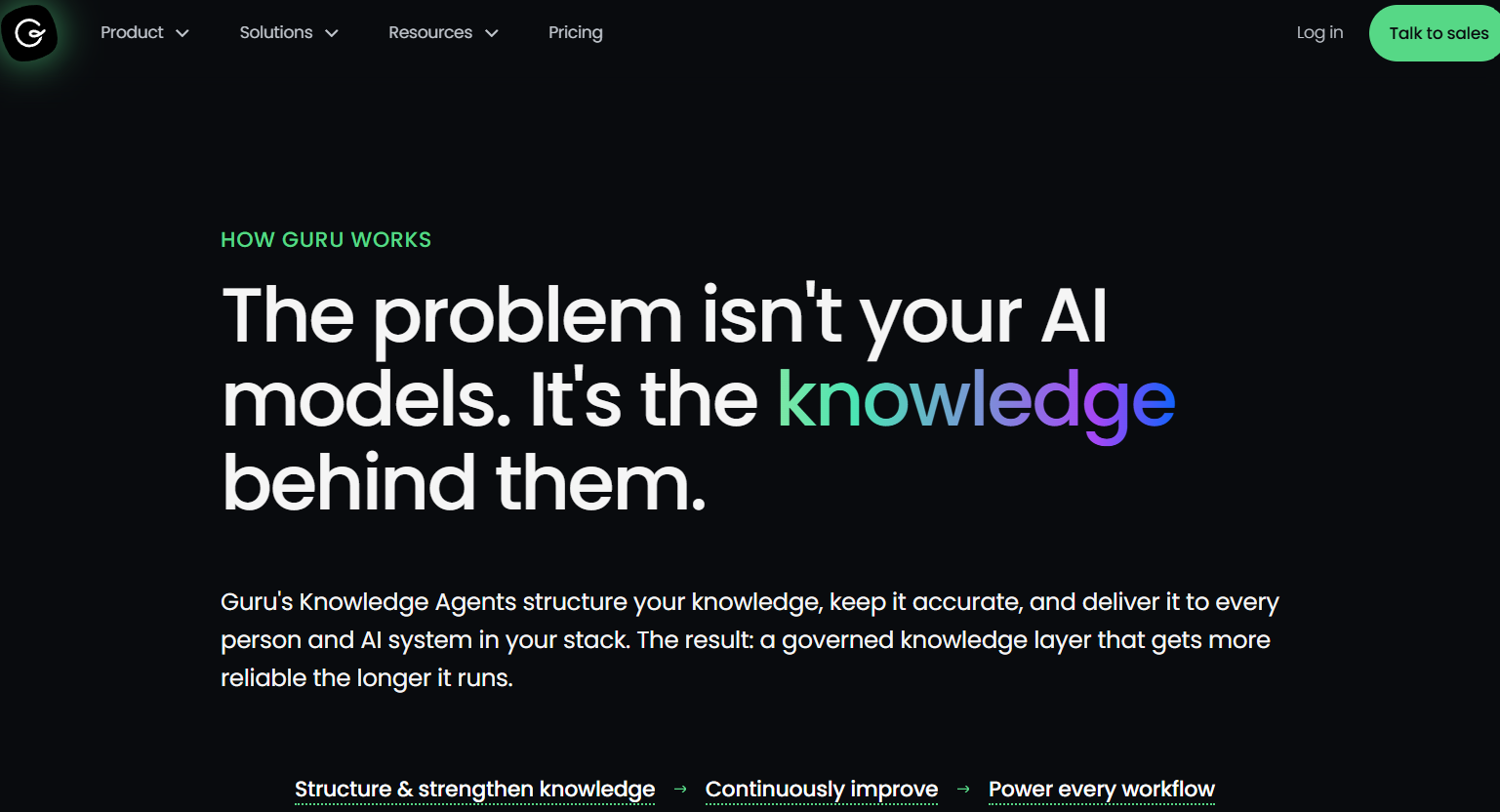
- Expert verification: Automated checks flag stale or contradictory content, and verified items are marked as such.
- Cited answers: Its Knowledge Agent returns answers with citations and shows the reasoning behind them.
- Permission-aware access: Answers are scoped to the user's role, with audit logs behind them.
3. Slite
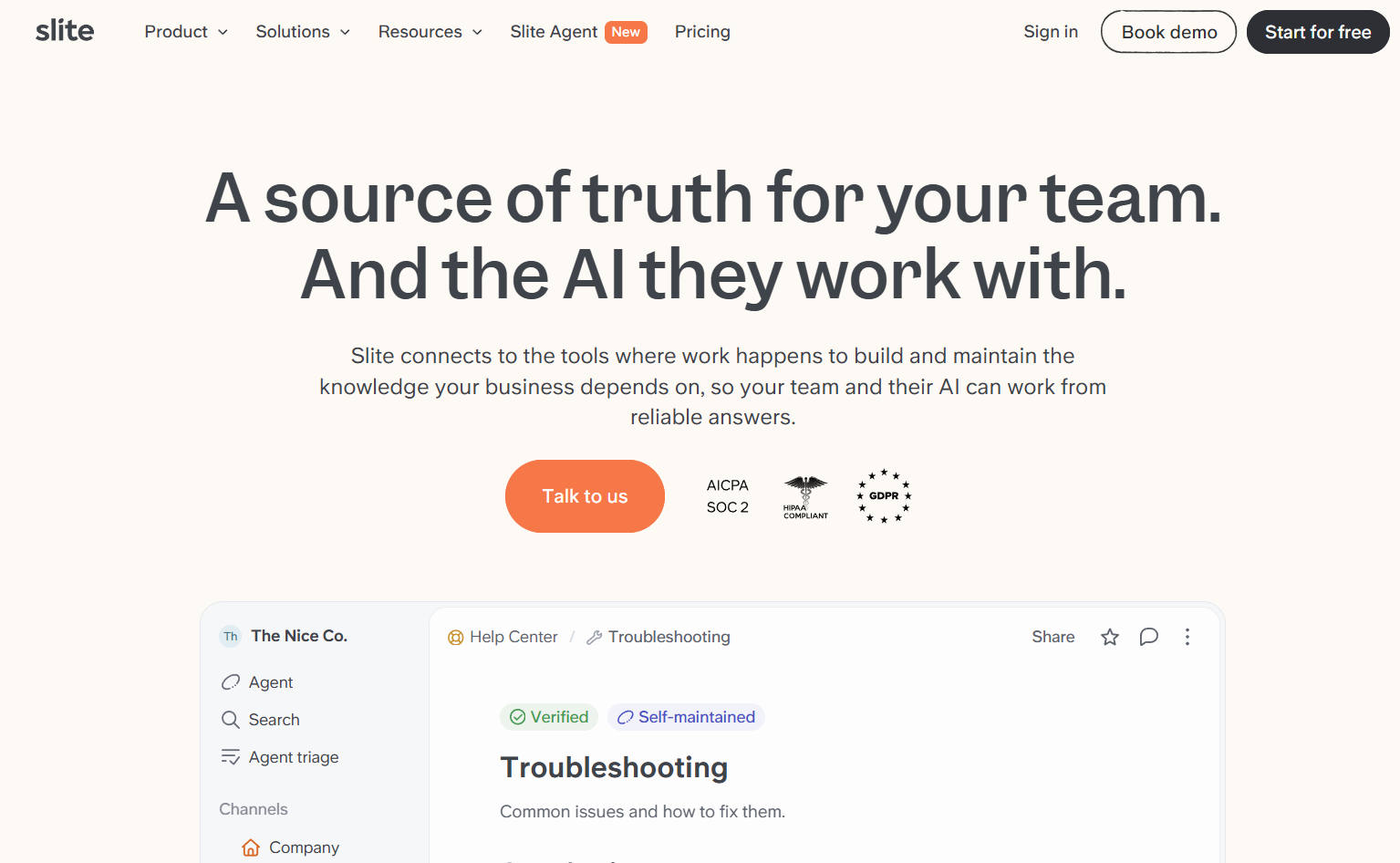
- Verification with expiry: Verification tags, owners and expiry windows show whether a document can be trusted.
- Reviewed updates: Slite proposes updates as side-by-side diffs, and nothing publishes without approval.
- Verified sources first: The agent ranks verified sources above unverified ones.
4. Confluence with Rovo
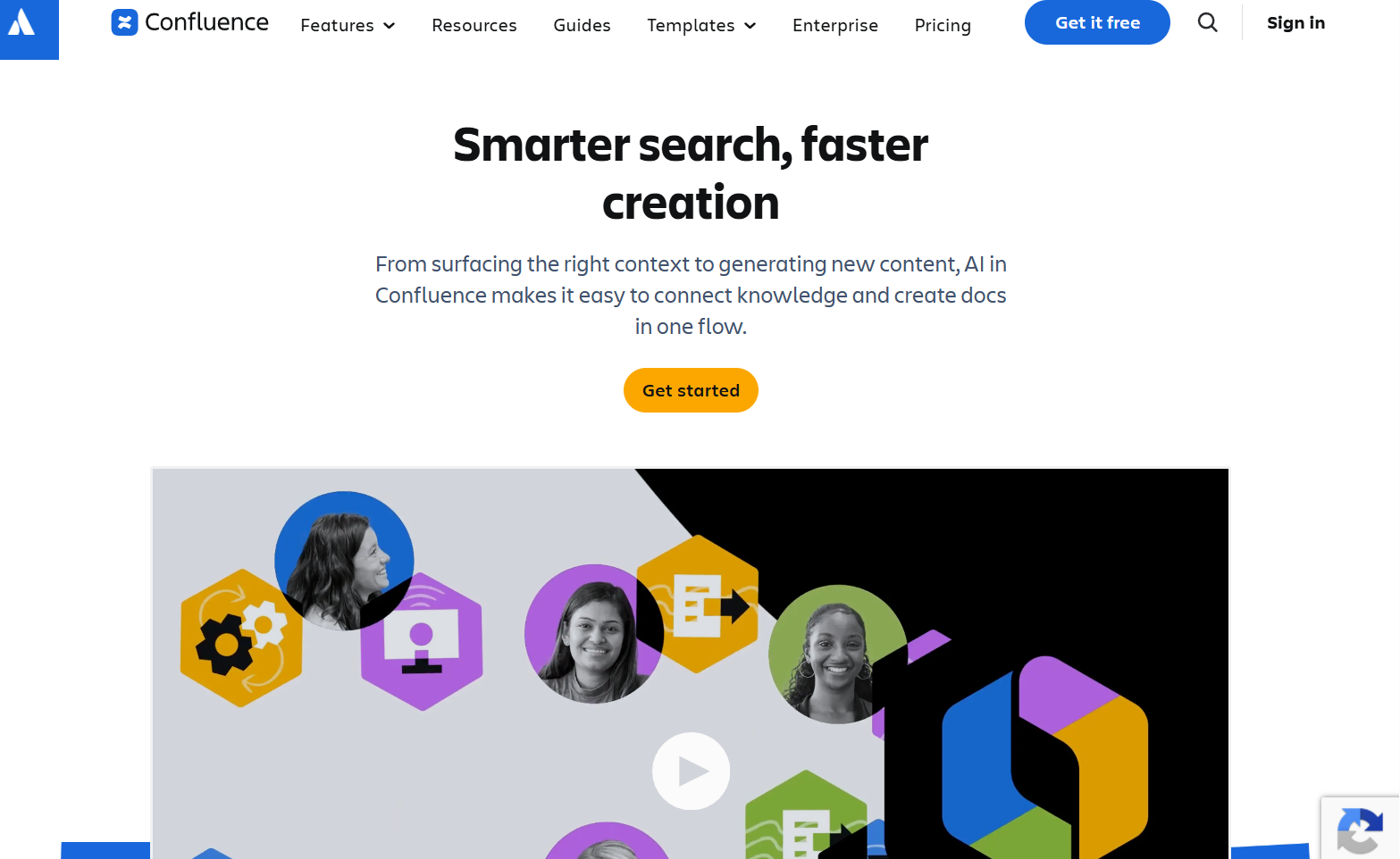
- Close Jira links: Specs, decisions and fixes sit next to the tickets they relate to.
- AI that explains and drafts: Rovo Chat answers questions and catches people up on missed discussions, and AI can generate meeting notes.
- Jargon support: Team-specific terms can get inline definitions.
5. Notion AI
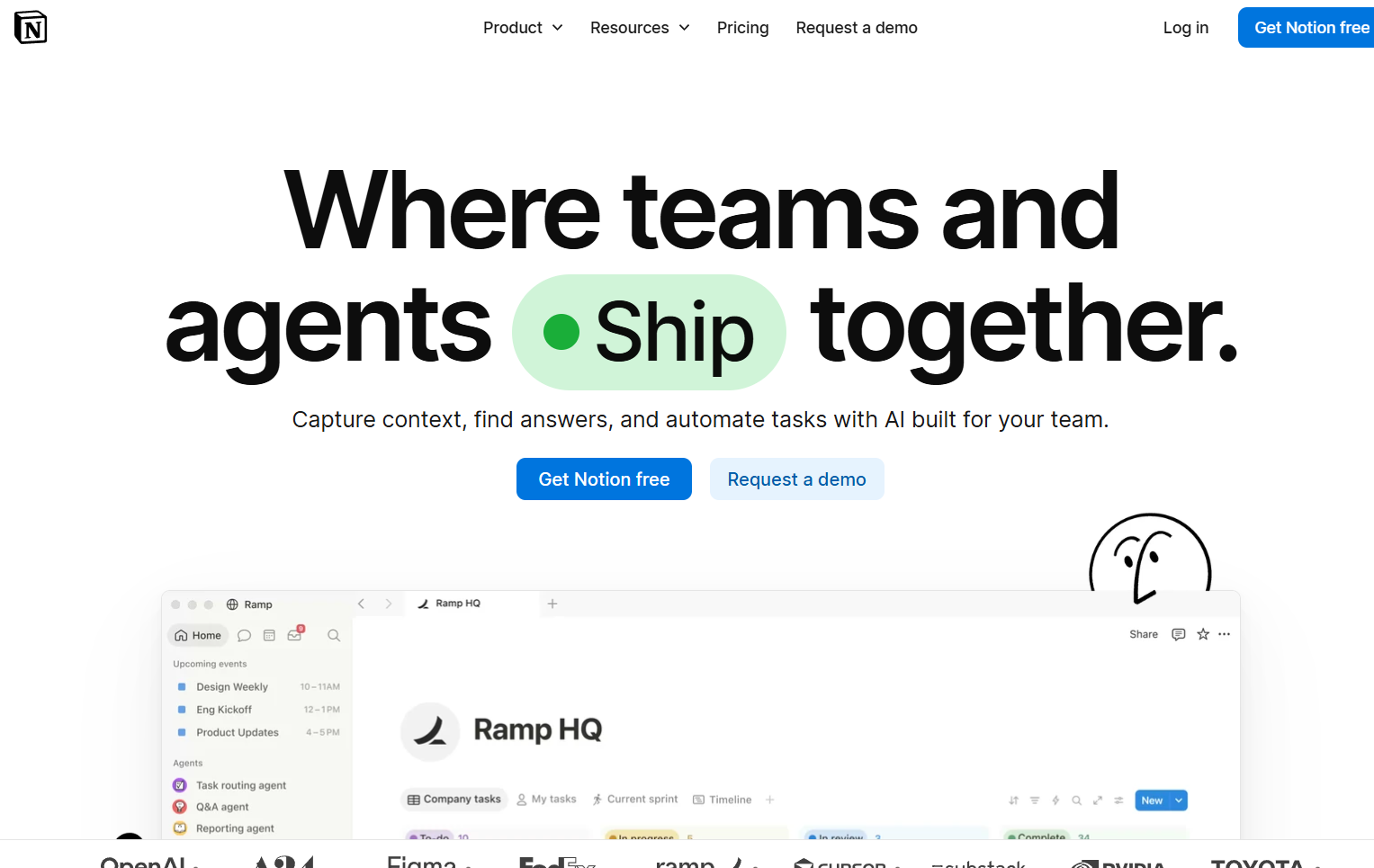
- One flexible workspace: Teams can build a wiki, a database and a task board without IT help.
- Search beyond Notion: Answers can draw on connected apps as well as Notion pages.
- Cited answers: Responses point back to the original sources.
6. Bloomfire
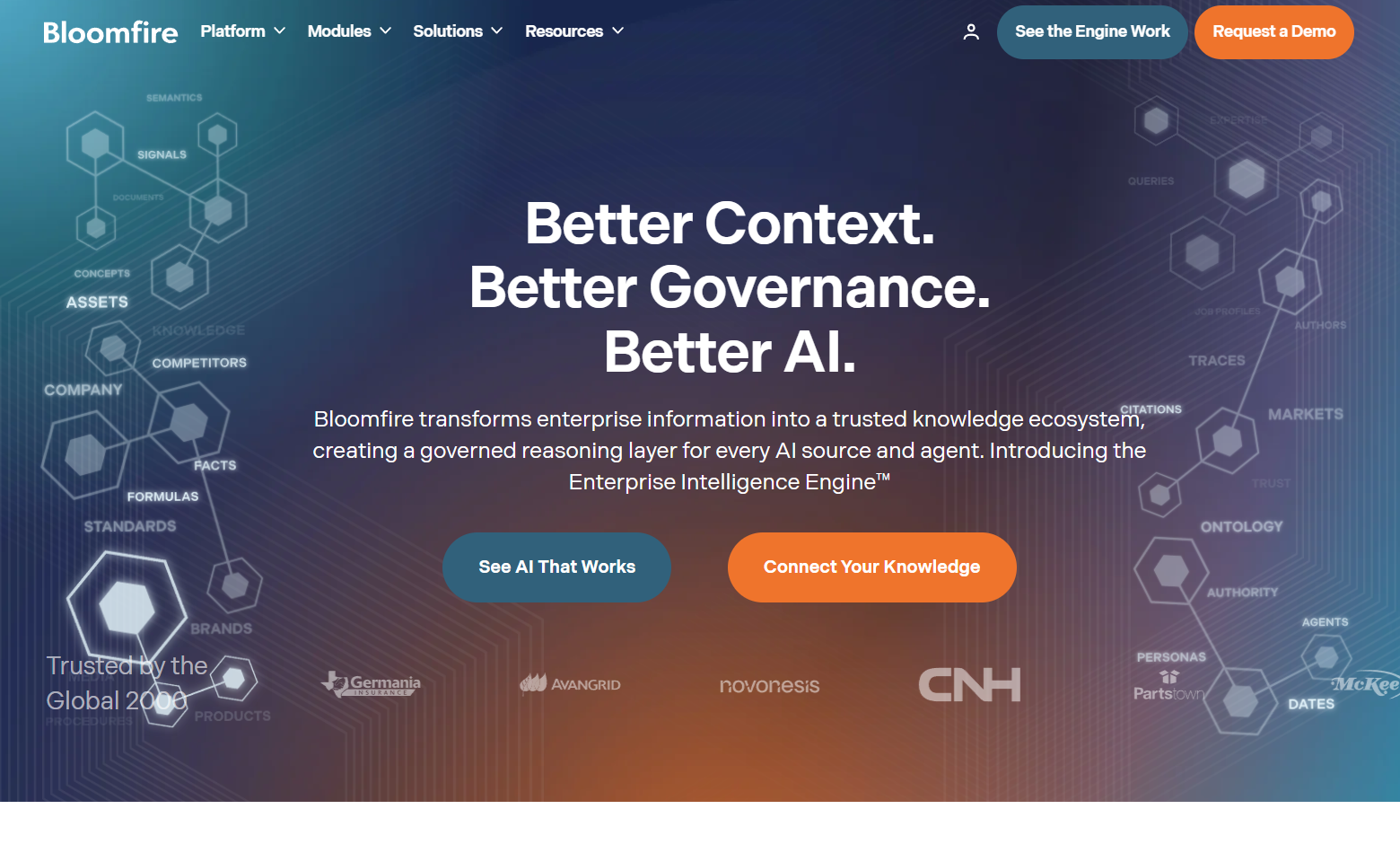
- Search inside video: Transcripts are added to the search engine, so a query finds words spoken inside a recording.
- Jump to the moment: Chapter markers show where a search term appears, so people can go straight to that point in the video.
- One-click transcripts: Existing videos can be transcribed from the post editor.
7. Glean
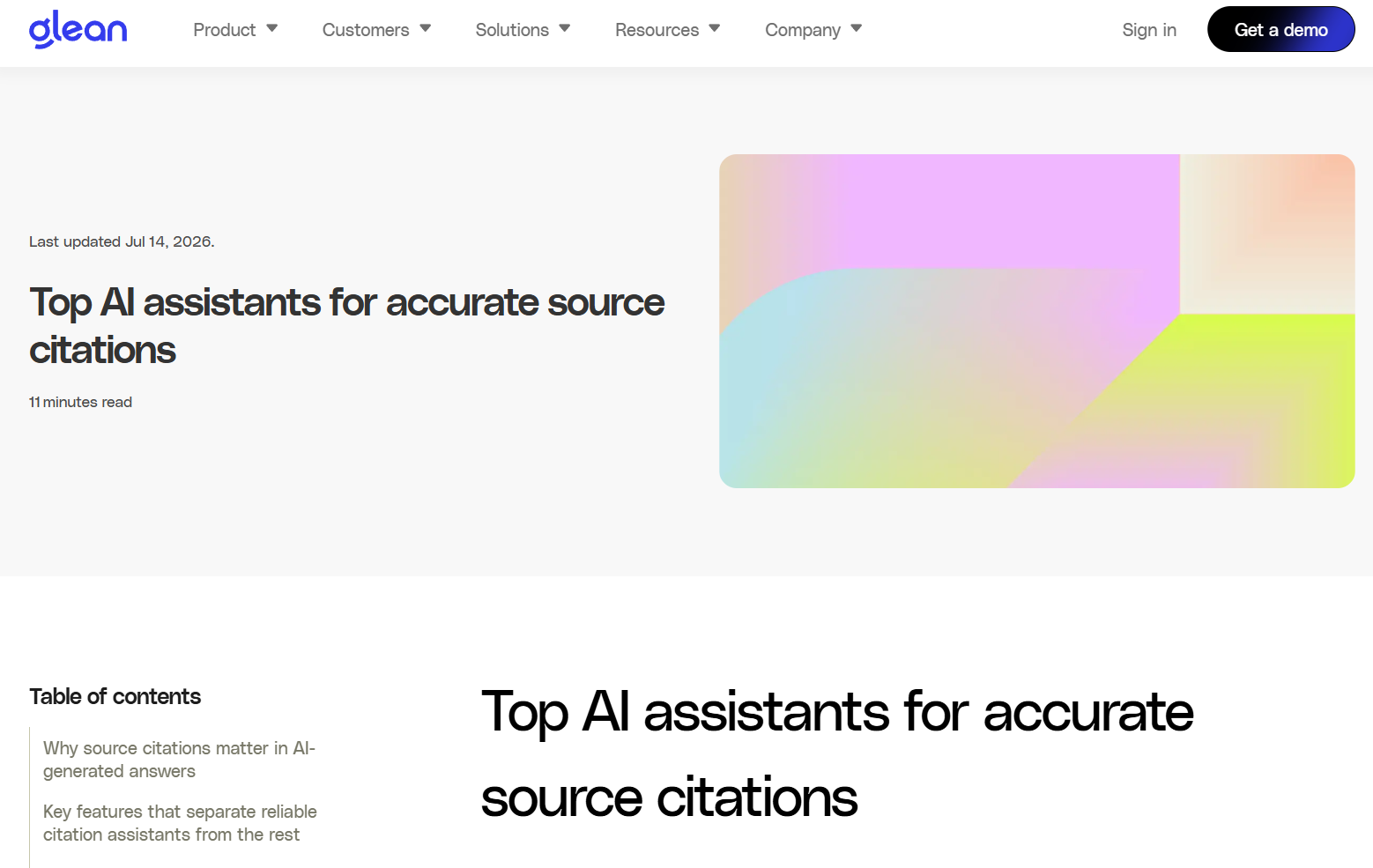
- Permission-aware retrieval: Access controls are checked before an answer reaches the user.
- Answers you can check: Citations open the original item in its own app.
- Search by meaning and keyword: Queries combine both approaches.
How to Choose the Right Tool for Capturing Tribal Knowledge

- Knowledge capture: Can it pick up information from conversations and daily work, as well as from pages someone writes?
- Searchability: Can people ask questions in plain language and get cited answers?
- Context preservation: Does it keep the reasoning behind decisions and exceptions?
- Verification: Can experts review and correct what the system holds?
- Integrations: Does it connect to your chat, project and business apps?
- Maintenance: Can it keep knowledge current as processes change?
- Security and permissions: Does each person see only what they are allowed to see?
Why Does Capturing Knowledge Matter More Than Storing It?
| Approach | What It Does Well | Where It Stops |
|---|---|---|
| Documenting by hand | Produces polished, reviewed pages | Depends on busy people finding time to write |
| Searching existing content | Surfaces what is already written | Cannot find reasoning that was never recorded |
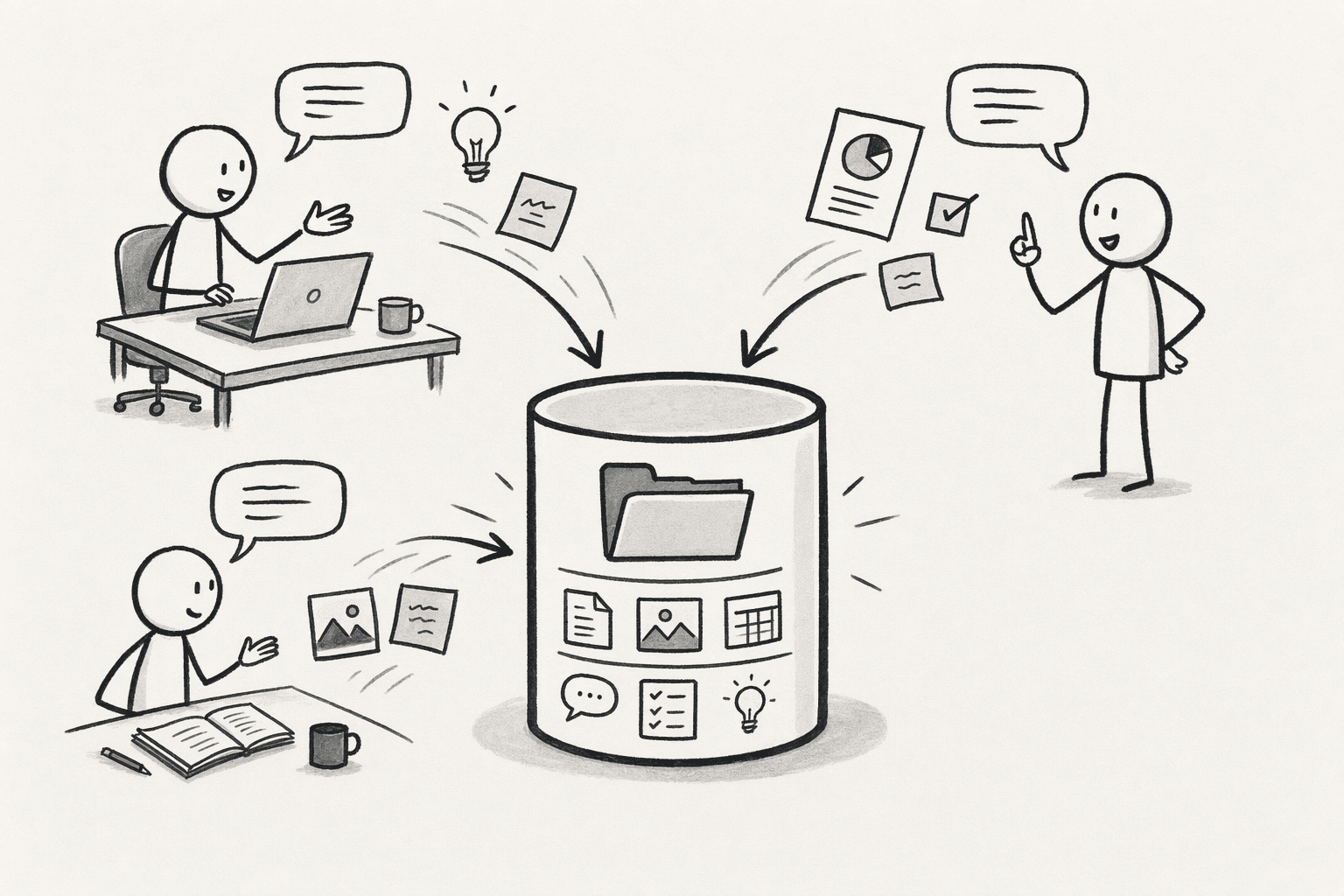
| Capturing during work (a Company Brain) | Turns corrections and decisions into shared knowledge | Builds up over time as the team uses it |
How Does PromptQL's Company Brain Turn Tribal Knowledge Into Shared Intelligence?
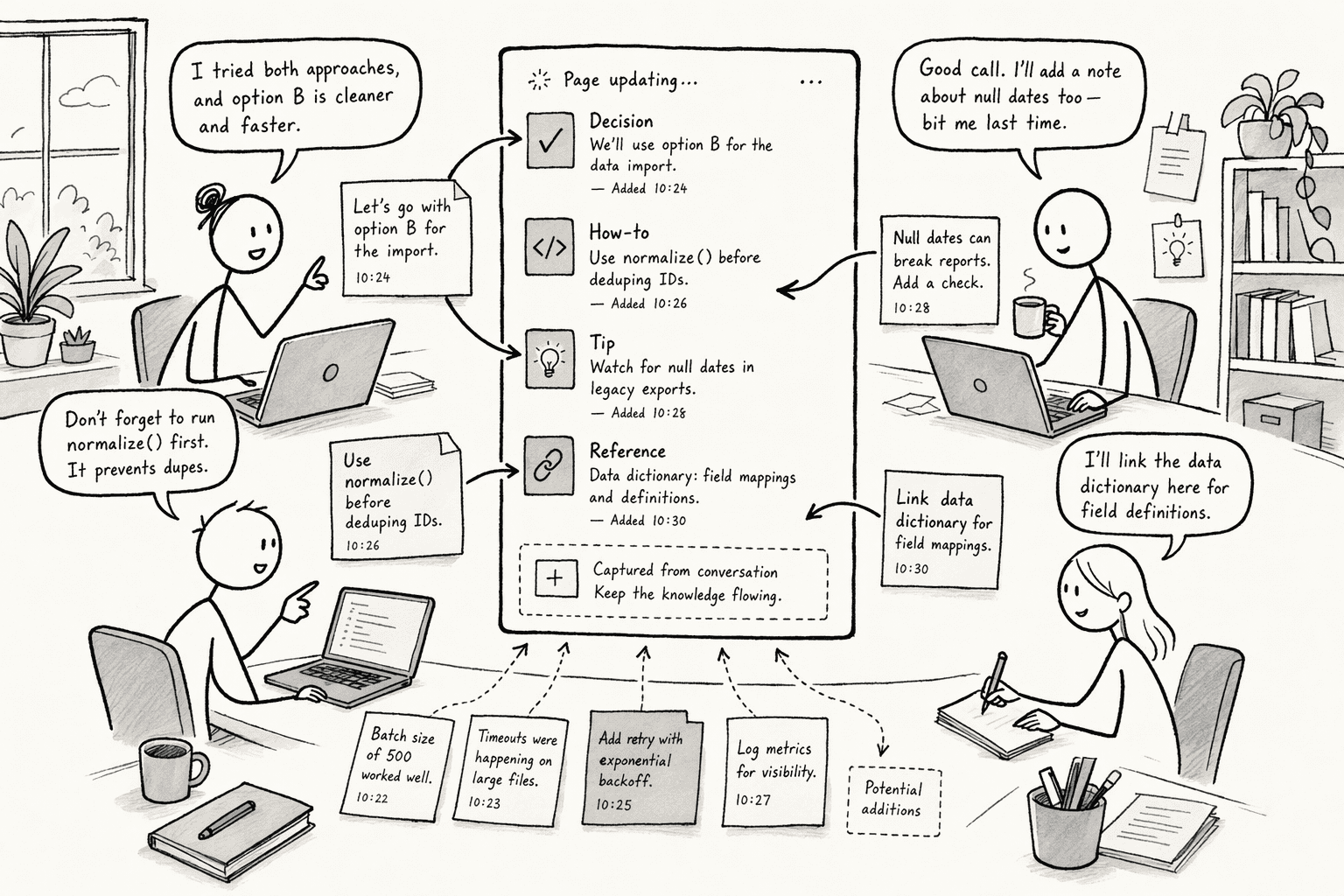
- Capture through collaboration: People and one shared agent work in the same threads, and useful corrections and clarifications can be added to the wiki.
- Business definitions that stick: Company-specific terms, rules and exceptions are kept in one place with source links and revision history.
- Connected sources: Context from tools such as Slack and Google Docs sits next to live business data.
- Permissions that follow the person: Queries run under the asker's own access, with row-level security and column masking applied before data reaches the model.
- The knowledge is stuck: An experienced engineer knows why one API integration uses an unusual configuration, but the reasoning sits in an old Slack discussion that never reached the docs.
- A teammate asks: They raise the question in a shared thread, and the agent finds the relevant context.
- A colleague confirms: They check the explanation and add it to the wiki.
- The next engineer benefits: When someone hits the same issue months later, the answer is already there with its source, and nobody has to track down the original author.
Conclusion
- Ask for five questions: Have them walk through the last five questions they were asked this week.
- Capture the answers: They answer each one in a shared thread or a recorded walkthrough.
- Test the next day: Ask a teammate to put the same questions to your shortlisted tool.
- Read the gaps: Whatever comes back wrong or empty shows exactly what is still sitting in one head.
Frequently Asked Questions
What Is the Difference Between Tribal, Tacit and Explicit Knowledge?
How Do You Get Experts to Share What They Know?
Does a Company Brain Replace Your Wiki?
How Long Does It Take to Build a Searchable Knowledge Base?
Sources
- How to Build a Company Brain - promptql.io
- PromptQL Tag | The company-wide AI agent for Slack - promptql.io
- 12 Best Knowledge Base Software for Teams & Customers in 2026 | Trupeer AI - www.trupeer.ai
- Exploring the knowledge management–innovation nexus: global research insights and emerging themes | Future Business Journal | Springer Nature Link - link.springer.com
- Frontiers | Navigating the AI revolution: challenges and opportunities for integrating emerging technologies into knowledge management systems. Systematic literature review - www.frontiersin.org