05 Nov, 2026
•
9 MIN READ
AI Tool That Learns From Team Corrections and Gets Smarter Over Time
Key Takeaways
- Short answer: Yes, some tools learn from corrections, though "learning" means different things from one tool to the next.
- What matters: Whether a correction is kept, reviewed and shared with the whole team.
- Memory vs. shared knowledge: Personal memory helps one person, and shared knowledge helps every department.
- Where PromptQL fits: PromptQL turns corrections made in team threads into a cited wiki that every teammate and the agent can use.
Can AI Actually Learn From Team Corrections?
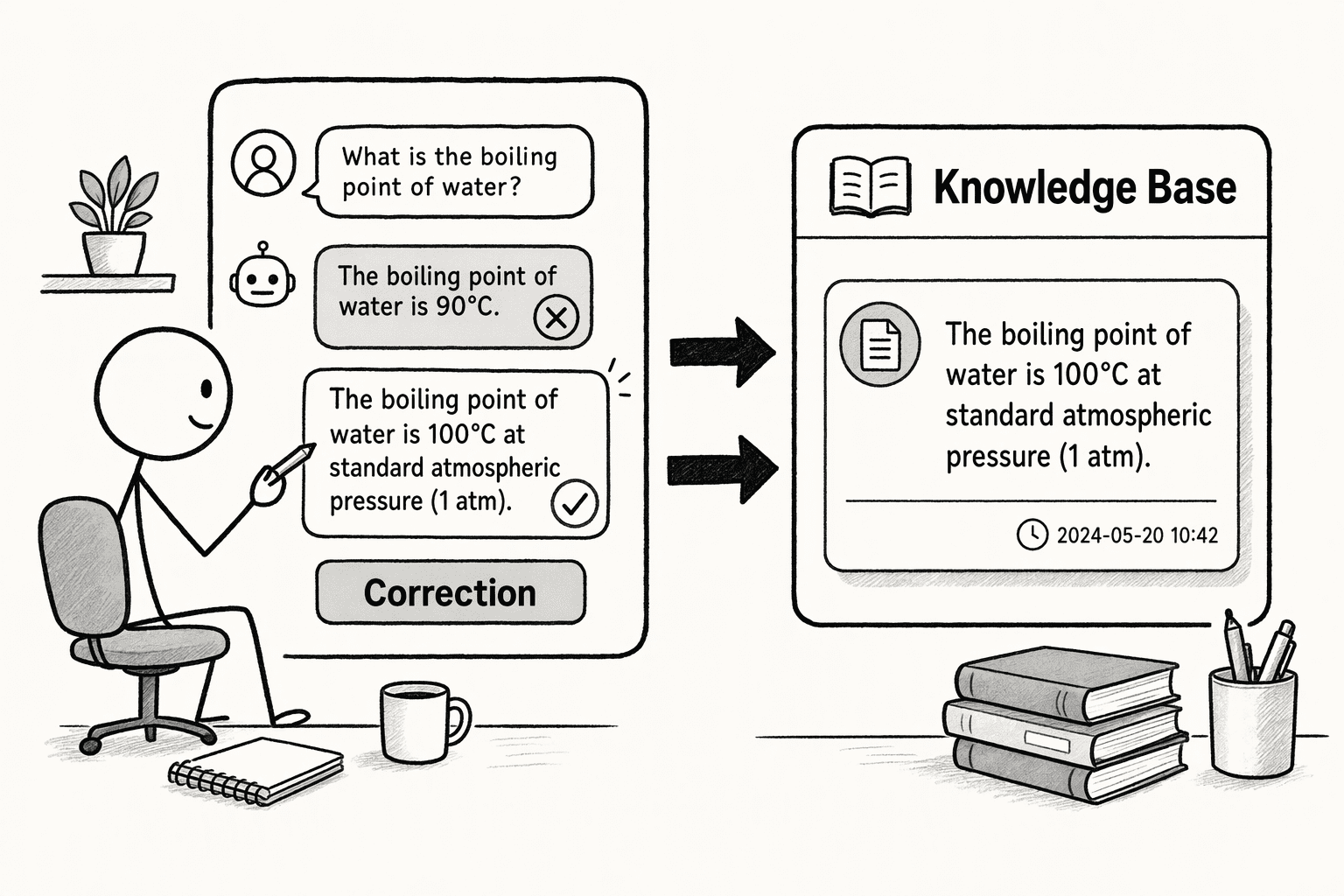
- Model training and fine-tuning: The model is updated with new training data. This takes a separate training process and usually weeks or months.
- Memory: The tool keeps selected details from earlier chats, usually for one user.
- Retrieval from documents (RAG): The tool pulls from updated documents and knowledge sources to ground its answers.
- Feedback-driven knowledge updates: Corrections and approved answers are recorded so the system can reuse them.
- Human review: People validate important information before it becomes trusted knowledge.
Why Does AI Keep Making the Same Mistakes After Your Team Corrects It?
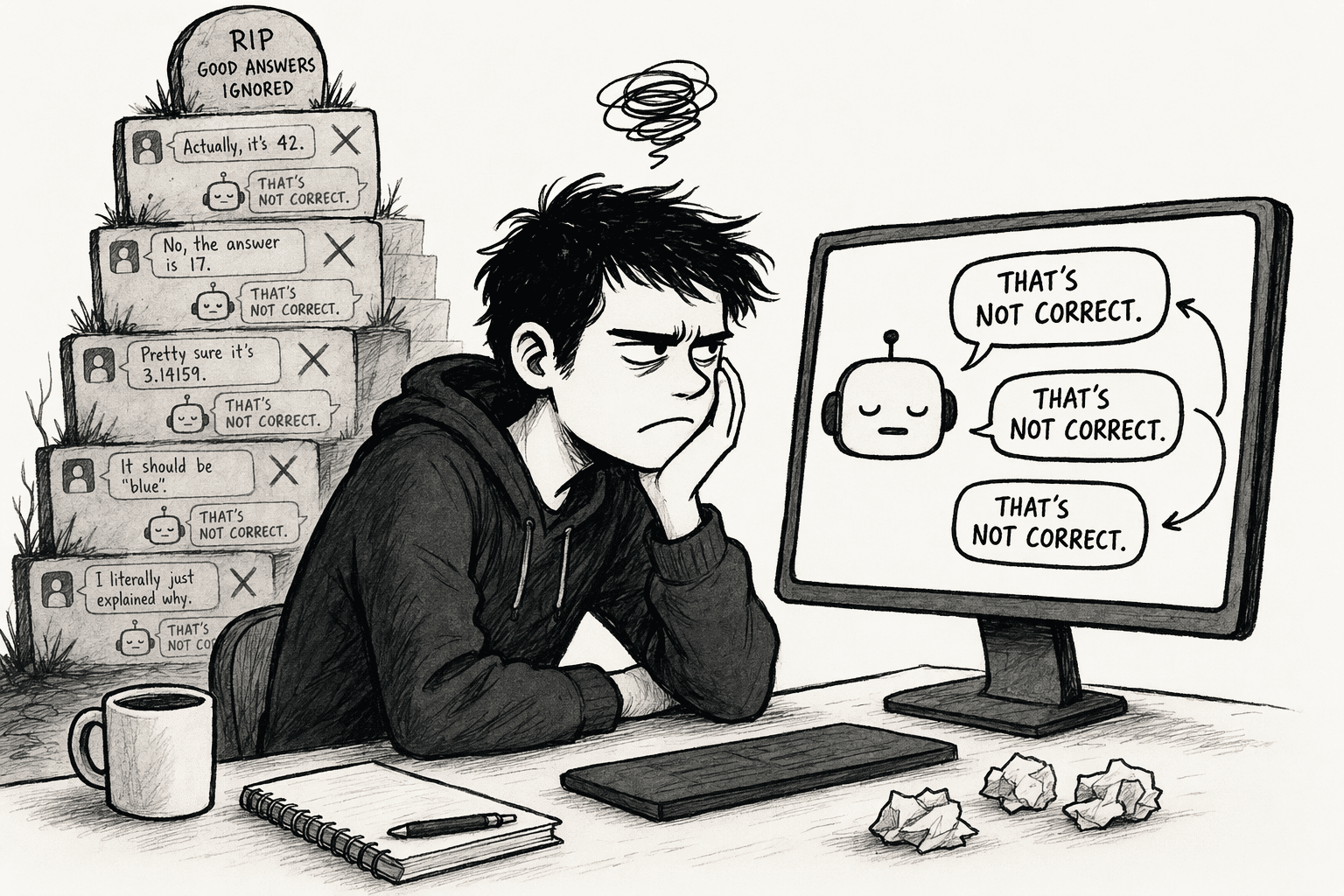
- Corrections stay in the thread: The next chat starts with no record of the fix.
- Memory belongs to one user: A colleague never benefits from what you taught the tool.
- People fix the same error separately: Each person repeats the same correction in a different place.
- Old sources stay in play: The tool keeps reading outdated documents.
- Nobody reviews the fix: There is no step that confirms a correction is right before it spreads.
What Happens When Your AI Tool Does Not Retain Team Feedback?

- Repeated corrections: Employees explain the same business terms again and again.
- Inconsistent answers: Marketing and product receive different versions of the same fact.
- Outdated information: The tool keeps citing old processes and product details.
- Missed expertise: New hires cannot benefit from fixes that experienced colleagues made.
- Lost context: Findings from earlier projects disappear.
- Lower trust: Employees stop relying on the answers they get.
What Should You Look for in an AI Tool That Learns From Team Corrections?
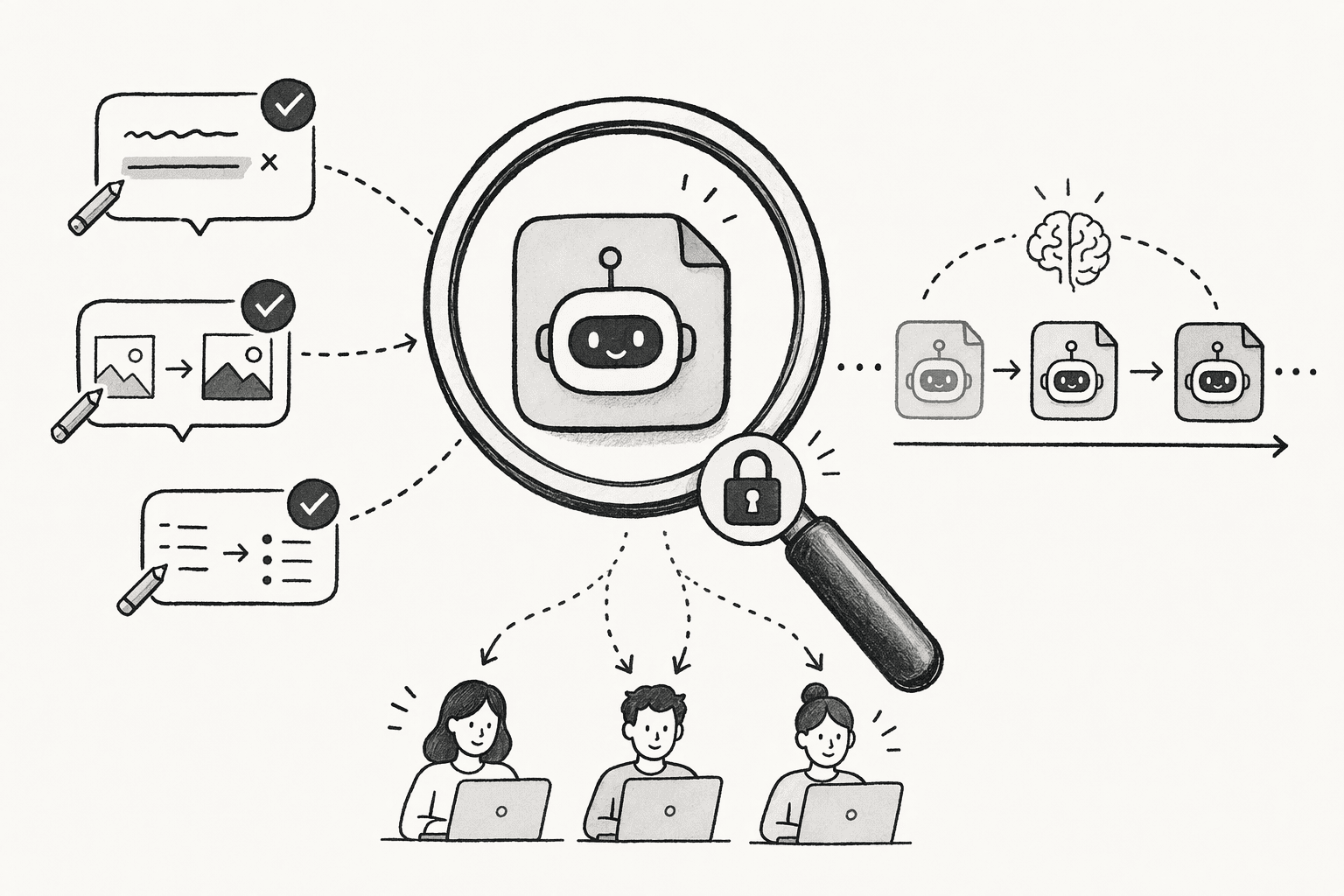
- Persistent knowledge: Does a correction last beyond the current conversation?
- Shared learning: Does a fix from one person help everyone else?
- Context awareness: Does the tool apply a correction to the right projects and questions?
- Verification: Can people review and approve important corrections?
- Freshness: Can it tell current information from outdated instructions?
- Source connectivity: Can it reach information across your company applications?
- Access controls: Does it keep permissions intact while sharing useful knowledge?
How Do the Best AI Tools for Team Corrections Compare?
| Tool | Best for | How it handles a correction | Who benefits |
|---|---|---|---|
| PromptQL | Shared knowledge built from team corrections | A teammate corrects the answer in the thread, reviews the entry and adds it to a shared wiki | The whole team |
| Glean | Enterprise search with personal memory | Saved and learned memories are kept per user, and you can edit or delete your own | One user |
| Guru | Verified knowledge | Content can be verified or unverified based on usage and feedback | The team, within permissions |
| Notion AI | Teams that keep knowledge in Notion | You fix the underlying page, and answers follow the page | People with access to the workspace |
| Microsoft 365 Copilot | Teams working across Microsoft 365 | You ask it to forget a detail or delete a memory in settings | One user |
5 Best AI Tools Retain Team Corrections
1. PromptQL
- Corrections in the flow of work: A teammate fixes an answer in the thread, reviews and edits the suggested entry, and clicks "Add to wiki."
- A review step before anything is saved: Nothing becomes shared knowledge until a person approves it.
- Cited, scoped entries: Wiki entries link to real work, keep revision history and send notifications when pages change.
- A head start from connected sources: The wiki can be bootstrapped from tools such as Slack, Google Docs, Snowflake, PostHog and Salesforce.
- Reusable skills: Teams save repeatable rules, such as "exclude test accounts from revenue," so the agent applies them the same way each time.
- Permissions that follow the person: The agent inherits the asker's identity, row- and column-level rules are enforced at the data layer, and writes and external actions need approval. See the security details.
- Fits the tools your team uses: PromptQL Tag works in Slack, Microsoft Teams, WhatsApp and Discord, and it supports any LLM.
2. Glean
- Personal by design: Memories are stored per user with no cross-user sharing, so a fix helps only the person who made it.
- Easy to manage: You can edit or delete your own memories in settings.
- Access stays intact: Memory does not grant access to documents you are not allowed to see.
3. Guru
- Verification built in: Agents can verify and unverify content automatically based on usage and feedback.
- Chosen sources: Admins decide which collections, sources or files each agent searches.
- Permission-aware results: Users see only content they can already access.
4. Notion AI
- Cited answers: Responses point back to the original source.
- Corrections through pages: A fix means updating the underlying page, so answers stay as current as your documentation.
- Familiar workspace: Teams that already write in Notion do not need a new tool.
5. Microsoft 365 Copilot
- Built into Microsoft apps: Personalization follows you across the tools you already use for email, meetings and documents.
- Control over what it keeps: You can ask it to forget a detail or delete a memory in settings.
- Temporary chats: A temporary chat does not use or store personalized information.
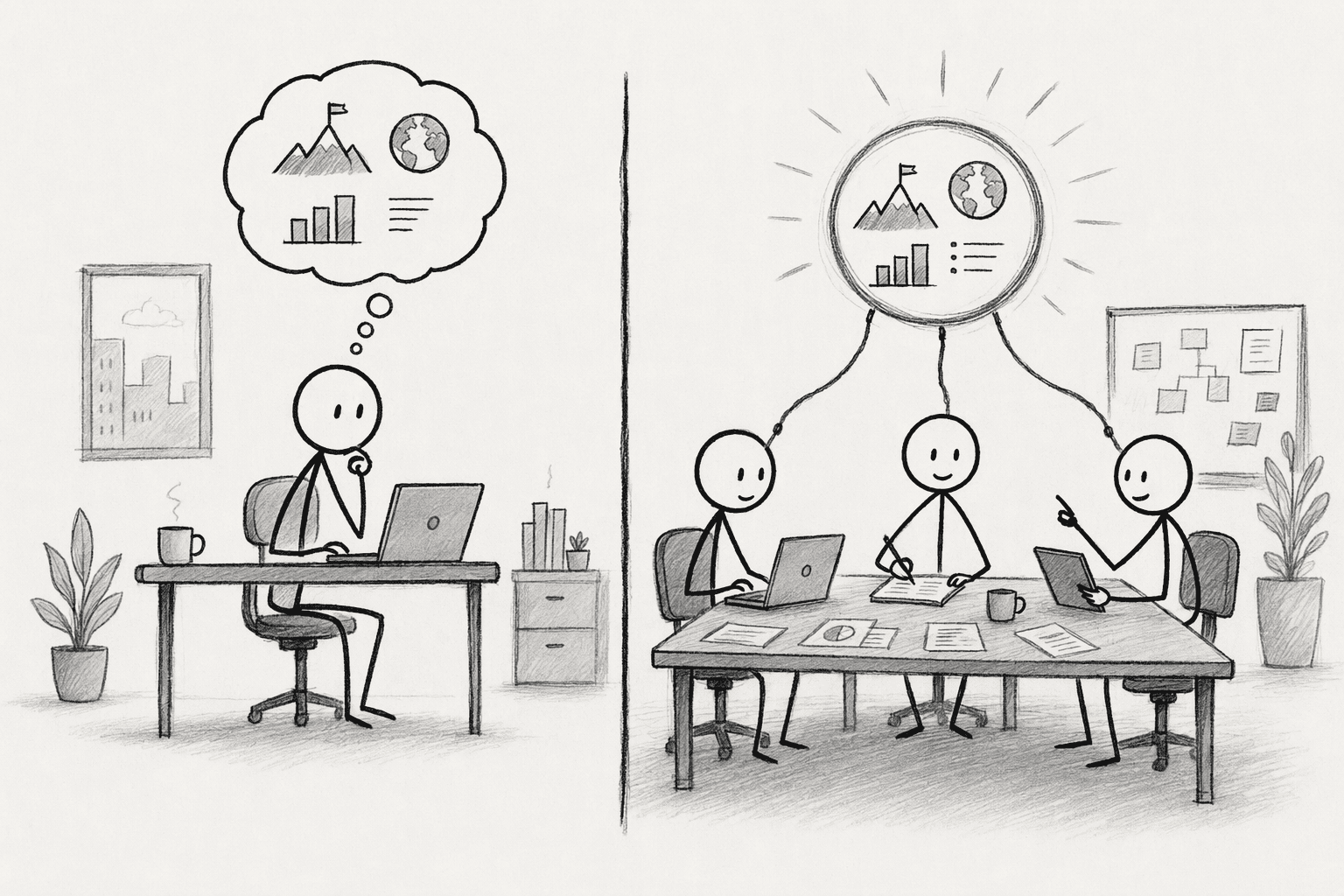
AI Memory vs. Shared Company Knowledge: What Is the Difference?
| Capability | Individual AI memory | Shared company knowledge |
|---|---|---|
| Who owns it | One user | The organization or team |
| Correction retention | Depends on memory features | Captured as reusable knowledge |
| Cross-team access | Often limited | Available according to permissions |
| Business context | Personal or conversation-based | Shared company context |
| Maintenance | Depends on individual settings | Shared review and updates |
| Reuse | Across one person's chats | Across teams and projects |
What Does a Team Correction Look Like in PromptQL?
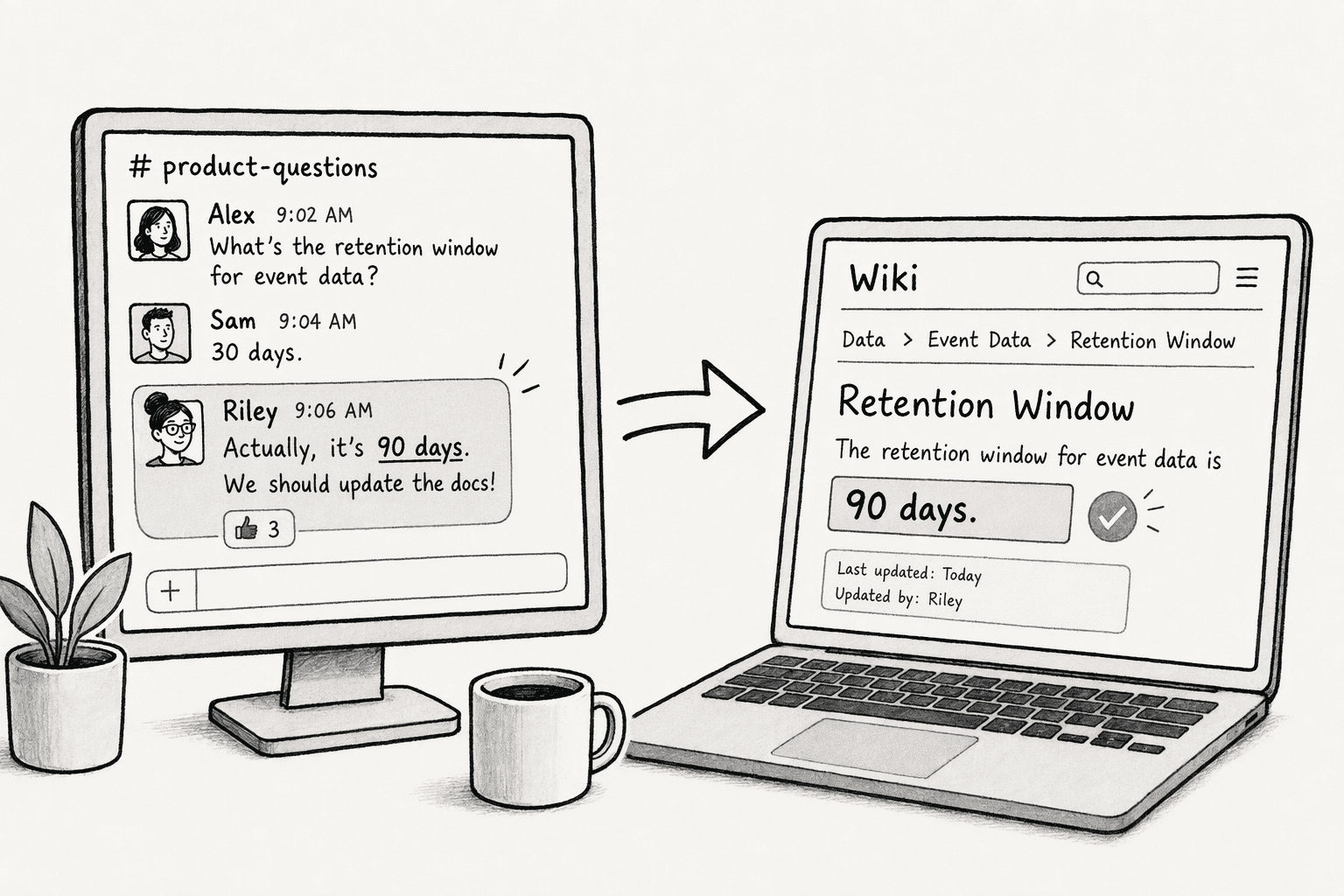
- The AI gives an outdated answer: Marketing asks about a feature's availability, and the reply says it launches next quarter.
- A teammate corrects it: The product lead replies in the thread that the feature is already available on one plan.
- The fix is reviewed and saved: The product lead reviews the suggested entry, edits it and clicks "Add to wiki."
- Other teams get the right answer: Sales and support ask the same question later and start from the corrected entry.
| Situation | Without shared corrections | With PromptQL's Company Brain |
|---|---|---|
| The fix | Lives in one chat | Saved as a cited wiki entry |
| The next person | Gets the old answer | Starts from the corrected entry |
| Review | None | A person approves it first |
| Change history | Not tracked | Revision history on the entry |
How Do You Build a Feedback Loop That Makes Your AI More Useful?
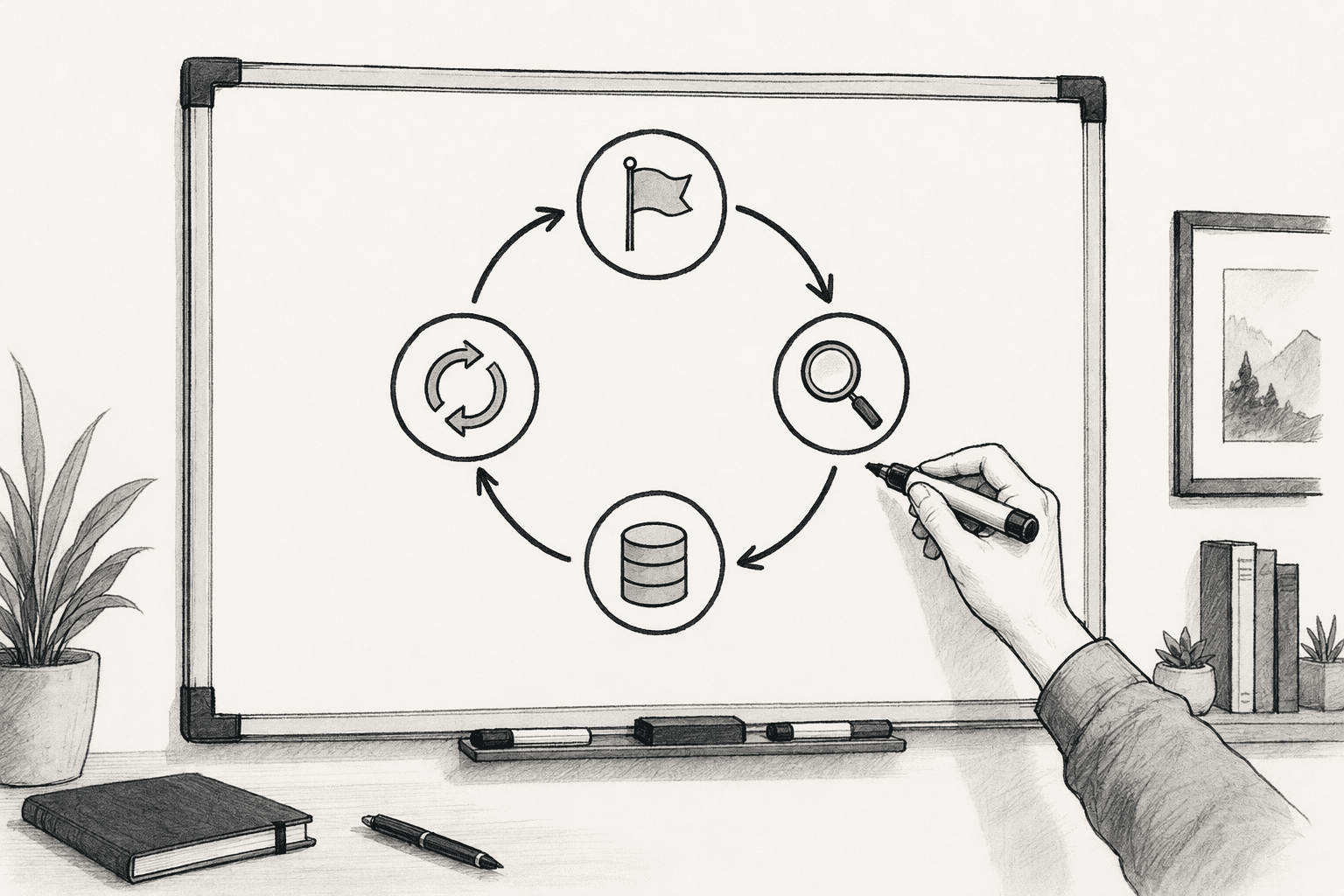
- Make flagging easy: Encourage people to mark incorrect AI answers where they work.
- Sort each correction: Decide whether it concerns a fact, a business definition, a process or an outdated source.
- Verify with an expert: Ask the right subject-matter expert to confirm important fixes.
- Store approved entries: Put them in one shared knowledge source with an owner.
- Connect that source to your AI workflows: Make sure the tool reads the updated entries.
- Review recurring mistakes: Repeated errors point to gaps in company knowledge.
- Track repeats: Measure whether the same errors appear less often over time.