Ask ChatGPT about your company in a new chat and it often starts from scratch. That isn't because ChatGPT can't remember. It's because ChatGPT keeps context in several different places, and company context usually ends up in the wrong one.
Personal memory, custom instructions, projects, custom GPTs, and connected apps each suit different kinds of information. This guide covers where each one fits and 6 steps to set them up, so ChatGPT starts from your company's context in every new session.
Key takeaways
- Context lives in several places: Memory, custom instructions, projects, custom GPTs, and connectors each hold different kinds of context.
- Memory is personal: It suits preferences, not the company facts a whole team needs.
- Projects hold shared context: The instructions and files in a project carry into every chat started inside it.
- Connect instead of copying: Admin-managed connectors keep company knowledge in the source systems, where it stays current.
- Context needs an owner: Someone has to update the brief and test it in a new session.
Where ChatGPT keeps context
Each place ChatGPT keeps context works differently, and the differences decide which one should hold your company's context. Let's take a look at them before we dive into how to use them:
- Memory: ChatGPT's memory has 2 parts, saved memories and reference chat history. OpenAI says saved memories tend to go stale, and that dreaming, a background process that synthesizes memory from chat history, was added to offset that. Memory is built from 1 person's chats, so it suits personal preferences better than shared company facts.
- Custom instructions: These are personal settings that shape how ChatGPT answers 1 person. They suit tone and role, not company facts.
- Projects: A project keeps related chats, files, and instructions together, and it can be shared with a team.
- Custom GPTs and connectors: A custom GPT combines instructions with knowledge files, and company knowledge lets ChatGPT search approved connected apps and return cited results.
How to make ChatGPT remember your company's context
The 6 steps below put each kind of context where it belongs. The first 3 set up the shared and personal layers, the next 2 add reusable tasks and live sources, and the last keeps everything updated.
1. Write a 1-page company brief
Start with the context itself. Write a page that covers what the company does, its products and customers, the terms and definitions people use, the policies that shape answers, and the tone to write in.
Keep stable facts, such as the product list and definitions, separate from ones that change often, such as targets and pricing, so the stable part rarely needs editing. Everything else in this guide is a way of getting this page in front of ChatGPT in every new session.

2. Put the brief in a project
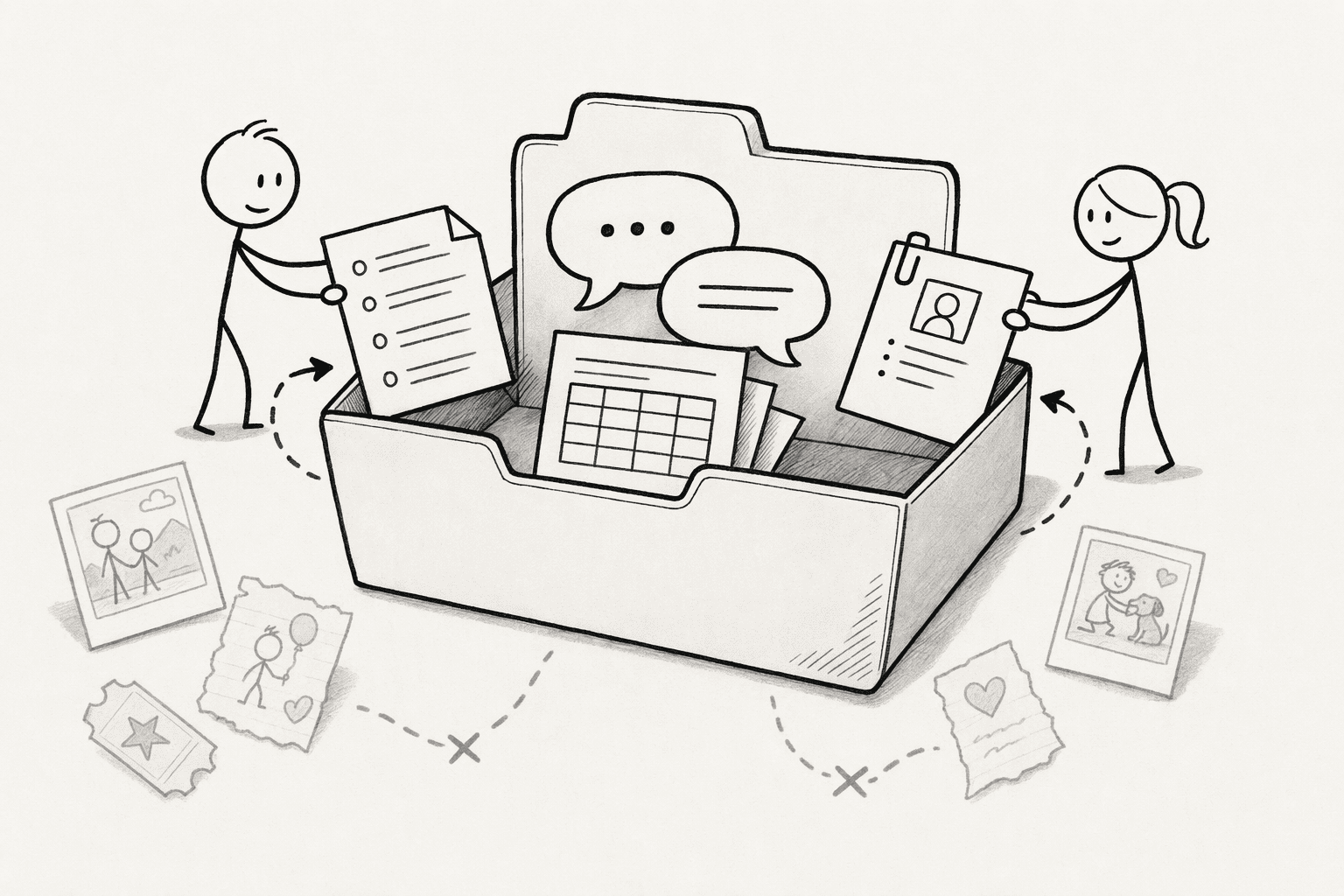
A project keeps related chats, files, and instructions together, so each chat started inside it begins with the same instructions and files.
Paste the brief into the project's instructions and upload the longer documents as files, since Business and Enterprise projects take up to 40 files. Share the project with the team so everyone starts from the same material.
Shared projects use project-only memory and can't see any member's personal memory, which keeps personal details out and the shared context in. Then start company chats inside the project, not outside it.
3. Keep personal preferences in memory and company facts out of it
Memory is built from each person's own chats, and OpenAI's Business FAQ says memories are not transferable to other users, even within the same workspace.
A fact 1 teammate told ChatGPT last month isn't available to the next teammate, so the company facts a team depends on don't belong there.
Use memory and custom instructions for personal preferences such as role, format, and tone. For sensitive what-if work, such as a pricing change or a reorganization, use a Temporary Chat, which doesn't create or update memories.
4. Use a custom GPT for repeatable company tasks
When the same kind of task comes up often, such as answering onboarding questions or drafting in the company voice, build a custom GPT with specific instructions and knowledge files.
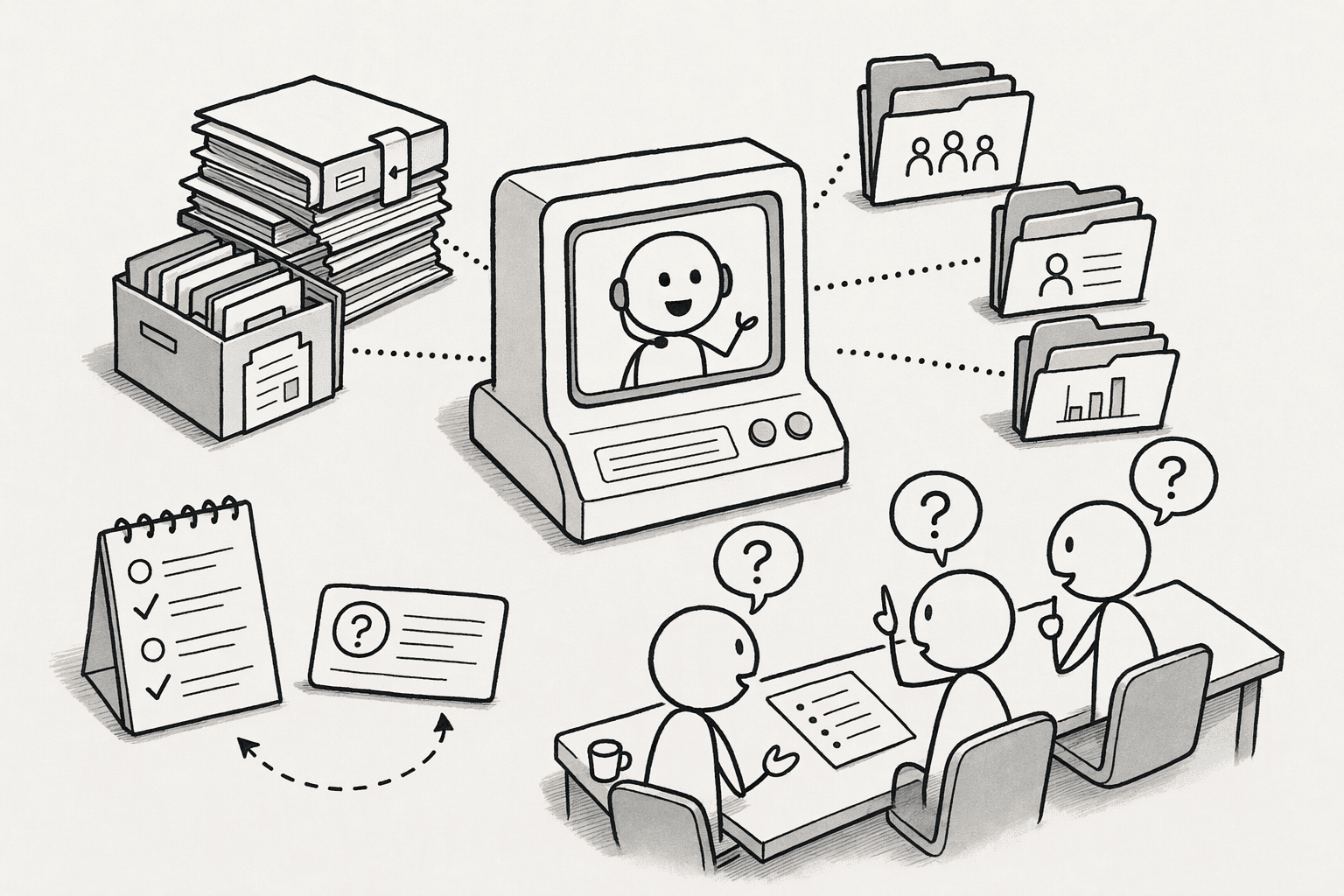
A GPT can hold up to 20 knowledge files, and each text file can be up to 2 million tokens. Keep the instructions short, put the reference material in the files, and test it with a few real questions before sharing it.
5. Connect company knowledge instead of copying it
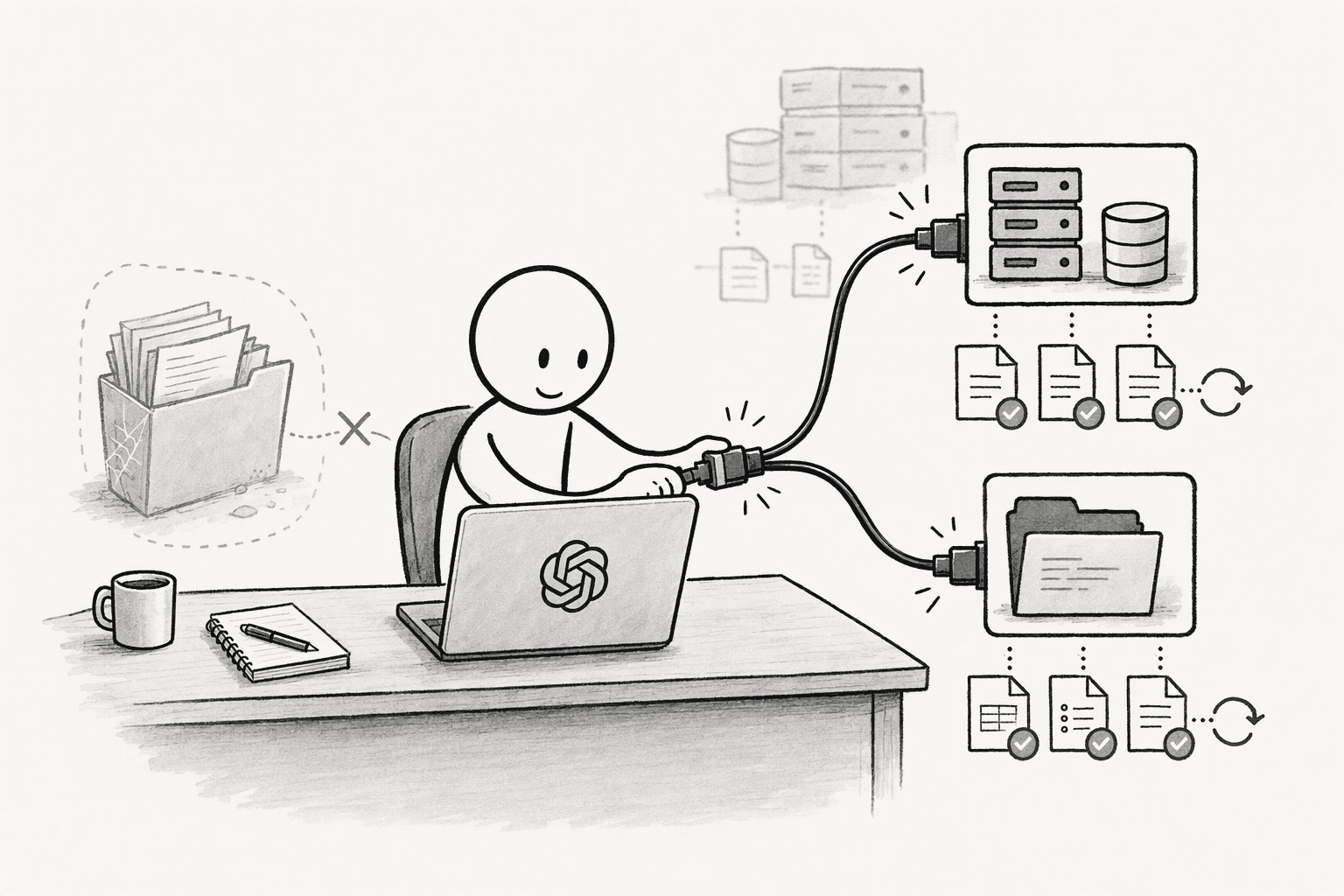
Files in a project or GPT are snapshots that go stale as soon as the source changes. Where your plan supports it, connect the source instead.
In Enterprise and Edu workspaces, admins can enable connectors and manage access with role-based controls, and users can ask company knowledge to search the approved apps and return cited results.
The context stays in the source systems, where it is updated anyway. Check which connectors and plans your workspace has, since availability varies.
6. Keep it current and test it
Context goes stale without an owner. Name 1 person to update the brief and the project files when facts change, and to review the memory summary on a schedule, since memory can hold outdated details.
When ChatGPT gets something wrong, fix the source document and not just the chat, because a correction made in 1 chat doesn't reach the project.
Then test it: once a month, open a new chat in the project and ask 5 questions about the company whose answers you know, and compare the answers with the brief.
When ChatGPT's own features aren't enough
ChatGPT's features keep context inside ChatGPT. Memory isn't shared between users, projects and GPTs have file caps, and a correction made in a chat doesn't flow back to the source.
A team that works across several assistants and tools also runs into the fact that each assistant's memory is a separate silo.
PromptQL is a way to keep that context in 1 shared place: it works in shared threads and a team wiki, captures a correction made once as a cited wiki entry, and lets teams choose the model for each channel or task.
Conclusion
To get started, write the 1-page company brief and put it in a project. Then open a new chat in that project, ask 5 questions you know the answers to, and fix the brief wherever ChatGPT gets one wrong. Once that works, share the project with your team, name an owner, and add the connectors your plan supports. PromptQL is worth a look if the context also needs to reach your other tools.
Frequently Asked Questions
Does ChatGPT remember your company across sessions by default?
Only partly. Memory carries personal details from a person's own chats, and it can go stale. Company context that the whole team needs belongs in a shared project, a custom GPT, or connected sources, so that every new session starts from the same material.
What is the best way to give a team the same company context?
Put a short company brief and the key documents in a shared project, and have everyone start company chats inside it. Shared projects use project-only memory, so every member draws on the same instructions and files. Add connectors for sources that change often.
What are the security and data governance risks when giving an AI persistent access to company data across sessions?
The primary risk is unauthorized data leakage, where synthesized memory from a private chat becomes queryable by an unauthorized user later. Row-level controls mitigate this by ensuring the AI inherits only the acting user’s existing database permissions on every request. User-scoped access prevents the model from ever accessing data its current operator cannot already see, turning the agent into a governed interface rather than a shared credential.
What is the difference between simple document upload for context versus an agentic platform that builds a live, shared knowledge graph?
Document uploads and live knowledge graphs offer fundamentally different freshness models:
- Document upload: Creates a static snapshot that begins to go stale the moment it’s ingested, requiring constant manual replacement.
- Live knowledge graph: Connects directly to databases and APIs, writing code to analyze current data and continuously updating its semantic understanding of business definitions, schemas, and metrics as the underlying systems change (source).
Sources
- How to Share Context Across ChatGPT, Claude & Other LLMs - promptql.io
- Policy-based access for the agent era - promptql.io
- How Humans and AI Agents Can Work Together - promptql.io
- Dreaming: Better memory for a more helpful ChatGPT | OpenAI - openai.com
- Memory in ChatGPT | OpenAI Help Center - help.openai.com
- Best knowledge graph tools for teams in 2026 - tana.inc
- ChatGPT Has Receipts, Will Now Remember Everything You've Ever Told It - me.pcmag.com




