Teaching an AI is like writing in a private notebook: it helps the person holding the pen and nobody else. In ChatGPT, the notebook is literal. OpenAI's Business memory FAQ says memories aren't transferable to other users, even within the same workspace, so whatever one person teaches their assistant stays with them and their account.
This guide covers where an AI's training stays trapped and 6 ways to share it.
Key takeaways
- Personal AI training stays personal: Memory, instructions, and private chats help only the person who built them.
- Audit what the AI has been taught: Review the memory, instructions, prompts, and GPTs that 1 person has built up.
- Share the setup, not the login: A shared project or custom GPT carries the knowledge without sharing an account.
- Capture corrections in a shared source: A correction isn't finished until the whole team can find it.
- Test with a teammate: If someone who never trained the AI gets worse answers, the knowledge is still trapped.
Where an AI's training stays trapped
When one person teaches an AI, what it learns is stored in a few places that only that person can open. These 4 are where to look for it:
- Memory and chat history: What ChatGPT remembers is built from one person's chats and isn't transferable to anyone else. It can also change over time as ChatGPT updates what it considers useful.
- Custom instructions: These personal settings shape how the AI answers 1 person, so the tone, terms, and rules the trainer set never reach a teammate.
- Private chats: A correction fixes the answer in that chat for that person. The next person who asks the same question gets the original mistake.
- Personal setups and prompts: Custom GPTs, saved prompts, and uploaded files that live in a private space can't be found or reused by the team.
2 things keep the knowledge in those places. The first is design: they are personal by default, so nothing moves from them to the team unless someone moves it. The second is behavior: in a KPMG study with the University of Melbourne, covering 48,340 people across 47 countries, 57% of employees said they hide their use of AI and present AI-generated work as their own, and what a person doesn't show can't be shared.
The fix for both is the same: move the knowledge from a personal space into a shared one.
How to stop losing what one person teaches the AI
The 6 actions below move what 1 person has taught the AI into a place the whole team can use, and make that the default for whatever gets taught next.
1. Find out what the AI has been taught
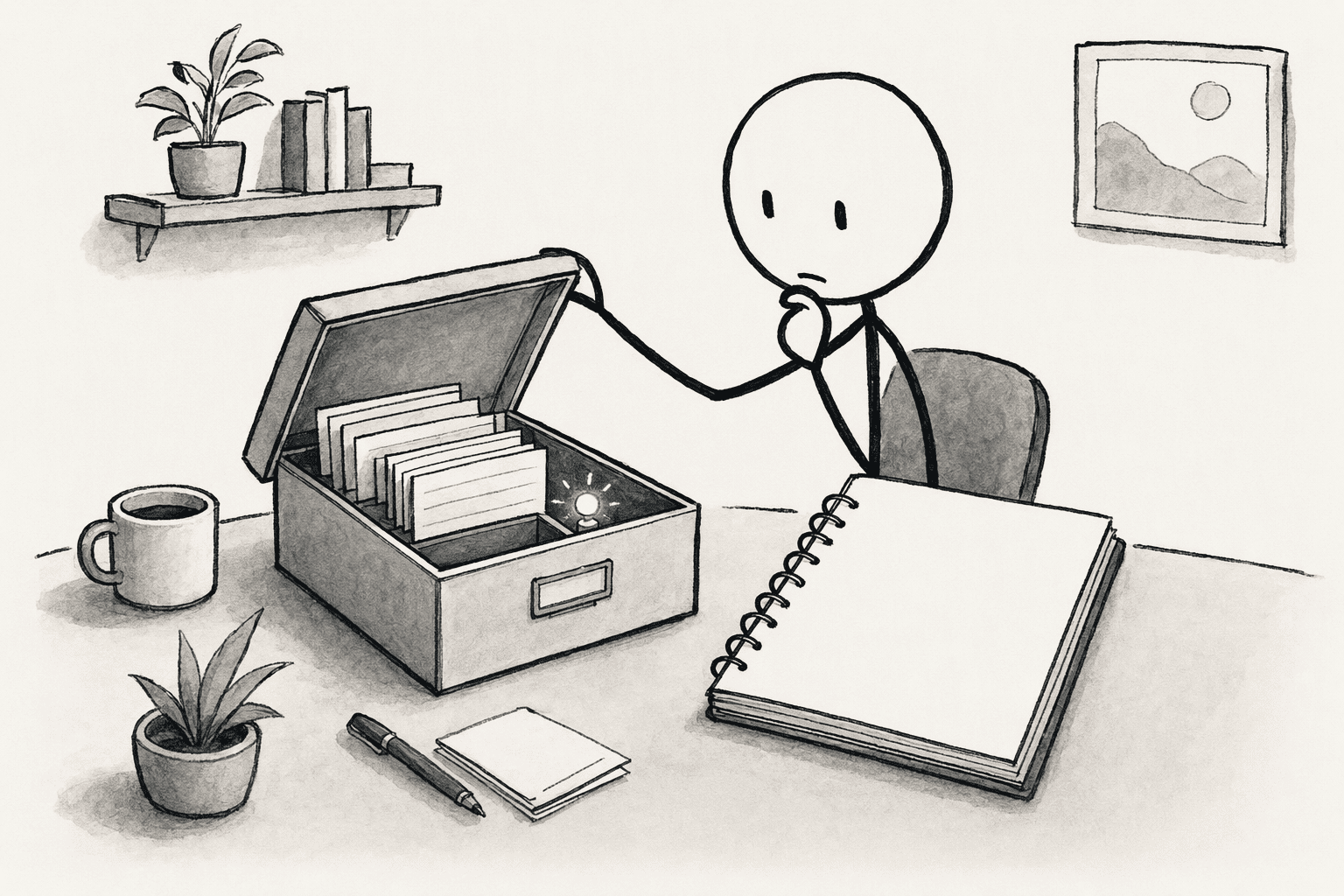
Start with the person who has trained the AI the most. Review the memory summary, the custom instructions, the saved prompts, and any custom GPTs they've built, and ask them to list what they've corrected most often, such as definitions, preferred sources, and terms the AI used to get wrong.
A symptom to look for: if 1 person runs long, private threads that nobody else can see, their best results are trapped there.
2. Move the lasting knowledge into a shared source
Take what that list contains and write it into a shared source that doesn't depend on any one person: a brief, a glossary, and a set of decision rules.
Keep stable facts, such as definitions and product names, apart from ones that change often, such as targets and prices, so the stable part rarely needs editing.
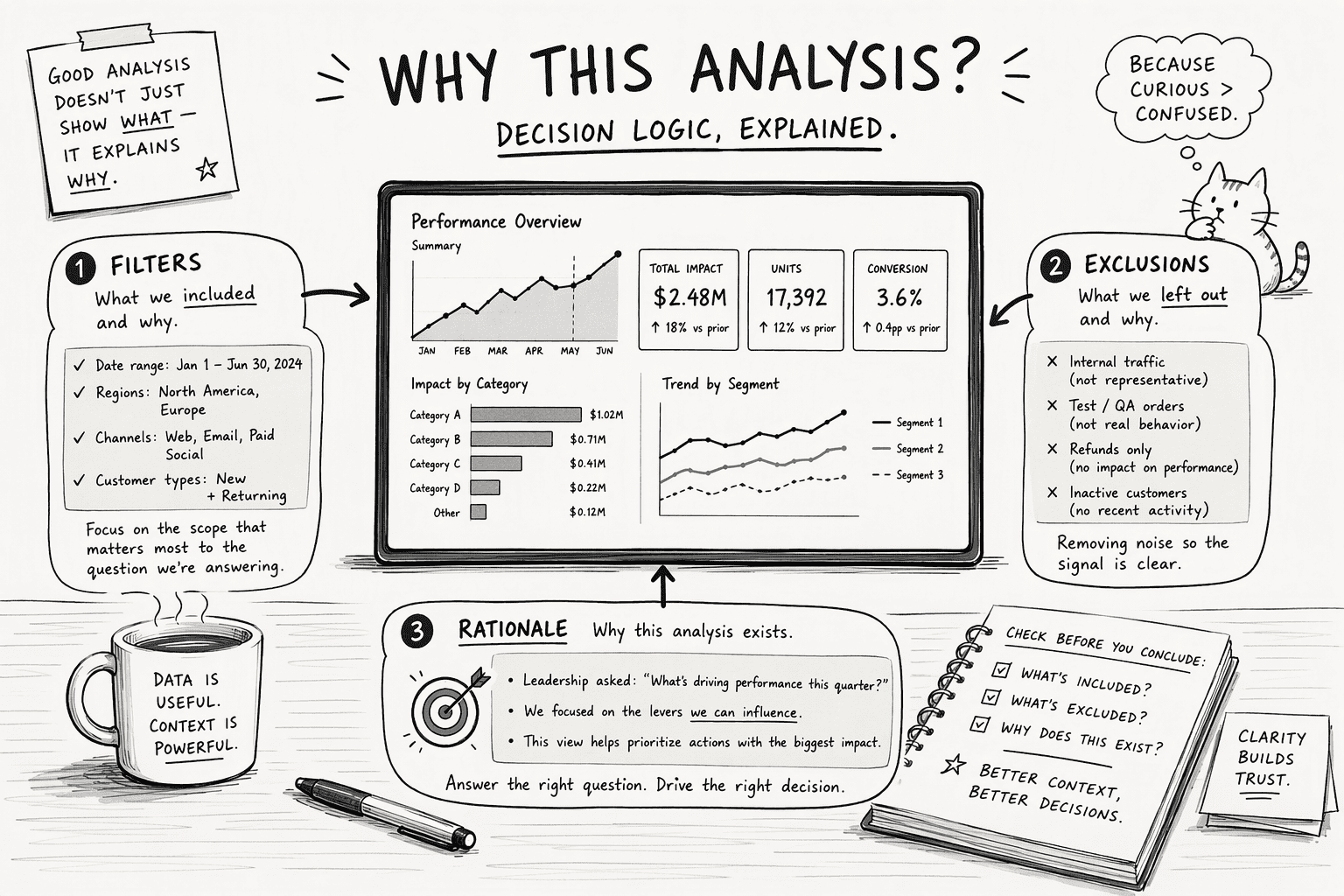
For recurring analyses, record the why with the answer: the filters applied, what was excluded, and the assumptions, so the next person doesn't have to guess at the reasoning.
3. Share the setup, not the account
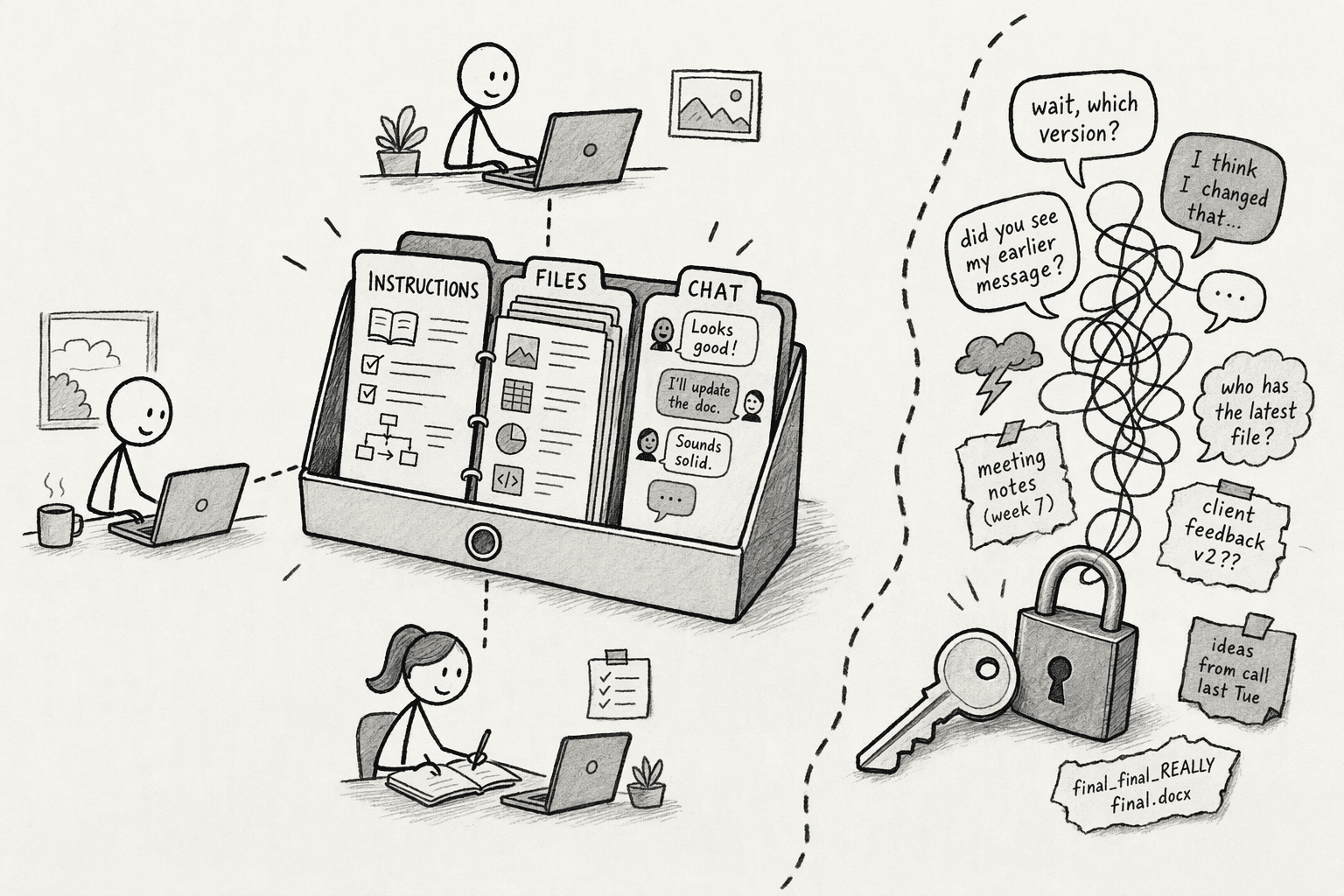
A shared project or a custom GPT can carry the knowledge to the team, and a login can't. A shared project keeps instructions, files, and chats in one place, and shared projects can't see any member's personal memory, so the shared knowledge stays separate from personal details.
Don't share one login or a broad key as a shortcut. It hides who taught the AI what and who asked for what, mixes everyone's chats and memory in one account, and becomes a risk once more than one person uses it.
4. Capture corrections where everyone benefits
A correction that stays in a private chat helps a person once. Make it a rule that a correction isn't finished until it's written in the shared source from step 2.
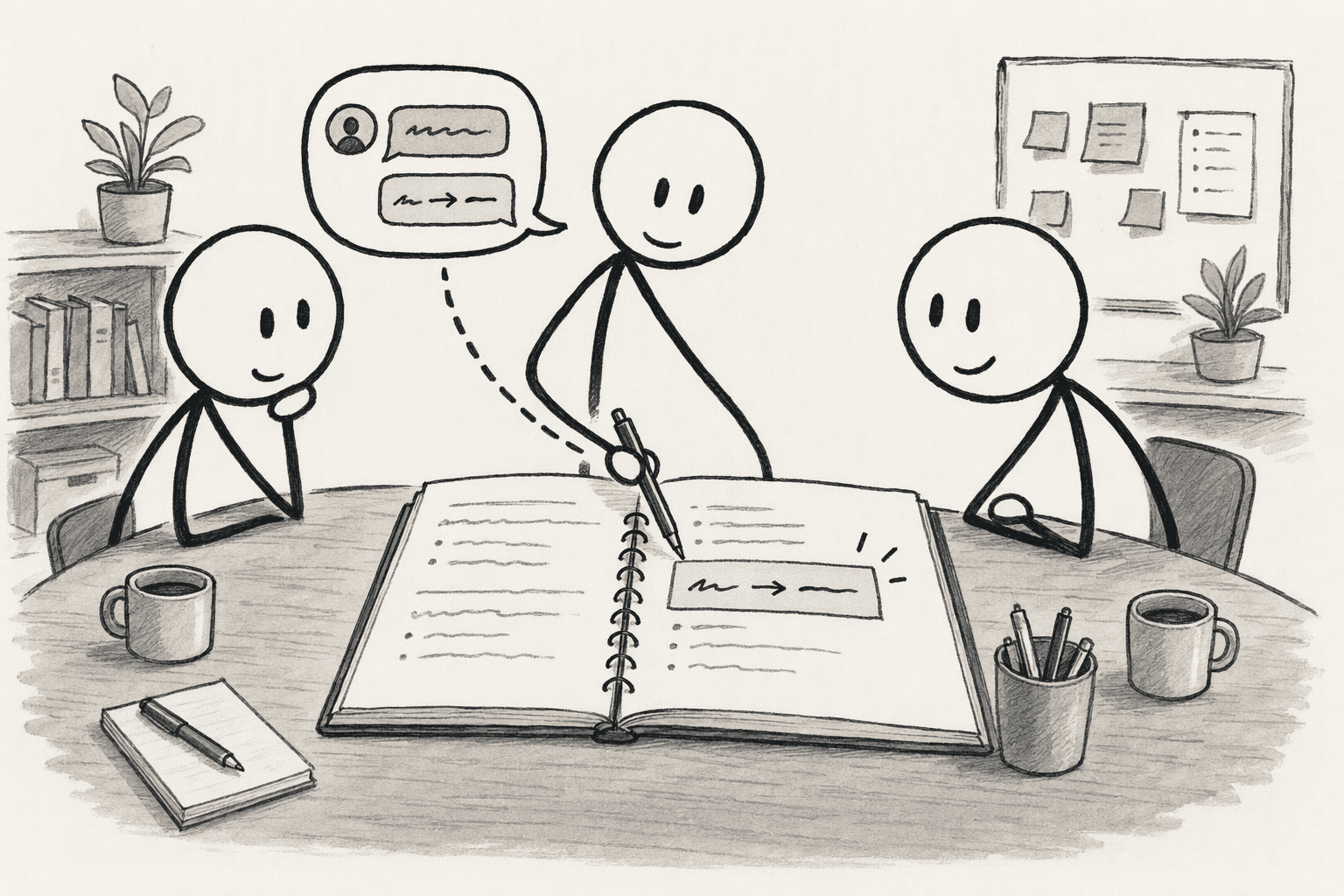
PromptQL does this as the team works: when someone corrects an answer in a shared thread, the correction is captured as a cited wiki entry with revision history, so the next person's answer starts from it.
5. Make teaching a team habit with an owner
Shared knowledge needs contributors and a curator. Give people a simple template for adding what they've taught the AI, such as the term, the correct answer, and where it came from, and rotate one curator who reviews new entries.
Recognize contributors, since people share what they're credited for. The article On shared context makes the same point: shared context should come from many contributors, not be written up by one person.
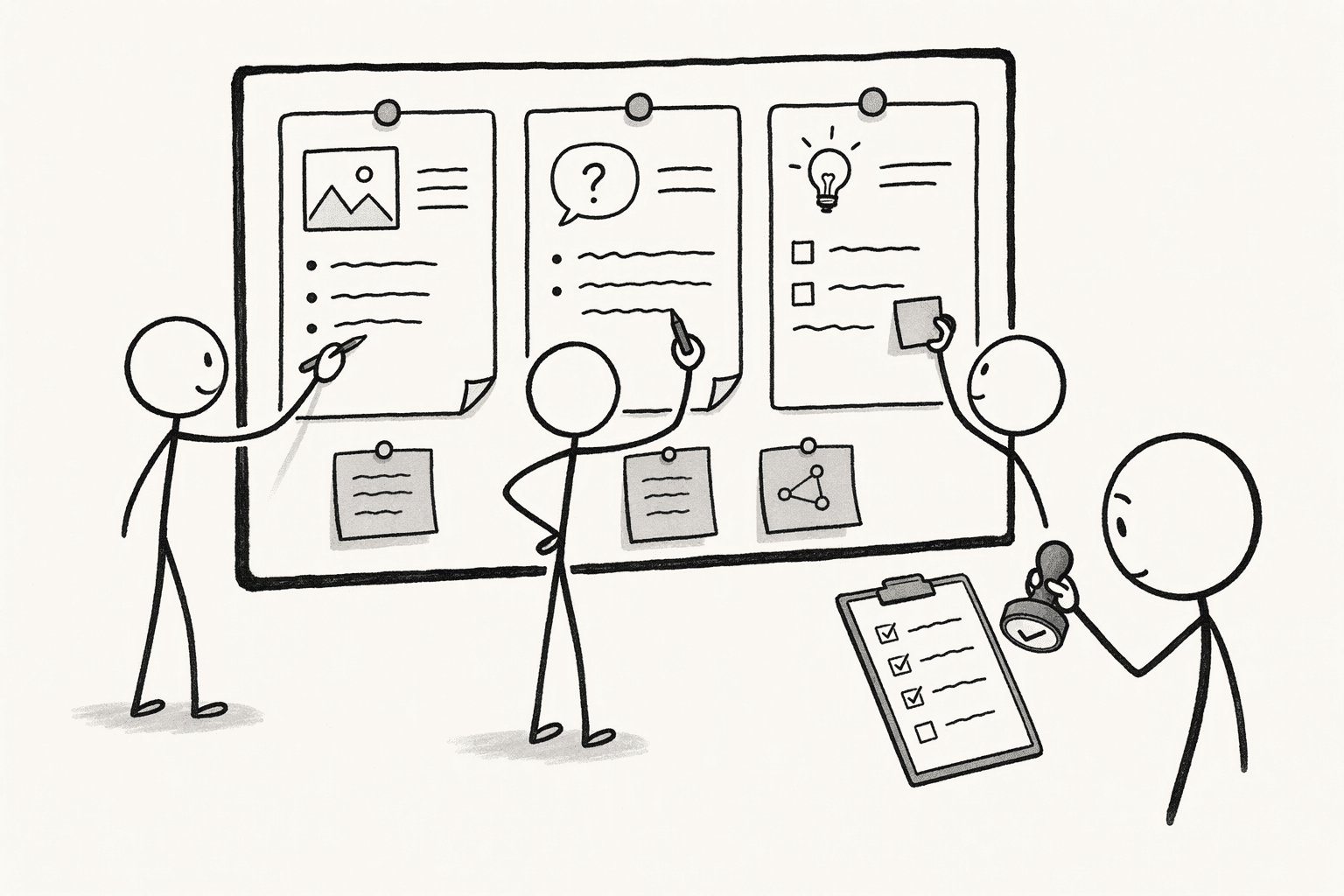
6. Test it with someone who didn't train the AI
Ask a teammate who never trained the AI the 5 questions it answers best for the trainer, and compare the answers.
If the teammate's answers are worse or contradict the trainer's, the knowledge is still trapped, so find which step it's missing from and fix it.
Repeat the test whenever someone new joins, and whenever the person who did most of the teaching changes roles or leaves.
Conclusion
Moving forward, treat what an AI has been taught as team property. Every correction, instruction, and prompt that works should end up in a shared source, with an owner and a regular check that someone who didn't write it can use it.
For teams that want that to happen as part of the work, PromptQL captures corrections in a shared wiki as people use it, so the knowledge doesn't depend on who happened to teach the AI.
Frequently Asked Questions
What causes team knowledge to become trapped when only one person trains an AI assistant?
The AI operates on transient local memory with no shared organizational context. Without a persistent shared workspace, insights, prompt chains, and decision logic die when the power user closes the tab or leaves the company.
What happens to an AI's training when the person who did it leaves?
Anything kept in their personal memory, instructions, or chats stays tied to their account. OpenAI says that when a workspace owner turns memory off, members' saved memories are deleted, so personal memory shouldn't be the only copy. Move the lasting knowledge into a shared source before anyone leaves.
What features should an enterprise AI platform have to share context and insights across an entire team?
It needs persistent shared context between sessions, multiplayer threads, user-scoped access control, and an automatic audit trail. The system must inherit each user’s existing data permissions rather than relying on a single master credential.
How do you capture what someone has taught the AI without a long documentation project?
Ask the trainer for the corrections they make most often, and write those first. Then make adding a correction to the shared source part of fixing it, so the documentation grows out of the work.
How can a team turn one person’s recurring AI analysis into a reusable, auditable artifact for everyone?
Capture the decision logic and code alongside the output. A planning-only architecture shows the model’s reasoning before action. Save the sanitized thread, filters, and semantic-model adjustments; future teammates query the rationale, not just the final number.
Sources
- PromptQL Tag | The company-wide AI agent for your workspace - promptql.io
- Enterprise AI is burning tokens without context and teams - GlobeNewswire - www.globenewswire.com
- Networked Intelligence: Active Shared Context Graphs for Human-AI Team Science - arxiv.org
- Stop Losing Your Company's IQ | Andrew McCarthy, Notion GM | Applied AI Australia Podcast Ep. 1 - www.appliedaiaustralia.com.au
- Artificial intelligence is eating itself and slowly losing its mind | Dagens.com - www.dagens.com




