A 2022 field study published in Harvard Business Review, by researchers at the workflow analytics vendor Soroco, followed 137 workers at 3 Fortune 500 companies. They toggled between apps about 1,200 times a day and spent just under 4 hours a week reorienting after each switch. A product team's work is a version of that: a decision starts in Slack, becomes a ticket, turns into a spec, gets a design, and ends as a pull request.
People reorient after each switch, but an AI assistant doesn't. It starts with whatever the tool it lives in can see. This guide covers where a product team's AI context drops as work moves between tools, and 6 ways to keep it.
Key takeaways
- Handoffs are where context drops: A decision made in Slack rarely reaches the ticket, spec, or design with its reasoning attached.
- Write decisions where every tool can read them: A decision log linked from each ticket and spec gives every AI the same starting point.
- Connect AI to the systems of record: Official connectors for Jira, Linear, Notion, and Figma give an AI access to what each tool holds.
- Fix corrections once: When someone corrects the AI in 1 tool, the fix should land in a shared source that every tool reads.
- Test across tools: Ask the AI in 1 tool about a decision made in another, and count how often someone has to restate it.
Where product teams lose AI context
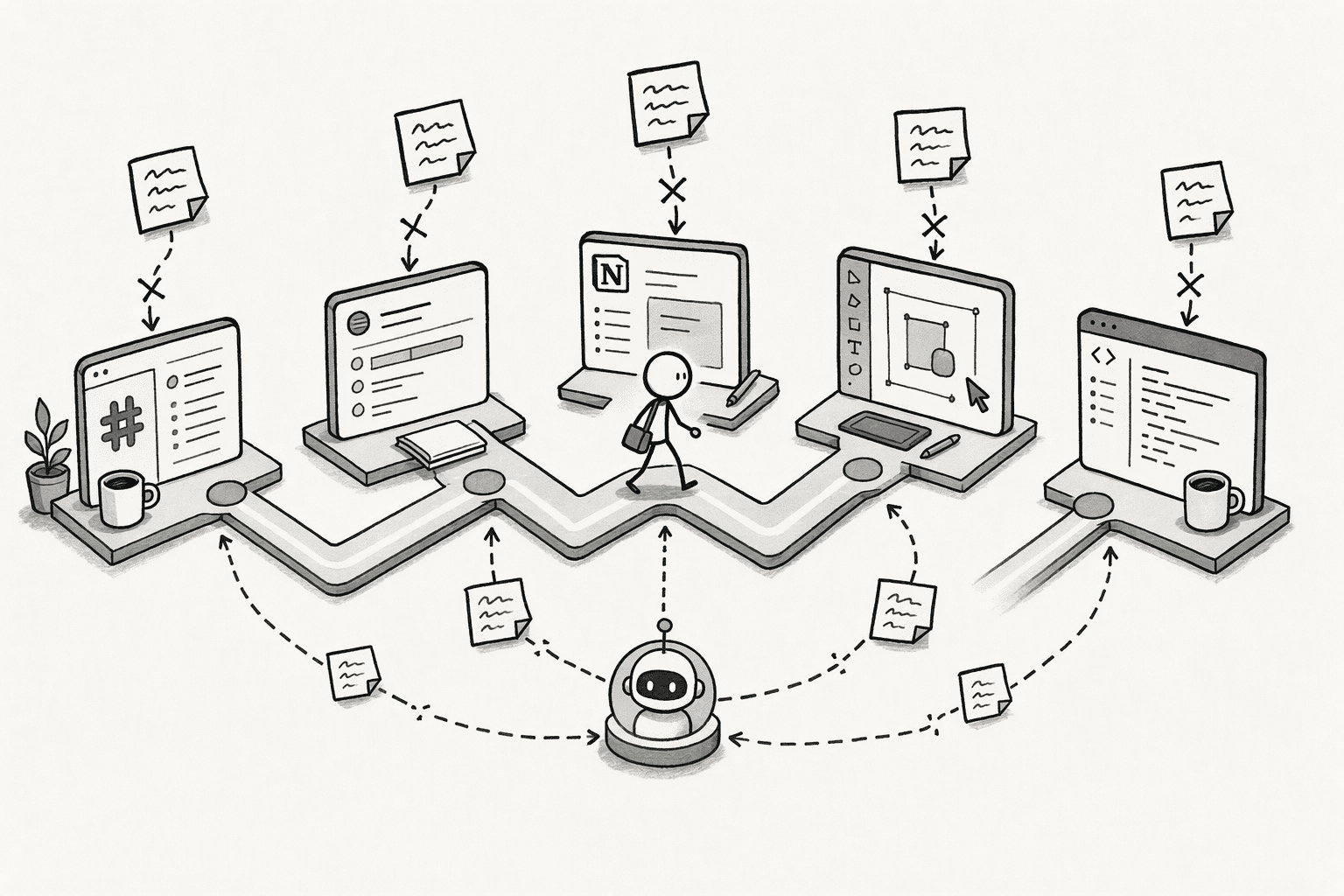
Product work moves through a chain of tools, and each one holds a different slice of the picture. A typical chain runs from a Slack thread to a ticket in Linear or Jira, a spec in Notion or Confluence, a design in Figma, and a pull request in GitHub. AI context drops at 4 points along it:
- Slack to ticket: The thread holds the options the team weighed and why 1 won, but the ticket usually gets a short title and a link. An AI working in the tracker sees the ticket, not the debate.
- Ticket to spec: The ticket records what to build and the acceptance criteria, while the reasoning and the customer evidence live in discovery notes and interview docs somewhere else.
- Spec to design: A design file carries the layout and components but rarely the constraints and trade-offs written in the PRD, so an AI in the design tool works without them.
- Spec and design to code: An AI in the editor sees the repository and maybe the ticket, but not the roadmap decision or the customer feedback that shaped the spec.
AI context is lost in other ways too, such as between separate chat sessions and between teammates when work changes hands.
This guide focuses on how product teams can stop losing AI context when switching between different tools, because that is the loss every handoff along the chain creates, and it is the one a team can fix through how it records decisions and connects its tools.
How to stop losing AI context when switching between tools
The 6 actions below follow the same chain. The first 2 find the drops and fix them at the source, the next 2 connect the tools and make corrections stick, and the last 2 give every tool the same brief and check that it works.
1. Map the tool switches where context drops
Start with the chain your team actually uses. List the 5 switches that happen most, such as Slack to Linear, Linear to Notion, Notion to Figma, Figma to GitHub, and any AI assistant used in between.
For each, note what a teammate has to re-explain after the switch: the rationale for a roadmap call, the customer segment behind a request, the constraint from legal or engineering.
Those re-explanations mark where the AI is losing context, because anything a person has to repeat is something the next tool never received.
2. Write decisions where the next tool can read them
A decision that lives only in a Slack thread is invisible to every AI that works in the tracker, the doc, or the design file.
Keep 1 decision log for the product, as a page in Notion or Confluence, with the decision, the reasoning, the options rejected, and a link to the source thread, and link it from every ticket and spec it affects. An AI in any of those tools can then follow the link instead of guessing.
Record each decision when the thread closes, and make sure the log shows who or which AI last changed each entry and when. A shared place like this is what a context layer provides across a whole organization.
3. Connect AI tools to the systems of record
The tools product teams use already publish connectors. Atlassian's MCP server, for instance, lets AI tools work with Jira and Confluence using your existing permissions, and Figma's agent can connect to Linear, Notion, Atlassian, Slack, and GitHub through partner MCP connectors, so an AI in 1 tool can read tickets, docs, and design context from the others. Connectors give access to what is written down, which is why step 2 comes first.
When you connect a tool, check what its admin side offers: which AI tools are connected, when each was last used, and whether 1 person's connection can be revoked without affecting the others. Notion's 3.8 release added all 3, along with per-property access. Review connections every so often and revoke the unused ones, since old grants accumulate.
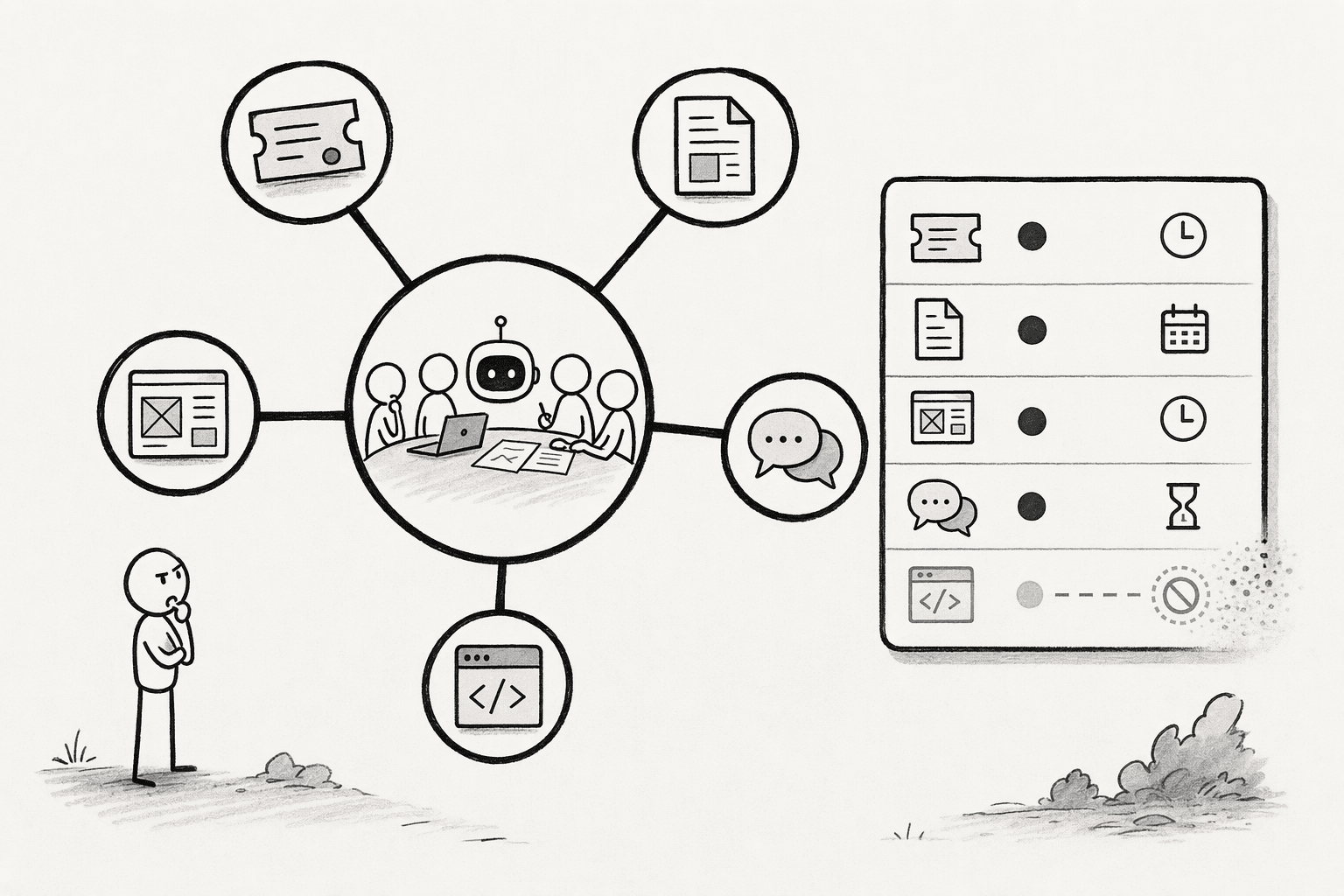
PromptQL, for example, acts with the permissions of the person triggering the bot, so what it reads from a connected tool matches what that person could see, and results shared in the bot are visible to its audience, so sensitive outputs need appropriate sharing controls.
4. Make corrections stick across tools
When an AI gets something wrong in 1 tool, such as the wrong definition of an activated user or an outdated pricing tier, the fix usually stays in that tool and the next tool repeats the mistake.
Put corrections in the shared source from step 2, so every connected tool reads the same fix. PromptQL works this way for teams that tag it in Slack: a correction made once is captured as a cited wiki entry, so the next answer starts from it.
5. Keep a short product brief that every tool can load
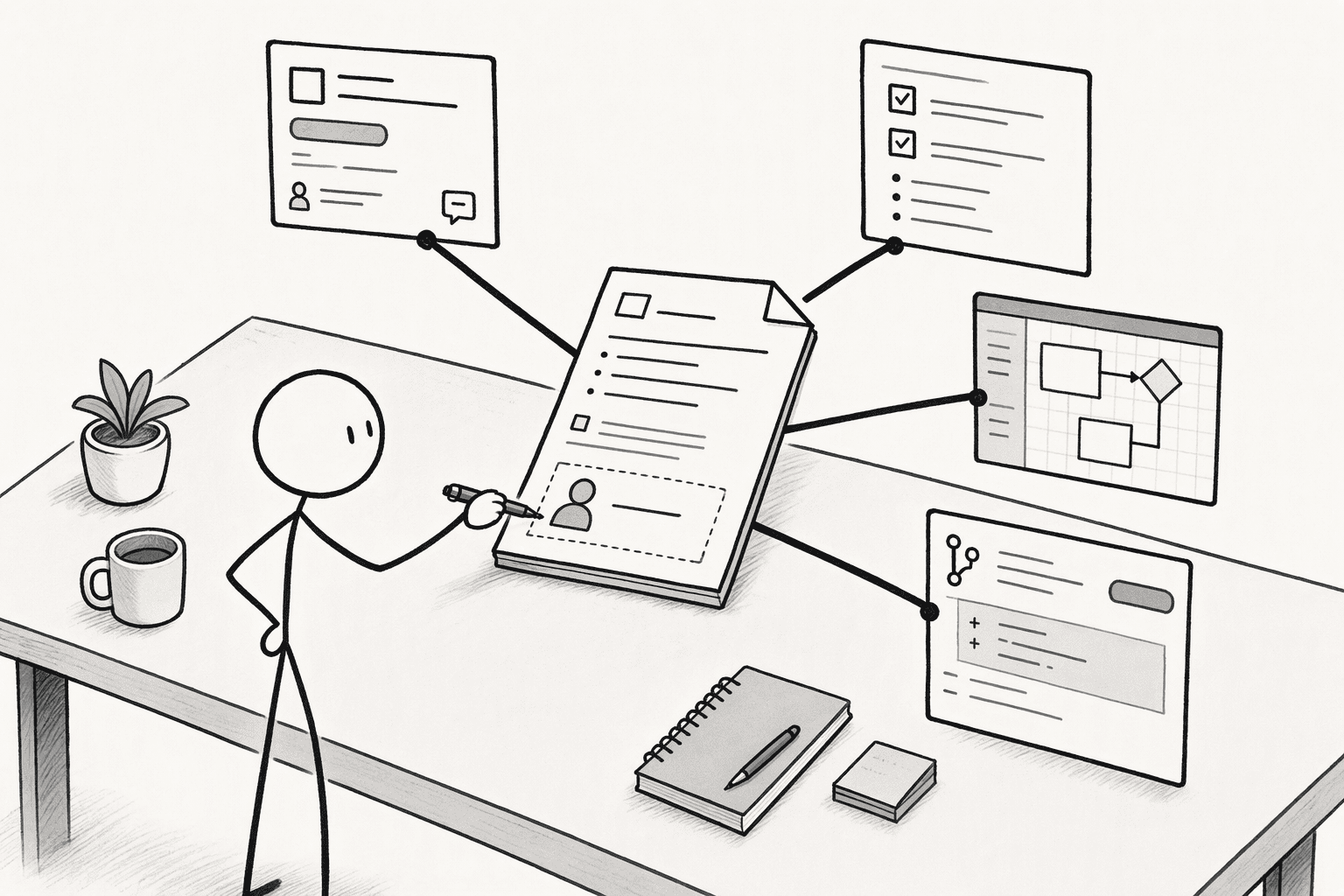
For each initiative, keep a brief of a page or less: the goal, the constraints, the decisions so far, and the open questions. Slack's guidance for building agents recommends this structure, a short state in place of the full history, and it fits a PRD summary or a launch brief. Link the brief from the ticket, the spec, the design file, and the pull request template, so an AI in any of them starts from the same page.
The lightest version is a Markdown file in a shared folder, which 1 engineer's experiment with Obsidian, Markdown, and MCP found promising but hard to keep current, so give each brief an owner.
6. Test across tools and count re-explanations
Test the connection between tools the way a product team tests a release. Pick 5 decisions from the last sprint, each recorded in 1 tool, and ask the AI in a different tool about each: why the team cut a feature from the launch, which customer segment a ticket was for, what constraint shaped a design.
Any wrong or empty answer is a gap in steps 2 to 5. Then count re-explanations, meaning the times someone restates in 1 tool what was already settled in another, and aim for that count to fall each sprint. Name 1 owner for the decision log and the briefs, because they go stale without one.
Conclusion
Start with the 1 handoff that causes the most re-explaining this sprint, probably Slack to the ticket or the ticket to the spec. Write its decisions into the log, link the log from both tools, and run the 5-decision test next week to see what the AI in the second tool now knows. Then repeat for the next handoff in the chain. If your team already works in Slack, PromptQL is a place to start: tag it, correct it once, and the fix is captured for the next question.
Frequently Asked Questions
How do you measure whether context is being lost between tools?
Run the tool-switch test: ask the AI in 1 tool about 5 decisions recorded in another, and count the wrong or empty answers. Also count re-explanations per sprint, meaning the times someone restates in 1 tool what was settled in another.
Which tools should product teams connect first?
Start with the 2 tools where decisions are made and recorded, usually Slack and the tracker or doc tool, then add the design and code tools. Connect more only when the handoff between them causes re-explaining.
How do shared, multiplayer AI workspaces differ from single-session chatbots in preserving team knowledge and reasoning history?
Single-session chatbots discard reasoning when a tab closes, trapping knowledge in private threads. A multiplayer AI workspace maintains a continuous, visible thread where every question, decision, and dead end is persistently recorded and immediately accessible to the whole team.
Does an AI assistant's built-in memory solve it?
Not by itself. Built-in memory lives inside each assistant, so it can't carry decisions between your tools, and each assistant's memory is a separate silo from the next.
Sources
- PromptQL | About us - promptql.io
- How Humans and AI Agents Can Work Together - promptql.io
- MCP Governance - Barndoor AI | Secure Access and Governance for AI and MCP - barndoor.ai
- If your AI investments are stalling, it's a context problem | CIO - www.cio.com
- The Problem with AI Memory Across Different Tools - DEV Community - dev.to
- October 13, 2026 – Notion 3.8: Context for your agents - www.notion.com




