
Add an alert
Hand off the watching. PromptQL pings the thread when the condition you described actually happens.
What it is
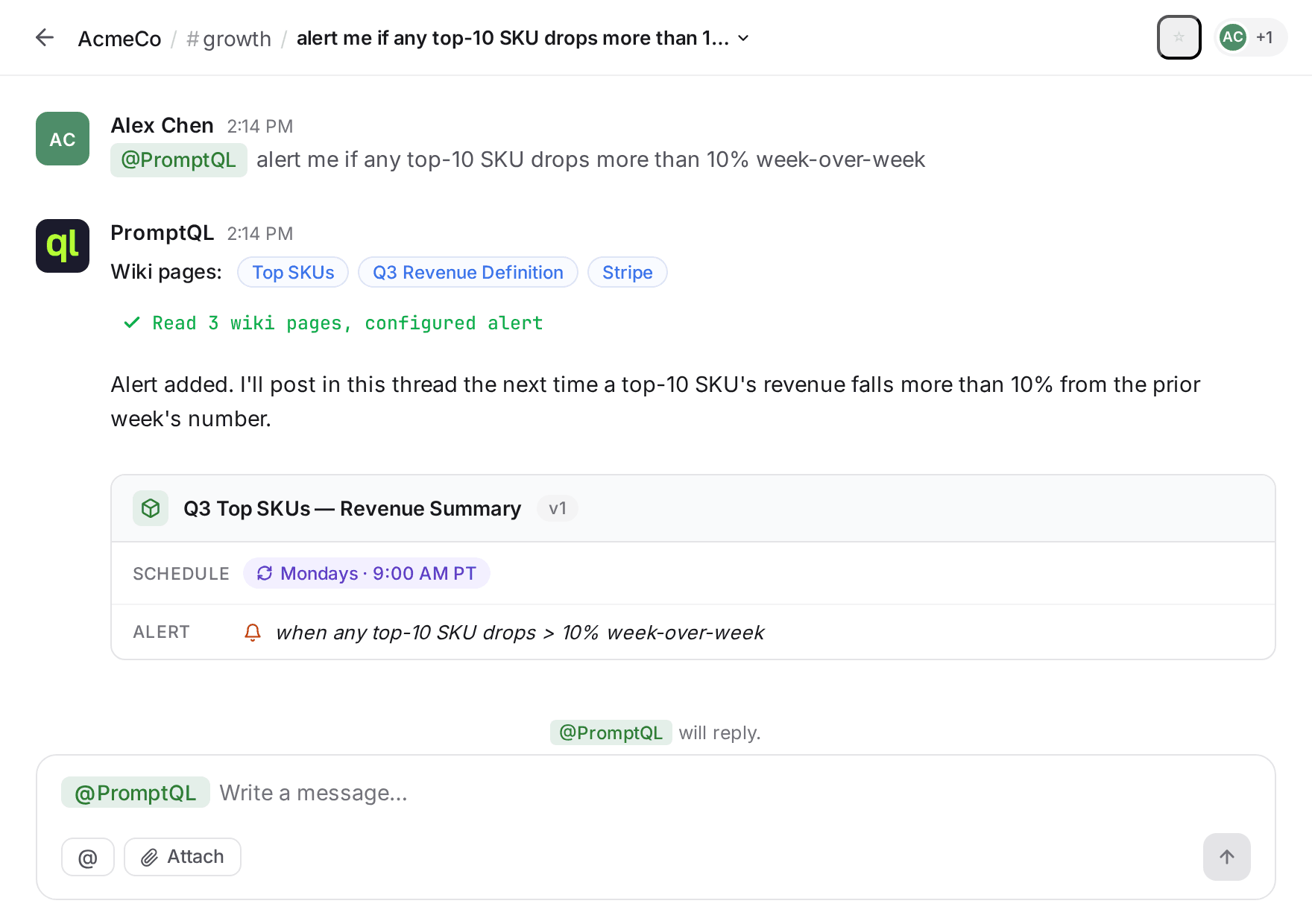
An alert is a natural-language condition you attach to an artifact. PromptQL watches each run and posts in the artifact's thread when the condition trips — no condition, no post. You describe the trigger the way you'd describe it to a teammate: “ping me if anything top-10 drops more than 10% week-over-week.”
This is the third hand-off. A scheduled artifact runs whether or not anything interesting happened. An alert filters out the boring runs so the thread only chirps when the signal's real.
How to do it
- In the thread with the artifact, describe what should trigger an alert — “alert me if any top-10 SKU drops more than 10% week-over-week” is enough. PromptQL parses the condition; you don't format anything.
- PromptQL confirms by attaching the condition to the artifact, written out so anyone in the thread can see what it's watching for.
- On every run — scheduled or manual — PromptQL checks the condition. If it trips, a new message goes in the thread, naming what fired and what changed.
- Tune or remove the alert by talking to PromptQL — “tighten that to 15%”, “ignore SKU-G”, “turn this off”.
What's next
You've handed off the running, the watching, and the when-to-care. What's still on you is the doing — when the alert fires, someone still has to act on it.
Next: Have it take action. Instead of posting a message and waiting on a human, PromptQL can actually do the next thing — update a record, send a note, kick a workflow. The doing moves off your plate too.