
Run it on a schedule
Hand off the when. Same artifact, fresh data, on the cadence you set.
What it is
A schedule is a cadence attached to an artifact. PromptQL re-runs the artifact on its own — every Monday at 9, the first business day of the month, whenever — and each run produces a new version in the thread the artifact lives in. The old versions stay put, so you can compare or roll back.
This is the second hand-off. Until now, the artifact only existed when someone remembered to run it. With a schedule, the loop runs itself; you and the team show up to read.
How to do it
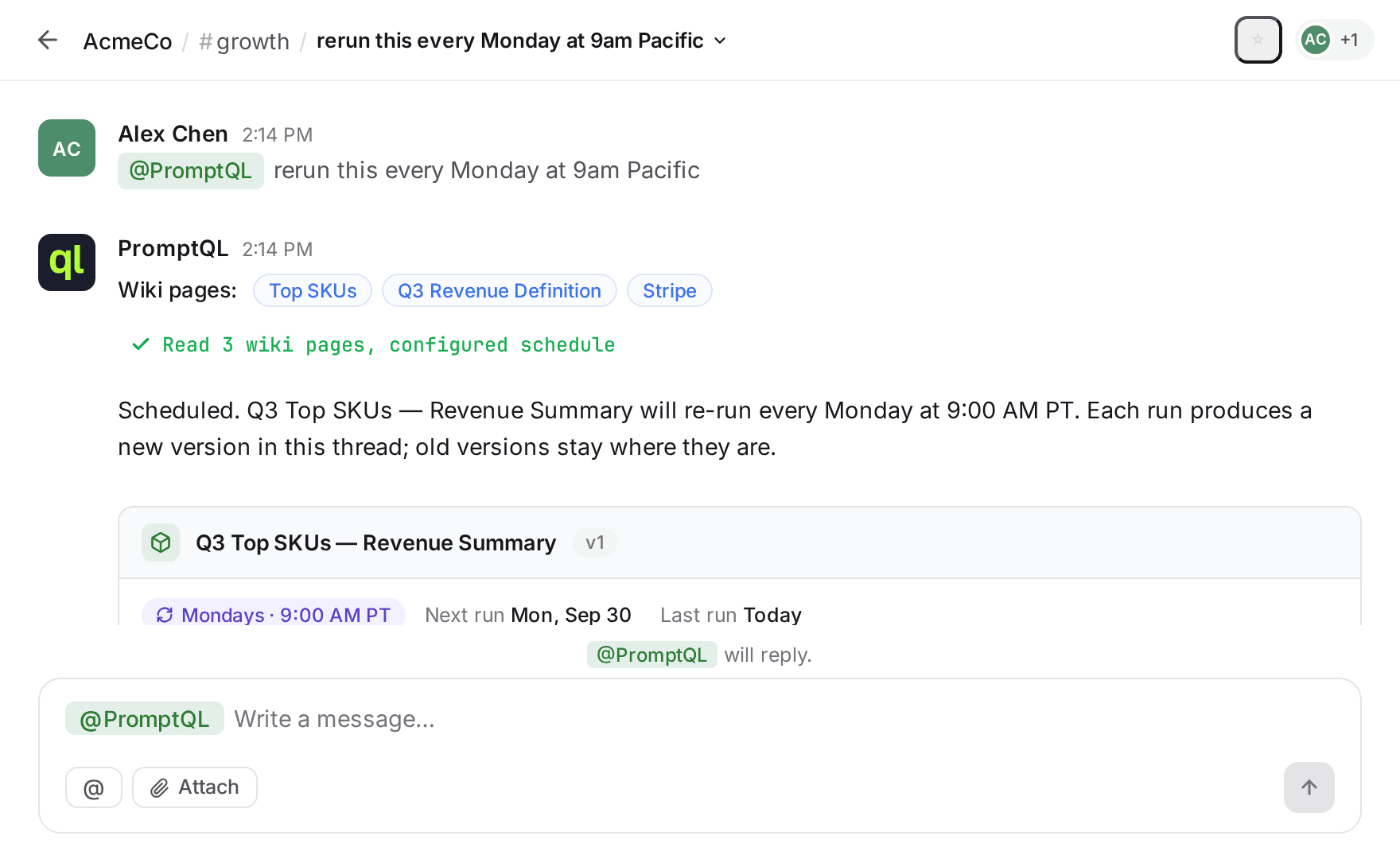
- In the thread that holds the artifact, tell PromptQL when you want it to run — “rerun this every Monday at 9am Pacific” works. Natural language; no cron strings unless you want them.
- PromptQL confirms by attaching a schedule pill to the artifact — the cadence, the next run, the last run. Anyone in the thread can see it's on a timer.
- Each run produces a new version. v1 stays where you left it; the next Monday brings v2, the Monday after that v3, and so on. The artifact's name doesn't change, so anything that references it picks up the latest by default.
- Change the cadence (or pause it) the same way you set it — “skip next week”, “move to Thursdays”, just say so.
What's next
The artifact now runs on its own. But running and reading are different things — a fresh v17 sitting in a thread no one's watching is just noise.
Next: Add an alert. PromptQL watches each run for something specific — a number crossing a threshold, a category appearing where it didn't before — and only pings you when it matters. The watching moves off your plate too.