
04 Oct, 2026
•
9 MIN READ
How Can Product Managers Use Jev?
Key Takeaways
- Jev suits PM work that repeats the same judgment over many items.
- The strongest pattern pairs Jev for sorting with an LLM for summarizing and a person for deciding.
- Rules such as SLAs, dates and counts stay outside Jev.
- Start with one use case where mistakes are easy to see and fix.
What Jev Does Well for Product Managers and What It Doesn't
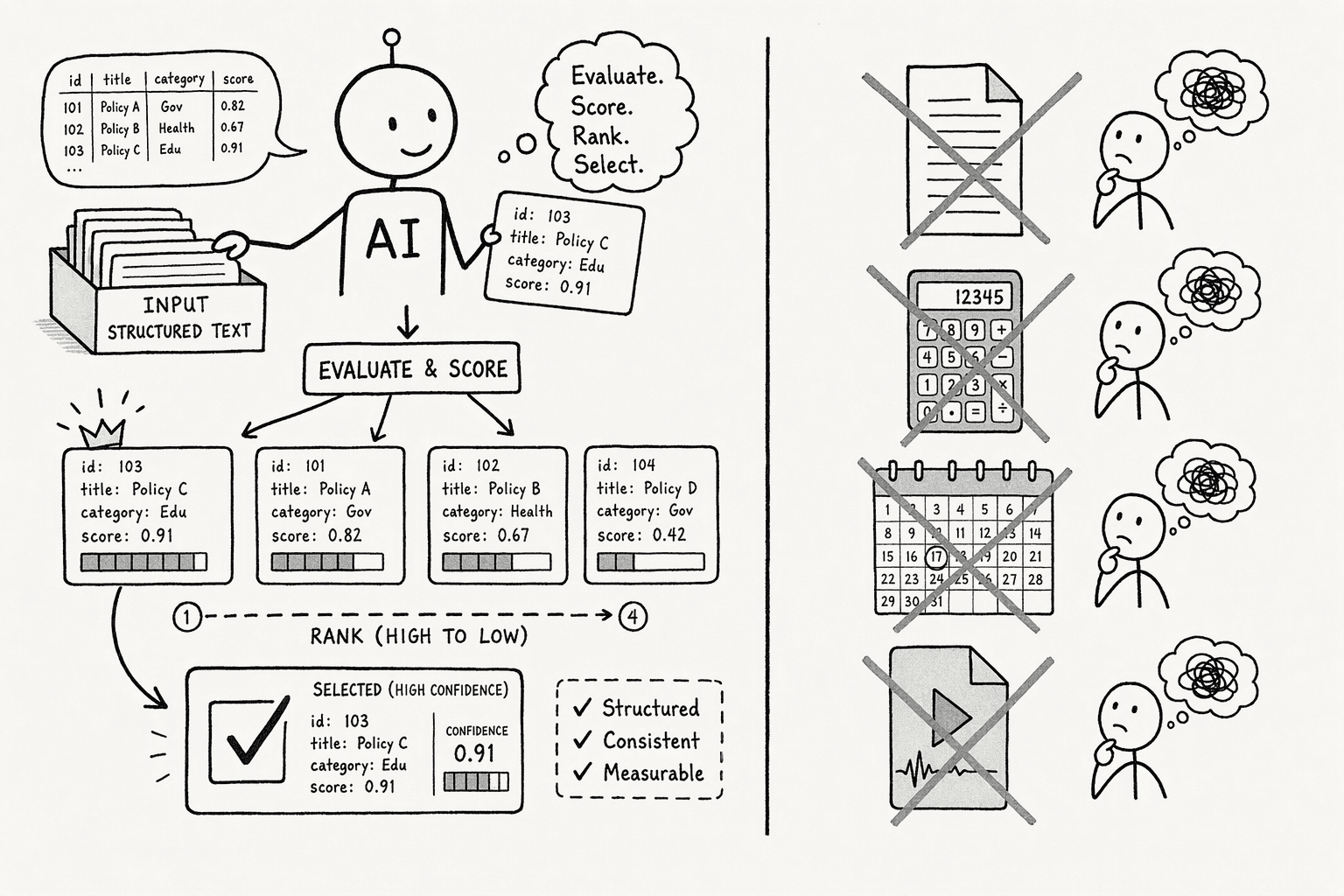
- Sorting into themes or owners: A Choice question picks from your categories, with room for up to 255 options.
- Rating severity and urgency: A Score question rates items on a scale you define, such as cosmetic, impaired or blocked.
- Checking yes/no questions: A Noul question returns a probability for checks such as "is this a duplicate request?"
- Working at volume: Questions over the same item run in parallel, and the confidence scores show which items need a person.
- Writing: It never writes text, so PRDs, summaries and customer replies need an LLM.
- Math and counting: TypeSafe's own notes on Jev's weaknesses say it is not a calculator, so totals, SLAs and counts belong in your spreadsheet or tool.
- Date logic: It reads dates as plain text, so ordering and durations are unreliable and deadlines stay in rules.
- Non-text input: Screenshots, audio and video are not supported, so convert them to text first.
7 Ways Product Managers Can Use Jev
1. Tag and Cluster Customer Feedback Into Themes
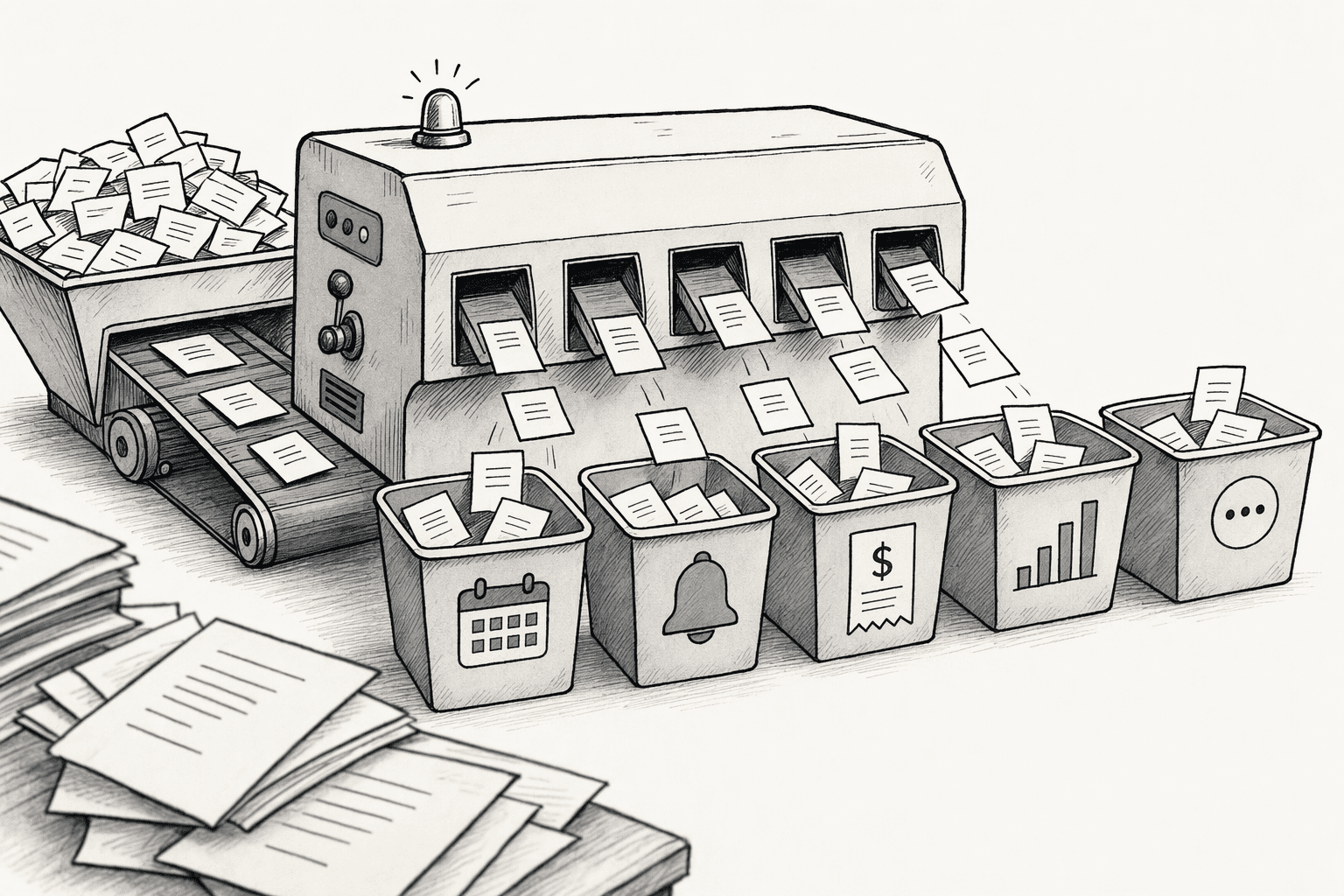
- Setup: Use a Choice question with your themes, or ask pairwise Noul questions such as "same thematic area?" to group items without fixed categories. An LLM can then name each cluster.
- Next step: Count themes by segment, plan or account in your spreadsheet, since Jev does the tagging and your data does the weighting.
- Watch for: Add an "other" option and review the lowest-confidence items first.
2. Code Interview Notes and Survey Answers Against Research Themes
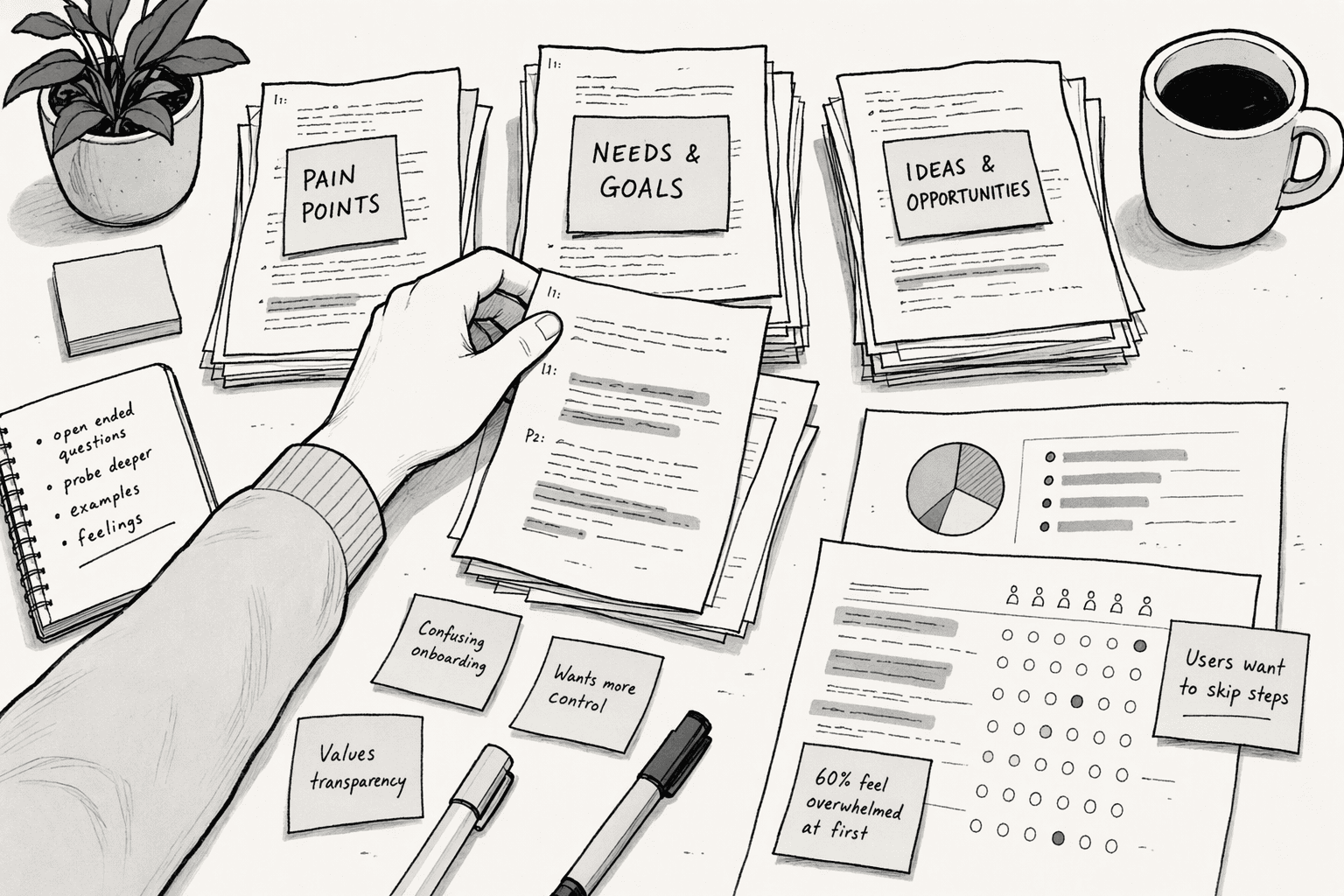
- Setup: Label each passage with a theme from your research plan, and add yes/no checks for specific pain points or competitor mentions.
- Next step: Keep the quote beside the tag, so the evidence travels with the theme.
- Watch for: Jev reads text only, so transcribe calls first, and read the borderline passages yourself.
3. Triage Bugs and Tickets by Severity, Urgency and Duplicates
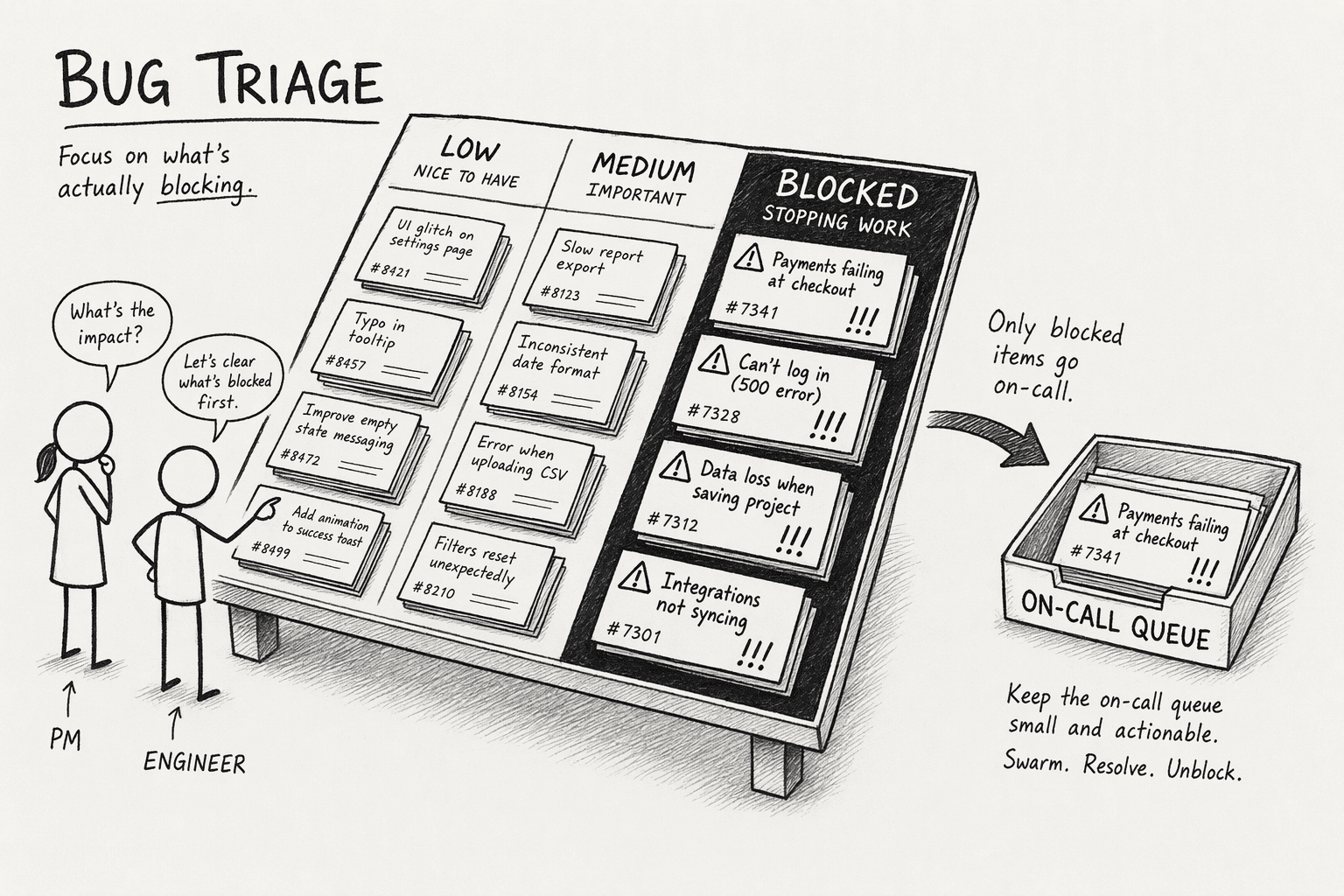
- Setup: Score impact on a rubric (cosmetic, impaired with a workaround, blocked with no workaround), choose the owning team with a Choice question and ask a yes/no question for duplicates.
- Next step: Send high-severity items to the on-call queue and low-severity ones to the backlog.
- Watch for: Keep contractual response times in rules, and prefilter duplicate candidates before you ask Jev.
4. Route Requests to the Right Squad
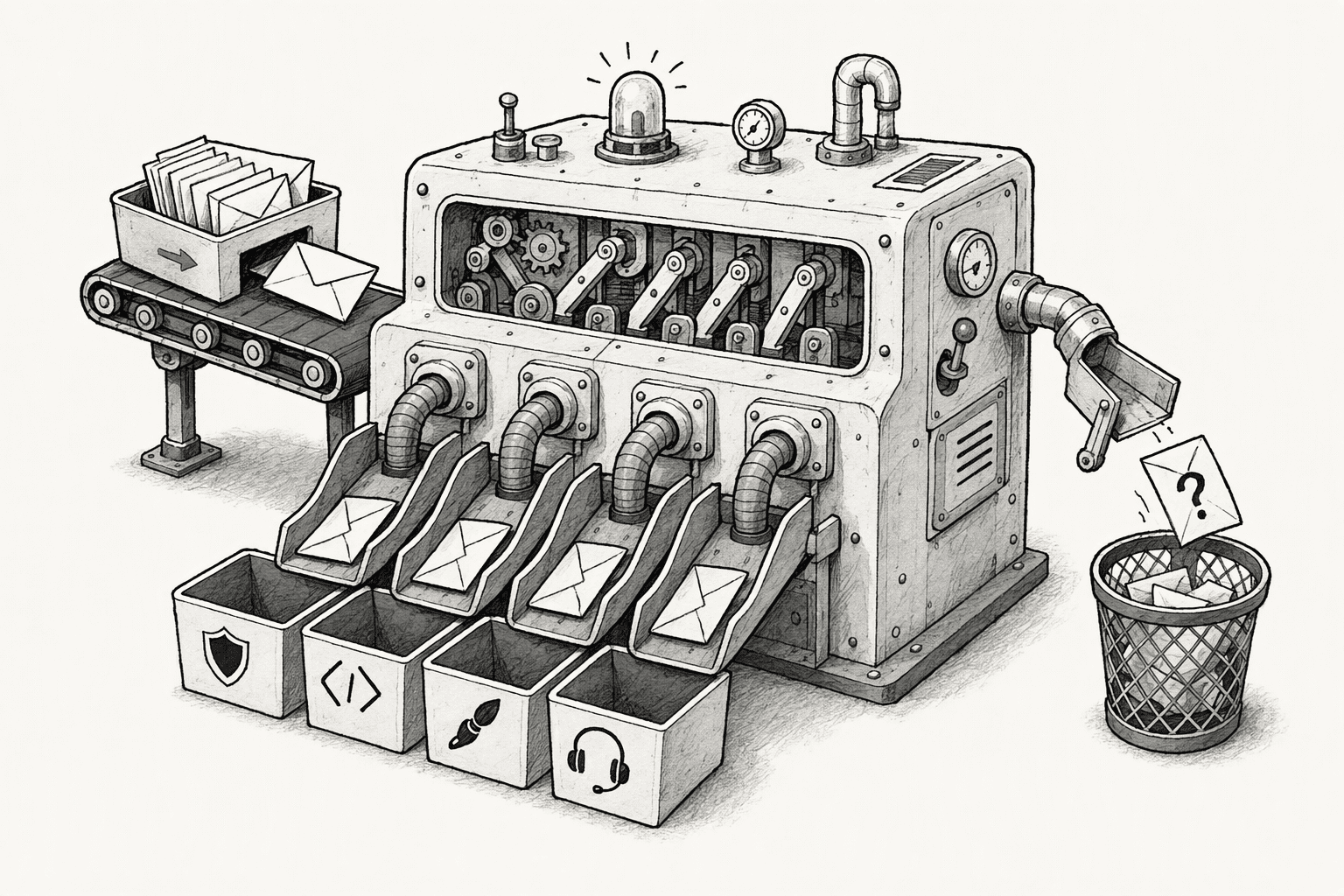
- Setup: Offer one option per squad, plus a triage option for unclear requests.
- Next step: A confidence threshold decides between auto-assign and manual check, and a mapping table turns each choice into an inbox or channel.
- Watch for: Test with vague requests such as "help with my account."
5. Spot Feature Ideas, Churn Signals and Purchase Intent in Conversations

- Setup: Ask Noul questions such as "does this comment propose a feature?" and add a Choice question for sentiment.
- Next step: Send feature requests to an ideas list and churn flags to the account owner.
- Watch for: Sarcasm and very short comments cause misses, so sample the results each week.
6. Measure Where Engineering Effort Goes

- Setup: Ask pairwise Noul questions, such as "do these two pull requests address the same area?", to cluster pull requests or tickets. A cheap LLM then labels each cluster.
- Next step: Tally the clusters into a tech-debt versus new-features view for planning.
- Watch for: Pair counts grow fast, so prefilter the list before you ask Jev.
7. Check Specs and Drafts Against Your Criteria

- Setup: Ask Noul checks such as "does this spec name a success metric?" or "does this reply answer the customer's question?"
- Next step: Return failed drafts to the author, along with the check that failed.
- Watch for: Write each check as a closed question in literal terms, since vague quality checks give vague answers.
How Can Product Managers Use Jev in PromptQL?

- Check availability: Ask the bot, "Is Jev available in this workspace? If not, tell me before we start."
- Bring in your data: Add the feedback, tickets or export you want sorted, and state your themes or rubric in plain English.
- Run Jev across the set: Ask for labels, a "not enough information" option and a list of low-confidence items.
- Summarize each theme: Ask for a second step with counts and sample quotes, so Jev sorts and an LLM writes.
- Invite teammates: Bring design and engineering into the thread to correct items.
- Build a dashboard: Turn the result into a dashboard in the same thread.
Is Jev available in this workspace? If not, tell me before we start.If it is, use Jev to tag the 300 rows in the Feedback tab. We make a scheduling app for clinics. Label each row with one theme from Booking, Reminders, Billing, Reporting or Other, and use Other when a row does not clearly fit. Also answer yes or no for each row on whether it asks for a feature that does not exist yet. Then give me a count of rows per theme and list the 15 rows where Jev's confidence is lowest so I can check them. After that, write a short summary of each theme with three sample quotes. If Jev is not available, stop and tell me.
What Should You Know Before Picking Your First Use Case?
- Start where mistakes are visible: Tagging and routing are easy to check, so keep a person in the loop.
- Test first: Run a labeled sample from your own data before you trust any theme or severity.
- Cost: Jev is priced at $0.042 per million input tokens, and output is free, so estimate your spend from your average item length.
- Data: Feedback often contains personal details, so redact where needed. According to TypeSafe's privacy policy, it does not train or fine-tune on your input and does not disclose it to third parties other than service providers. Check what your own policies allow before you send anything.
Conclusion
- Each label: A one-line definition of what belongs under it.
- A clear example: One real item for every label.
- A borderline example: One item that could go two ways, with your decision.
Frequently Asked Questions
Can Jev Replace a Feedback Platform?
How Fast Is Jev?
Does Jev Work With Non-English Feedback?
Do You Need Engineering Help to Run These Use Cases?
Sources
- JEV AI — Get started - jevai.info
- GitHub - hanselhansel/jev-opportunity-atlas: Recurring ... - github.com
- Data Engineering - Jedify - jedify.com



