Feedback tickets pile up. Feature requests arrive in three different inboxes. Someone has to decide which ones matter, and that someone is usually you, at 9 p.m., with a spreadsheet open.
A model that sorts, scores and routes that pile in seconds would help. Jev AI is that kind of model. It is a decision model from TypeSafe AI that returns a typed answer, such as a choice, a score or a yes/no probability, instead of a paragraph of text. The catch is that Jev has no chat window of its own, so you need a tool that connects you to it.
This article covers the seven tools that give product managers access to Jev, what each one takes to set up, and how to pick the right one.
Key Takeaways
- Seven tools give product managers access to Jev: PromptQL, Make, n8n, Zapier, MotherDuck, Claude Code and Codex.
- PromptQL, Make and n8n need no code. Zapier needs one pasted JSON request. MotherDuck needs SQL. Claude Code and Codex write the code for you.
- Most routes need your own TypeSafe API key. n8n Cloud and MotherDuck do not.
- Jev returns typed answers instead of prose, so it works best as a decision step next to a chat model. See how Jev compares with general LLMs for the full picture.
Tools That Give Product Managers Access to Jev at a Glance
| Tool | Interface | Coding needed | Own TypeSafe key needed | Best for data in |
|---|
| PromptQL | Plain-English workspace | None | Handled by workspace setup | Team data and shared threads |
| Make | Visual scenario builder | None | Yes | Apps and spreadsheets |
| n8n | Visual workflow builder | None | Cloud, no. Self-hosted, yes | Email, forms and sheets |
| Zapier | Zap builder | One pasted JSON request | Yes | Triggers from your app stack |
| MotherDuck | SQL | SQL | No | Rows in a data warehouse |
| Claude Code | Terminal agent | The agent writes it | Yes | Files and scripts |
| Codex | Coding agent | The agent writes it | Yes | Files and scripts |
7 Tools That Let Product Managers Use Jev
1. PromptQL

Source
PromptQL is a plain-English AI workspace where you ask questions of your data and get answers, dashboards and apps back. Jev is available inside workspaces where it has been provisioned, so you can type a request without touching an API. You can even ask the workspace, "Is Jev available in this workspace?"
What makes it useful for product managers:
For a look at how Jev fits into a larger flow, read how to build an LLM workflow with Jev.
Pick this if: you want the shortest path from question to answer and prefer to work in plain language.
2. Make
Source
Make is a visual automation platform with more than 3,000 apps. TypeSafe publishes an official Jev app for Make, so you can drop Jev into a scenario like any other module.
How it works:
- Two modules: "Evaluate a state" sends your input to Jev, and "Make an API call" covers anything else.
- Setup: Create a TypeSafe account, generate an API key and paste it into the connection.
- Templates: Starter scenarios are available in Make's template gallery, so you rarely begin from a blank canvas.
The app's documentation was last updated on September 25, 2026, so the setup steps match the current version.
Where it fits best: teams that already run their feedback, CRM or project data through Make.
3. n8n

Source
n8n is a workflow builder with an official TypeSafe AI node, built by TypeSafe and verified by n8n. It has two operations, Evaluate and Route. Route gives you one output per outcome, which suits triage flows that send each item down a different path.
What to know before you start:
- n8n Cloud: Jev runs on Gateway credits, so you need no TypeSafe account or key. It is free through October 10, 2026, then standard Gateway credit rates apply.
- Self-hosted or Community Edition: Install the node and bring your own TypeSafe key.
- Permissions: Verified nodes must be enabled by an instance owner, so loop in your admin first.
A Gmail and Google Sheets triage template is available if you want a working example to copy.
Who it suits: product managers who want a free, low-friction trial on n8n Cloud.
4. Zapier
Source
Zapier has no native TypeSafe integration at the moment. Zapier's own guide to Jev shows a workaround that uses two built-in tools, API by Zapier and Filter by Zapier.
The setup looks like this:
- API by Zapier: Paste a JSON request that sends your text to Jev.
- Filter by Zapier: Continue the Zap only when Jev returns the outcome you want.
- API key: You need your own TypeSafe key.
It takes a few more minutes than a native app, but you can do it without writing any code of your own.
Ideal if: your team already lives in Zapier and one pasted request is an easy trade.
5. MotherDuck
Source
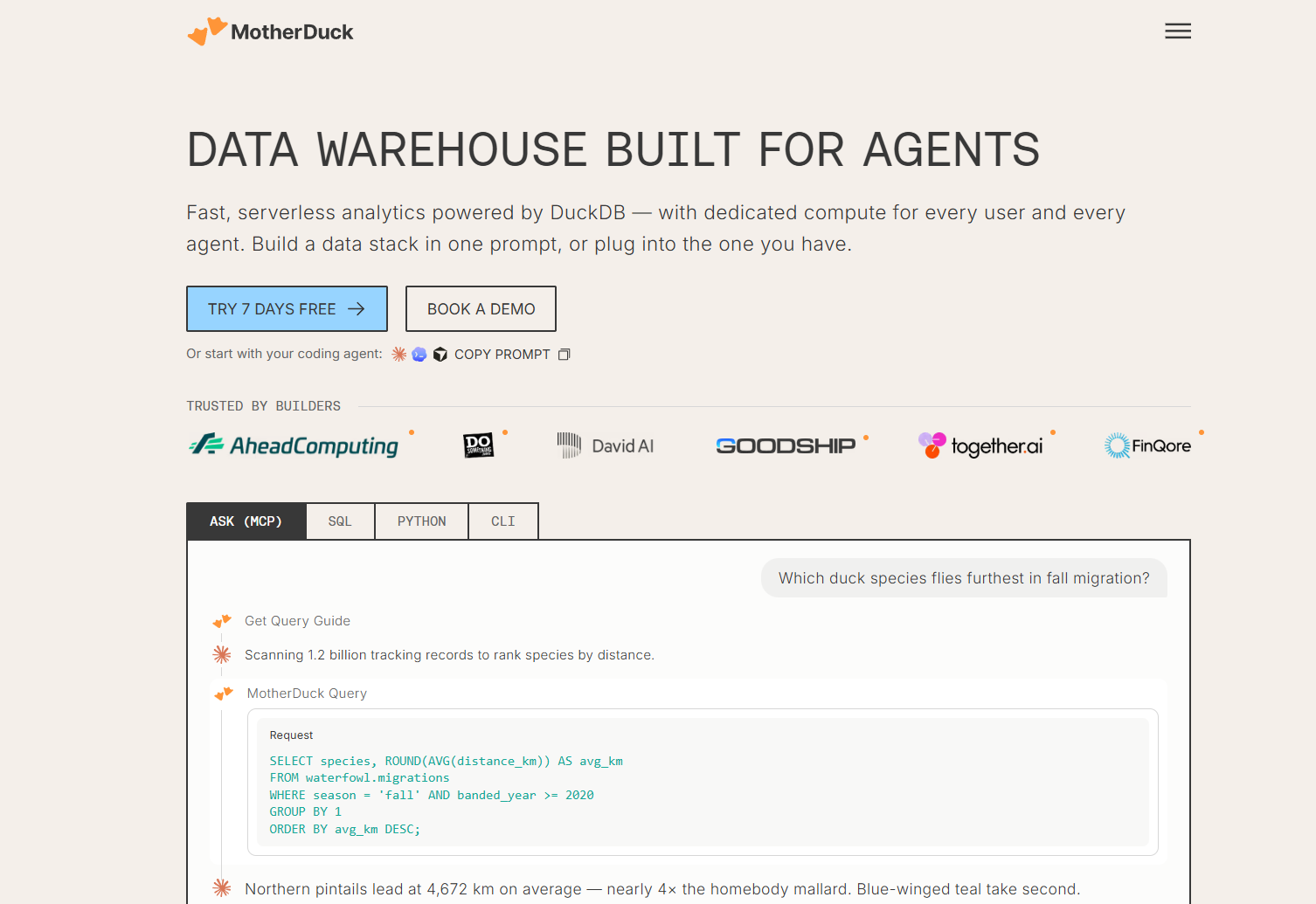
MotherDuck is a cloud data warehouse built on DuckDB. It adds Jev as a SQL function, prompt_jev(), so you can classify or score text right inside a query.
Key details:
- Plans: Available on Lite or Business plans only (the Free plan is excluded).
- Regions: Not available in eu-central-1 or eu-west-1.
- Billing and keys: No TypeSafe account or key is needed. Only input tokens count against your AI function budget.
- Model version: It always uses the jev-latest alias, and each call takes one text value per row.
Text sent to Jev is processed by TypeSafe in the US, which is worth a quick check with your data team.
Best suited for: product managers who work in SQL or have a data analyst to run it for them.
6. Claude Code
Source
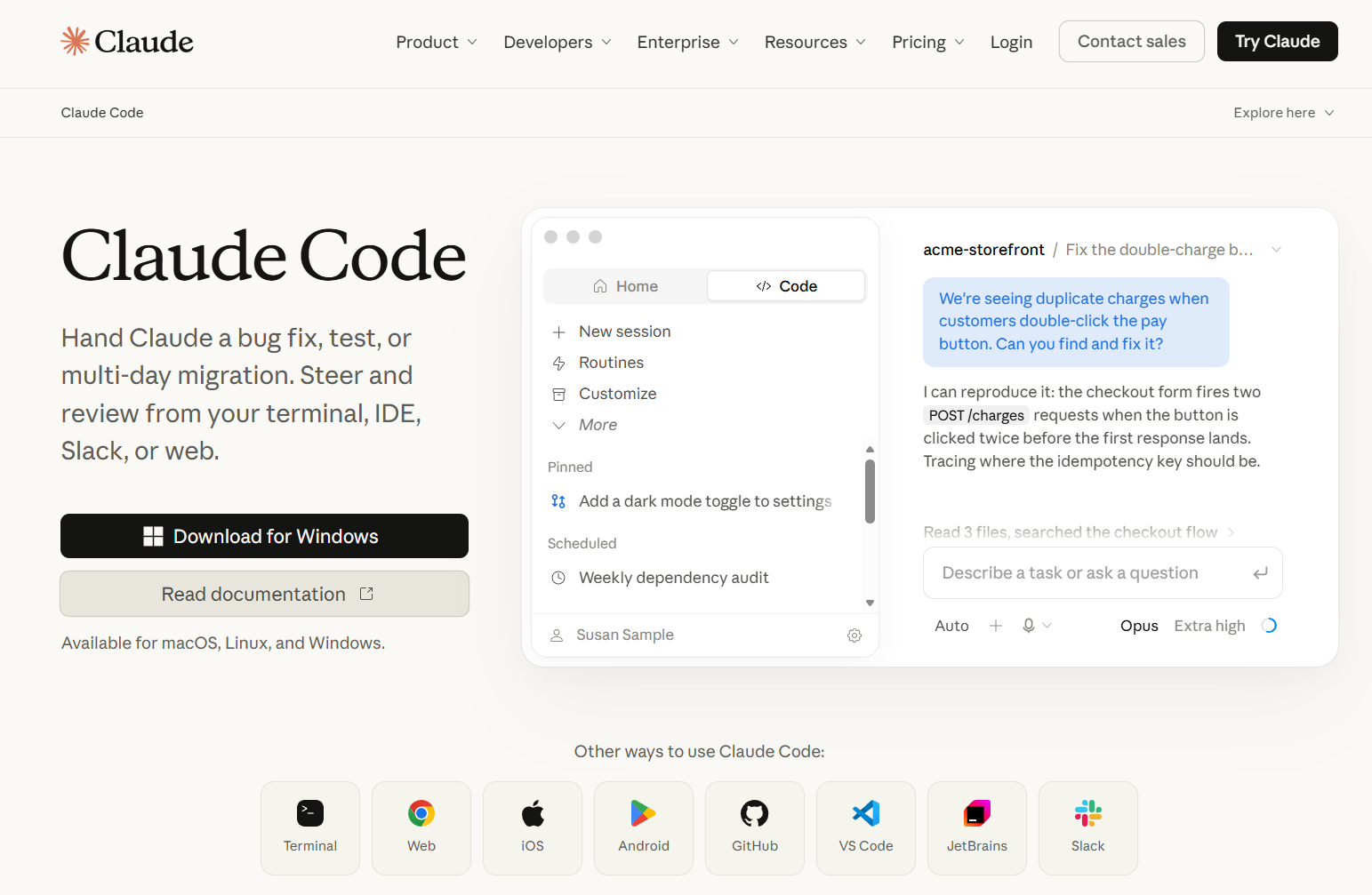
Claude Code is Anthropic's coding agent. TypeSafe offers an official agent skill that installs as a plugin. Once installed, you describe what you need and the agent builds a small tool that calls Jev for you.
Setup takes two commands, then one to invoke it:
claude plugin marketplace add typesafe-ai/skillsclaude plugin install typesafe@typesafe-ai/typesafe:typesafe-ai
A few things to keep in mind:
- Jev is not the model behind the agent. The agent writes code that calls Jev.
- You need a TypeSafe API key.
Good fit when: you are comfortable in a terminal or have an engineer nearby to review the result.
7. Codex
Source
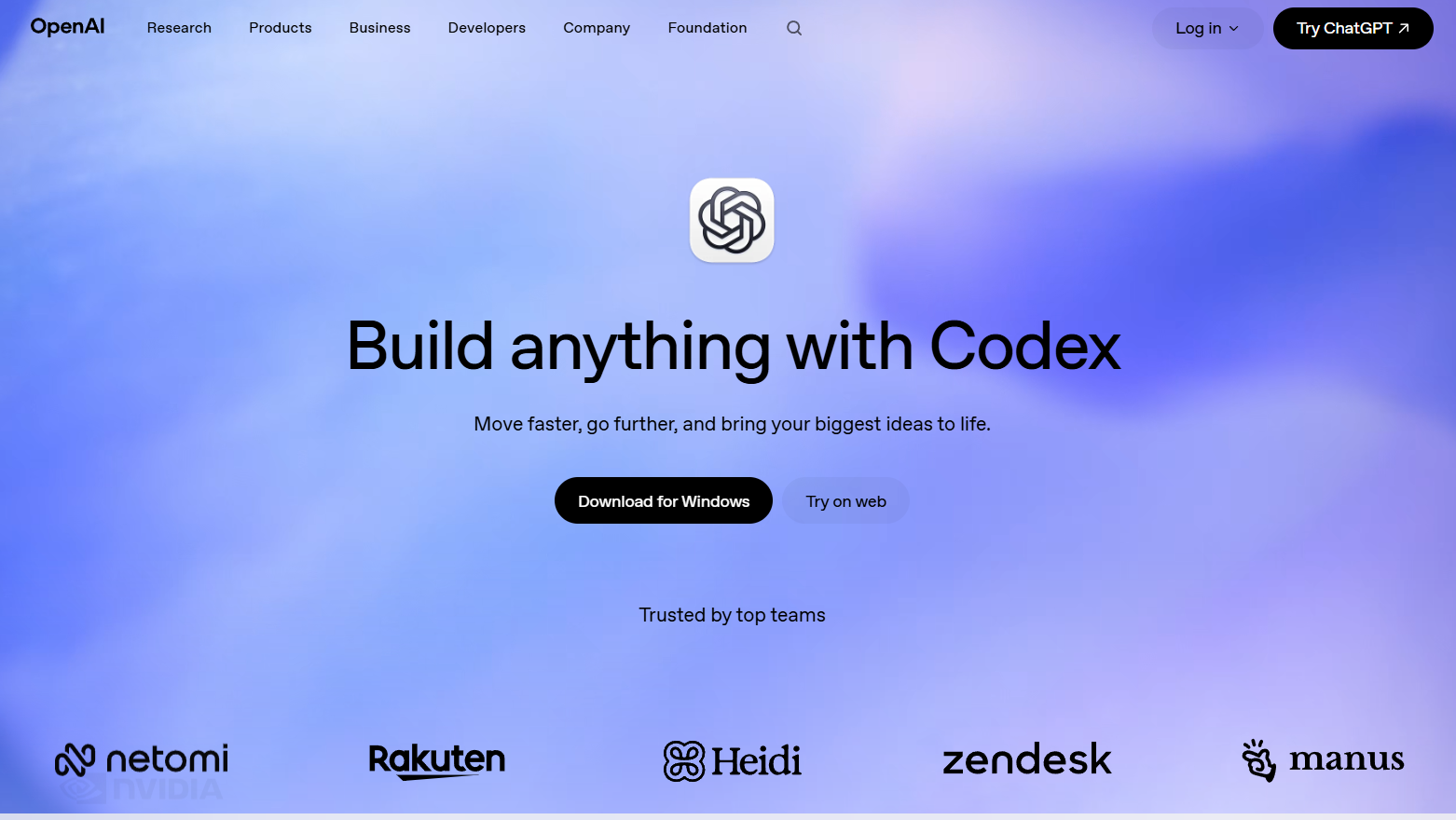
Codex is OpenAI's coding agent, and it uses the same official TypeSafe skill. The arrangement matches Claude Code. The agent builds the tool, Jev makes the decisions and you supply a TypeSafe key.
To install it, run:
npx skills add typesafe-ai/skills --skill typesafe-ai
Then:
- Choose Codex when the installer prompts you.
- Scope: The skill is project-local by default. Add
-g to install it globally. - Use it: Ask Codex to "use the TypeSafe skill."
Choose this when: Codex is already your team's coding agent and you want Jev available in the same place.
How to Choose the Right Tool to Access Jev

Pick based on where your data lives and how much setup you want to take on.
- You want zero setup and plain English: Start with PromptQL.
- Your data flows through an automation app: Use Make or n8n. Choose n8n Cloud if you want to try Jev without a TypeSafe account.
- You are committed to Zapier: Use the API by Zapier workaround.
- Your data is in a warehouse: Use MotherDuck and call
prompt_jev() in SQL. - You have a developer or a coding agent: Use Claude Code or Codex with the TypeSafe skill.
If you are still deciding where AI fits into your day, this guide on using AI for your job search shows how to turn a vague goal into a repeatable AI workflow, and the same thinking applies here.
Conclusion
The best way to choose is to test with real work. Pick one decision you make every week, such as tagging feedback by theme. Take 20 past examples where you already know the right answer, run them through your chosen tool and compare Jev's outputs with yours.
If it matches your calls most of the time, you have a keeper. If it does not, switch tools or sharpen your options and try again. A one-hour test will tell you more than any comparison table.
Frequently Asked Questions
Is Jev free to use?
No. Jev is priced at $0.042 per million input tokens, and output is free. Signups reopened on September 27, 2026 with no free credits for new accounts. Each tool above bills differently, so check the billing details of the route you choose before you scale up.
Can Jev connect directly to Jira, Linear or Notion?
No direct integrations were found. You can still connect them by using Make, n8n or Zapier to pass data between those apps and Jev.
Can you use Jev inside ChatGPT or Claude?
Yes, through third-party MCP connectors such as Composio's Jev toolkit or AnythingMCP. You still need a TypeSafe key. Keep in mind that Jev is a decision model and has no chat interface. Here is how Jev compares with ChatGPT.
Does TypeSafe store or train on the data you send?
According to TypeSafe's privacy policy, it does not train or fine-tune on your input and does not disclose it to third parties other than service providers. Data is hosted in the US, and personal data is kept as long as reasonably necessary.
Can Jev read images, audio or PDFs?
No. Jev accepts text or JSON only, and its primary training language is English. Convert files to text first, then send the text.
Sources
- Your Next Move: How to Use AI for Your Job Search - promptql.io
- Awesome Jev: 485 Jev AI Projects, SDKs & Tools - jevbest.com




